Yesterday I headed across to Zürich for a number of different meetings. One that I wanted to talk about on this blog is my visit to Empa, the Swiss Federal Laboratories for Materials Science and Technology, and – in particular – their NEST building. NEST is a testbed and showcase for emerging techniques in the construction and operation of buildings. They have a heavy focus on modularization, pre-fabrication and robotics.
I'd been invited to visit by Reto Largo, Director of NEST, along with Philipp Mueller from Autodesk's Education team. Reto wanted to hear about Dasher 360, while I wanted to hear all about NEST.
Here are some shots of the exterior:
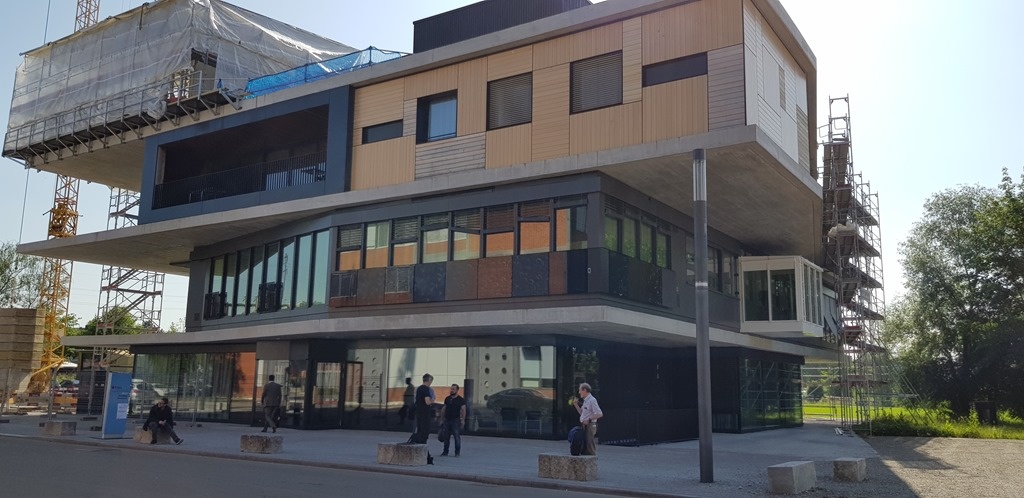
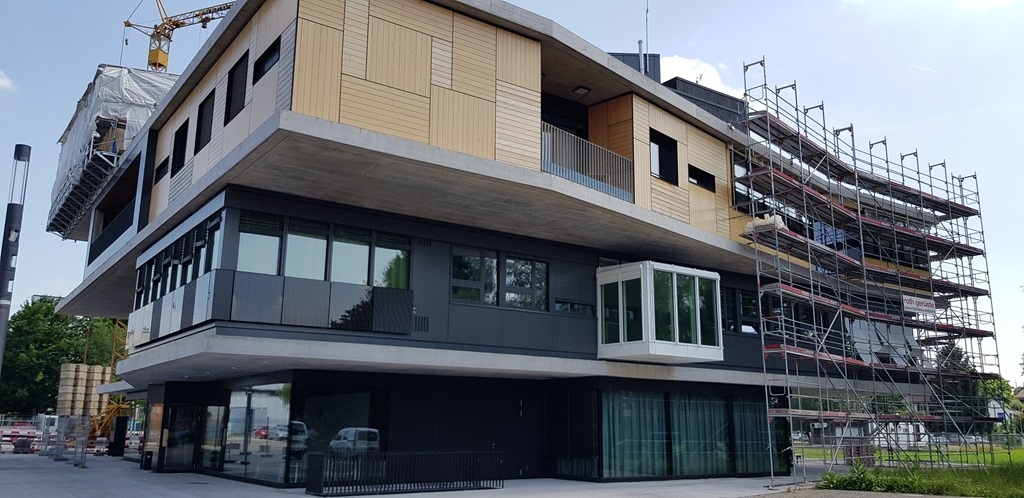
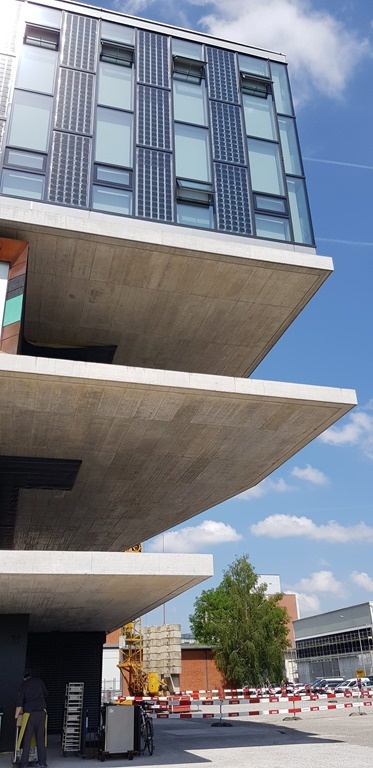
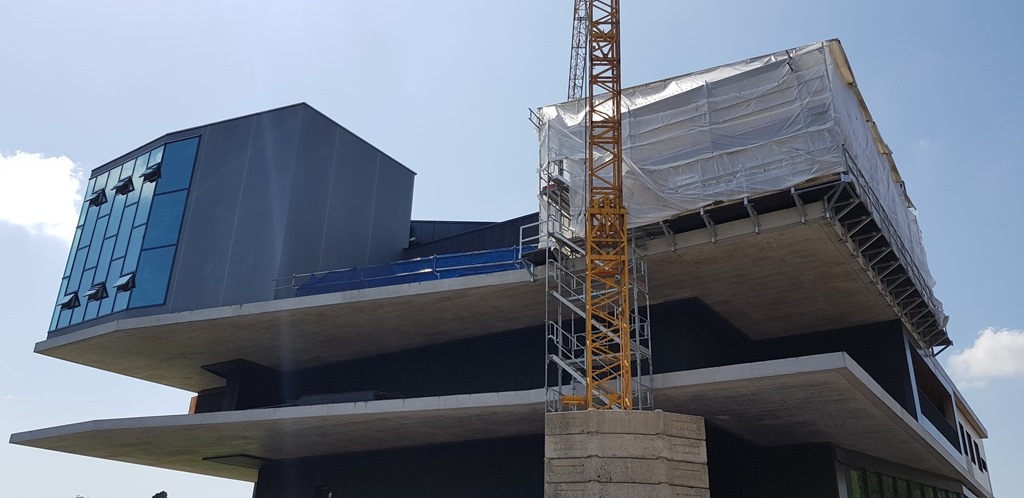
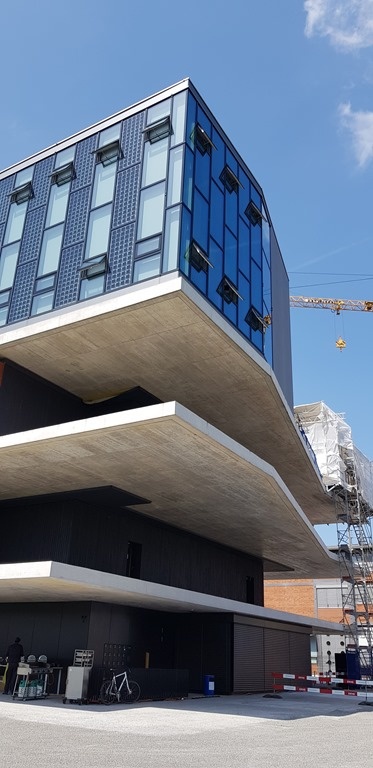
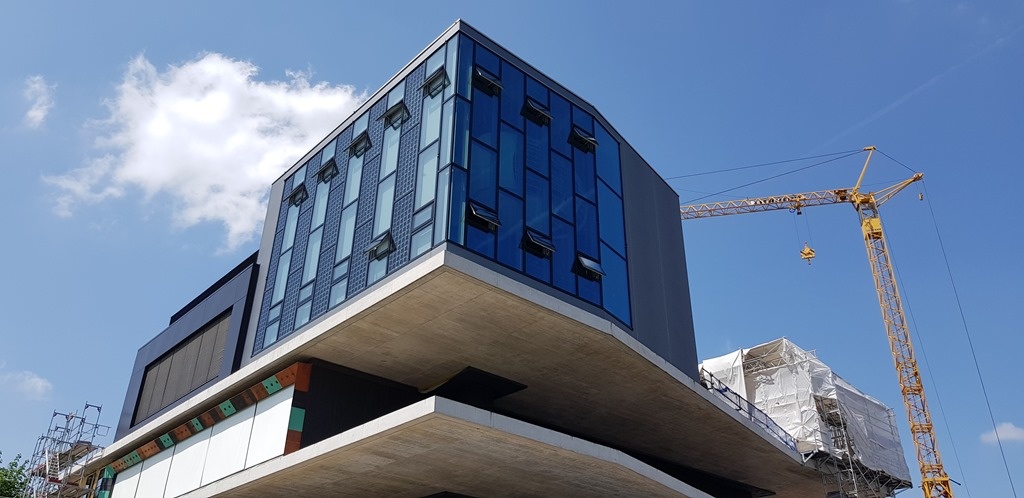
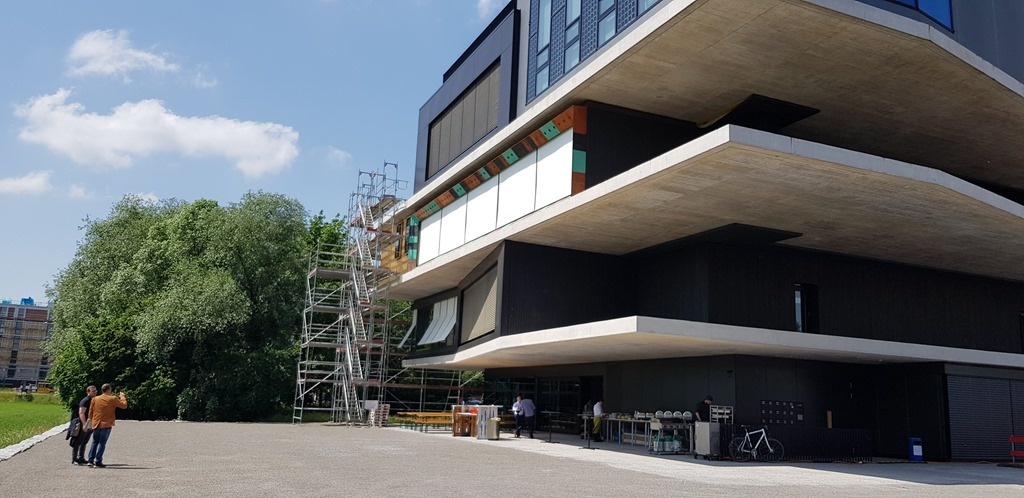
NEST is constantly evolving as modules are swapped out and new building techniques are tested. It's the location where HiLo and the DFAB HOUSE are hosted, for instance: projects where the National Centre of Competence in Research (NCCR) Digital Fabrication – including ETH Zürich – is collaborating with industry partners to do some really interesting stuff.
Once inside, Reto presented a bit about the DFAB HOUSE project on a video wall to which I'll dream of hooking up Dasher 360 (or an Xbox, for that matter ;-).
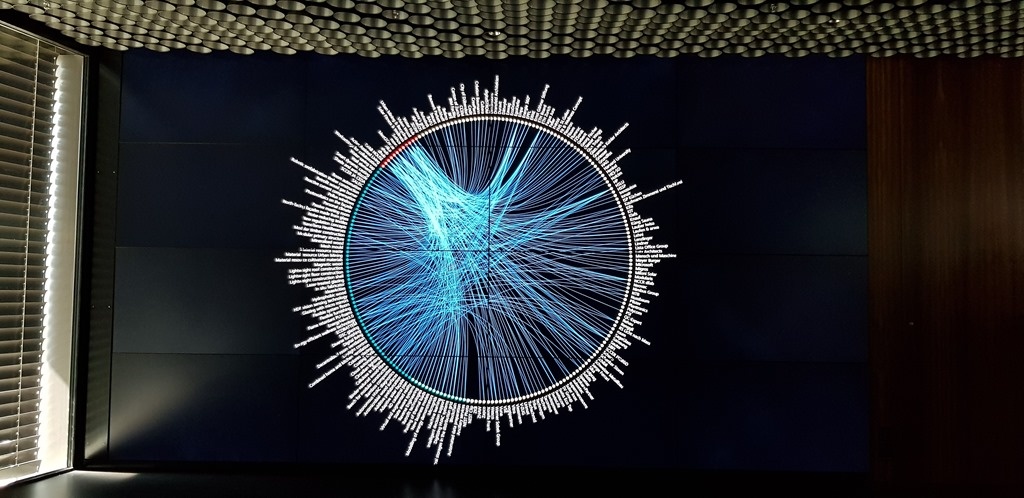
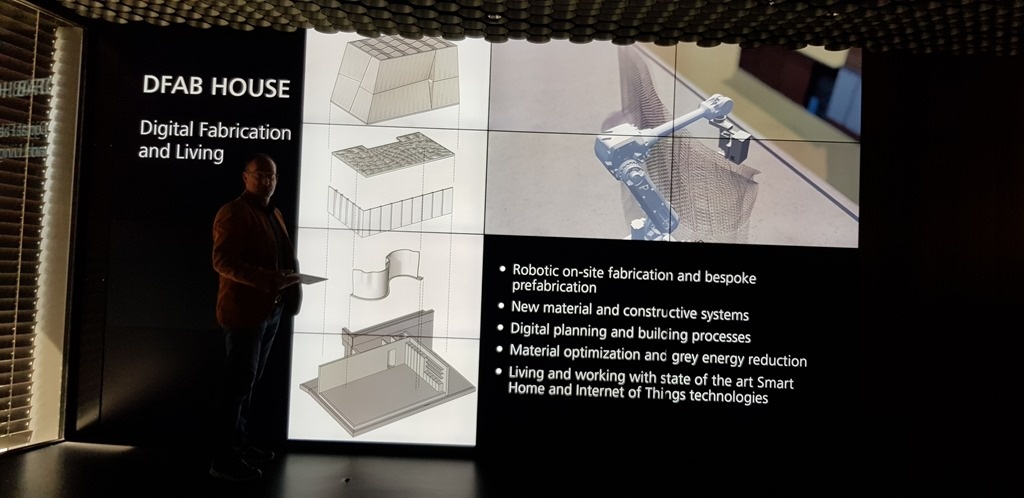
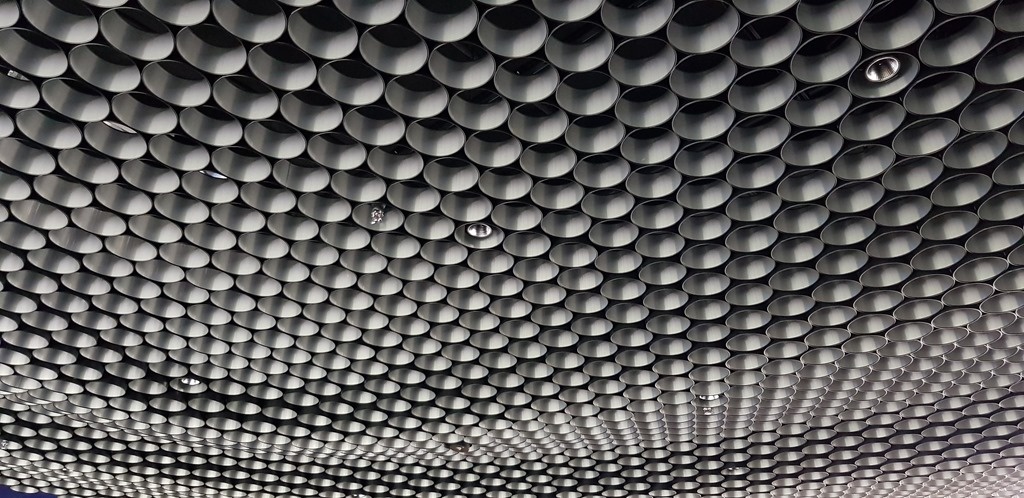
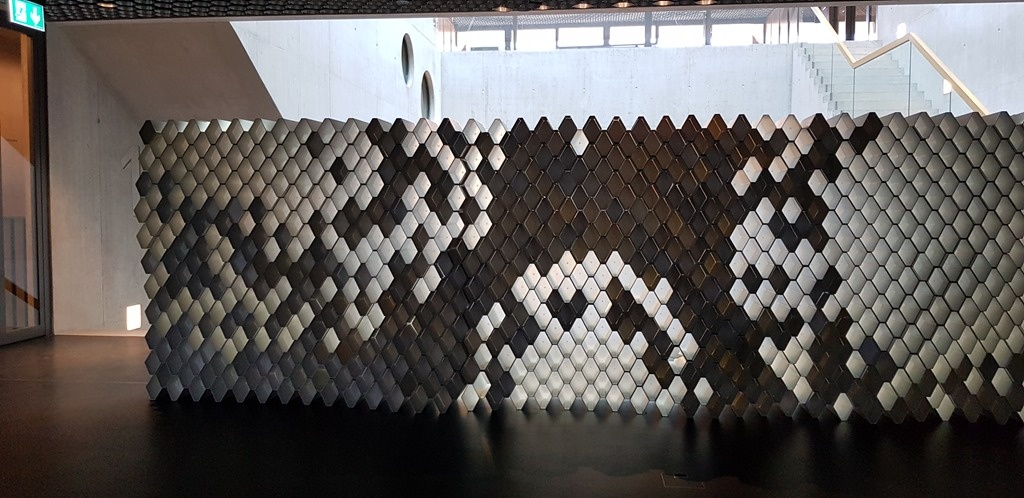
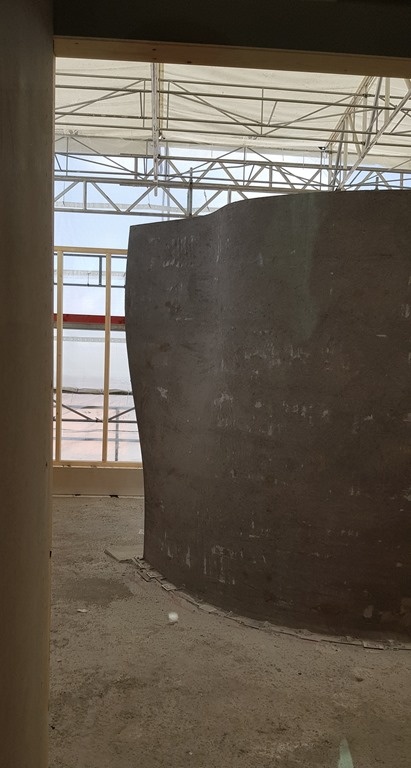
One of the projects under the DFAB HOUSE umbrella that really interested me was Mesh Mould, where a mesh is assembled – and then concrete is 3D printed – in-situ by robots.
The process results in a load-bearing wall.
Upstairs we entered one of the living spaces…
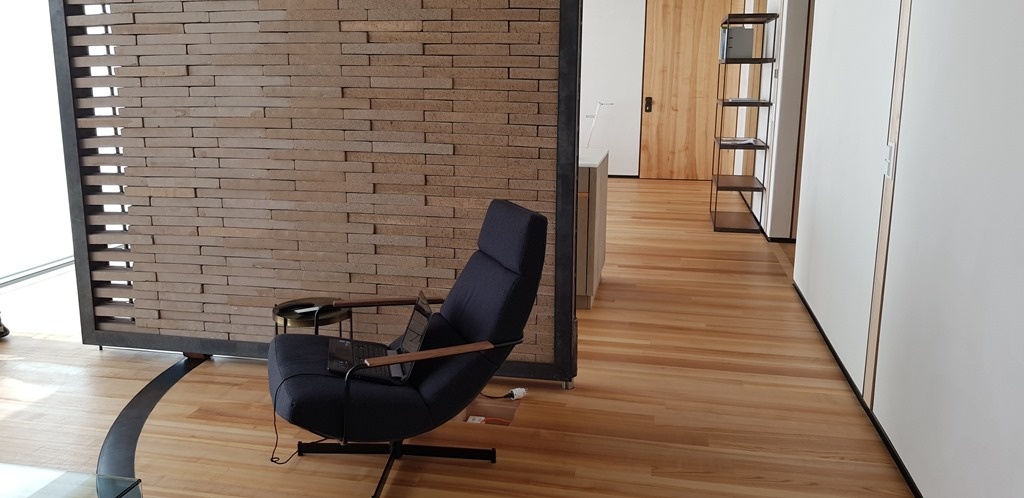
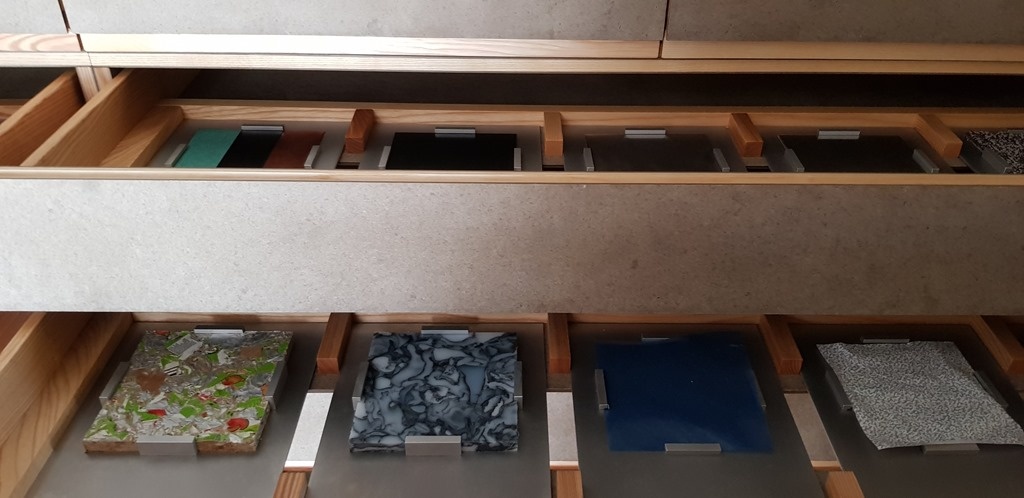
On display were a selection of very interesting materials, many of them recycled with minimal energy usage: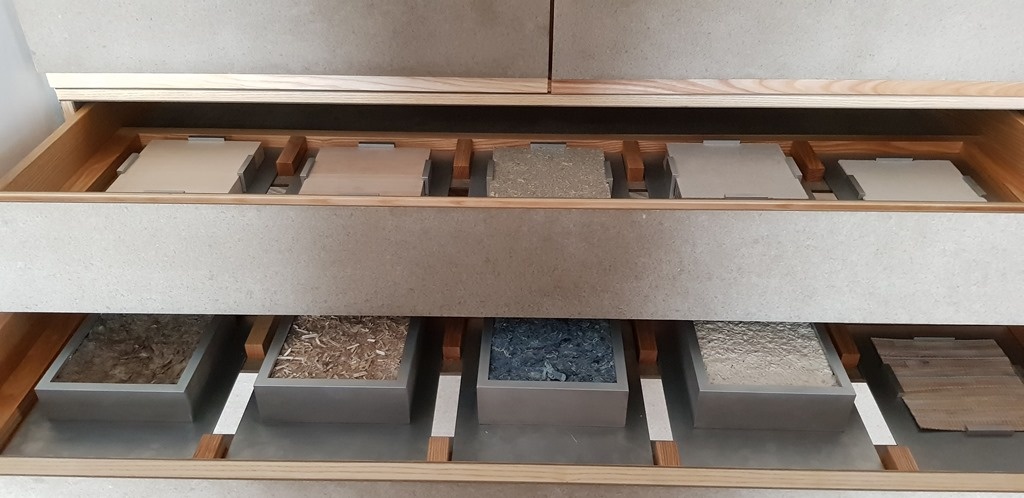
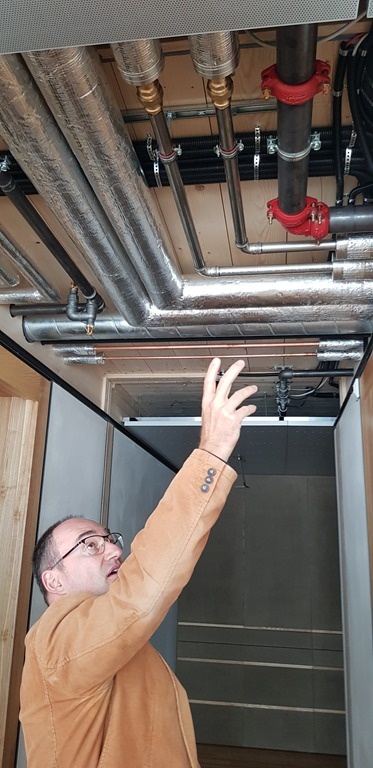
Being largely modular, there's a heavy emphasis on simplified connectivity.
We also stopped by the fitness and spa area:
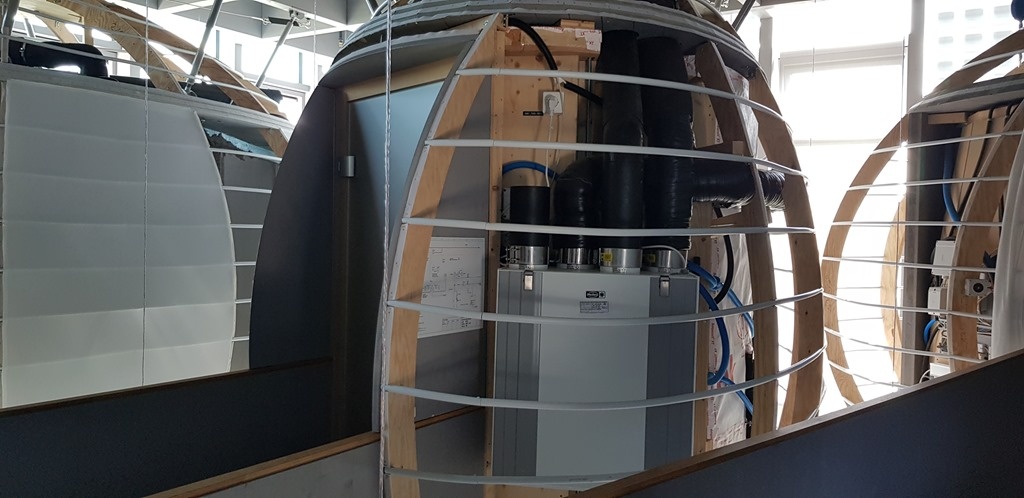
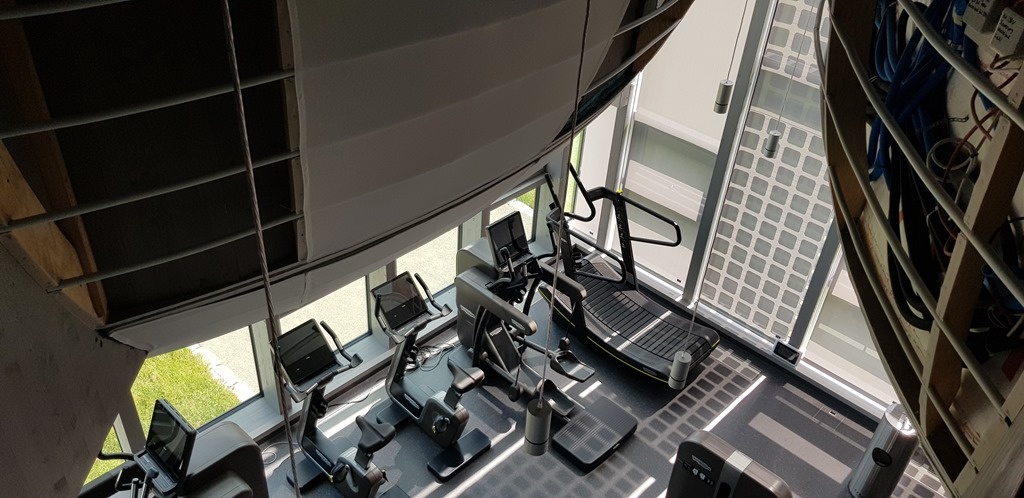
Yes, the exercise equipment does generates electricity, but of course not enough to run the saunas. 😉
Outside we saw solar panels, naturally:
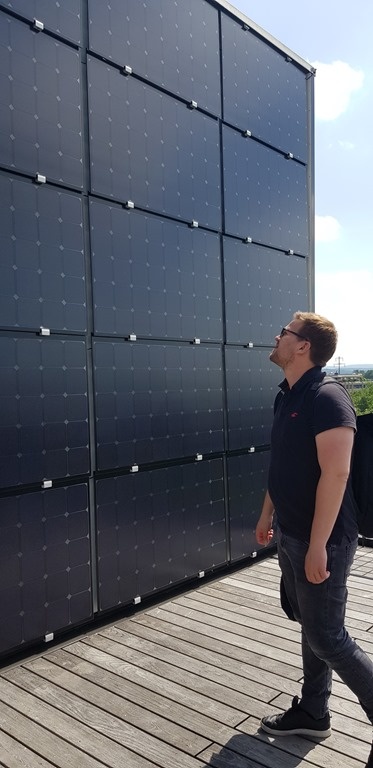
Electricity generated here is either used locally, stored in a Tesla-worth of batteries in the basement, or piped elsewhere and converted into hydrogen for longer-term storage.
Down in the basement we saw the various technical bits and pieces that make NEST work.
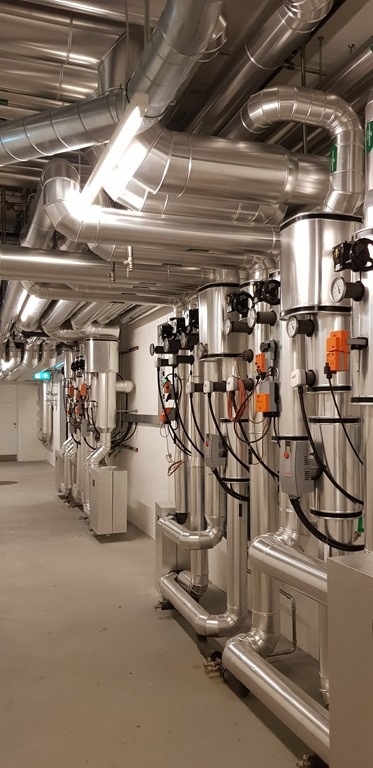
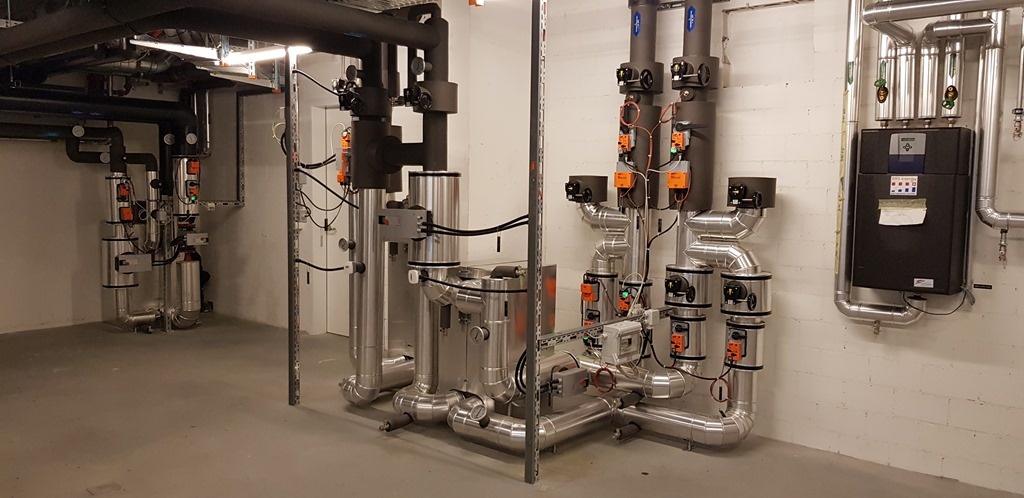
I was particularly interested by the approach for water treatment. NEST doesn't just have conduits for grey and black water, but (and I think you know what this is) yellow water, too.
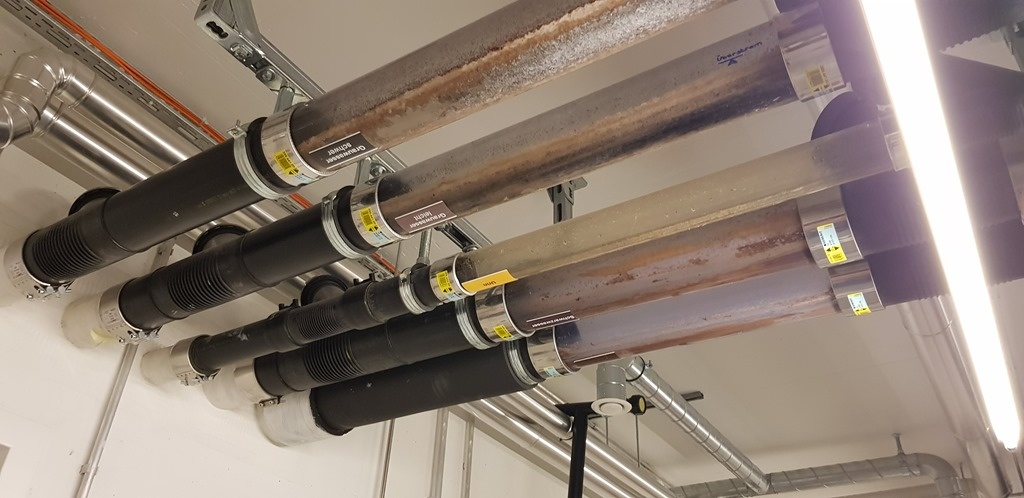
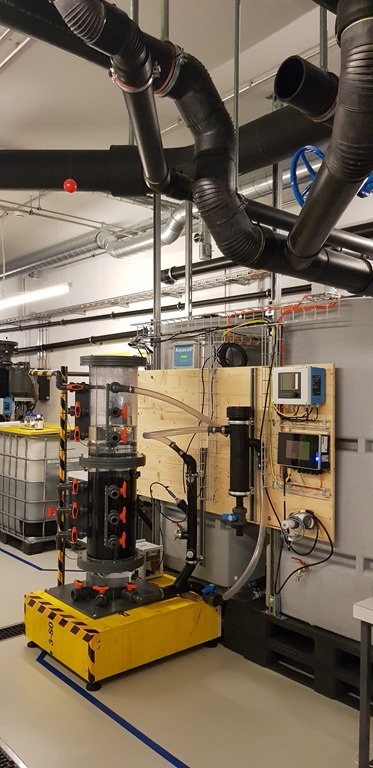
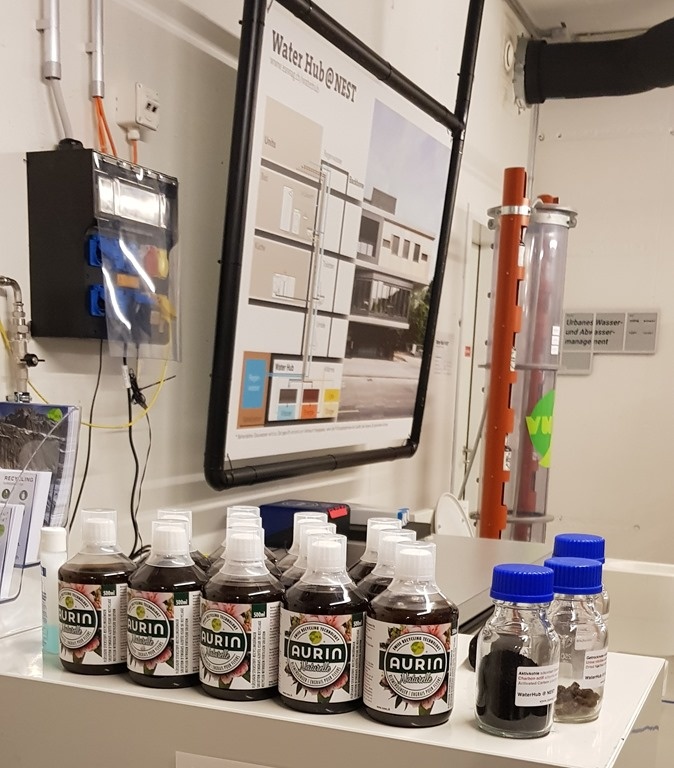
This gets treated and turned into fertilizer that is being sold in garden centres around Zurich.
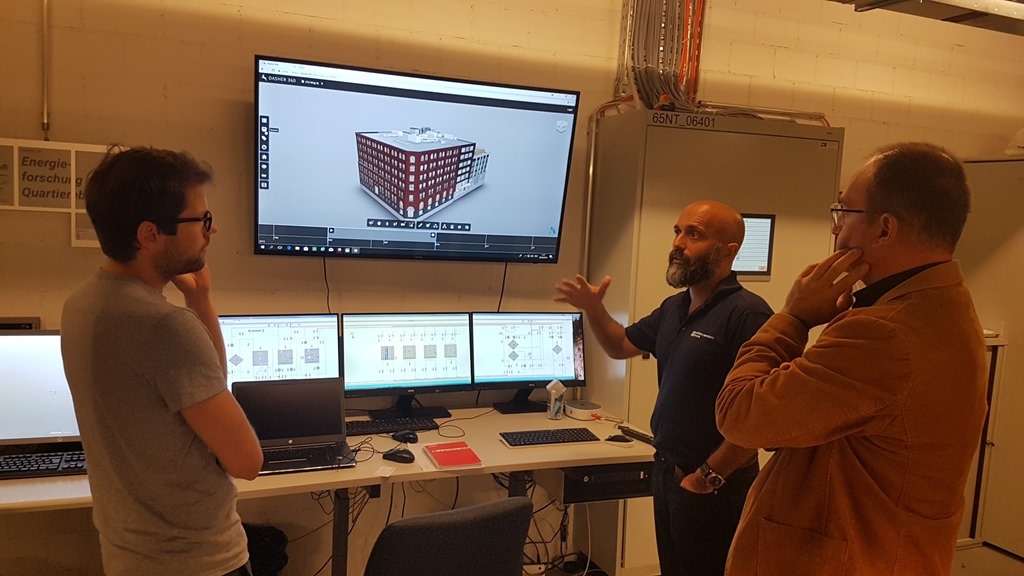
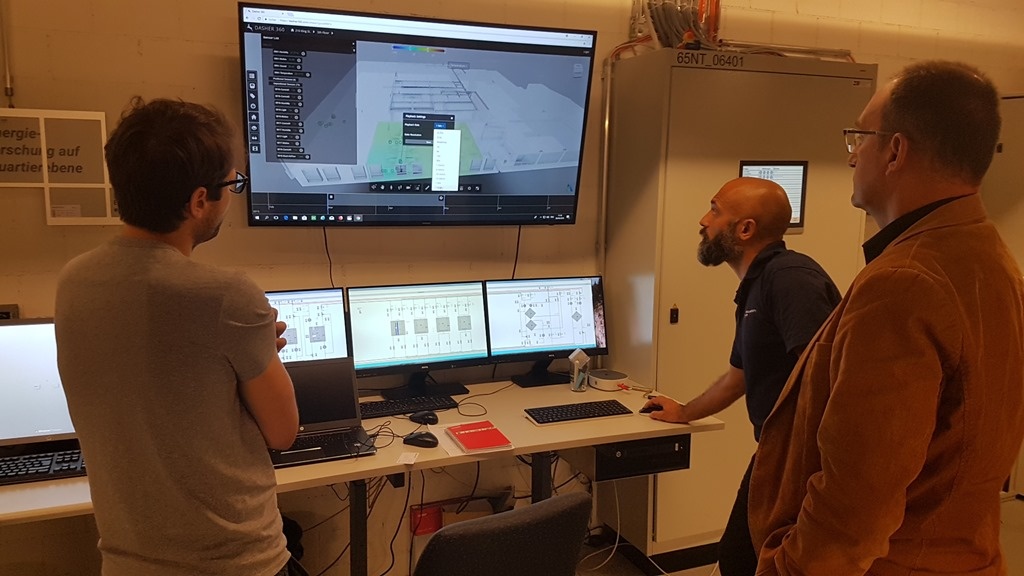
Before wrapping up, we took a look at Dasher 360, of course.
I'm really excited about the work being done at NEST and the possibility of us collaborating in some way, moving forwards. Many thanks to both Reto and Philipp for making this visit happen!


Leave a Reply