There's been an interesting project on Autodesk Labs for some time, now, called Project Chronicle. It allows you to document use of Autodesk software, whether to provide support, training or – for that matter – to blog about it.
Anyway, this technology has now graduated from Autodesk Labs and is available as Autodesk Screencast. It seemed like a good time to take it for a spin.

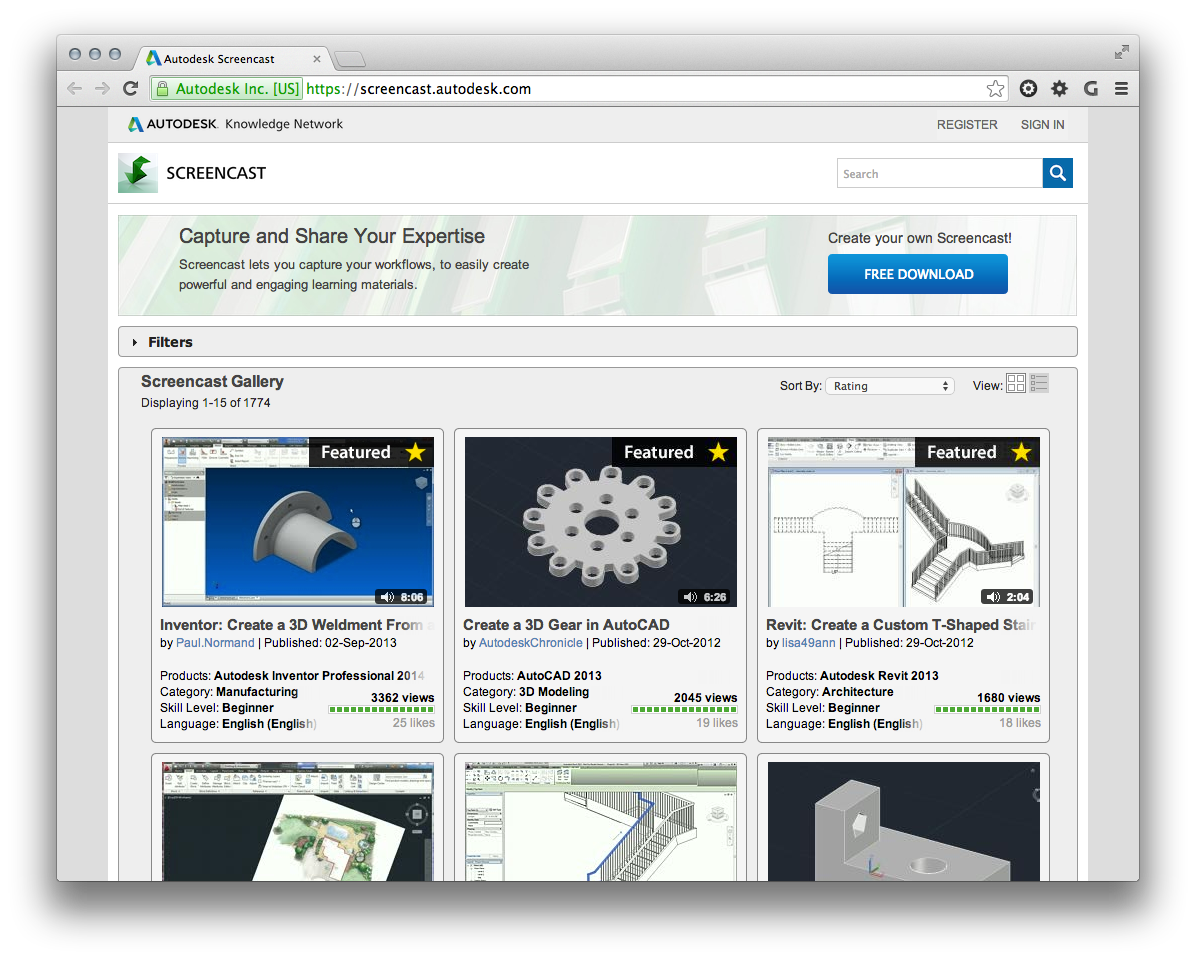
Autodesk Screencast is about both creating recordings but also the hosting mechanism required to serve these up. If you go to the web-site you can download the recording tool but also see a gallery of existing recordings:
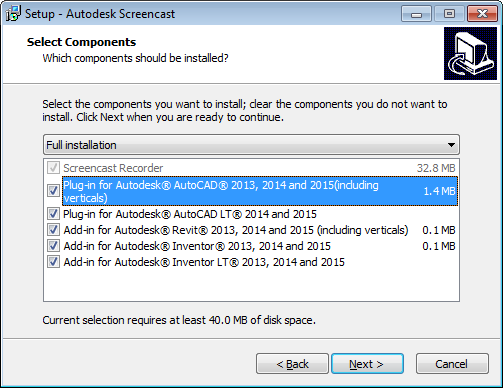
Autodesk Screencast will capture recordings of pretty much any software, but to get command-level information you need to have a special plug-in installed. Just make sure the AutoCAD plug-in is selected when you install Screencast:
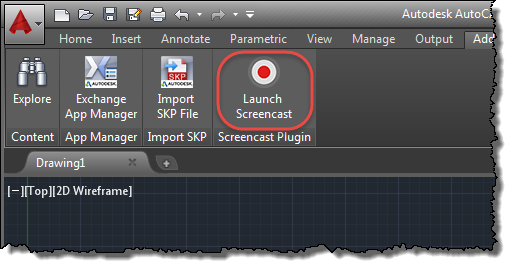
Once installed, the simplest way to launch Screencast is from within AutoCAD, from the Add-Ins ribbon tab:
Once logged into your Autodesk account, you should be able to use the dialog interface to record working inside AutoCAD:
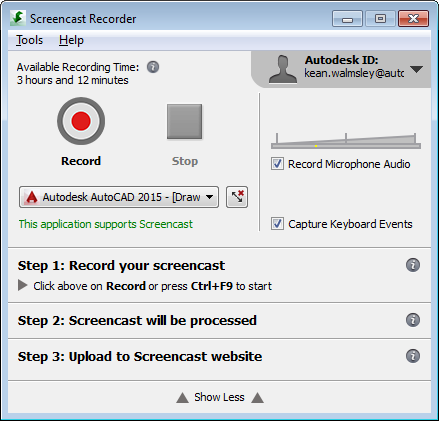
The dialog has noticed that the recording dimensions aren't in the ideal 16x10 ratio, so it will offer to fix this before you record. Clicking the button next to the application name will do so before getting a warning.
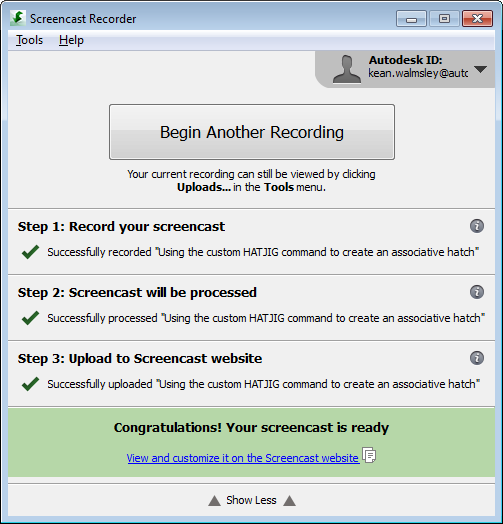
Once you've completed your recording, edited and uploaded it, you'll be prompted with a link to it on the Screencast site:
Once processed, you can get an embedding code from the site (although I had to calculate the dimensions to keep the aspect ratio manually for the width of my blog, something I've gotten used to not doing with YouTube).
Here's a quick demo video of me using AutoCAD with a custom command to jig an associative hatch using code we saw in this recent post:
There you have it. I can see myself using this tool more often when sharing videos of using Autodesk software in the future.


Leave a Reply