I was chatting with a colleague in Tel Aviv, yesterday, and he gave me the heads-up on a project that was about to be launched on Autodesk Labs, developed by the Autodesk Research team based in his office (thanks, Benny! :-). I checked this morning and there it was…
The project is called Project Shapeshifter – accessible via shapeshifter.io – and here's what it says in its About box:
Project Shapeshifter is a free technology preview by Autodesk. It provides an easy way to create complex 3D Printable models in your web browser. With a simple tweak of sliders, you can control the object's shape and select a 3D pattern that wraps around it.
It's really very cool. Here are a few intro videos to give you a sense of what it's about, one showing basic and the other showing advanced controls.
I took it for a quick spin and came up with this model:
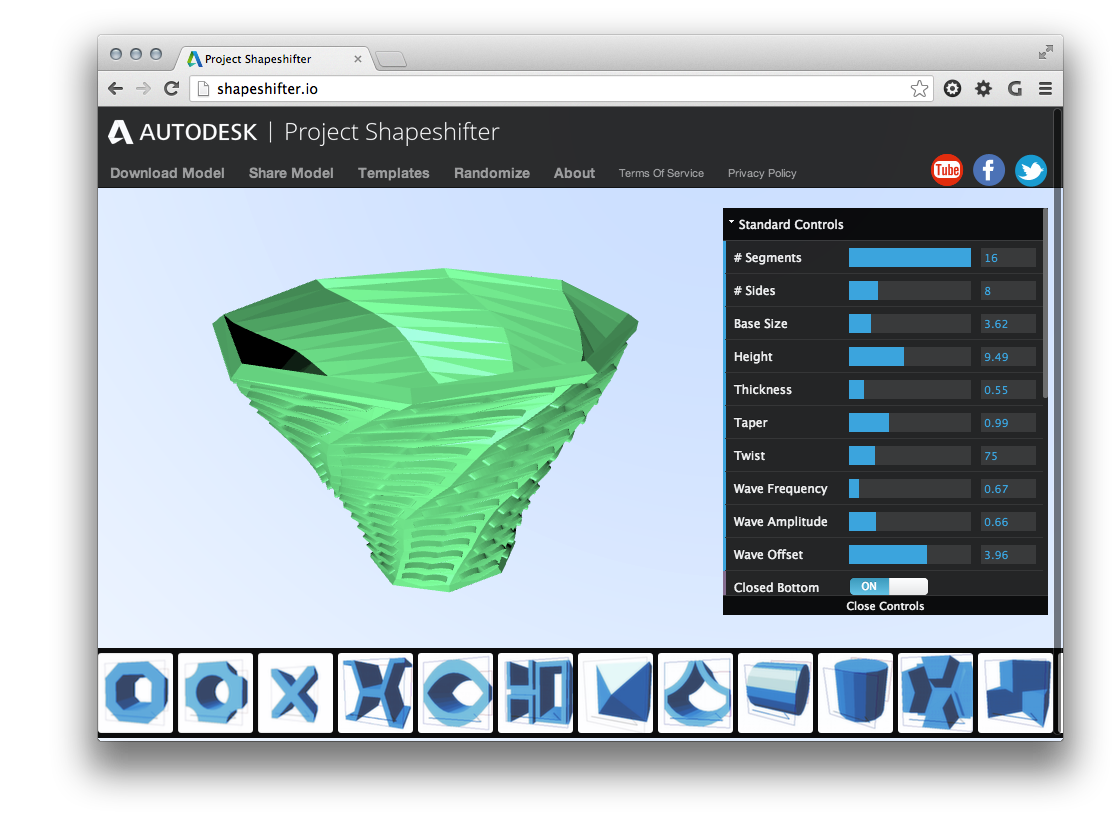
Full disclosure: the "Randomize" button did most of the work for me – I just closed the bottom, added a lip and changed the colour – but it was fun to see how you could use the provided controls to tweak the geometry (which can also be shared, by the way, so here it is). The technology reminds me of a simple – but currently more visually dynamic – version of DesignScript. Very handy for quickly creating complex 3D printable models, just as it says in the box. 🙂
The other 3D printing-related tech preview that I've so far missed talking about is Project Miller, which also has a few intro videos available. This is a tool that's about preparing 3D models for printing: you can simulate the whole 3D printing process and fix issues in advance, saving you both time and filament.
I went ahead and downloaded Project Miller and installed it on both OS X and Windows. The main difference between the two platforms seems to be that the Windows version includes RealDWG and the FBX SDK and can import from .DWG, .DXF and .FBX.
I found that I could load the .OBJ file created in Project Shapeshifter into Project Miller:
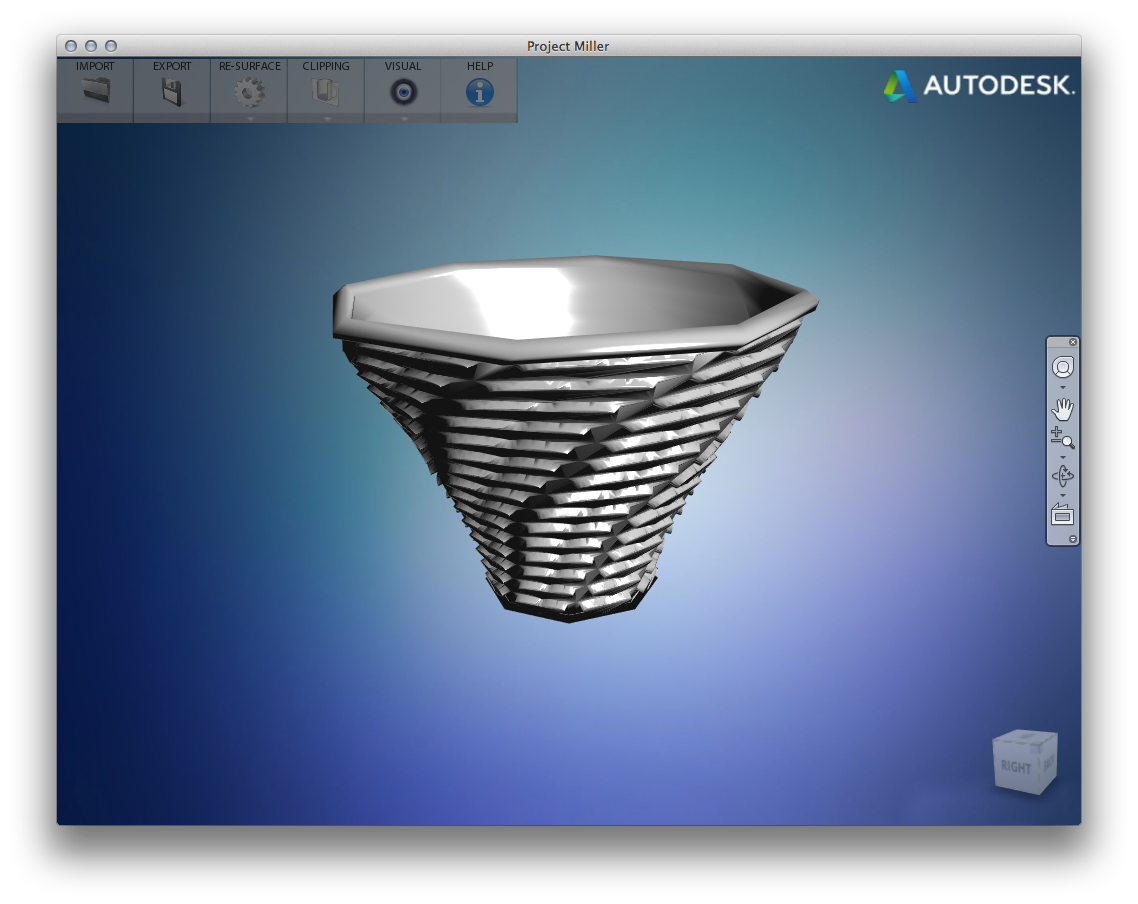
And re-wrap the surface…
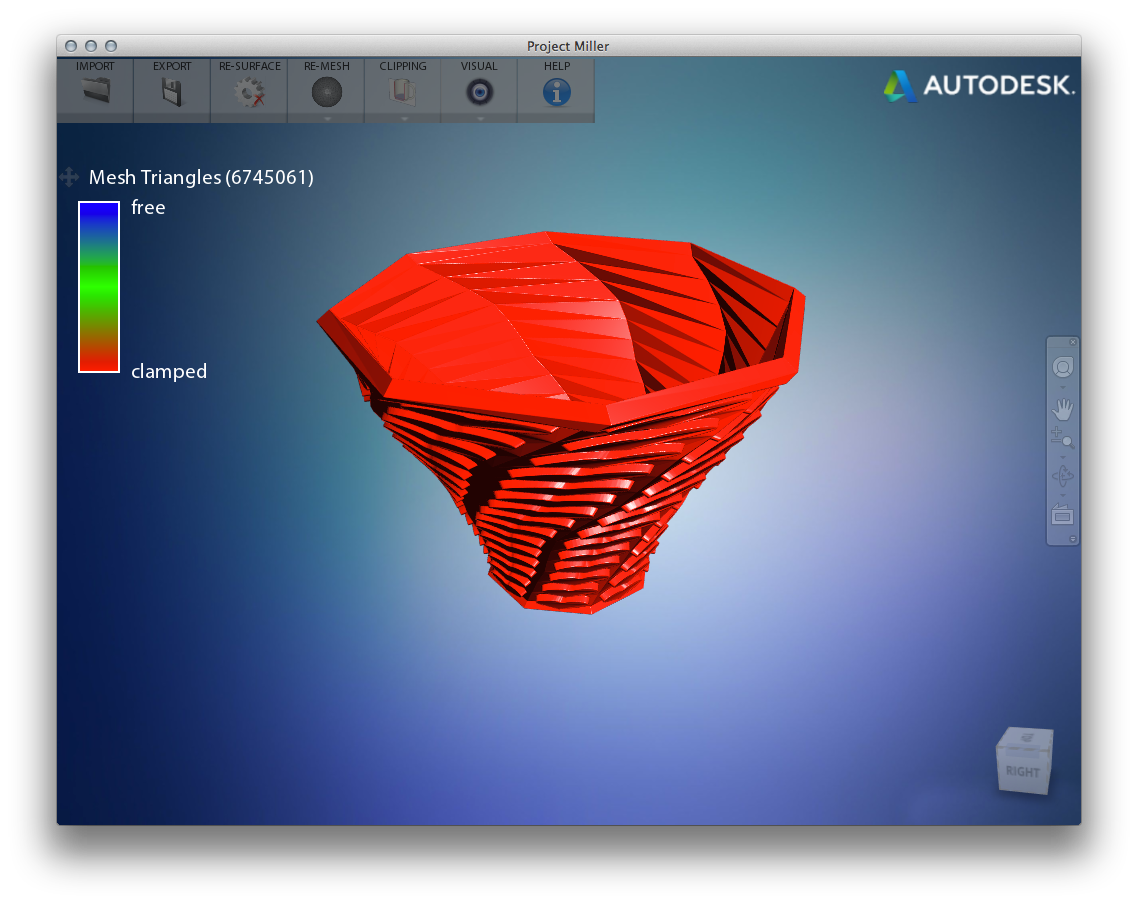
And section it…
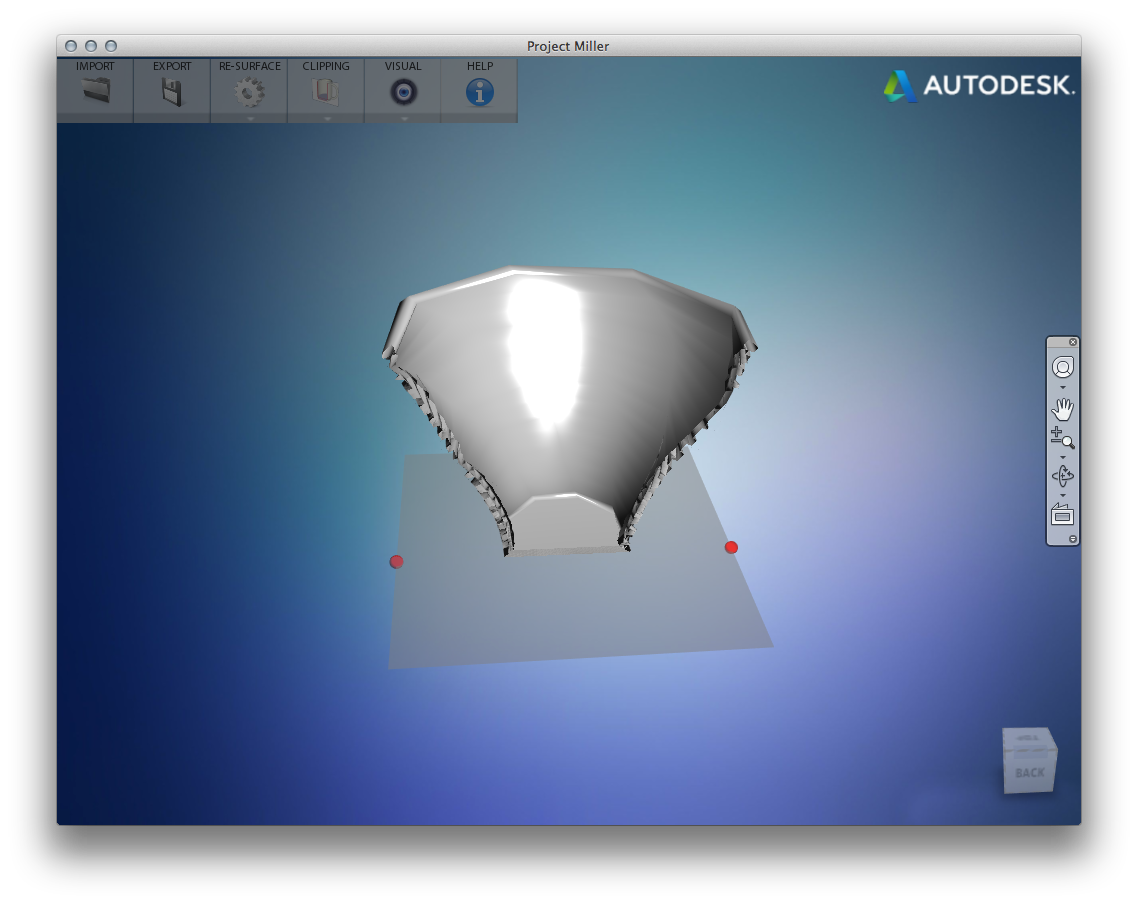
With just an .OBJ loaded it wasn't possible to perform some of the advanced simulation capabilities – it seems you need a native CAD model for those – but I was able to take the .STL output from Project Miller and use Slic3r to generate GCODE from it:
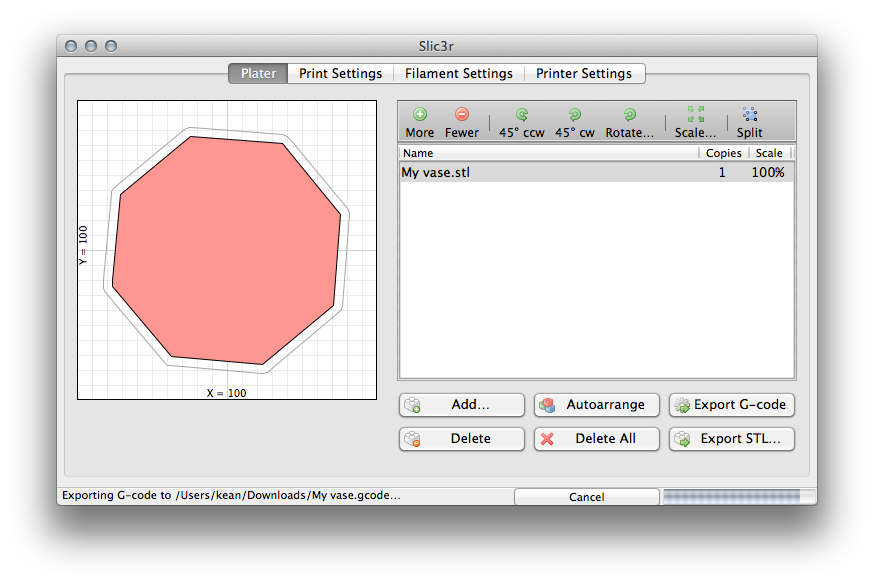
[I'm sure there are lots of other – probably better – ways to do this, but as a 3D printing n00b I just Googled "STL to GCODE" and chose one of the seemingly simpler, open source tools.
All these numbers replacing letters are making me feel old and creaky, though. Maybe I should just change my name to K34N – working at 4ut0d35k – and be done with it. :-]
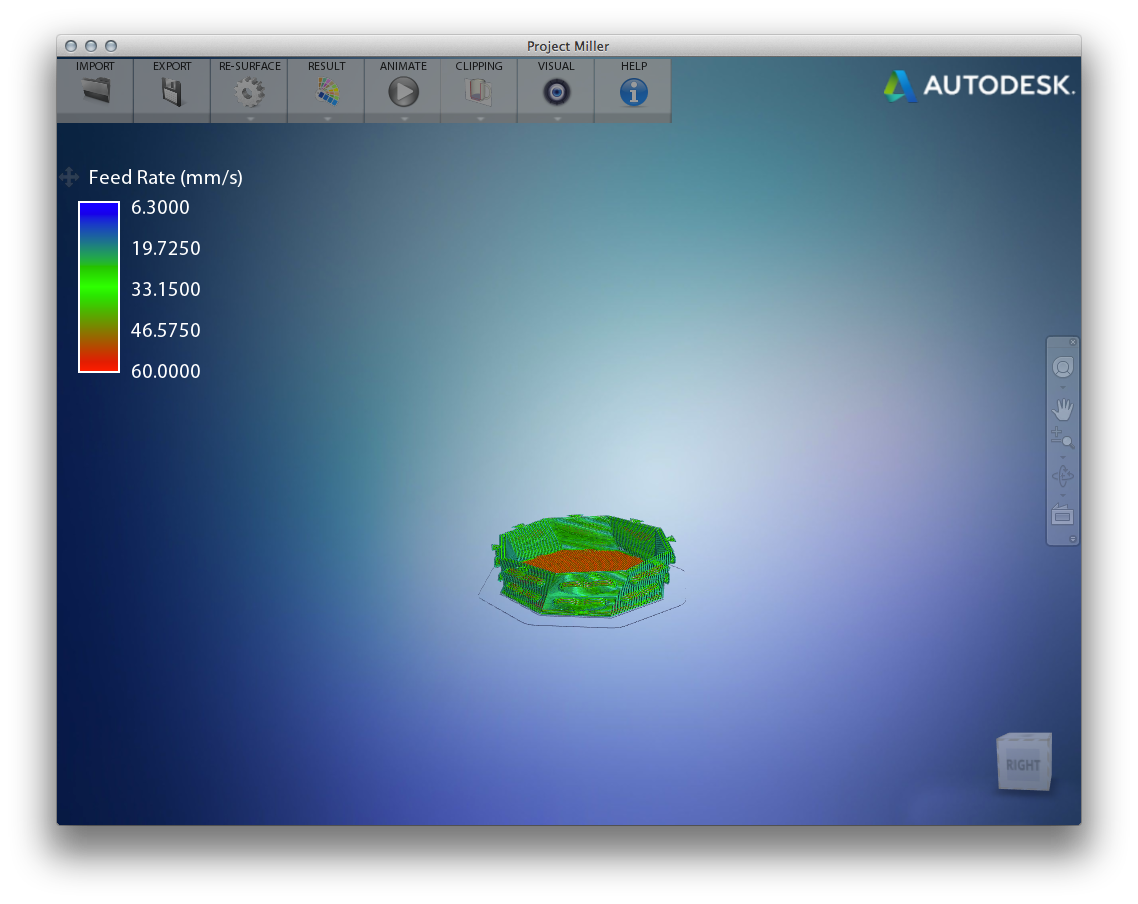
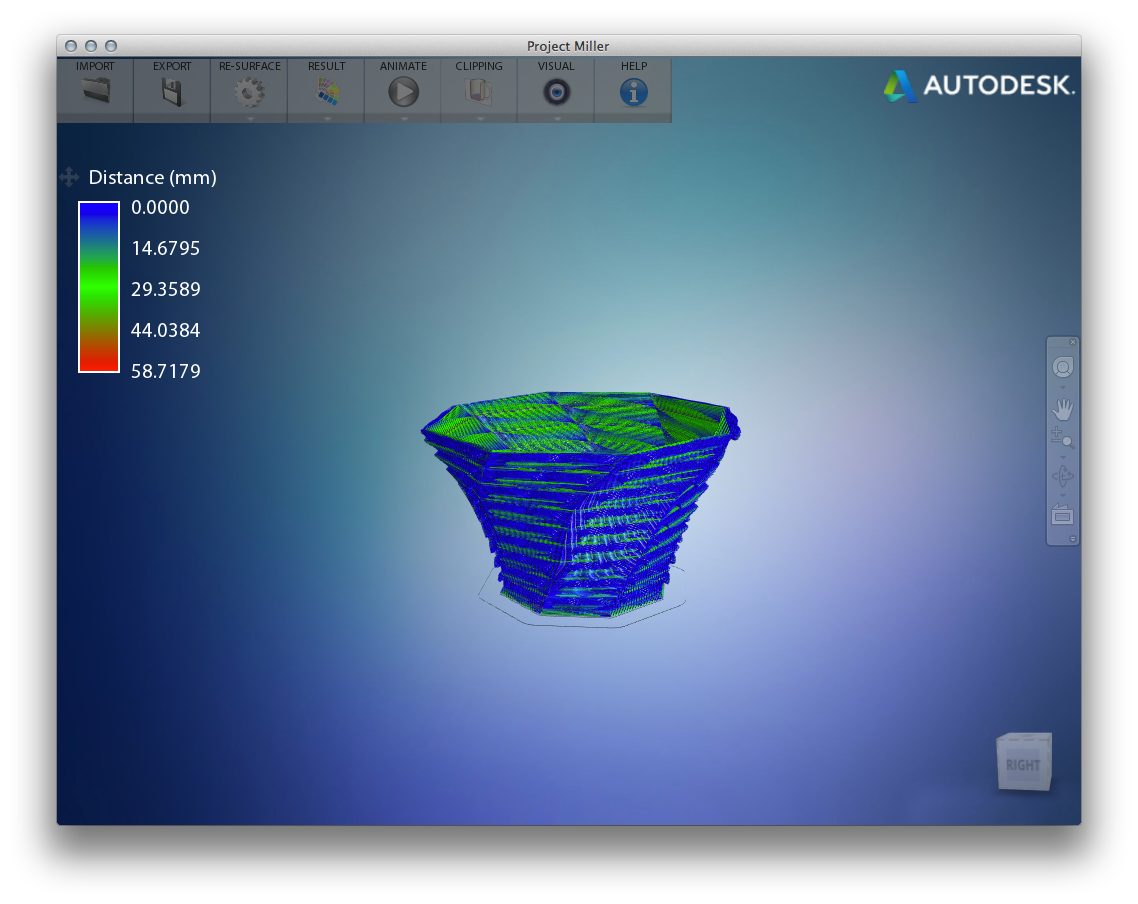
I then imported the GCODE back into Project Miller to test the way it would be printed. Project Miller provided some interesting analysis visualizations of the GCODE. Here's the one showing "feed rate" along with the menu for the other ones available (which I've shown below that):
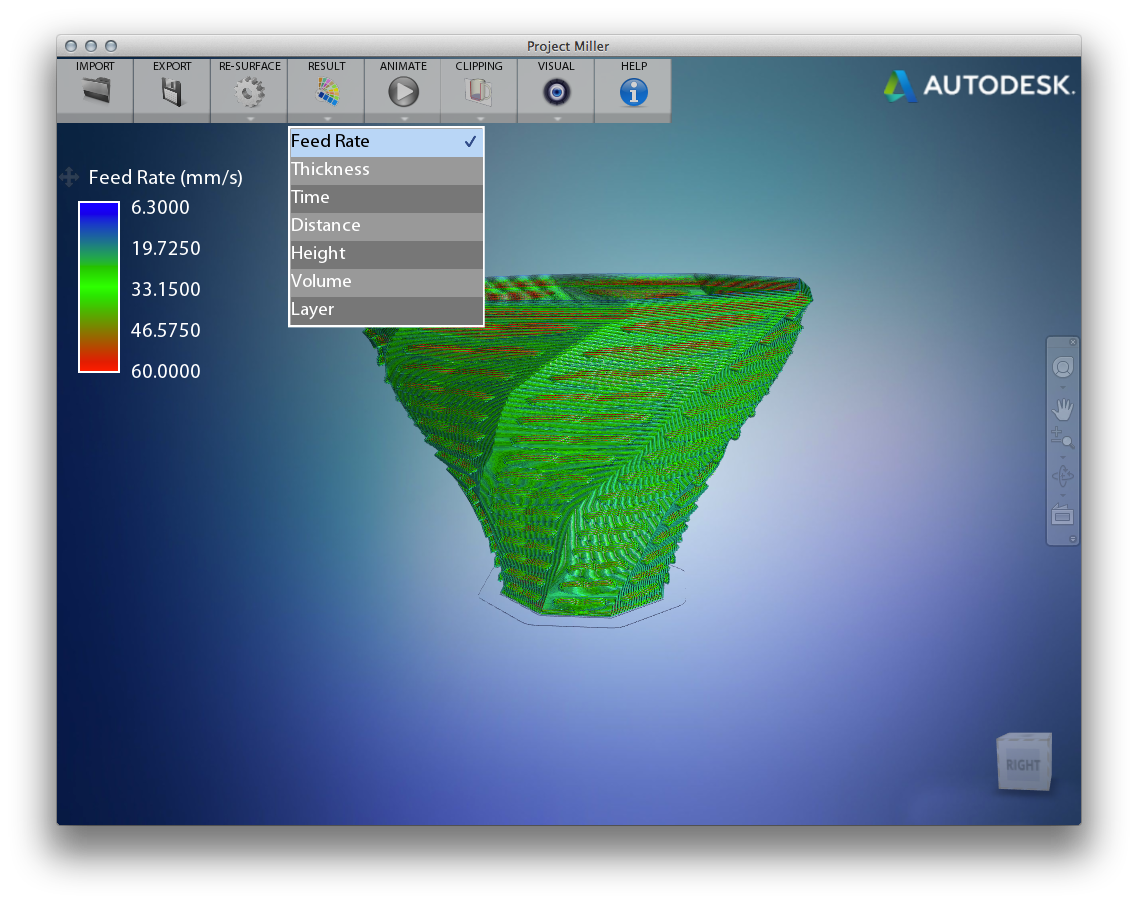
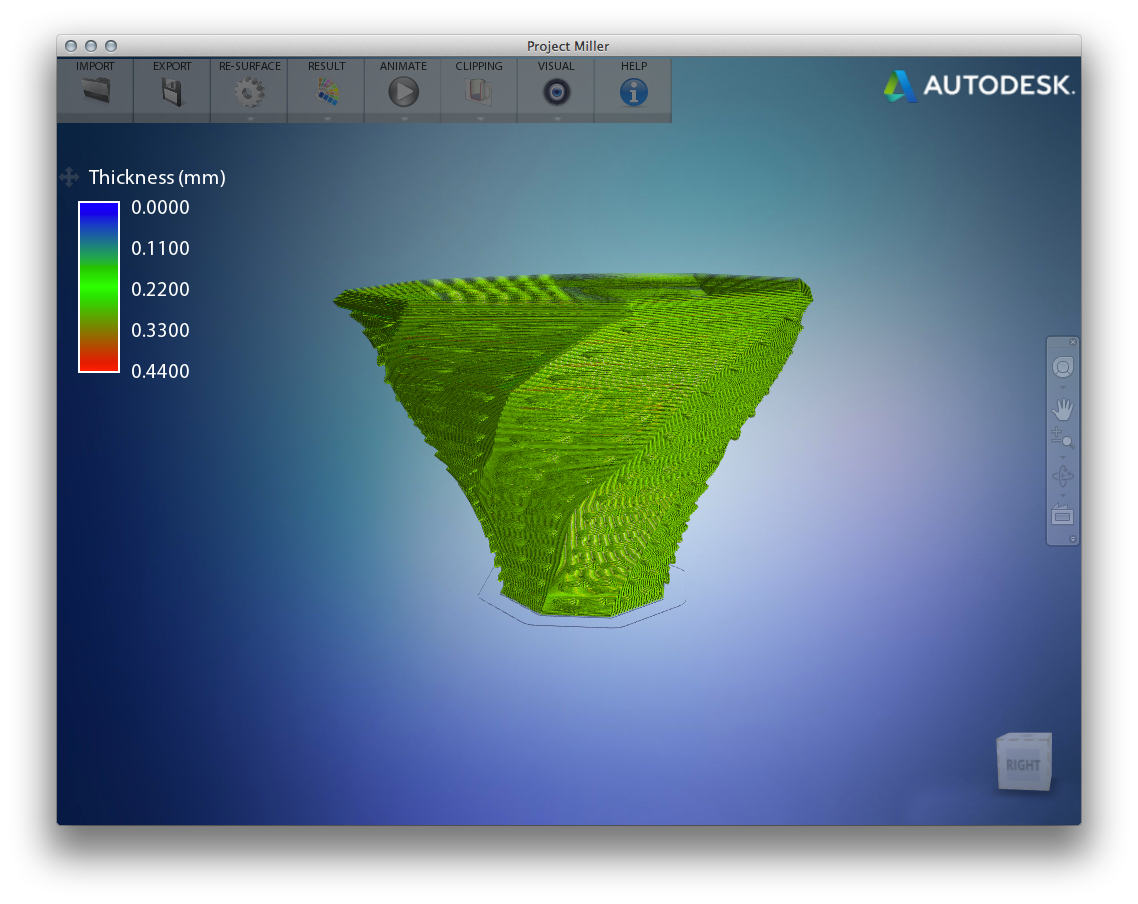
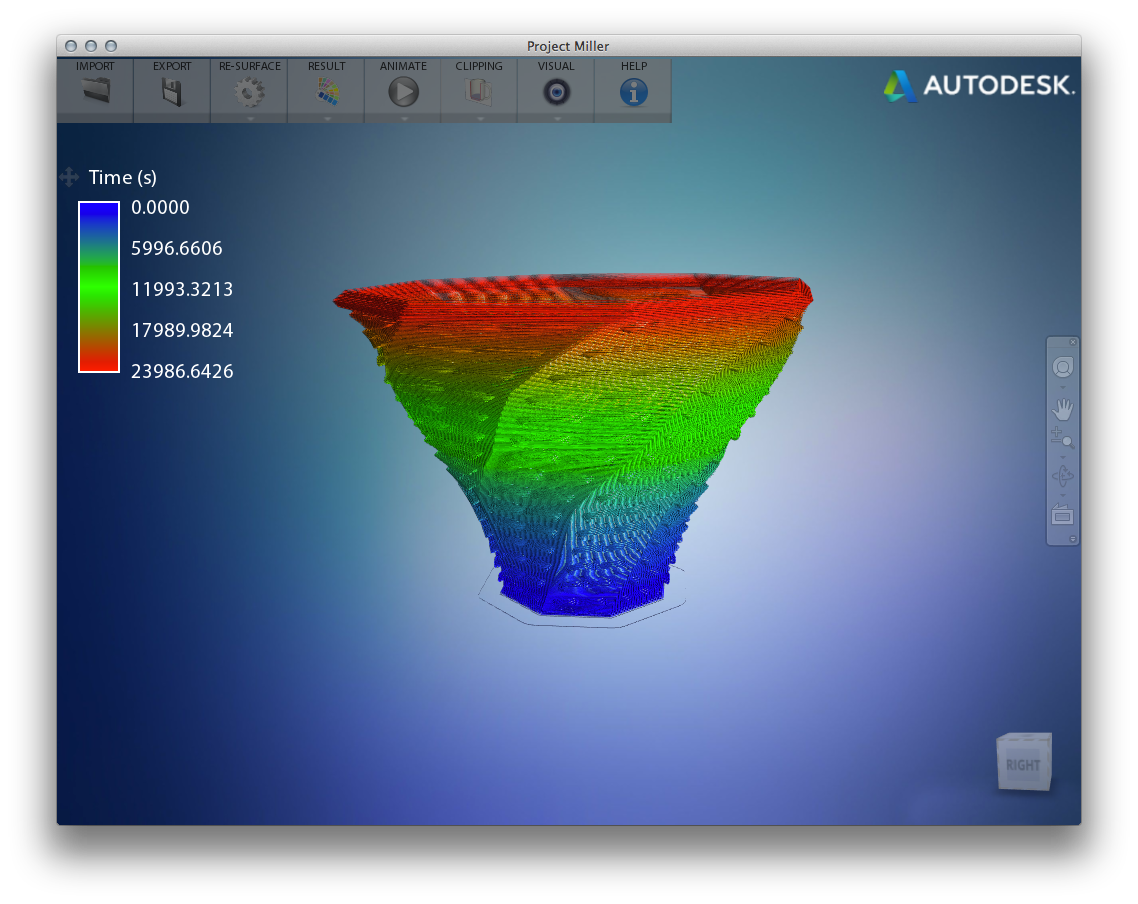
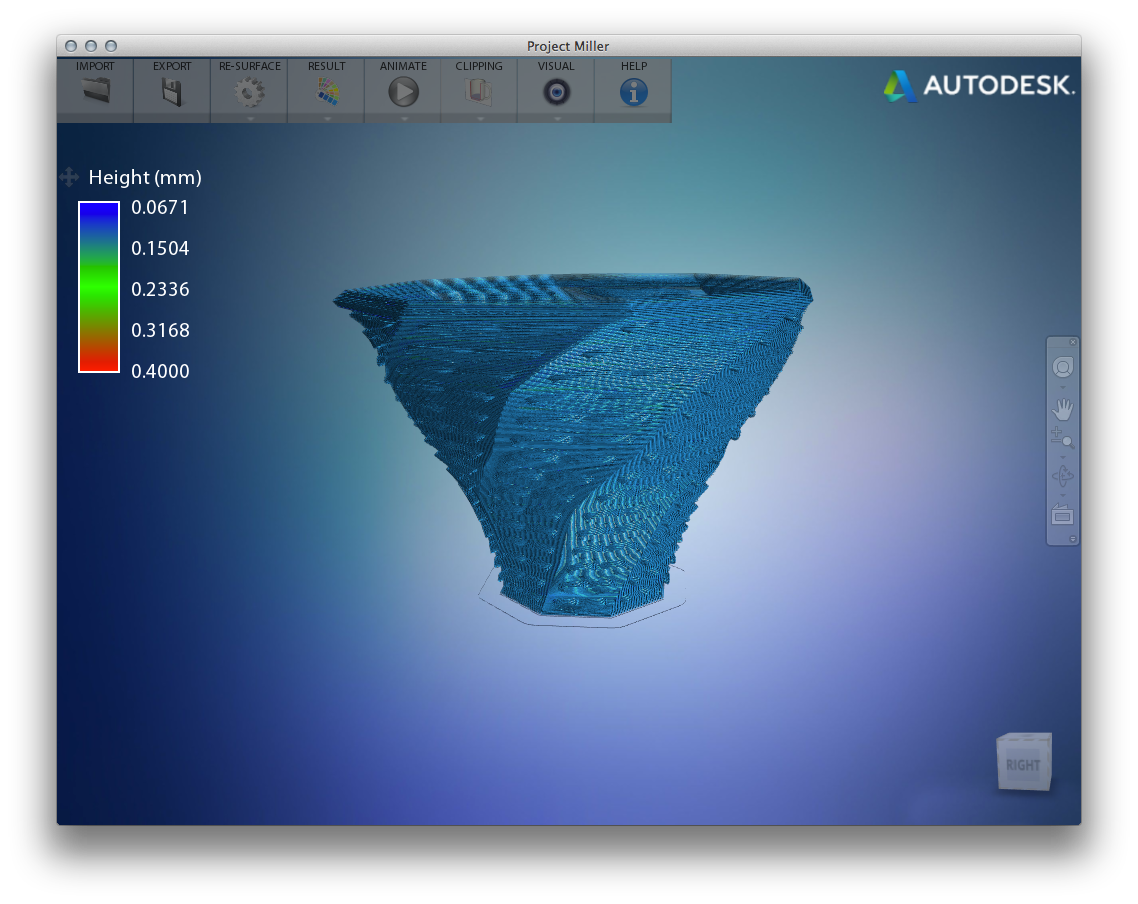
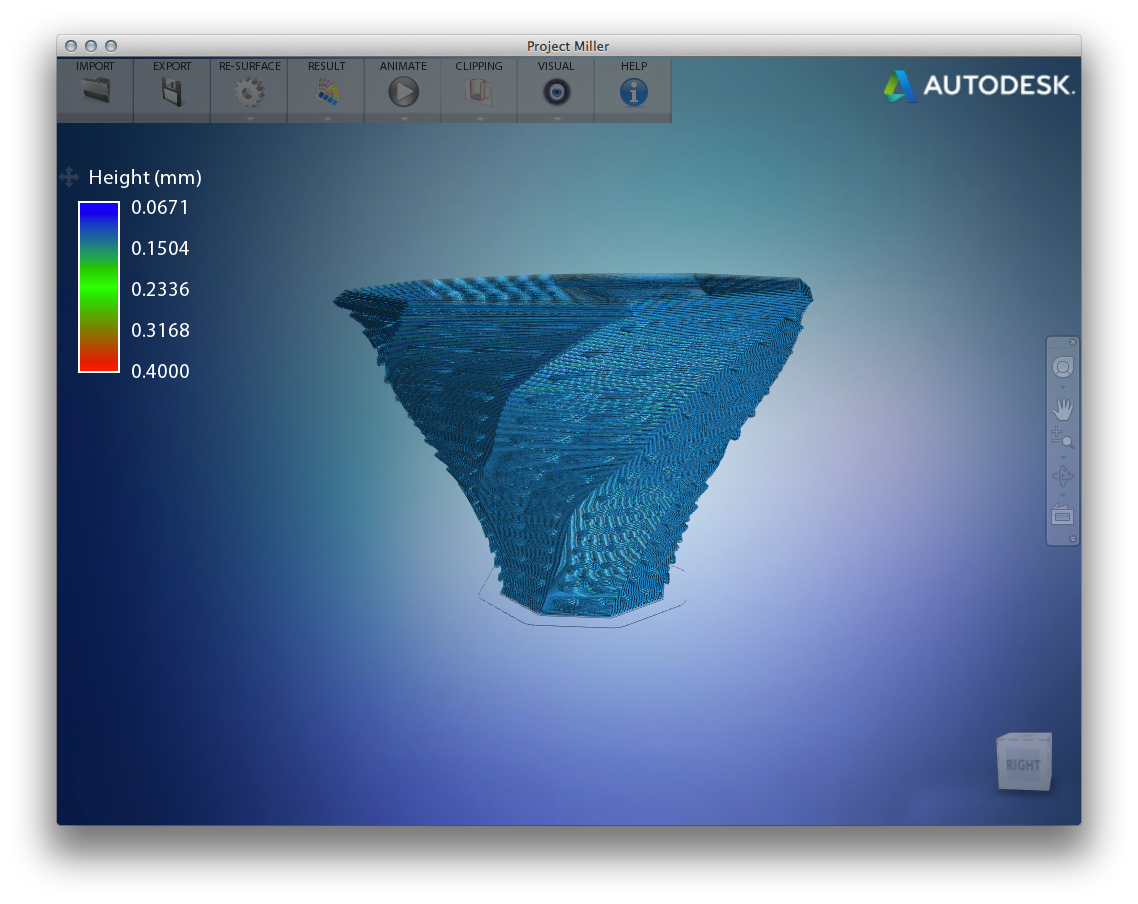
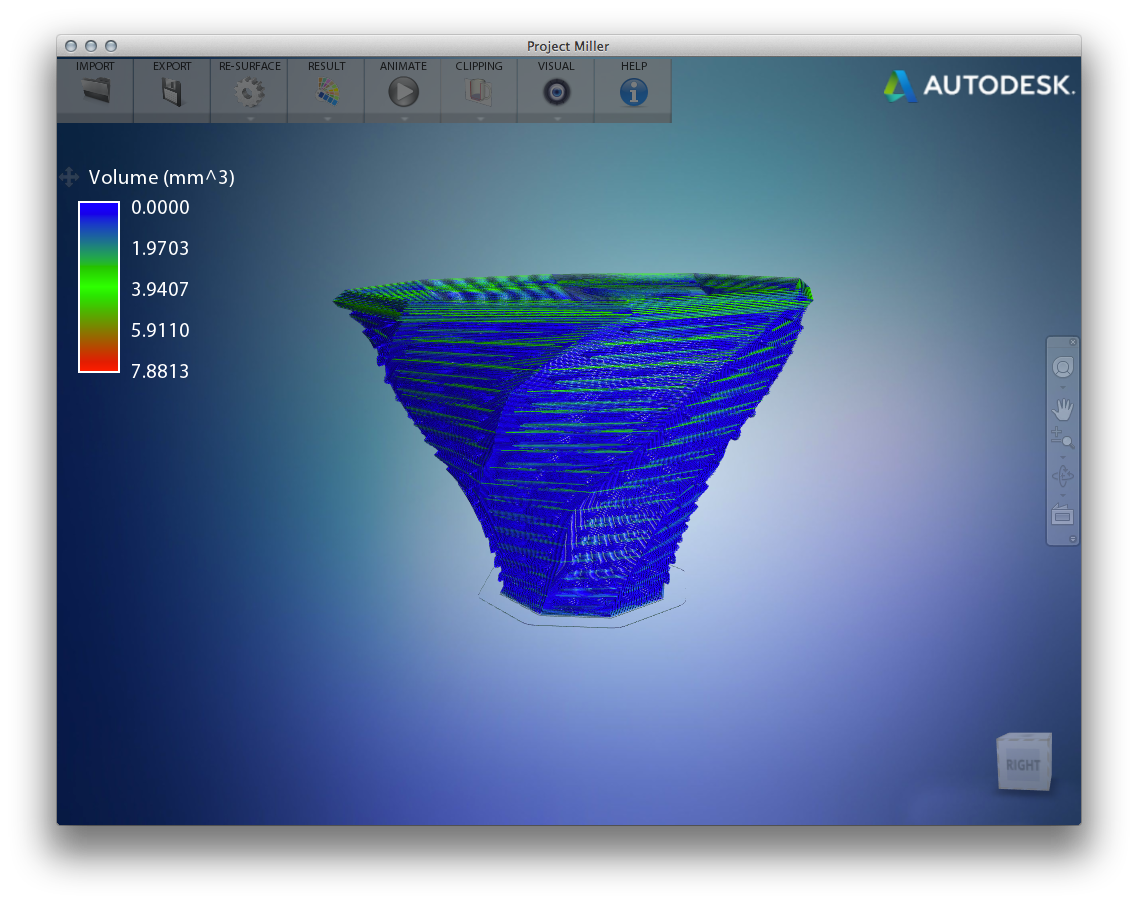
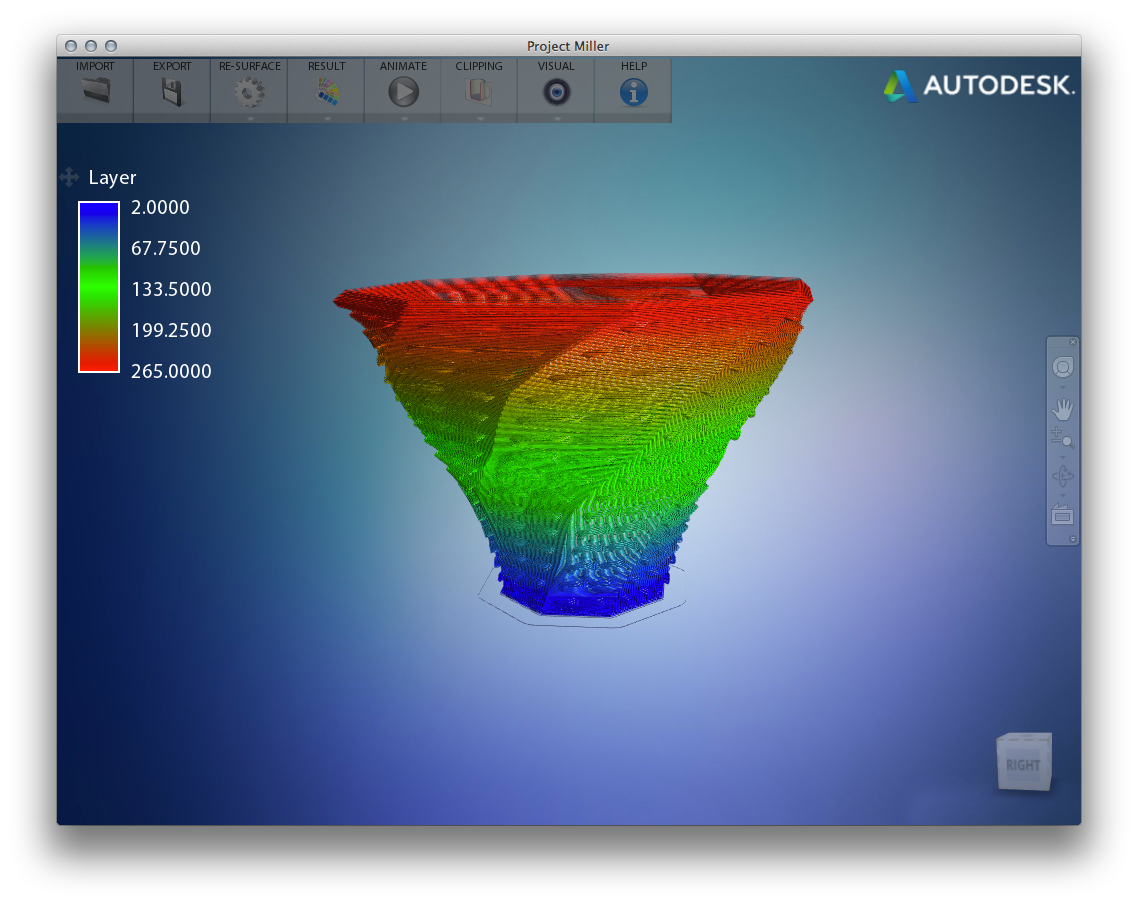
The best part, though, is watching the object being printed, whether in fast mode or – if you really have nothing better to do – in real-time.
That's it for this quick look at Projects Shapeshifter and Miller. Give them a try, but be aware that the current plan is for the two technology previews to be available only until January 31, 2014 and December 31, 2013 respectively.


Leave a Reply