New self-paced AutoCAD .NET training material

AutoCAD DevCenterWayne Brill, a member of the DevTech Americas team, has been beavering away on a new set of training material for AutoCAD .NET. This material is now live on the AutoCAD Developer Center (the image on the right should help you locate the link).

This new material contains information on the following topics:

  • Overview of .NET
  • Plugin Basics
  • User Interaction
  • Database fundamentals
  • Dictionaries
  • User Interface
  • Events
  • InputPoint Monitor
  • Jigs

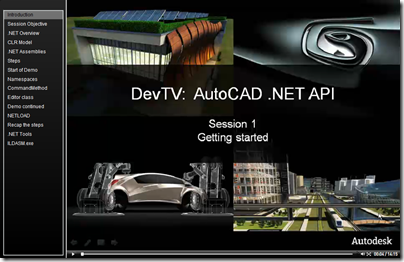
To accompany this material, Wayne has also recorded a set of DevTV sessions, which I'll be serialising over the coming weeks.

Here are links to the introduction and the first, getting started session:
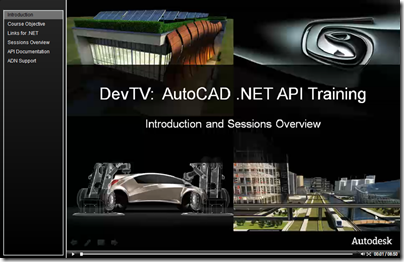
AutoCAD .NET DevTV - Introduction

AutoCAD .NET DevTV - Session 1


8 responses to “New self-paced AutoCAD .NET training material”

  1. Francisco Silva Avatar
    Francisco Silva

    Nice, thanks

  2. Kean,
    I think Autodesk has done well showing how to use .net. the thing that seems like a gap to me is how to organize projects and solutions in .net. You can only go so far by having all code present in a given project, so you would want to set up libraries of classes and things to re-use in other solutions. Then comes the subject of dependency and namespaces. I would be interested in hearing from your teams on how they split things up, and how they would recommend others do it if working in small teams. What are the driving rules for why they would do what they recommend. That would help the average programmer get over the initial hump of starting with .net.

  3. Fred Dickinson Avatar
    Fred Dickinson

    Thank you. Thank you. Thank you.

  4. Stephen Preston Avatar
    Stephen Preston

    Hi James,

    I don't believe what you mention has anything in it that is specific to Autodesk. If it helps at all, our AutoCAD developers follow the Microsoft guidelines for class library development (we don't write our own rulebook). Try searching MSDN for something like "Design Guidelines Class Library" and you'll find some useful links.

    Cheers,

    Stephen

  5. I found the box in the settings that sais "always atomatically create a plot log" and I deselected the box. So now about half the time I plot or everytime I create a pdf, AutoCAD creates a plot log. This just adds extra junk to my files and some of these folders are public. Is there a way to set up AutoCAD 2008 to never create a plot log.

  6. This is a bit off-topic. There is a setting that allows you to turn that off, as far as I remember (I suggest posting to the discussion groups to find out how to change it).

    Also, I suggest using a different name/URL to post to this blog: the ones you've used makes your comments look like SPAM.

    Kean

  7. Can anyone please suggest if they know of any place in Australia that runs a training course for AutoCAD .net development for experienced C# developers.

  8. You might try asking on the AutoCAD .NET Discussion Group or on The Swamp.

    Hopefully someone there will be able to help.

    Kean

Leave a Reply

Your email address will not be published. Required fields are marked *