It's always a bit of a shock when the annual Autodesk "week of rest" comes to an end: it's the one time during the year during which the internal flow of email drops down to a trickle and you can truly relax. Although it seems that social media-related traffic no longer means much of a disconnect, these days, but that thankfully comes down to personal choice.
So now it's over: over the coming days Autodeskers will be returning to their normal routines, preparing for the end of the financial year and/or thinking about our usual first quarter activities (there should be no need to spell out what those are).
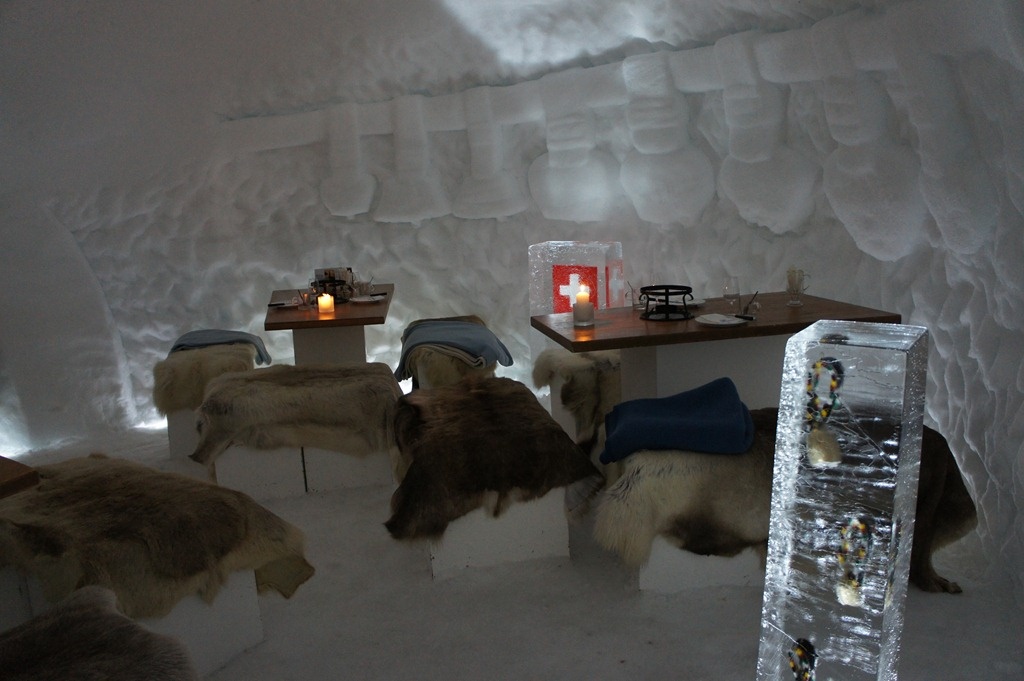
Personally, I spent a fantastic break up in the Swiss Alps, in the beautiful village of Adelboden. We skied (in my case snowboarded), breathed clean mountain air and ate some great food, including a very special fondue in an igloo up on Engstligenalp:
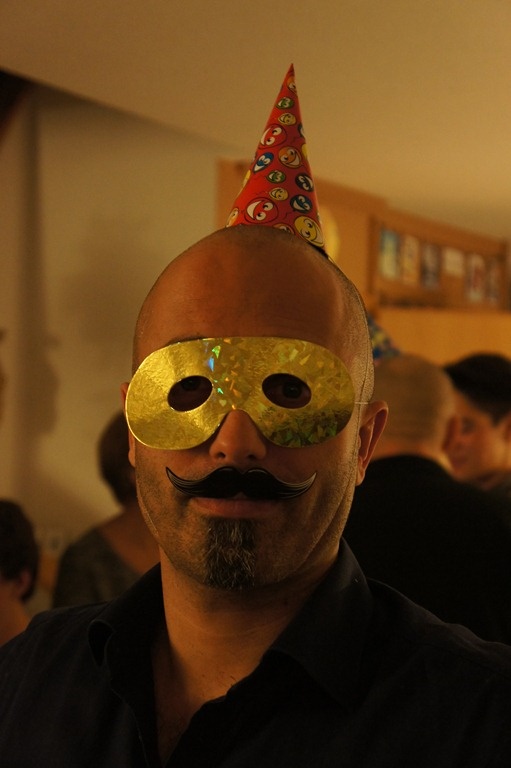
For New Year's Eve we headed back down to a friend's place near our home, where we celebrated in true Swedish tradition (yes, we live in Switzerland – not Sweden – but 90% of the people at this particular party were Swedes). We headed back up to Adelboden the day after and will remain up here until the weekend.
I'm working on some internal projects this week, but will be getting back into the swing of things over the coming days, too. In the meantime, I'd like to wish all this blog's readers all the very best for 2013 – I feel as though it's going to be an exciting year… 🙂


Leave a Reply