In this previous post, we looked at using PointCloud Browser to visualize an AR scene containing a mesh generated by 123D Creature, a new iPad app from Autodesk.
In this post, we head on over to Autodesk Labs to take Project Pinocchio for a spin. Project Pinocchio is an online character generator that helps you "create, customize, and download your very own rigged 3D characters from a catalog of over 100 body types, outfits, hairstyles, and physical attributes in a few simple steps."
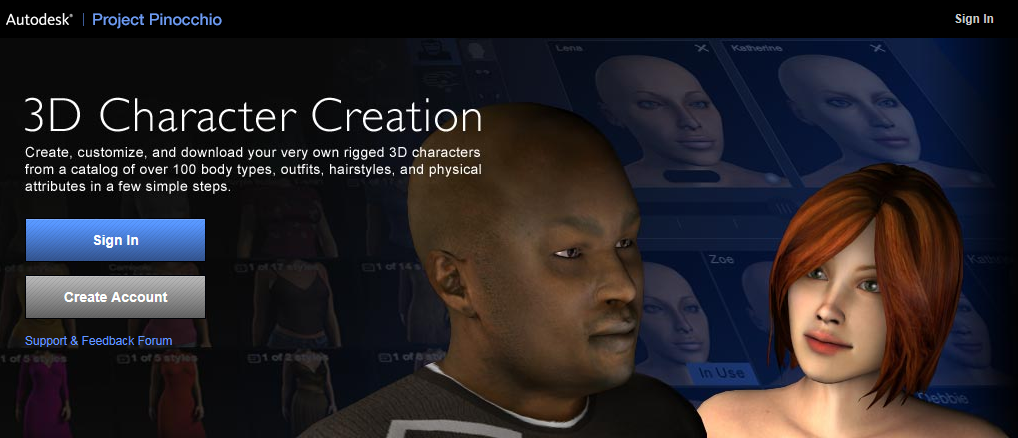
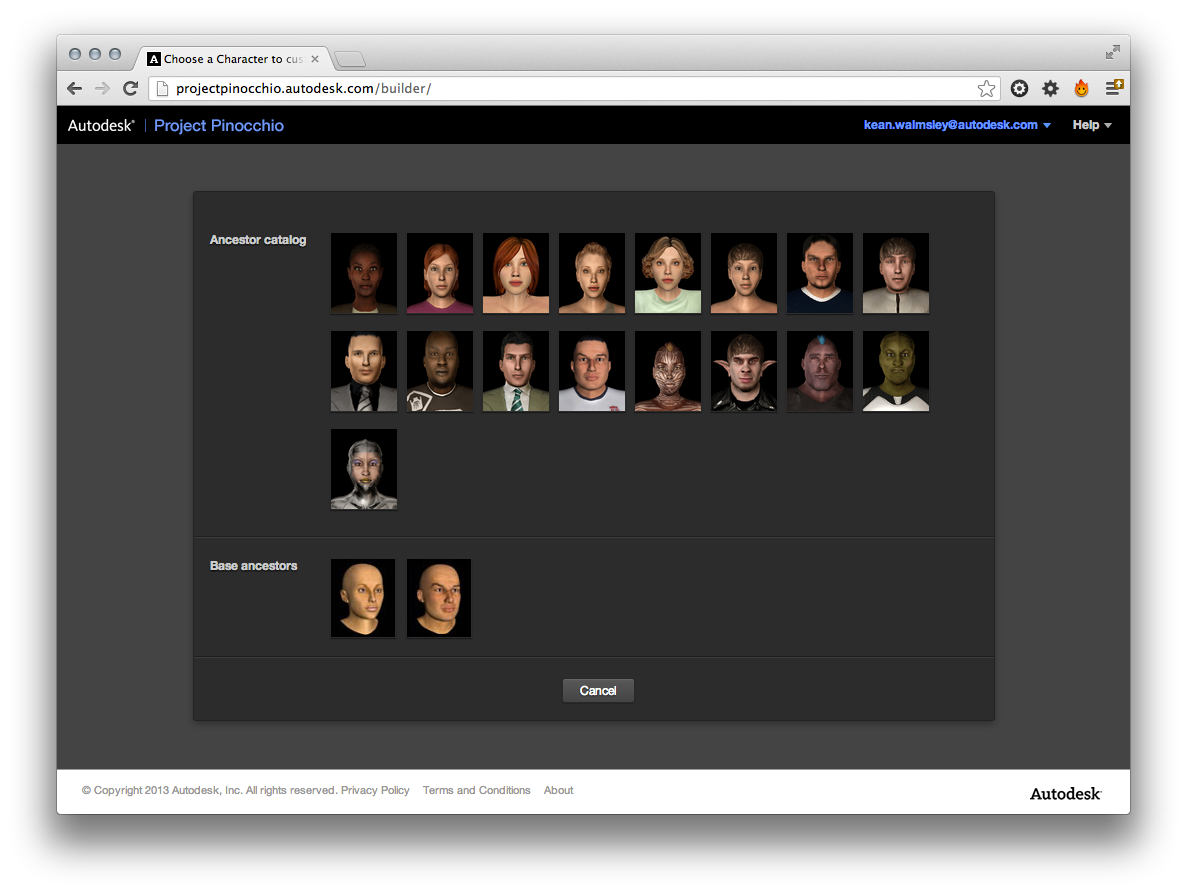
Once you've signed in, it's a simple process to create a character. You start by choosing your ancestor:
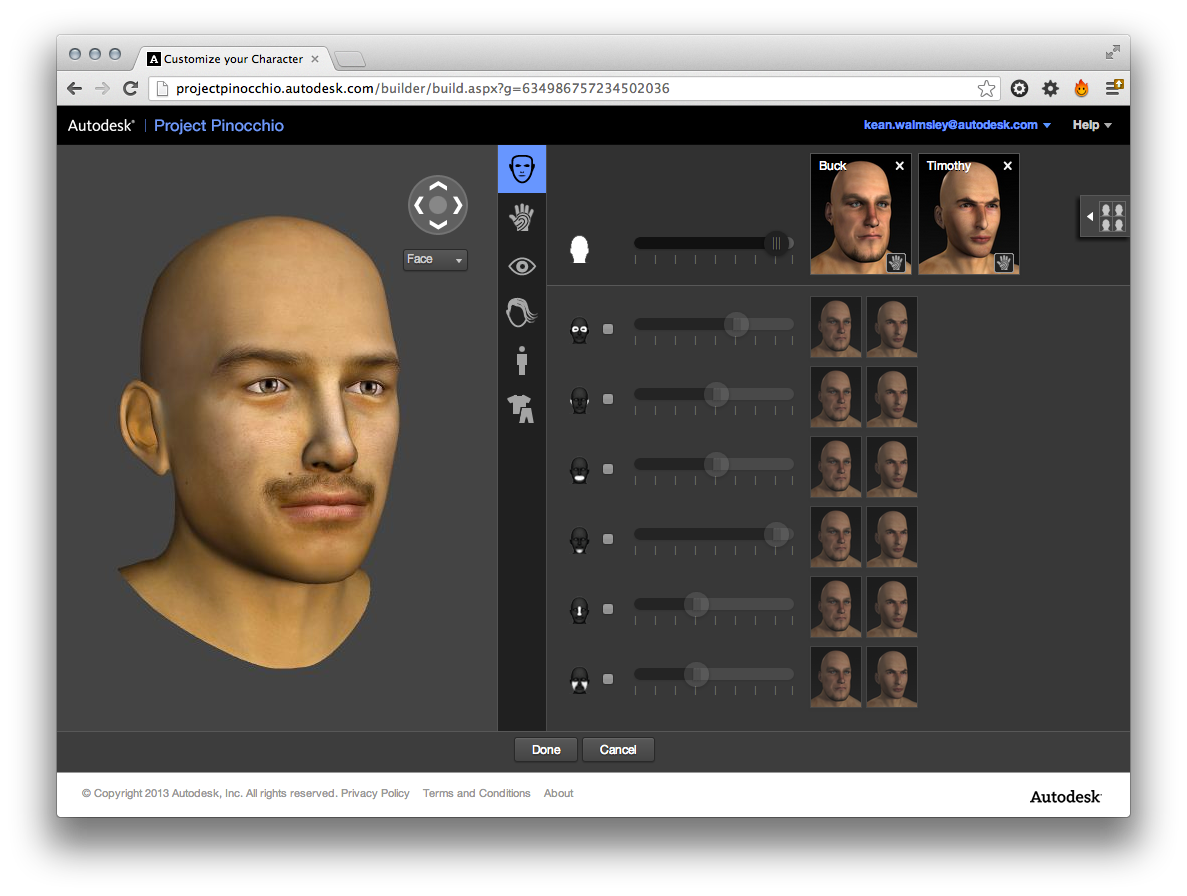
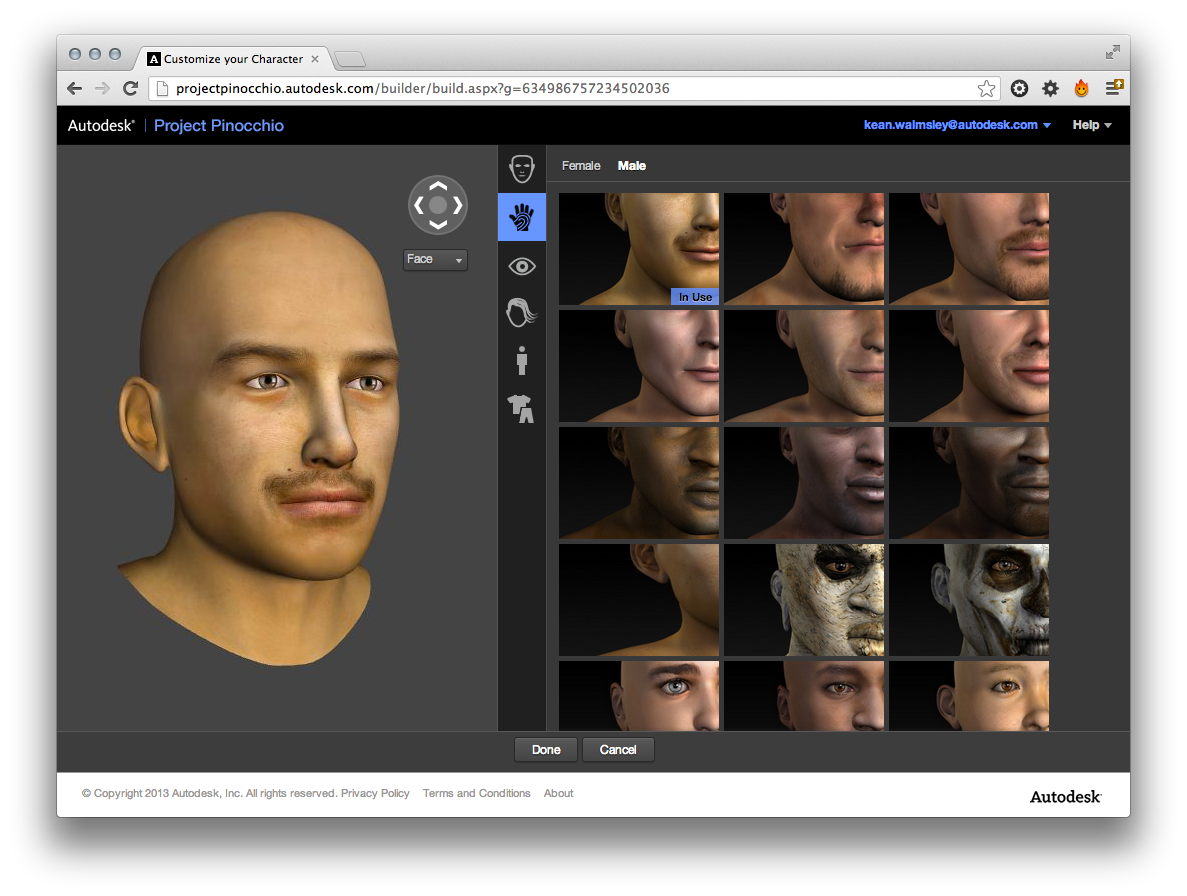
And you then work through and choose between various physical and clothing options… (I've used the "Edit" option on an existing character to go back through the options I've already chosen which is why the various pages are pre-populated.)
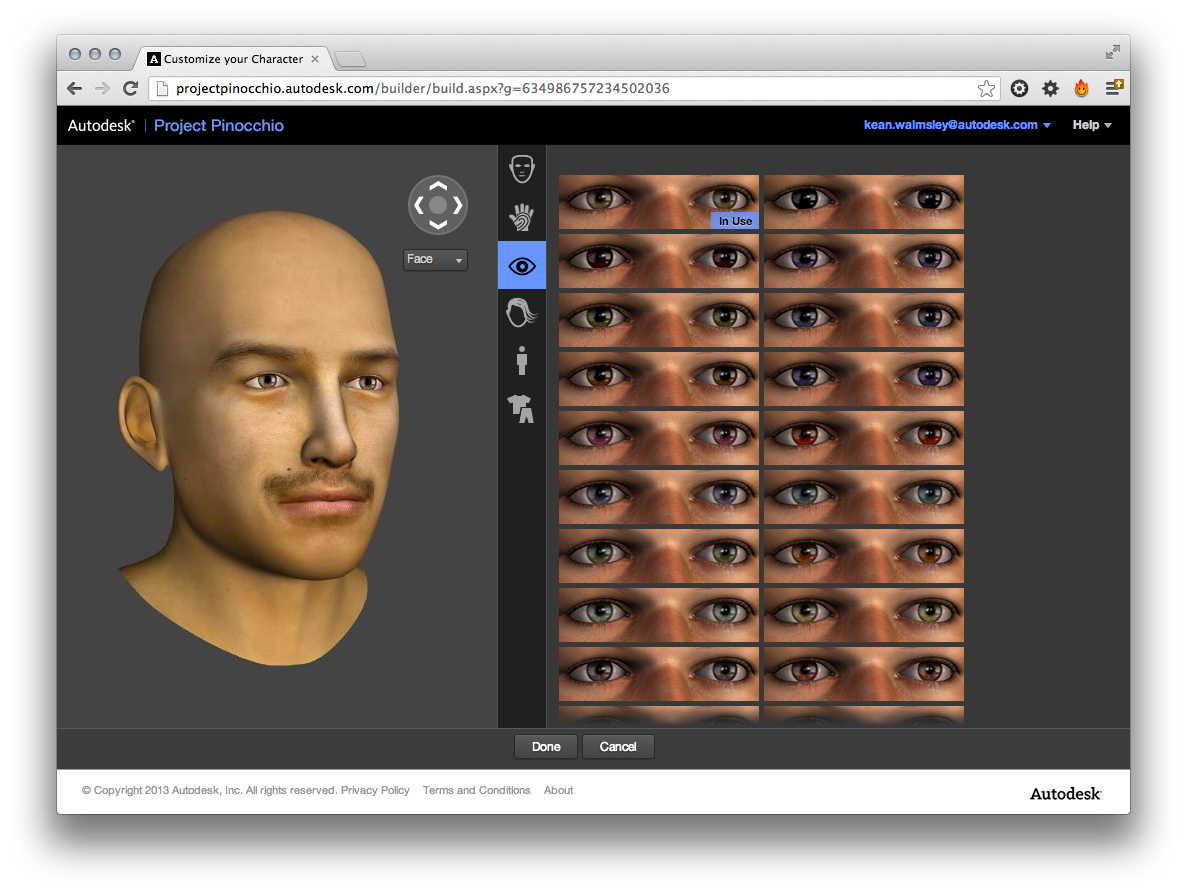
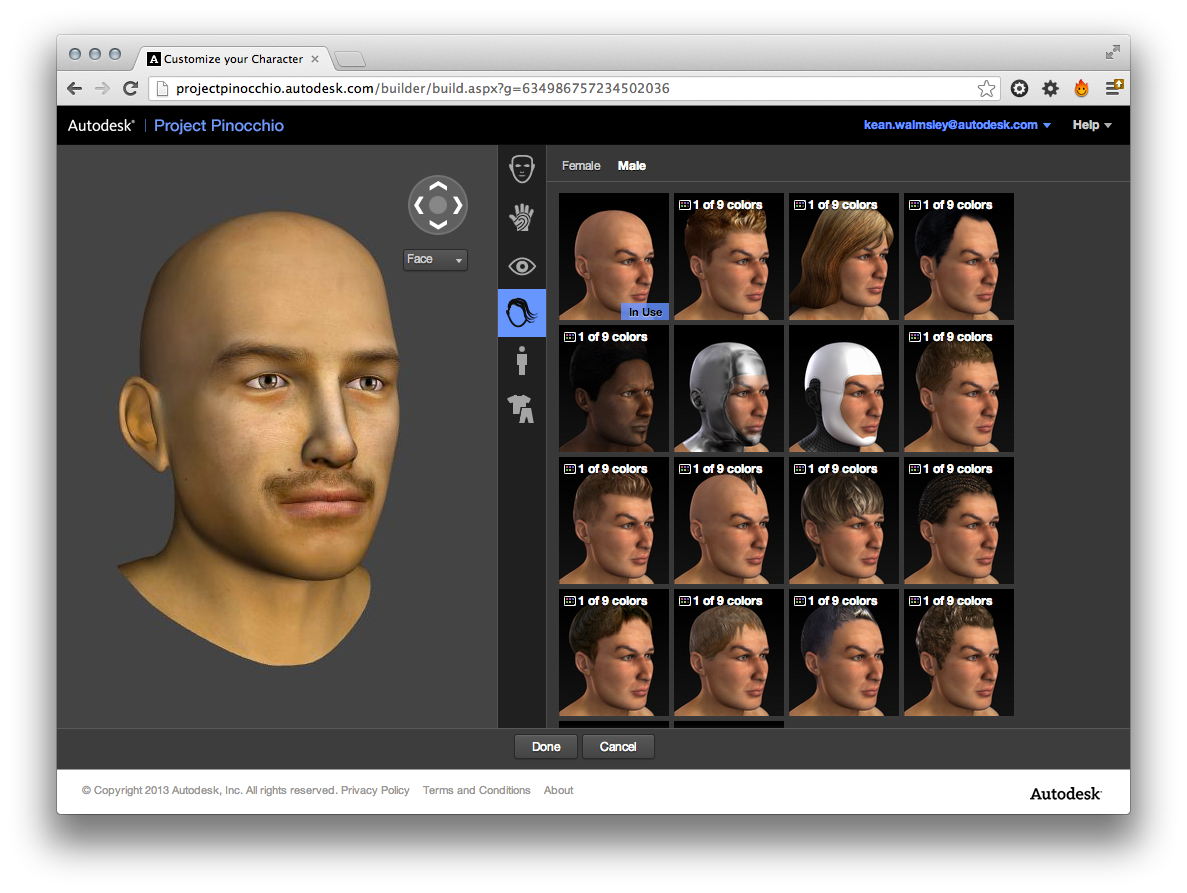
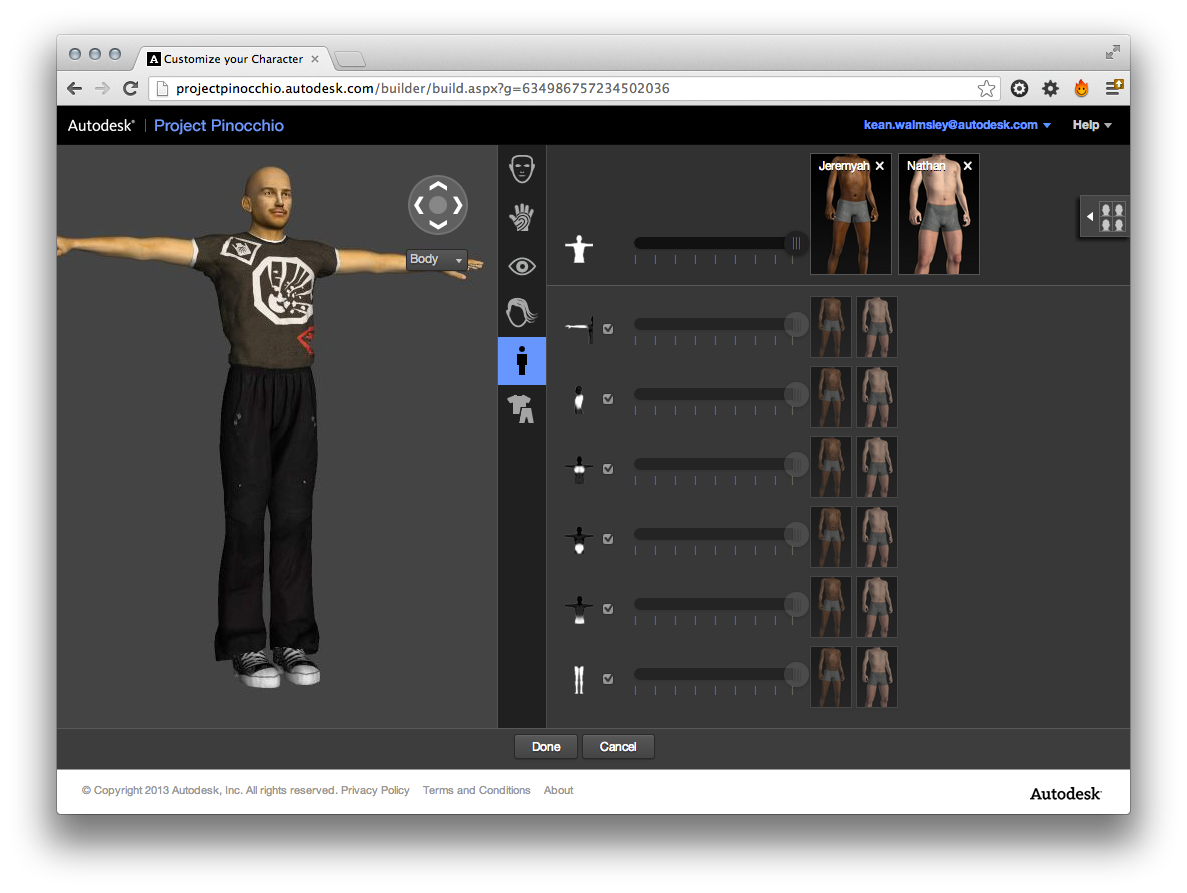
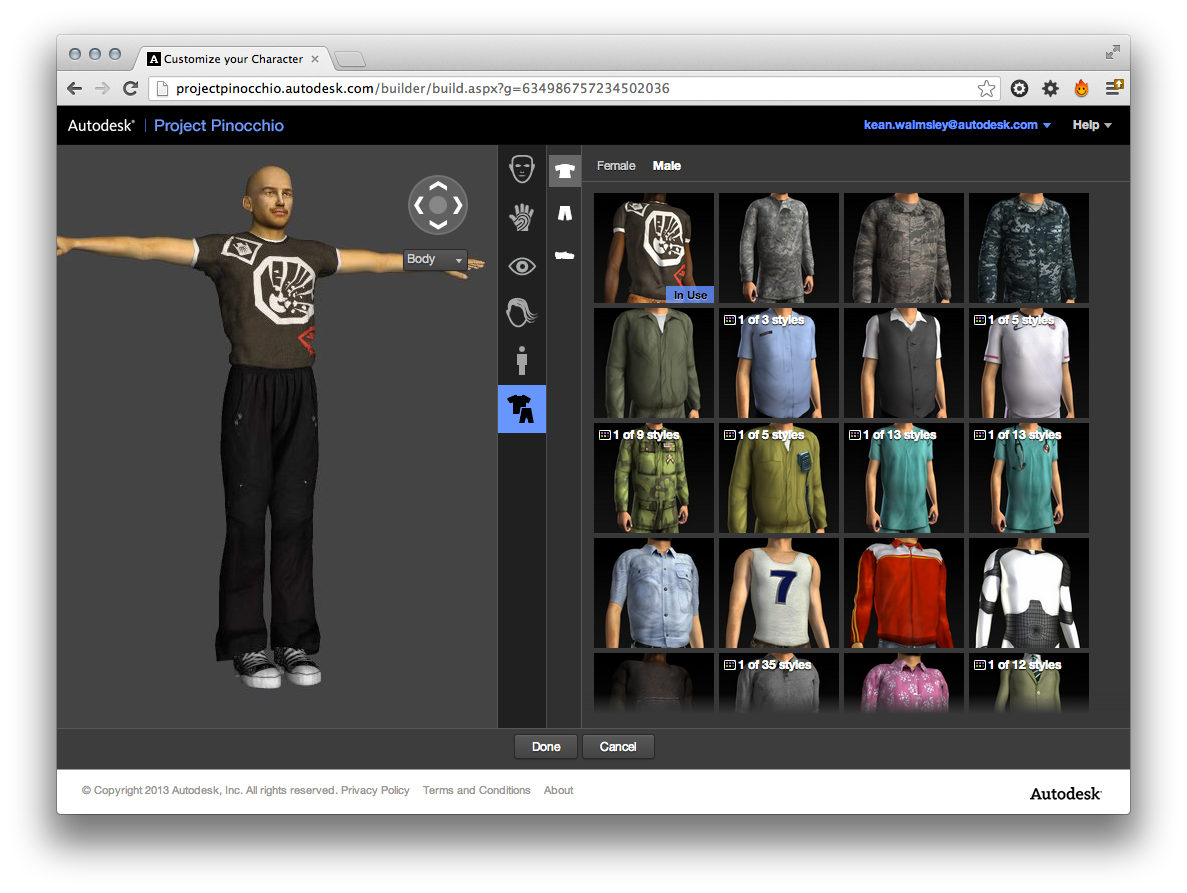
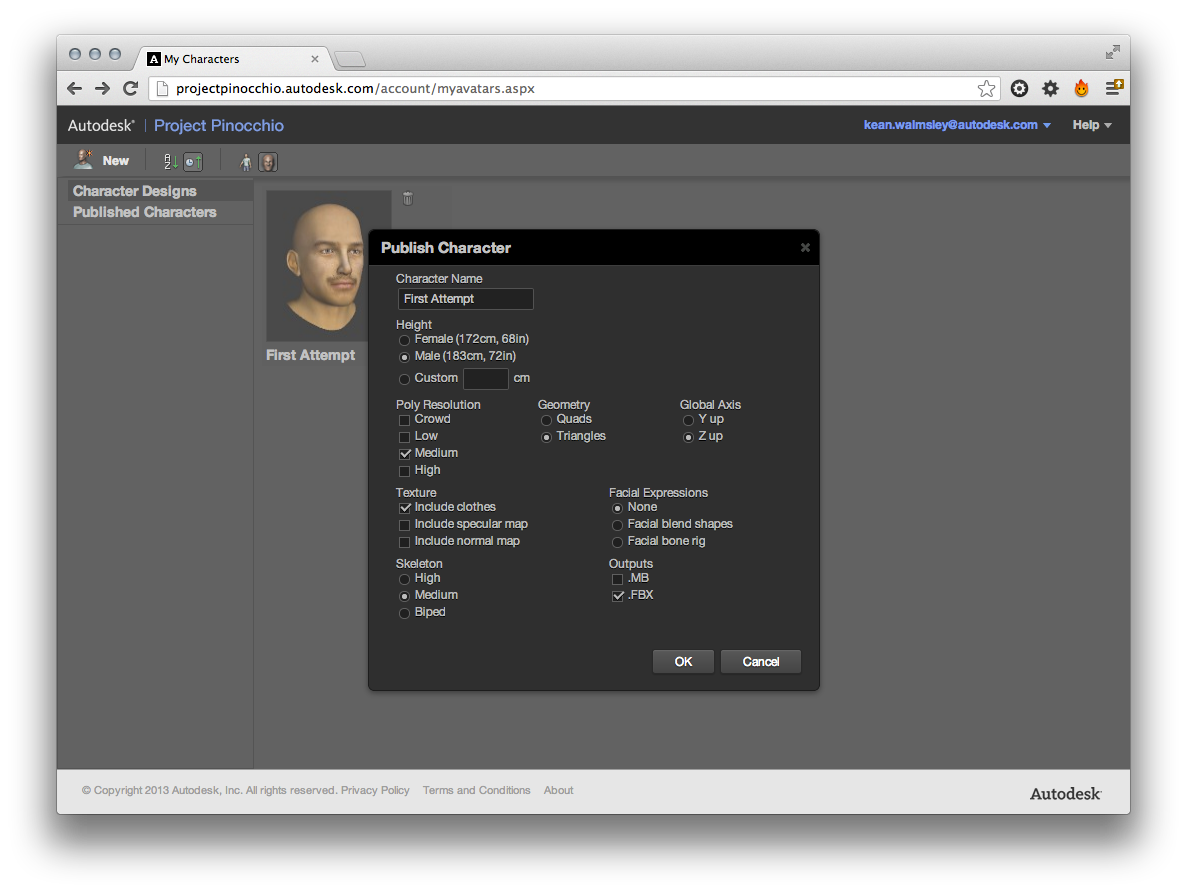
Once all has been set up as you'd like, it's time to publish. Project Pinocchio exports to .MB and .FBX formats. We want to get to .OBJ to load inside PointCloud Browser, so we'll go for .FBX and make use of a convertor to get to .OBJ.
Here are the export options I chose:
Conversion to .OBJ is straightforward via the FBX convertor tool for Mac or Windows:
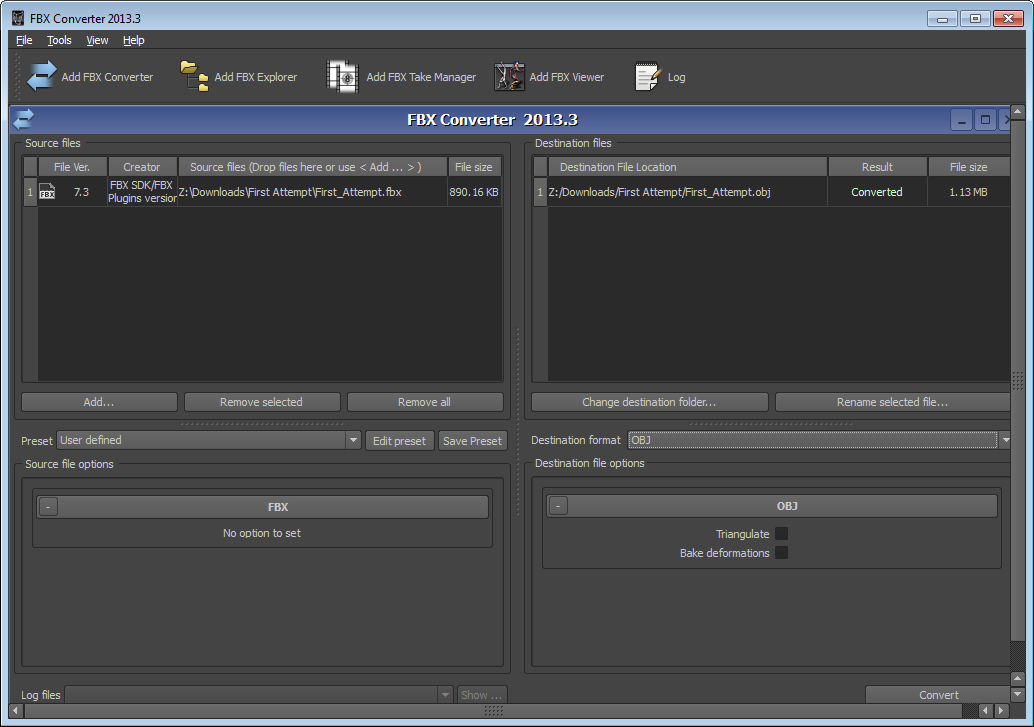
Now we have an .OBJ it needs to be hosted on a web-server along with the .MTL material definition file and the corresponding texture map. One quirk I found: the version of PointCloud Browser I used crashed with a .JPG texture map, so I converted it to .PNG and adjusted the .MTL (which is a simple text format) to point to that, instead.
Here's the texture map extracted from the .FBX by the conversion process (and if you think this looks freaky, try exporting without clothes: it looks really Silence of the Lambs):
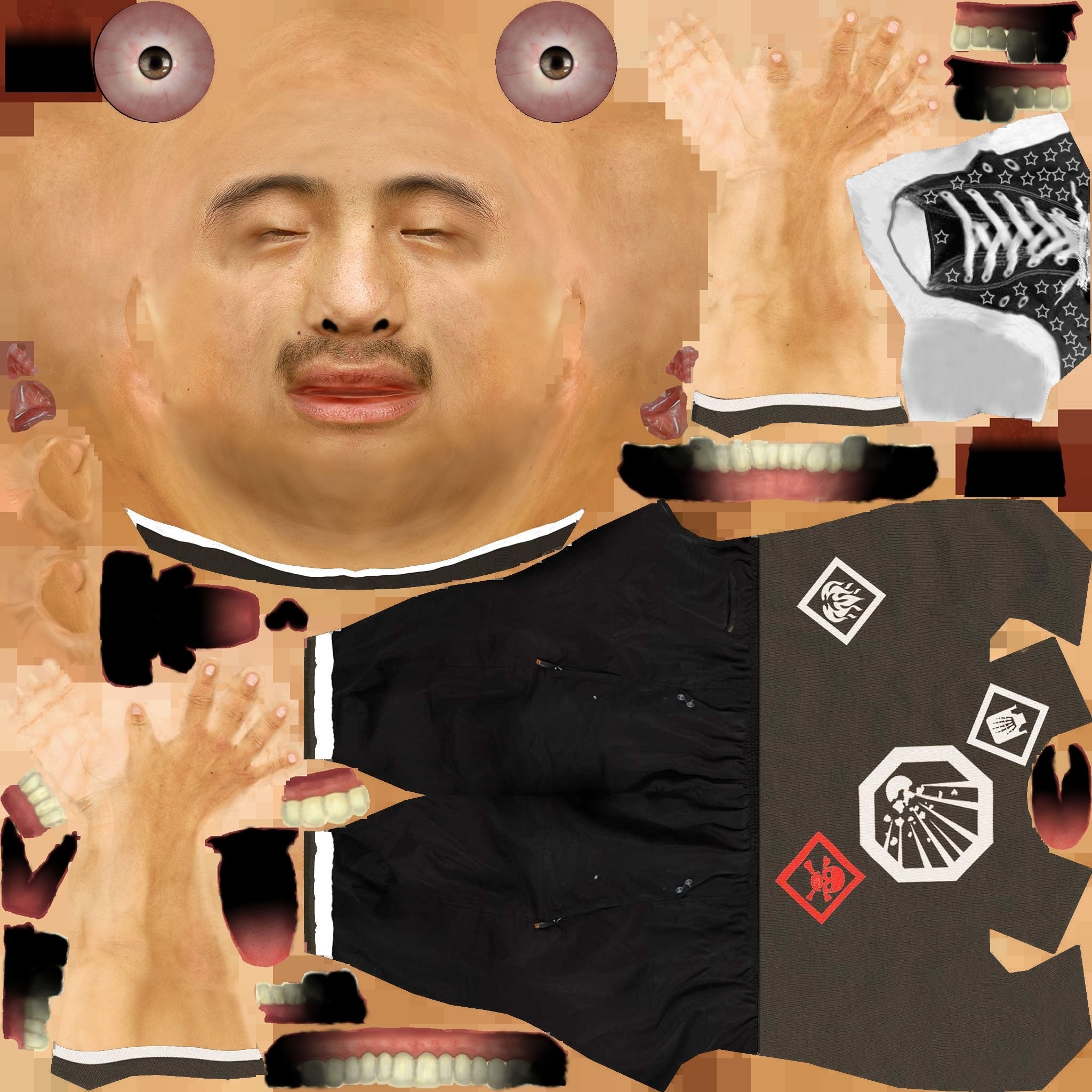
Converting to PNG stopped the crash but didn't result in the material being ap
plied properly, so we still get something that isn't completely satisfactory (see below for the results). Without being able to debug or run diagnostics on the PointCloud Browser tool, it's hard to tell whether the material is now just being ignored because it's not a .JPG. I've posted a question on the PointCloud Browser forum, to see whether I'm missing something obvious (quite likely).
Here is the slightly updated HTML page that will display the Project Pinocchio-generated mesh inside a PointCloud Browser scene:
<!DOCTYPE html>
<html>
<head>
<title>Project Pinocchio Preview</title>
<meta
name="viewport"
content="user-scalable=no, width=device-width, initial-scale=1.0, maximum-scale=1.0"/>
<meta name="viper-init-options" content="manual"/>
<link
rel="viper-app-icon" type="images/png"
href="resources/images/appicon.jpg"/>
<script type="text/xml" id="scene">
<scene base="relative-baseplane">
<light id="main_light"
intensity="1.0"
fade="constant"
ambient="0.2, 0.2, 0.2, 0.2"
diffuse="1.0, 1.0, 1.0, 1.0"
specular="1.0, 1.2, 1.2, 1.0"
position="3, 0.5, 2, 0"/>
<node
id="character_node"
position="0,0,0"
rotation="90,270,0"
scale="0.04"
static="true">
<model src="Sixth_Attempt.obj" id="character_model" />
</node>
</scene>
</script>
<script type="text/javascript">
function
onAppLoaded() {
viper.requireRealityMap();
}
</script>
</head>
<body/>
</html>
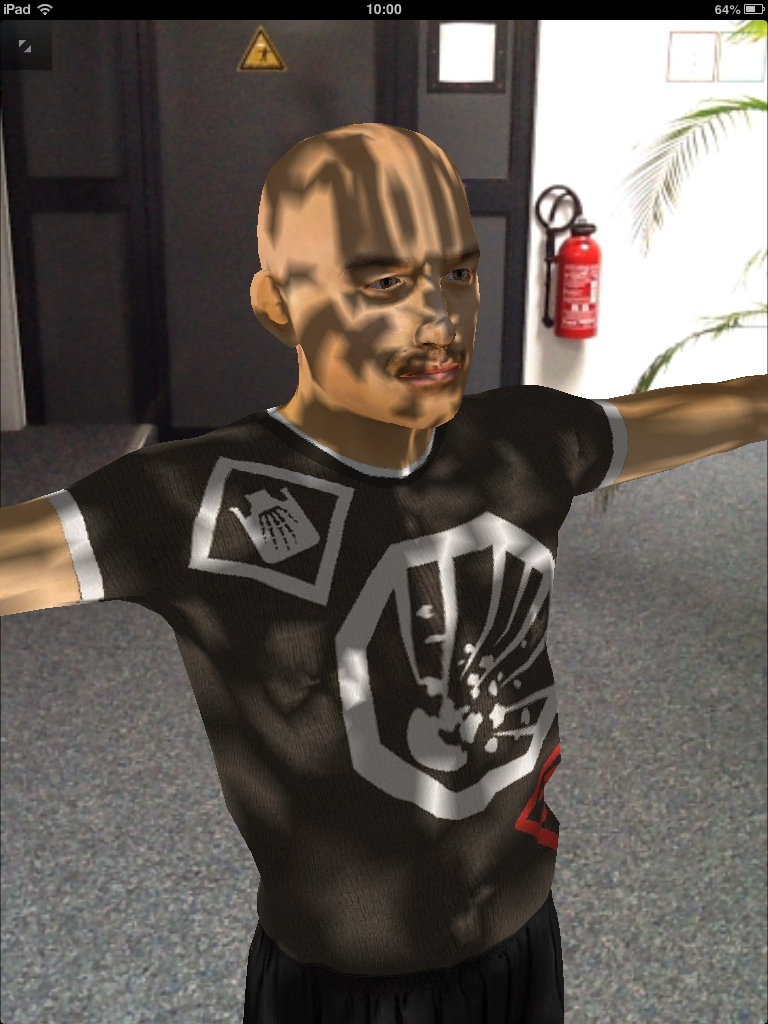
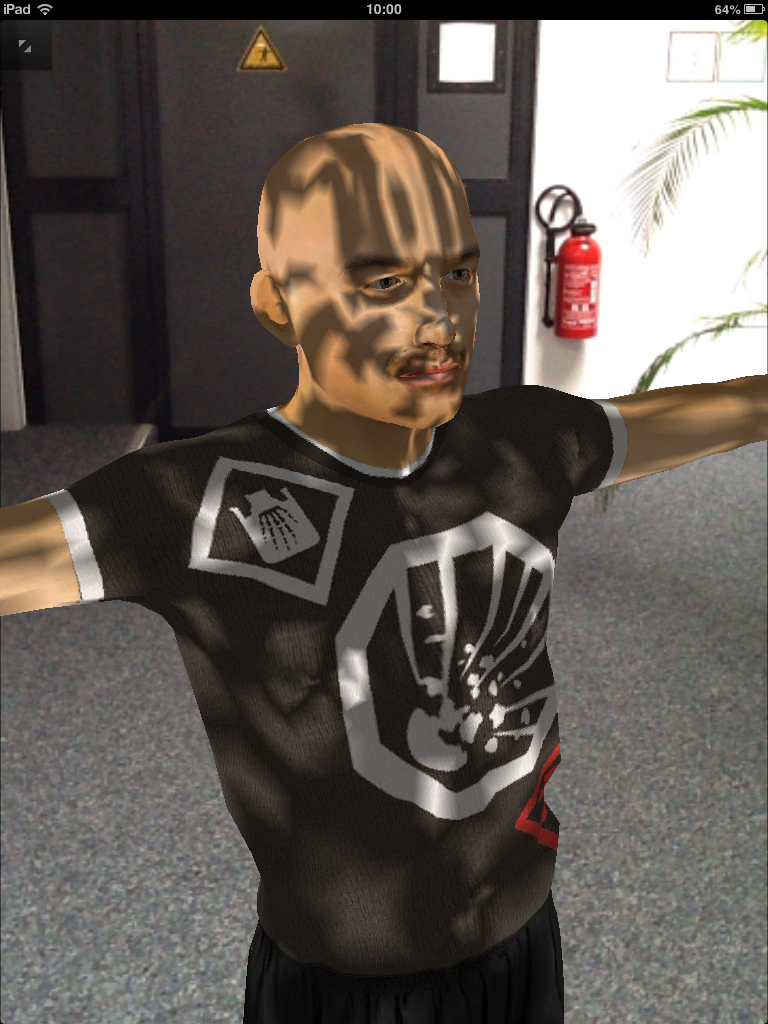
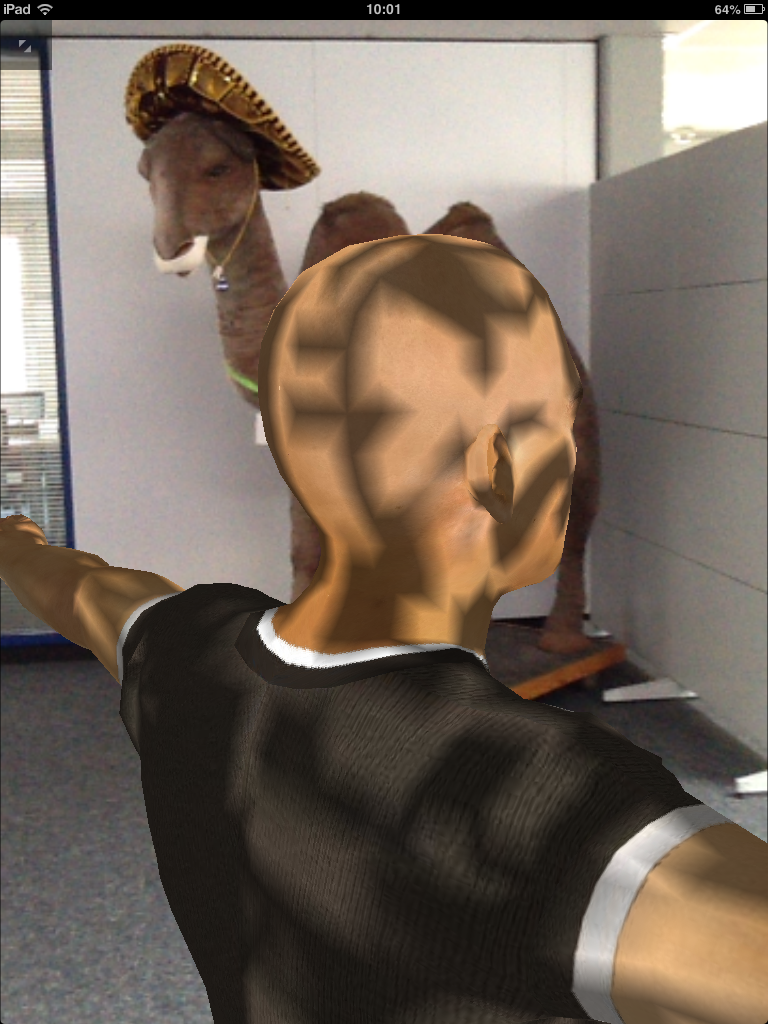
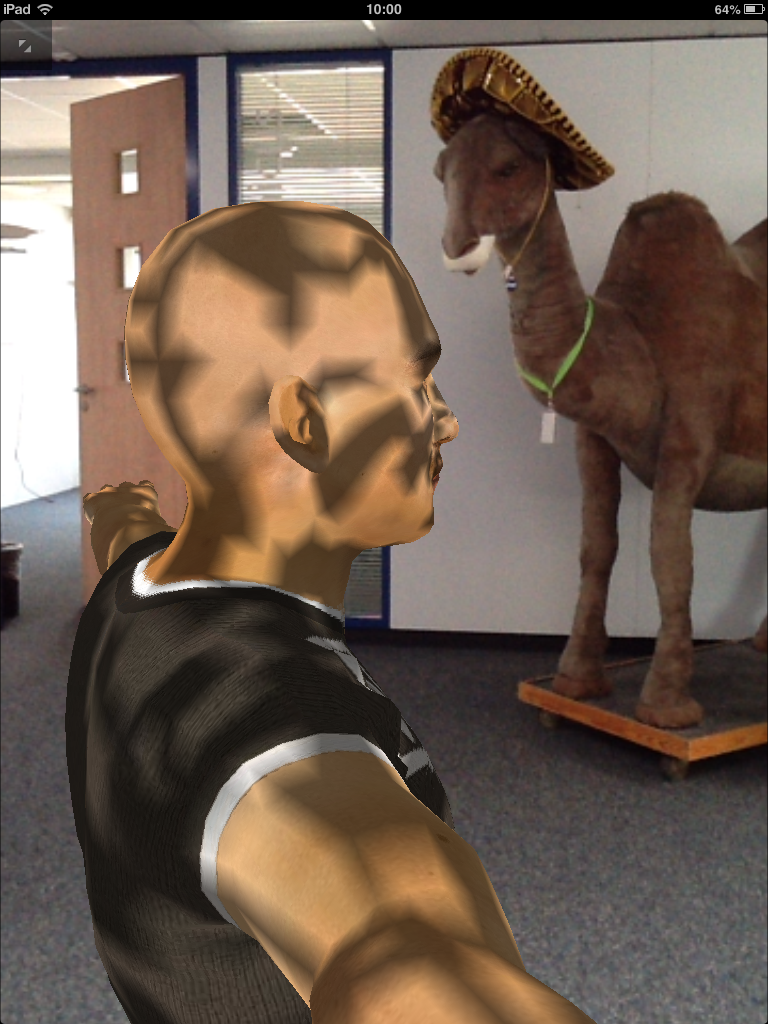
And here's what we get when loaded inside the PointCloud Browser iOS app:
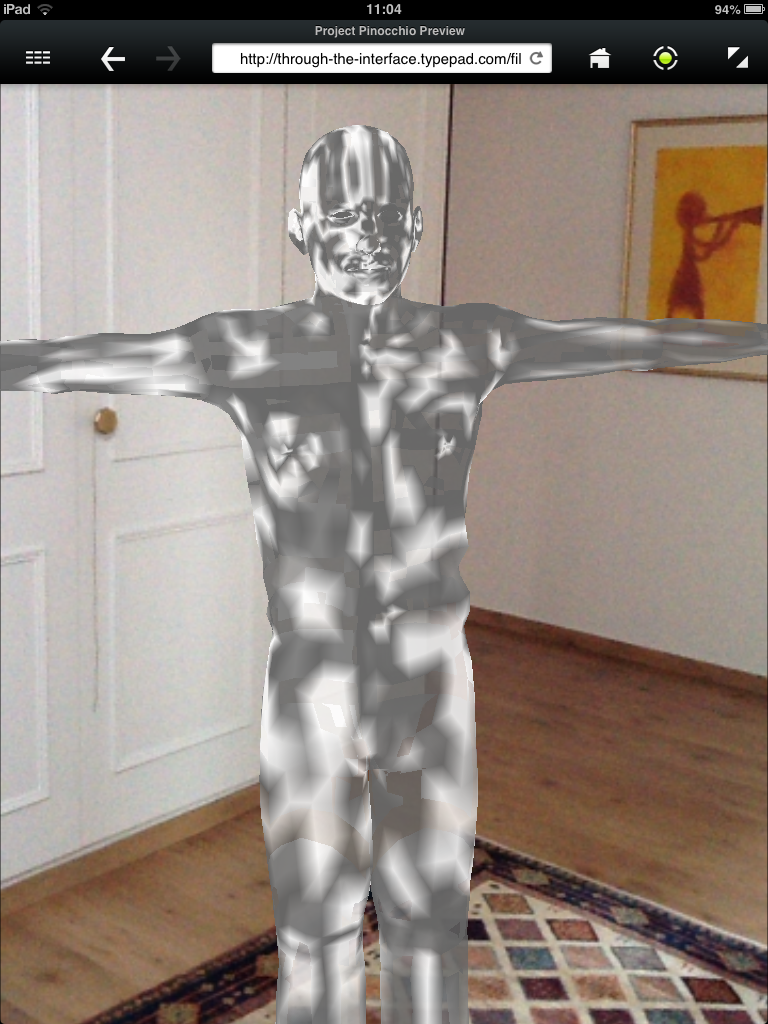
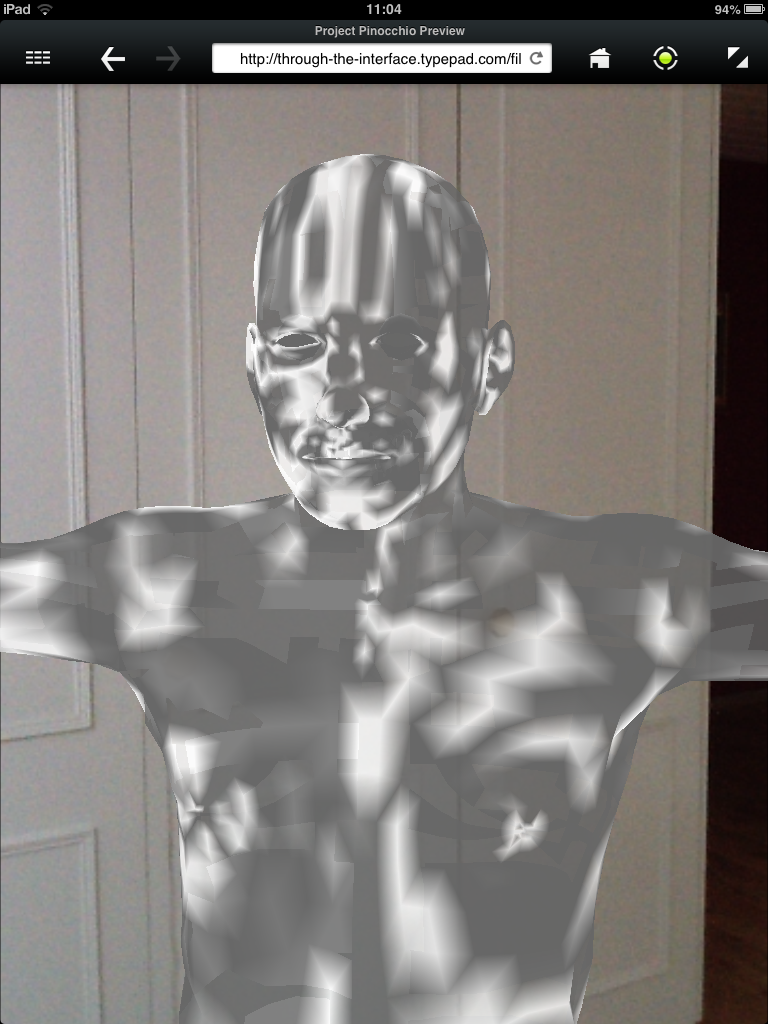
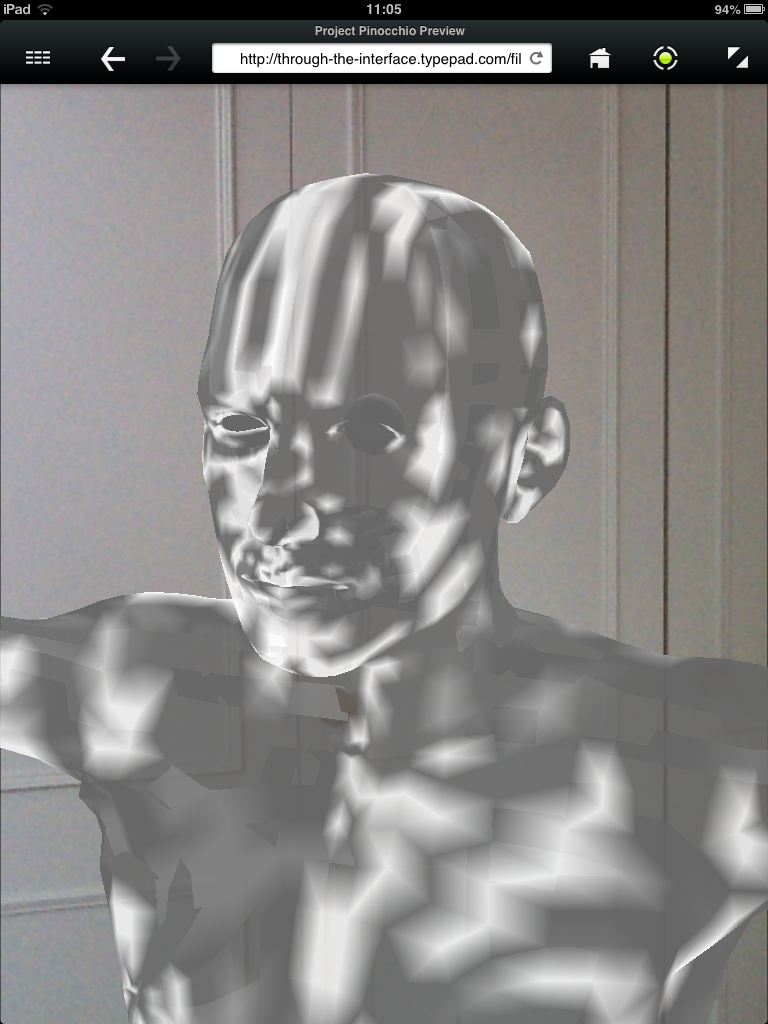
Without a material being applied, the results look a little like a cross between Gandhi and the T-1000 from Terminator 2. Hopefully I'll find out if there's some way to get the material applied properly, at which point I'll post an update.
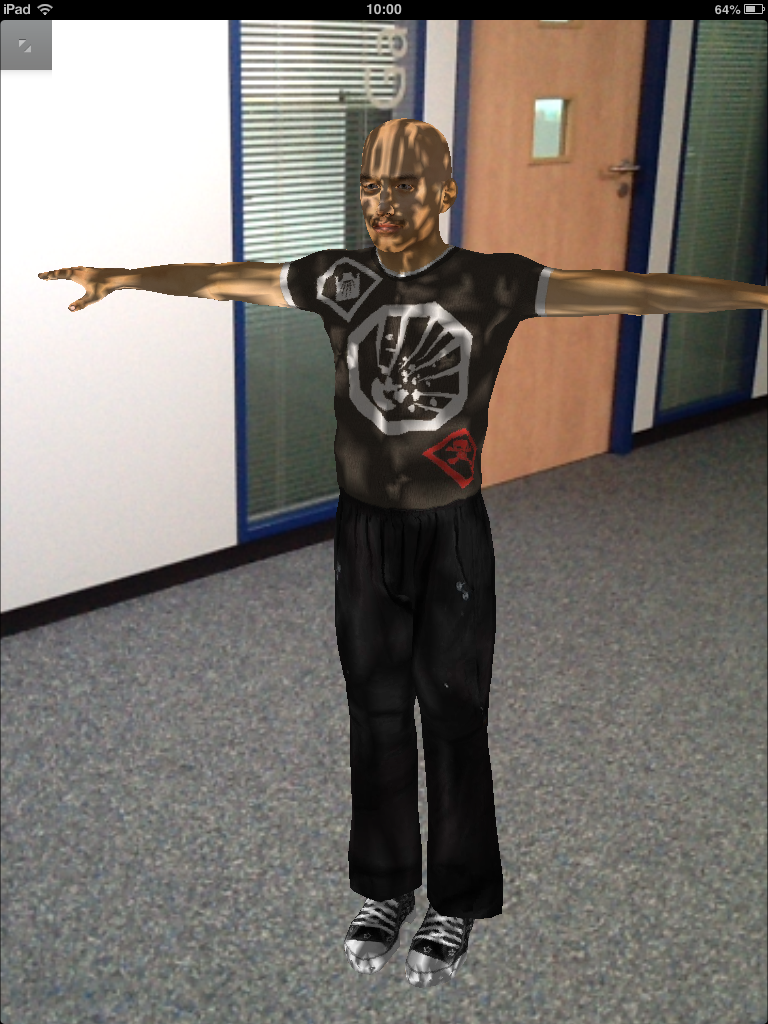
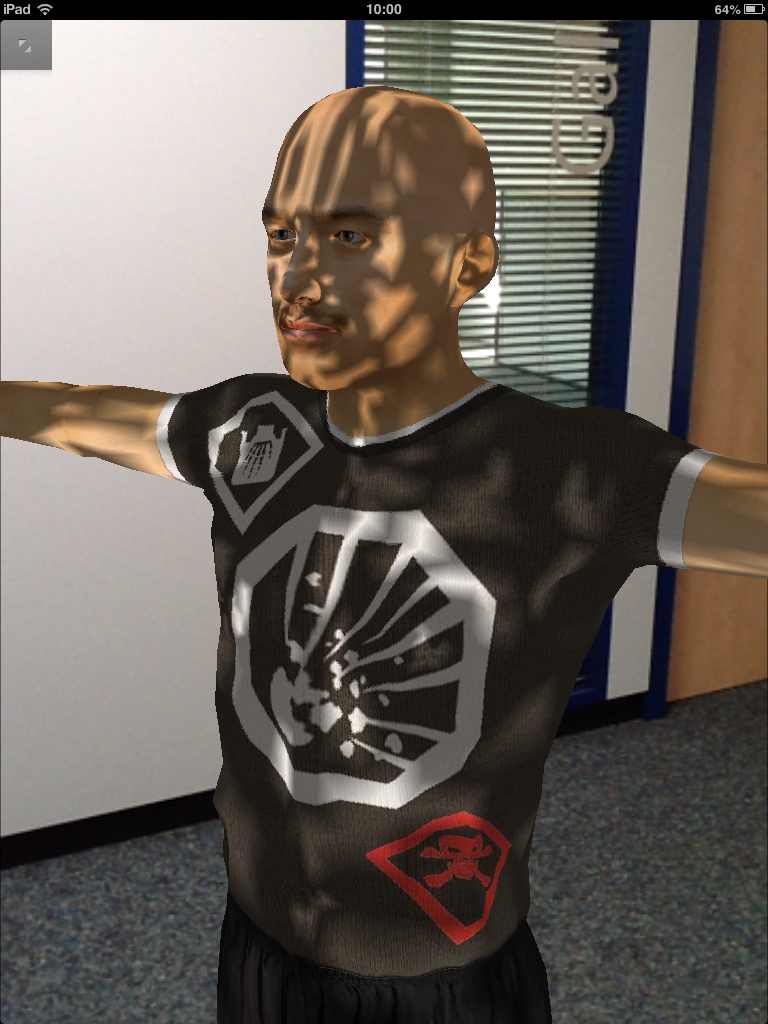
Update:
I tried this again in the office, this morning, after changing the texture from .TGA to .PNG (after switching from the original .JPG). And it worked! I'm not sure whether the change I made was the difference or not – because I'm 90% certain I'd tried that, previously – but anyway.


Leave a Reply to SimoneSabba Cancel reply