As promised (threatened?) back in February, this blog has finally received a much-needed design refresh. I had hoped to get our internal creative team to help with this, but that unfortunately didn't pan out: all issues that you come across are therefore the responsibility of yours truly.
Here are the key changes in this refresh:
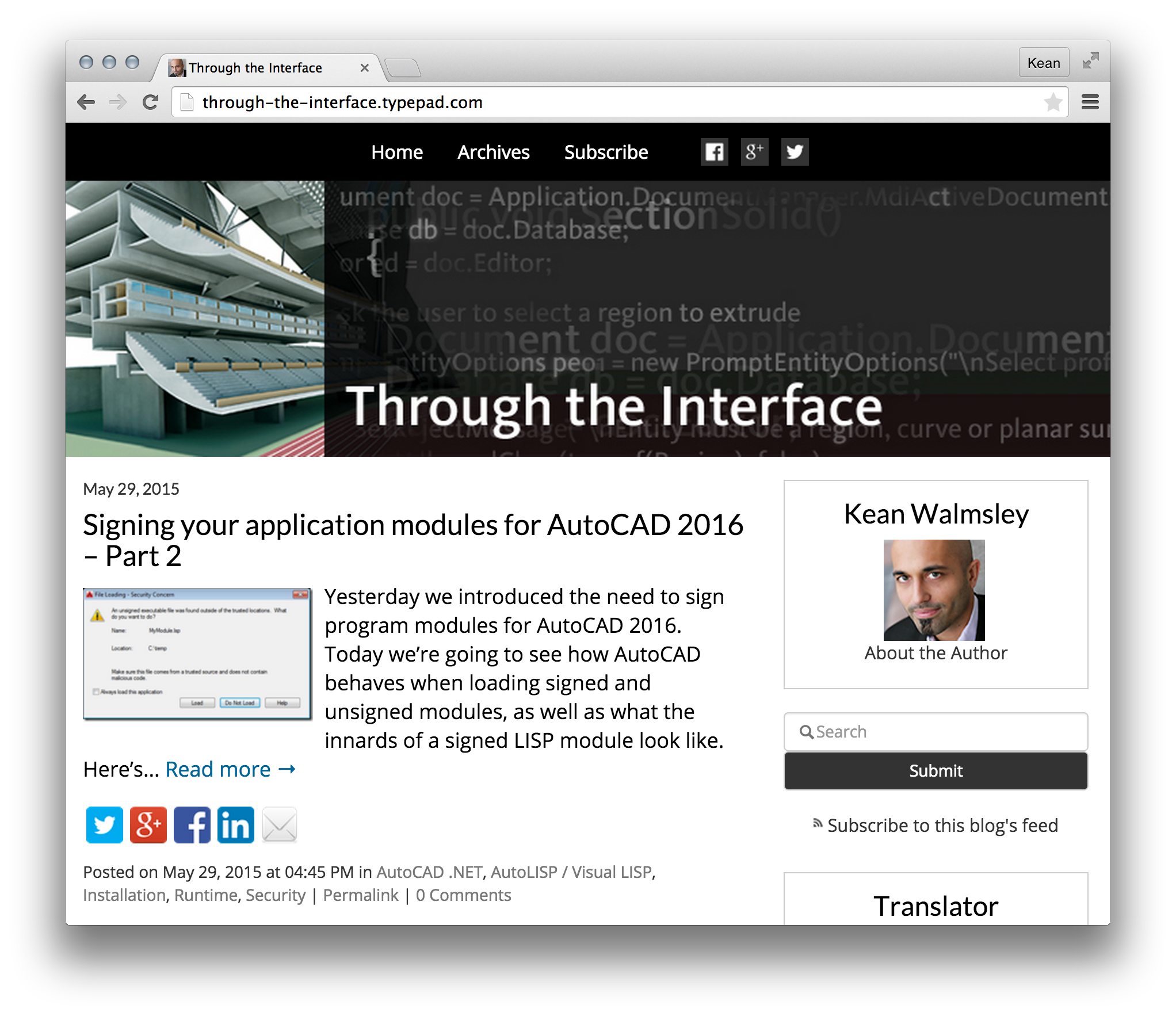
- Based on Typepad's "Snap" responsive design template
- Switched to new fonts: Lato for titles and headings, Open Sans for body text
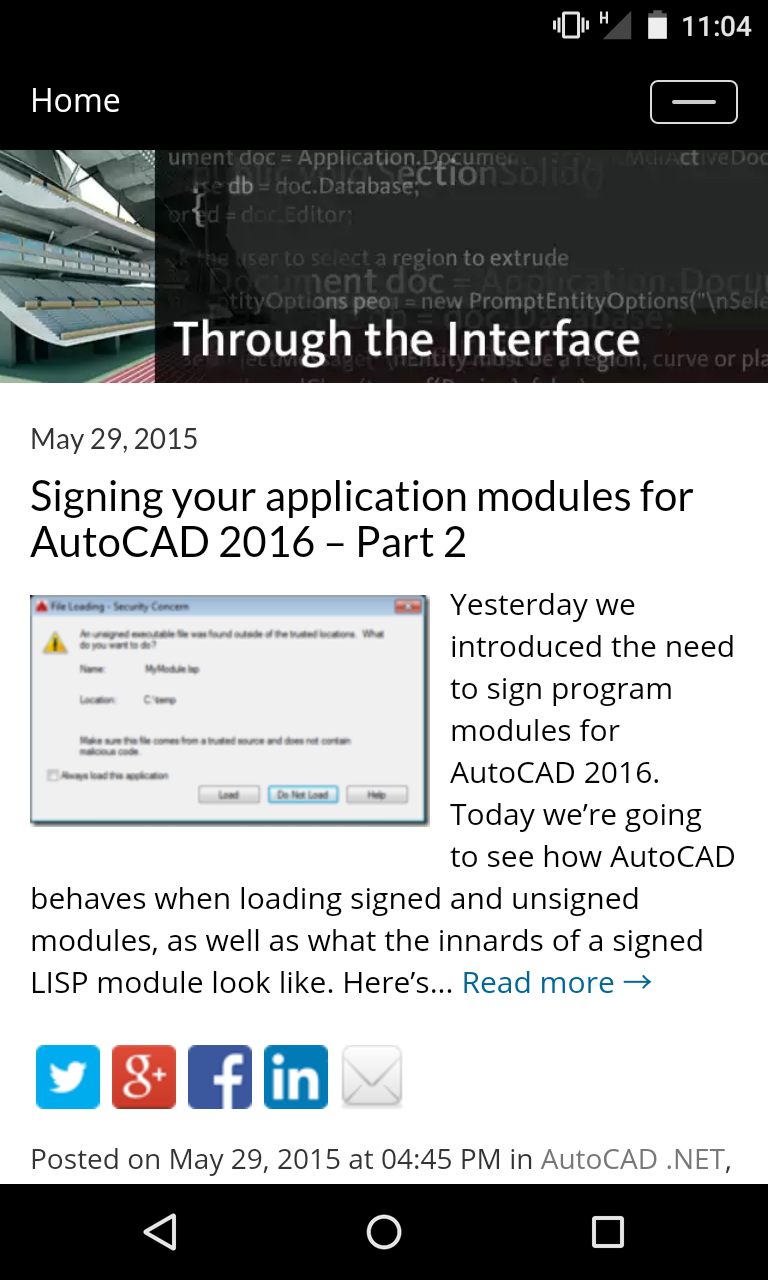
- Displays excerpts rather than full posts on the home page and post indices/archives
The intention is that the blog be much more readable on a variety of devices and form factors. Based on the fact that a significant portion of you (35%) only expect to read this from large form factor devices (PCs), I definitely didn't want to compromise that experience. I welcome your feedback – positive and negative – although I don't expect to be able to please everyone with this redesign.
Now for a bit more detail on the various changes…
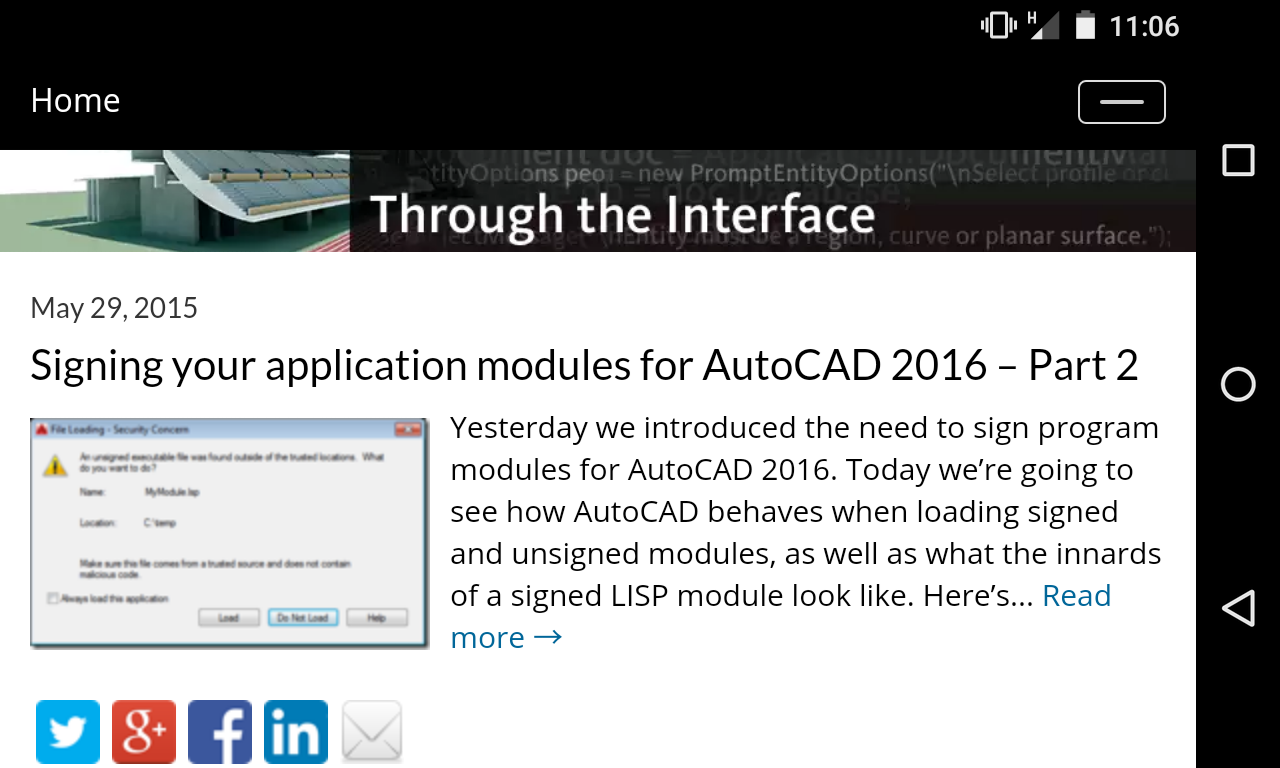
As it now has a responsive design, you'll see the main body of this blog's content resize according to the width of the browser window (rather than having two fixed sidebars and a central content pane of ~470 pixels, as it had previously). When the width is under a certain threshold, the sidebar will get placed below the main content. Typepad's Snap theme makes use of Bootstrap to maintain its responsiveness, so I've had fun getting to know some of its capabilities in order to tweak the way it behaves. Hopefully for the better.
One issue that really had me irritated was that when rendered for small form factors (< 400 pixel width) the responsive navigation bar – which stays fixed at the top of the screen and collapses when the browser width reduces – didn't have its "hamburger" button displayed on the right. It turns out the button was there, but it was off the right of the screen. I debugged the page for far too long before I realised the issue wasn't with CSS, it was with the content in some of my posts: the recent post on digital signing contained some LISP with some really long "words" that weren't breaking. I had to add some styling that forced these to break rather than add to the width of the content.
I know there are a bunch of older posts that will look bad with the new design: by default embedded YouTube videos and animated GIFs are not centered, for example, and for the larger-sized ones I usually didn't bother. I need to go back through and fix these, over time, and would certainly appreciate anyone taking the time to flag any they think need fixing (whether by posting a comment here or on the post itself). The same is true for a number of posts with image collages: those are going to be ugly until I find a way to fix them.
On the subject of fonts, I didn't want to go with Snap's standard font (Arial <stifles yawn>) so I researched what font pairings were available via Google Fonts. I'm relatively new to both Google Fonts (awesome, open source typefaces) and the idea of font pairing (where you have two fonts that work well together, whether for headings and body text or multiple styles of paragraph), so this was actually a lot of fun. My father was a graphic designer and typeface nerd, so I grew up with Letraset transfers and knew about kerning before I'd even seen a computer, so this was perhaps unsurprisingly important to me.

Overnight on Saturday night, I tweeted that I was chewing on this topic, and Mike Burke kindly put me in touch with typeface guru Jack Yan. Jack suggested a few slab serif fonts, but in the end I couldn't bring myself to move away from sans-serif: I settled on Lato for titles and Open Sans for everything else. Google Fonts does a great job of showing commonly used pairings – presumably because they have perfect data on who uses what fonts together – which helped a lot. Despite eventually going my own way on this, I definitely appreciated the input which helped me get there (thanks, Mike & Jack!). Hopefully people will find the new fonts readable enough.
And for the last point… excerpts vs. full posts. This came up just this morning, with some input from Scott Moyse. He made the valid point that scrolling through the main page posts – especially the longer ones – on mobile devices was a bit painful. Based on this feedback – and with a pointer from Robin Capper – I enabled viewing of post excerpts on the home page and the various indices and archives. Now this is one area that may impact the experience for readers on the desktop – you can't easily scroll through a whole load of posts in one window. But hopefully it won't be too much of a pain for people to click the various links and help improve my blog stats. If you have a strong opinion on this one, please do post a comment. This for me is the most contentious (as well as being the most recent) change to the design.
I owe a big debt of gratitude to th
ose of you who have already given feedback after yesterday's soft launch, particularly my fellow CAD bloggers Robin, Scott and Paul Munford. This kind of change is never straightforward, so advice from peers is extremely valuable.


Leave a Reply to Chris Fugitt Cancel reply