Rhys Goldstein has been busy implementing some new features in the Voxel-based Architectural Space Analysis (VASA) package.
I've just published a new version to the Dynamo Package Manager containing the following enhancements:
-
Added "PathModel.GenerateSamplePoints" and "DistanceField.GenerateSamplePoints", which generate sample points according to an approximate spacing parameter.
-
Added proximity operations ("NearestFilledAlongX", "NearestFilledAlongY", "NearestFilledAlongZ", and "NearestFilledHorizontally"), which find the filled voxel nearest to a point.
-
Added special operations ("AutoCrop", "AutoSplit", "DensityMap", "DensityMapWithWeights"), which automatically crop, split, and create density maps from voxel models.
-
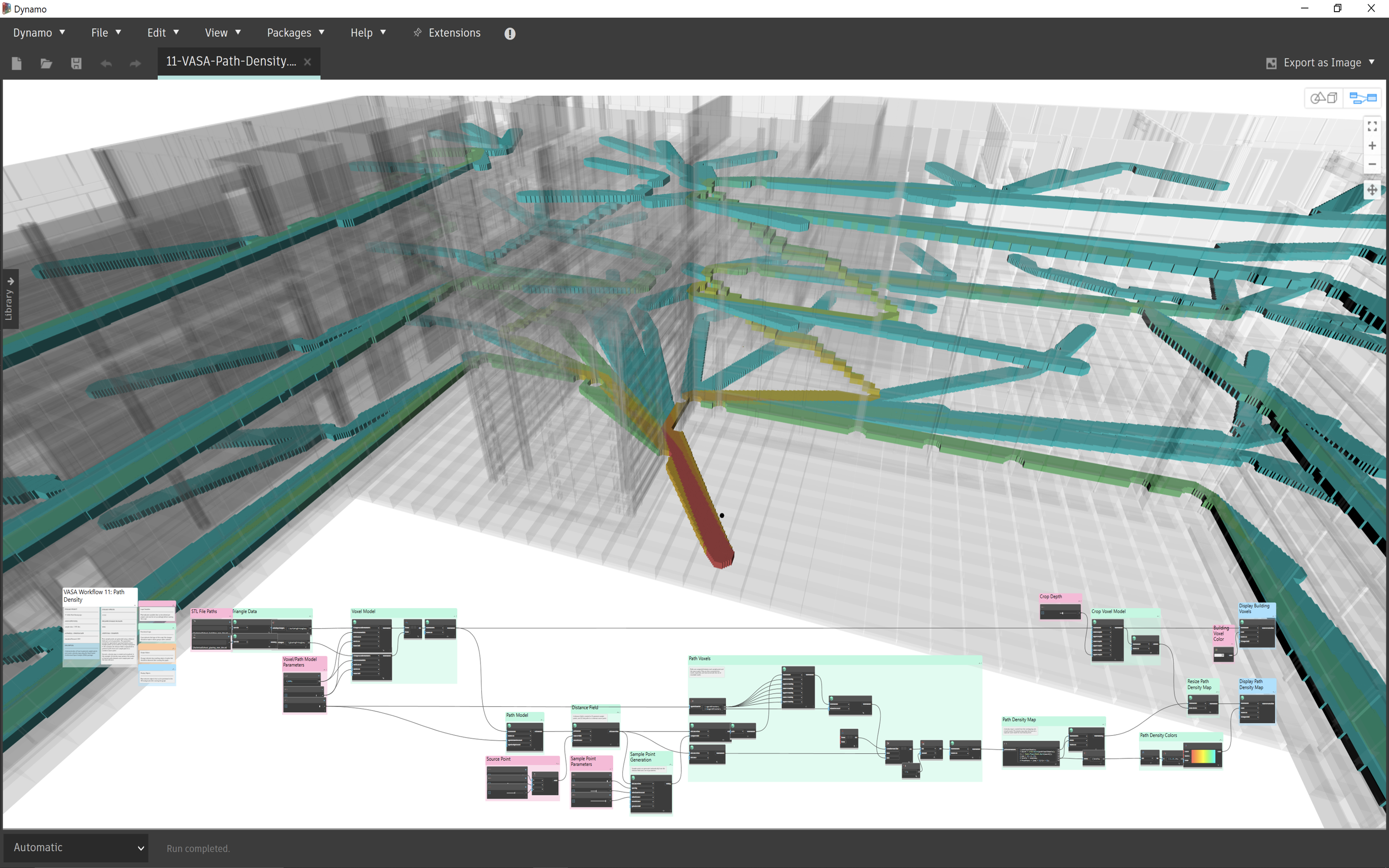
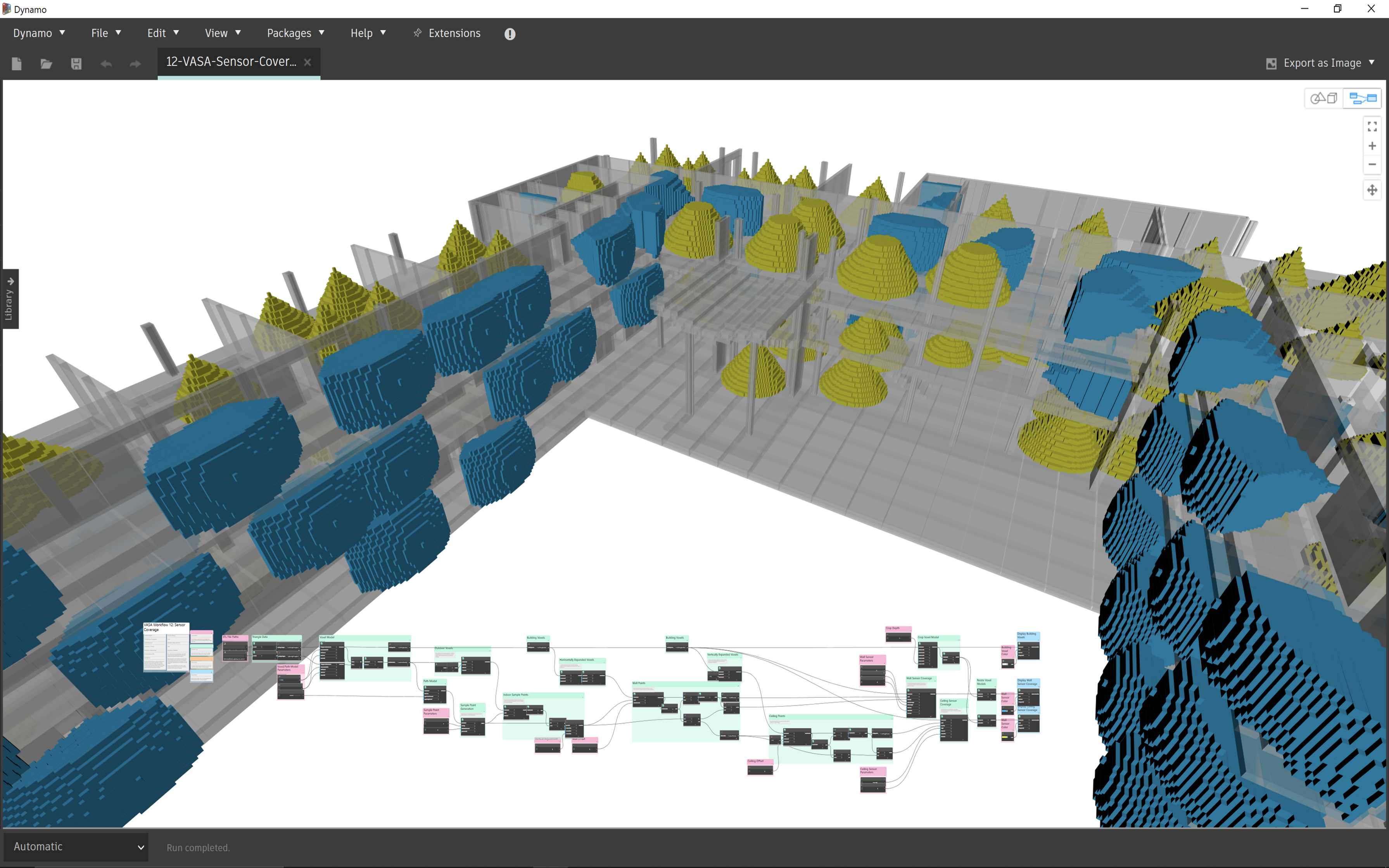
Added new examples ("11-VASA-Path-Density.dyn" and "12-VASA-Sensor-Coverage.dyn"), which demonstrate the new features.
-
Fixed a bug in the fill from point operation, which previously failed to fill an empty region in rare cases.
-
Fixed a bug in the union operation, which previously hung if passed an empty list.
The best way to check out what's new is to load the above-mentioned sample files. The first covers path density – something that is extremely valuable for Generative Design workflows, such as the one implemented for Project Discover.
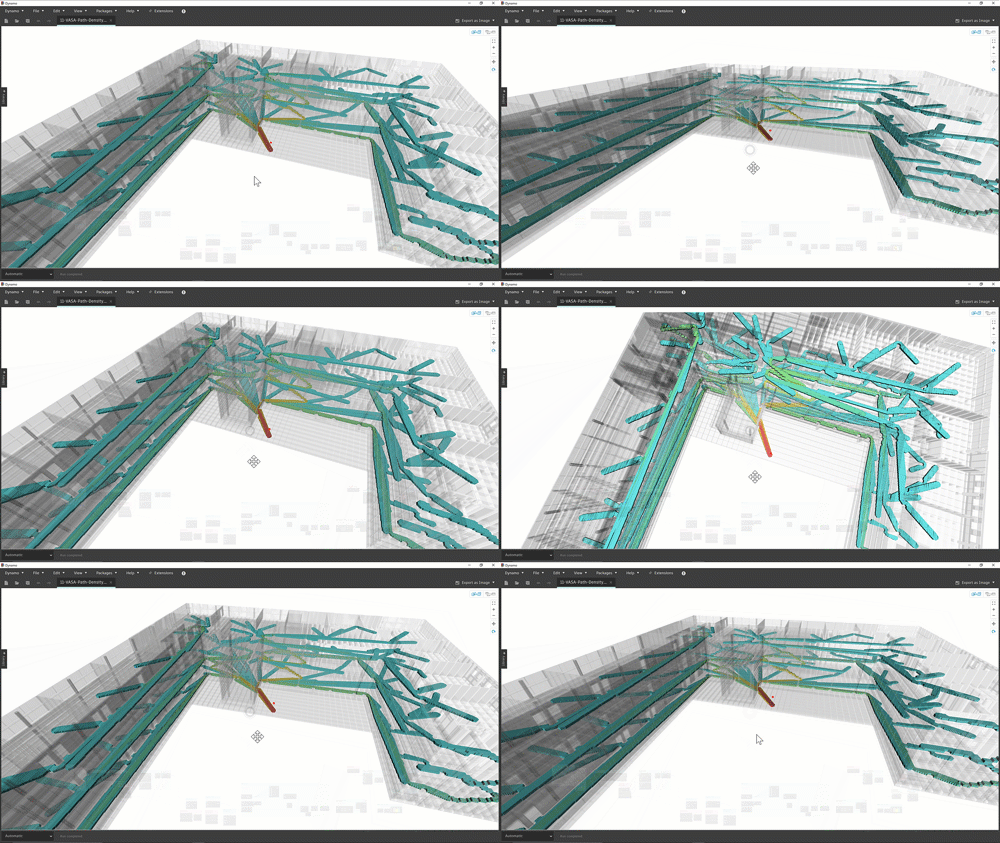
Here's an animation of the graph's graphical output:
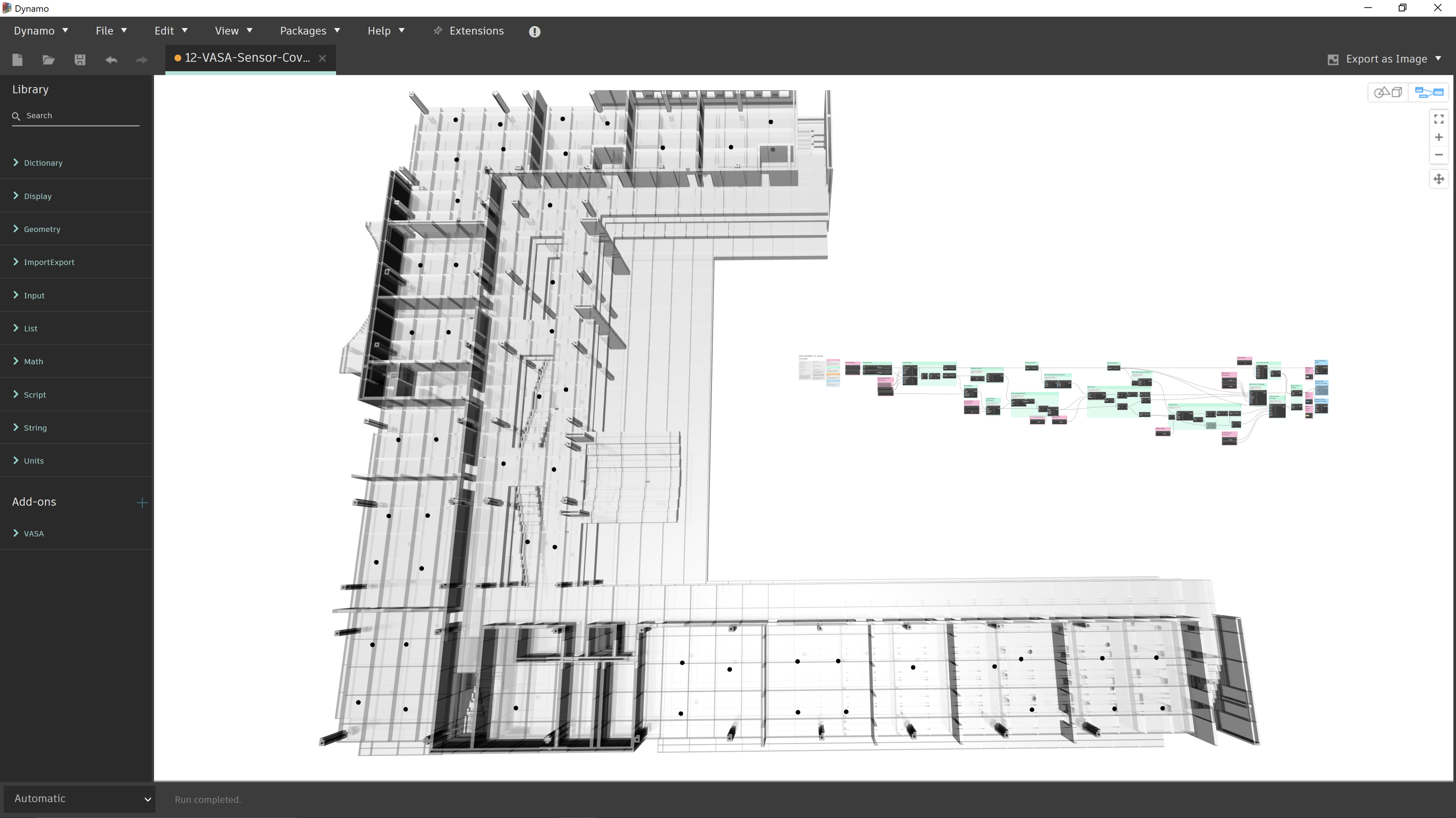
The second is also one I can well imagine making use of, in the future, for IoT-centric projects: it allows you to calculate and display the coverage of sensors in a building.
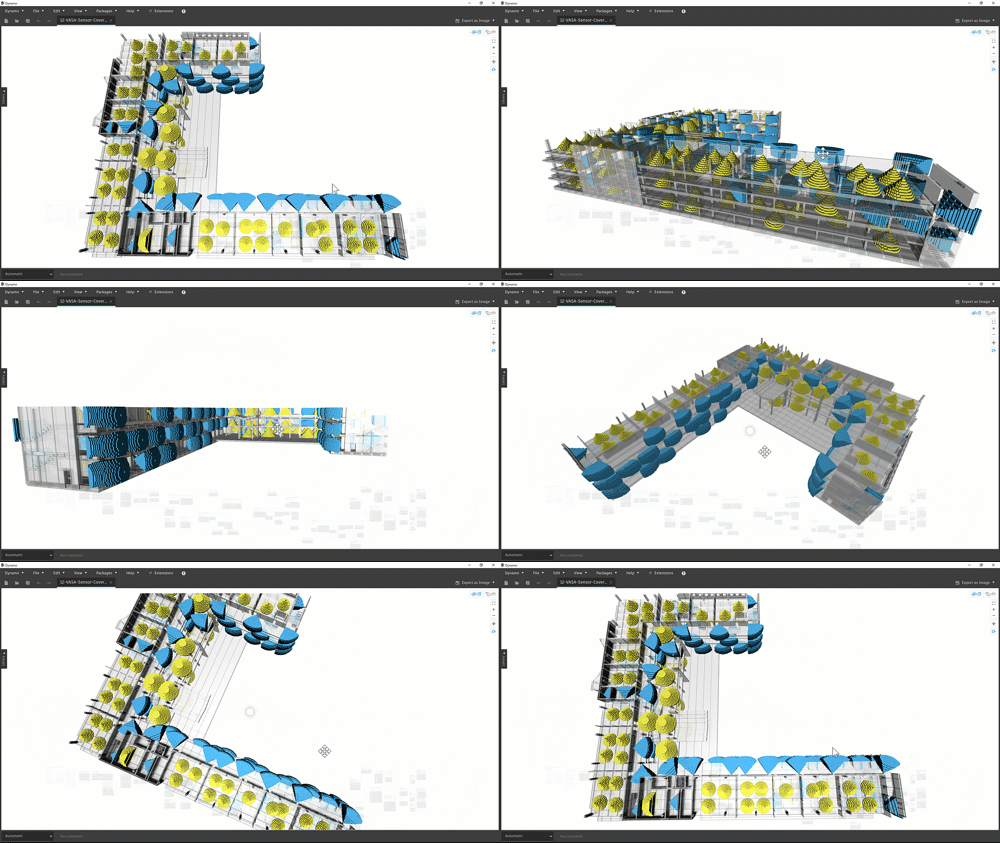
Here it is moving:
This is actually more involved than it might look: the sample isn't just displaying the sensor coverage graphically, VASA is also providing sample points within the space that get used for the sensor locations:
This is exactly the kind of capability that we had to implement with significant complexity – using the centroid of Voronoi cells – to create neighbourhoods in the MaRS project. This is going to be very useful for various generative workflows, I'm sure!
I'm going to leave it there for now, but this is something I'd like to dig into in more detail in a future post. I'm sure Rhys will soon be recording another of his great videos to discuss this soon, in any case.


Leave a Reply