One of my pet peeves with Dynamo – as I typically use it standalone from Revit – is the quality of the text you can generate as graphics: the Dynamo Text package will generate curves (actually lots of little lines) that represent the outline of your characters, but they often look quite lame depending on your zoom level. Actually scratch that – they look lame irrespective of the zoom level. Sigh.
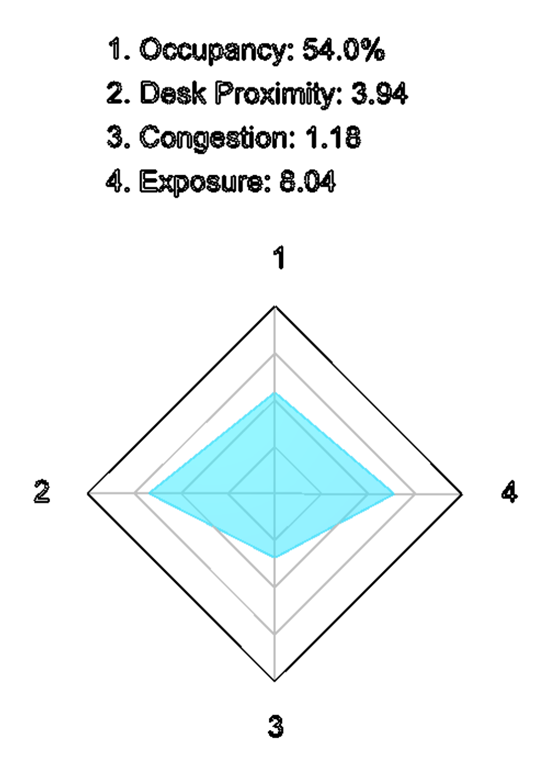
Anyway – today I finally dug into what I needed to do to create better-looking text as output from your Dynamo graphs.
My first attempt was to create a bunch of closed curves from the line segments, and then patch them with surfaces. Which looked liked I'd gone spray-painting with a poor stencil.
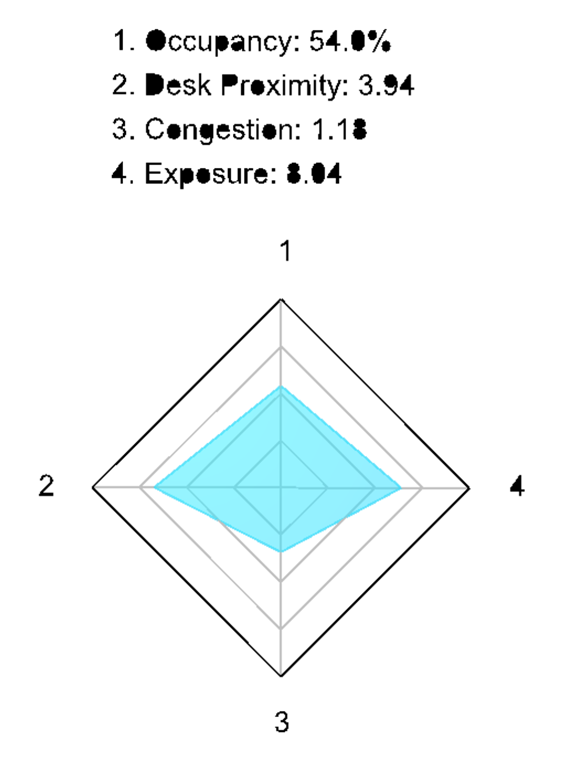
With some thought – and a little bit of sweat, I admit – I settled on a process that works well:
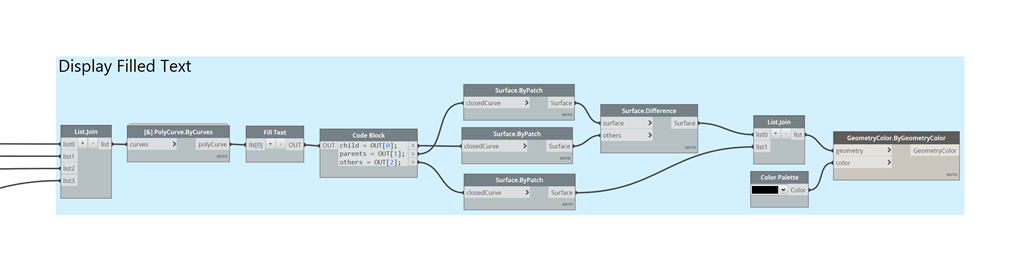
- Take the output from the Dynamo Text node.
- Create PolyCurves from the line segments using Ampersand's PolyCurve.ByCurves node.
- Process the (hopefully now closed) loops with a Python script (code is provided below), to find the enclosed loops (the "children") and the enclosing ones (the "parents").
- To search the list of loops efficiently, we first sort it based on each item's minimum bounding box point, and then assume that we only need to compare each potential child with the ones that come before it in the list, to see whether any of them enclose it (i.e. are its parent).
- It's really important to treat separate lines of text independently – hence us passing in a list – as otherwise performance will die in a combinatorial explosion.
- Create surfaces from each set – parents, children and others – and then get the difference between the parents and the children.
- View the differenced surfaces and the others (the ones with no loops).
The results look much better!
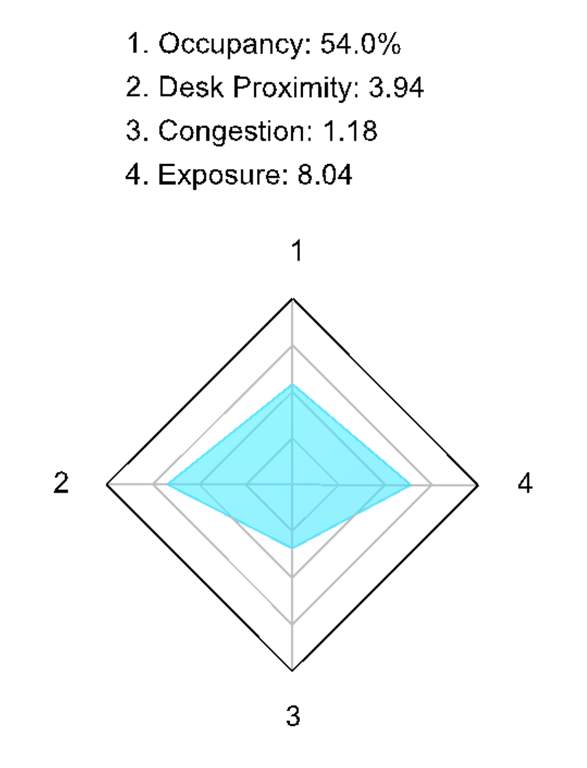
Here's the graph, for now. At some point I'll look at whether it makes sense to build it into a custom node/package. We'll see.
There is some performance hit – as there's quite a lot of geometry to process – but I think it's a decent compromise for the final creation of your presentation graphics (such as when you want to do use Capturefinery on your Refinery study).
Here's the code for the "Fill Text" Python node:
dd(parent)
You can probably take a guess at what I'm working on from the images I've included in today's post. I'll be posting more on this topic in the coming weeks, for sure.
Leave a Reply