I mentioned in the last post that I've been working on integrating a new timeline component into Dasher. By default the component supports a different visual theme than the one we've been using in Dasher: in order to make the look & feel consistent, I had to include Autodesk's HIG toolkit in the Dasher project.
HIG stands for Human Interface Guidelines, and it's Autodesk's effort to increase visual consistency across our products (especially those that are web-based). And the best thing is, it's open source and available for anyone to integrate in their projects via npm or yarn. And if you find it doesn't quite meet your needs, we're open for contributions, too.
The HIG toolkit comprises two main areas: a set of React components that adhere to our design standards and a set of visual themes that can be used to style your own components manually. You can pick and choose specific React components to use, or just pick up the theming, if that's of more interest to you. In Dasher we don't use React (yes, we're a bit old school on that front) so we just consume the theming via @hig/theme-data.
We started by passing the "dark gray" theme data into the constructor for our TimeSlider control – which overrides the default "dark blue" theme – but after thinking about it for a while, I realised we could also pick and choose some of the theme data to allow Dasher to support multiple themes. We use Sass (via SCSS files) inside Dasher, so it was a simple matter to import the variables for a particular theme into our stylesheet:
From here it's possible to use specific colours directly – such as via $basics-colors-autodeskBlue400 – or to use variables whose values will vary across themes – such as via $colorScheme-surfaceLevel300Color.
If you're not using Sass you can also include these settings via LESS or as JSON objects or EcmaScript modules, so things are pretty flexible.
For now I used the SCSS approach to just support a couple of dark themes – dark blue and dark gray high density themes – but with enough effort we could use the same technique to support additional themes, too. We had to restyle a few built-in Forge viewer styles to make this work, but it seems to work well.
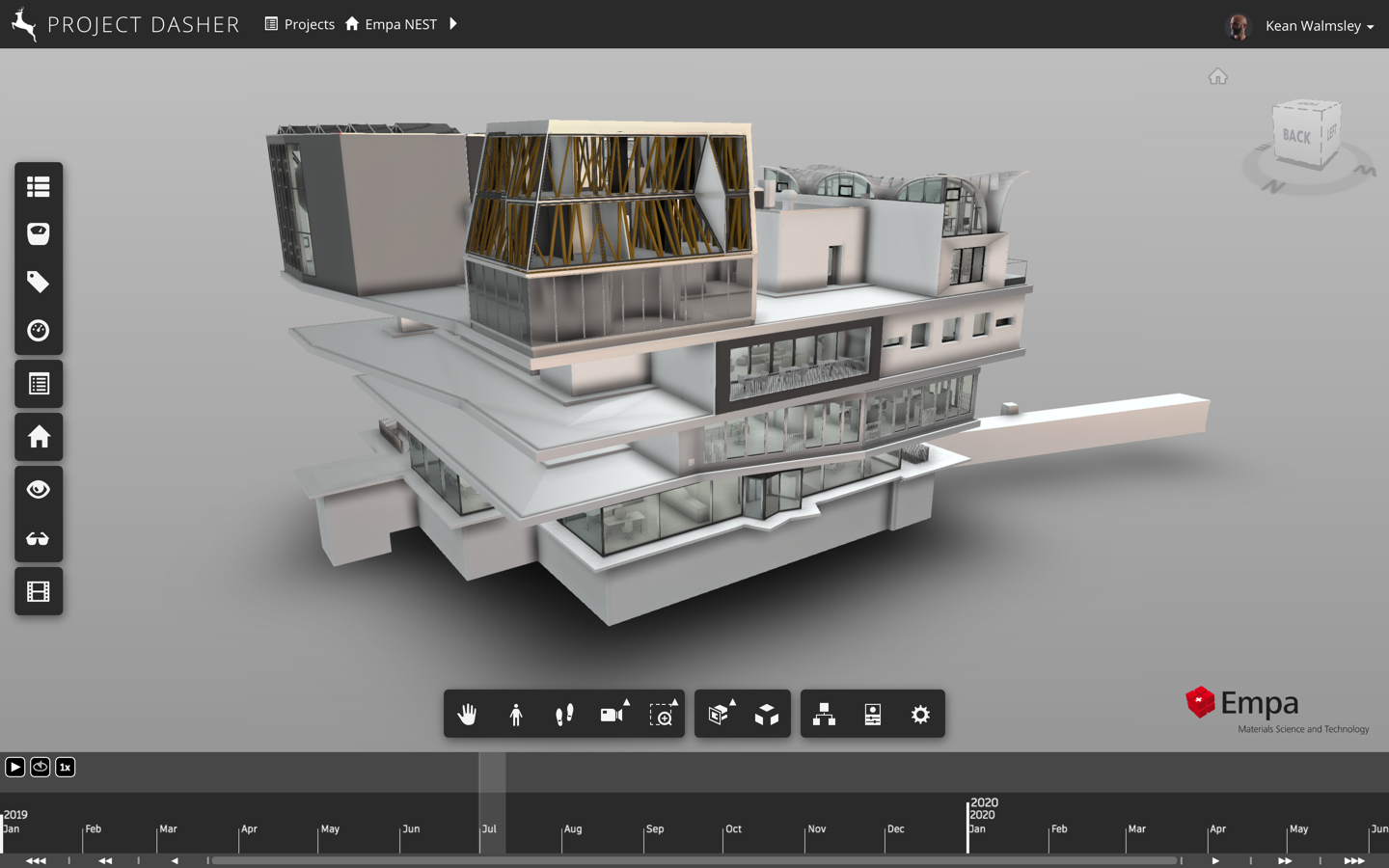
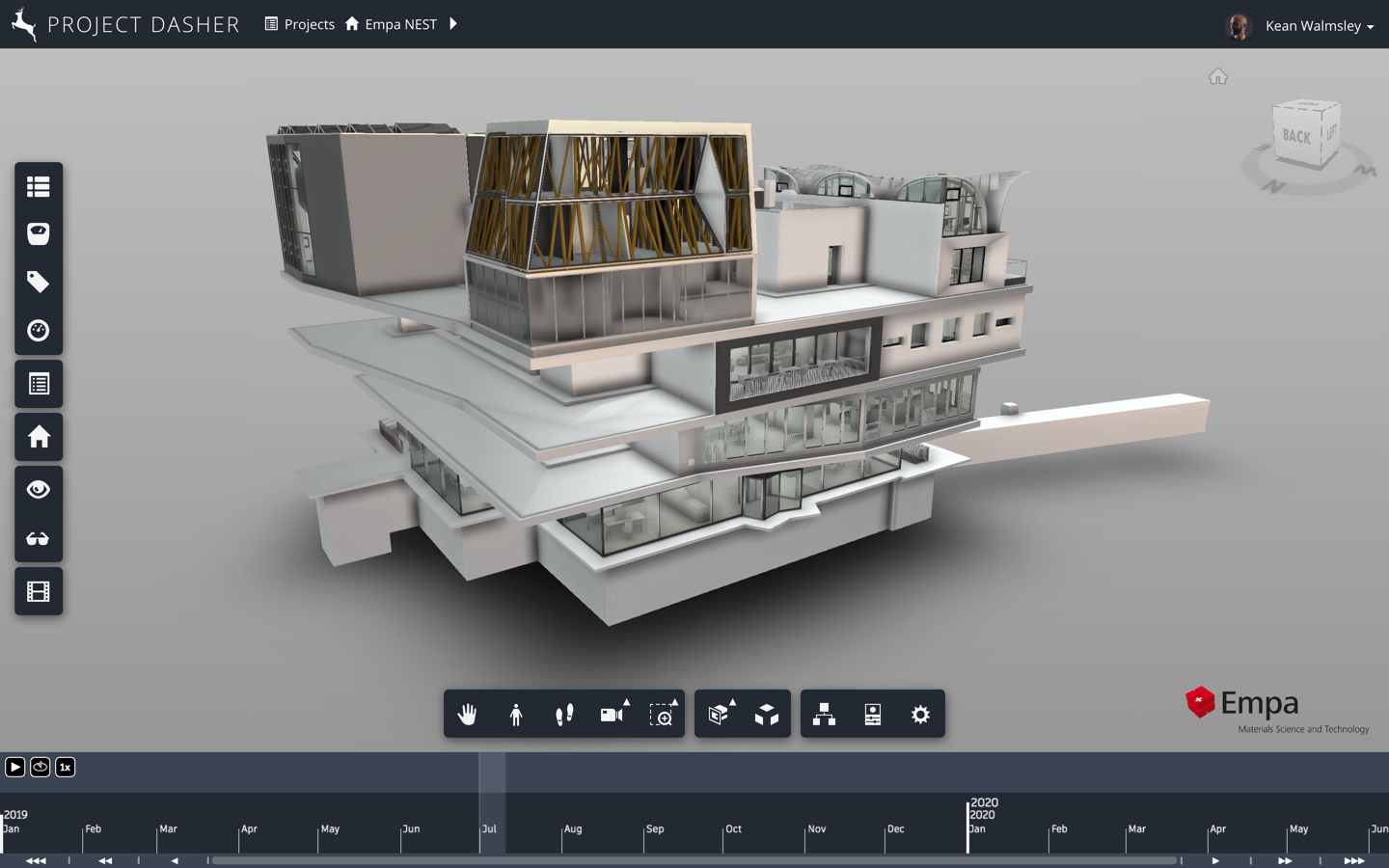
Here are a couple of "empty" views, using the respective themes:
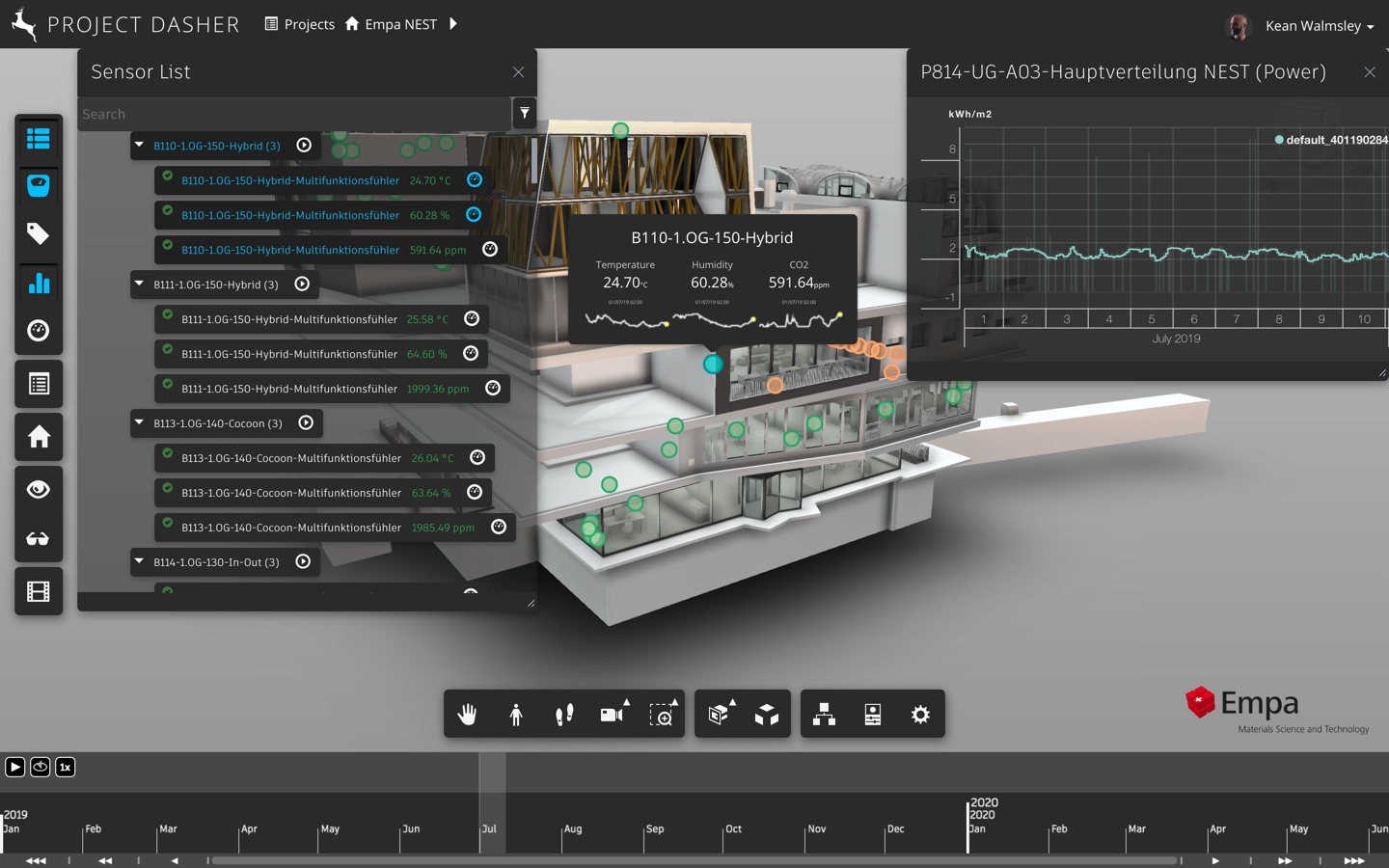
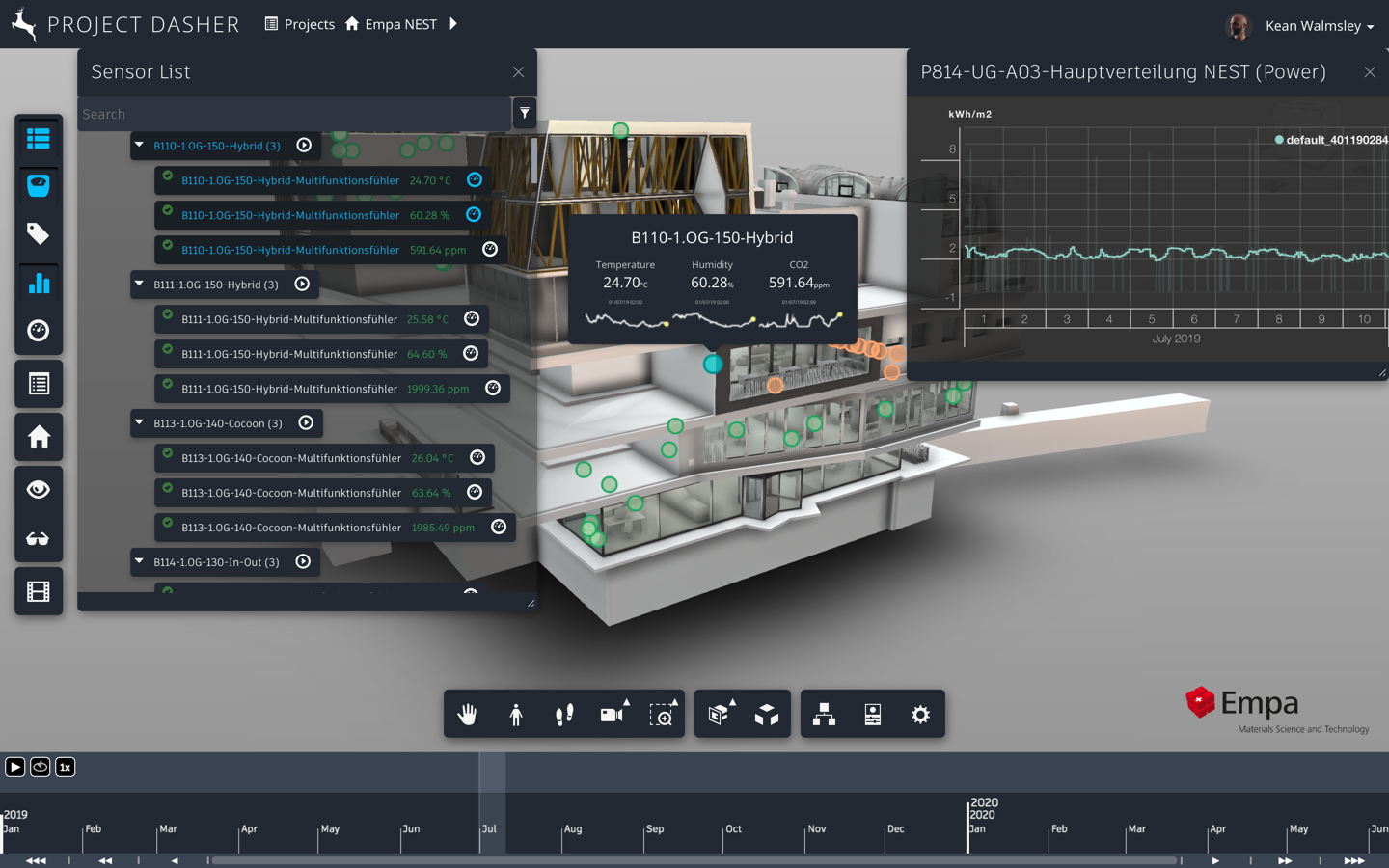
Here are a couple of "full" views including some Dasher palettes:
To help compare the differences, here are a couple of animations where the theme changes every couple of seconds (the differences are quite subtle, so watch closely!):
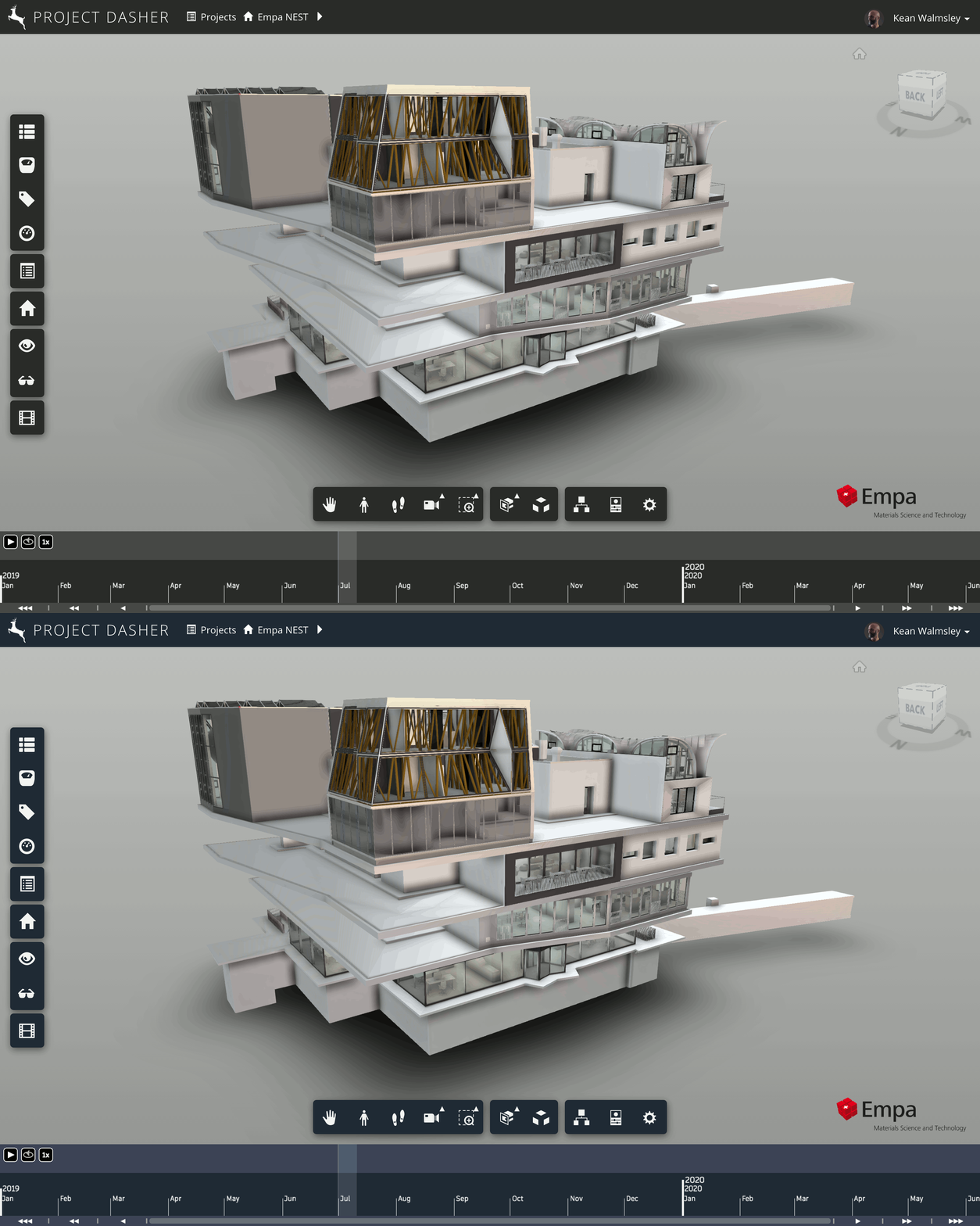
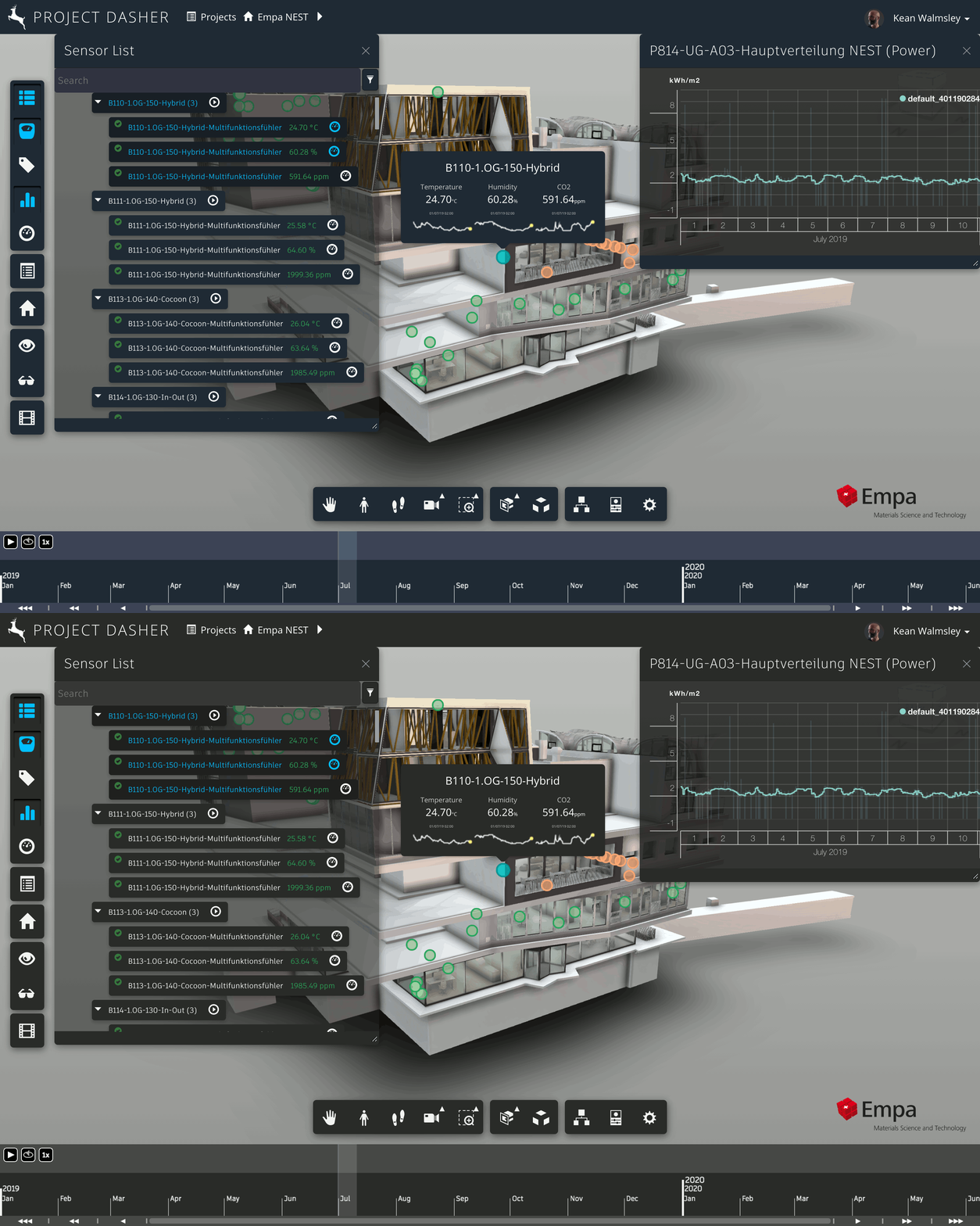
I haven't yet found a solid way to swap themes at runtime: for now it's a build-time decision which theme to apply. I get the sense it might be required to import the SCSS data via a mixin that can be applied or accessed dynamically, but I admittedly haven't explored this very deeply (and I also suspect this would require a change to the way HIG is built, although I could well be wrong).
If I come back to this at some point in the future, I'll be sure to publish a follow-up post. In the meantime, be sure to check out the HIG and see what it can do for you!
Leave a Reply