Here's something that's a little off-topic – relative to my other posts – but potentially of interest to fellow bloggers, people who have their own websites and even readers who're using Internet Explorer 9 and Windows 7.
Since attending the Microsoft TechDays 11 event in Geneva, back in April, I've been meaning to fool around with enabling this site for pinning to the Windows 7 taskbar, with some special customizations for IE9. And now that I actually have a Windows 7 installation (albeit inside Parallels on my Mac), I've been able to do just that.
At the root of customizing IE9 – and ultimately other browsers – is providing a custom favicon.ico file at the root of your site (at least that's the default location – you can point browsers to look for it in other places, simply enough). Most browsers look for a 16x16 version inside this file, but these days there are advantages to including larger formats, too.
My first step when creating a favicon for this blog was to convert a standard image into an icon. I ended up looking at a number of tools, for this:
- Online
- Offline
I also used Visual Studio 2010 to do some simple manipulation, after the fact. One thing I did notice is that copying & pasting between icons is often very dependent on that icon's colour palette: I found I needed to save colour palettes for particular icons as .pal files to then load in for other icons (especially when moving between tools), increasing the chances that the colours would come across properly.
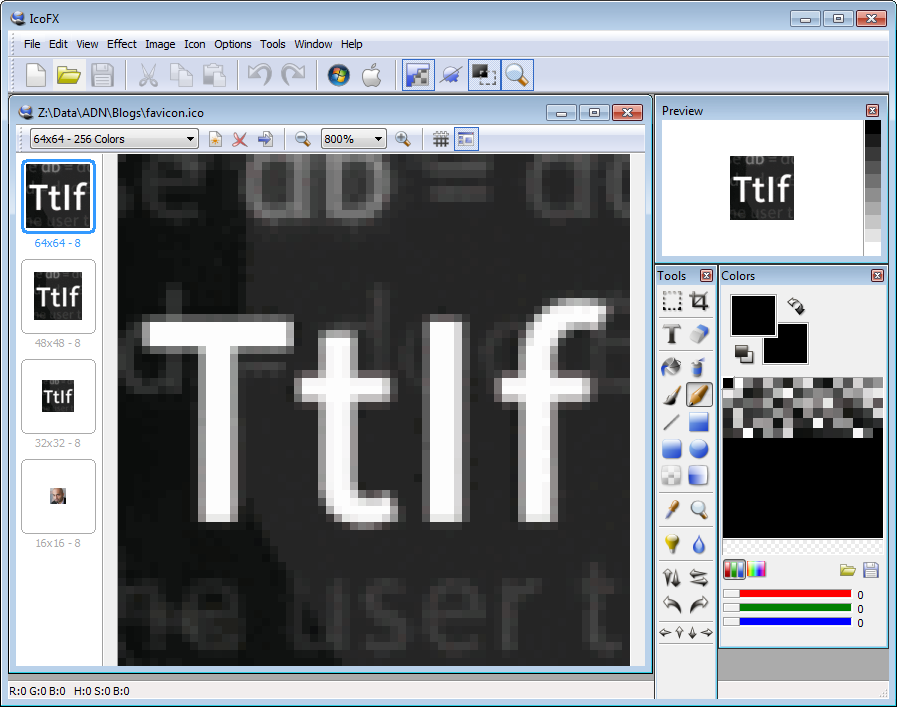
Here's what I ended up with, loaded in IcoFX. The base image was created from the blog banner with a simple image editor (I think I ended up using the one from the excellent SnagIt tool from TechSmith):
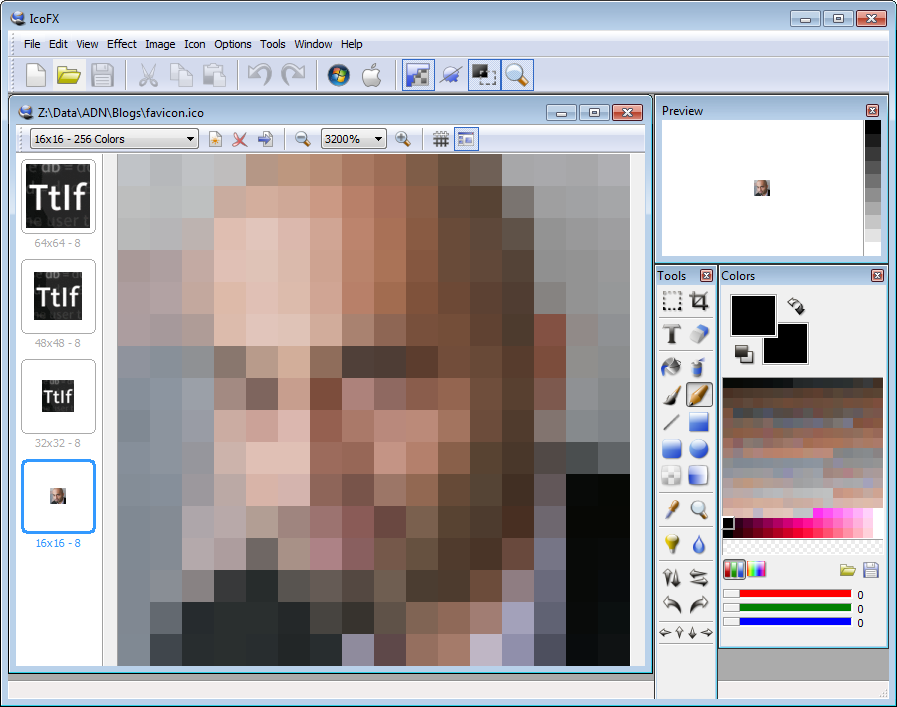
Given the fact that text looks a little small at 16x16 resolution, I ended up using my headshot for that one:
Just to make sure IE9 (in particular) could find the resource, I added a couple of lines of meta-data to the site (not even in the head – it worked fine from the body). It's this code (the href attribute) you can edit if your favicon isn't going to be located at the root of your blog:
<link rel="icon" href="/favicon.ico" type="image/x-icon"/>
<link rel="shortcut icon" href="/favicon.ico" type="image/x-icon"/>
It's not clear to me these are actually needed, but I did see them in reference to a problem with IE9 loading your favicon properly (and I did hit that issue, from time to time, which might actually have been cache-related, but anyway).
Now to see it in action.
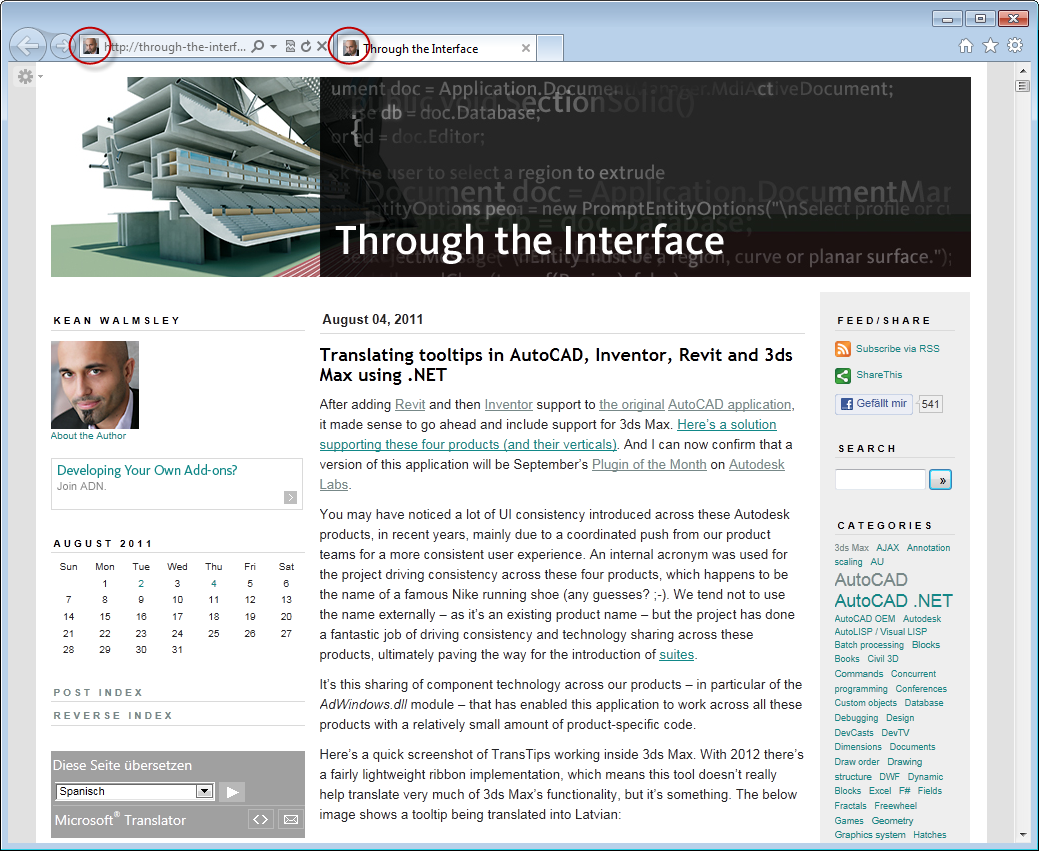
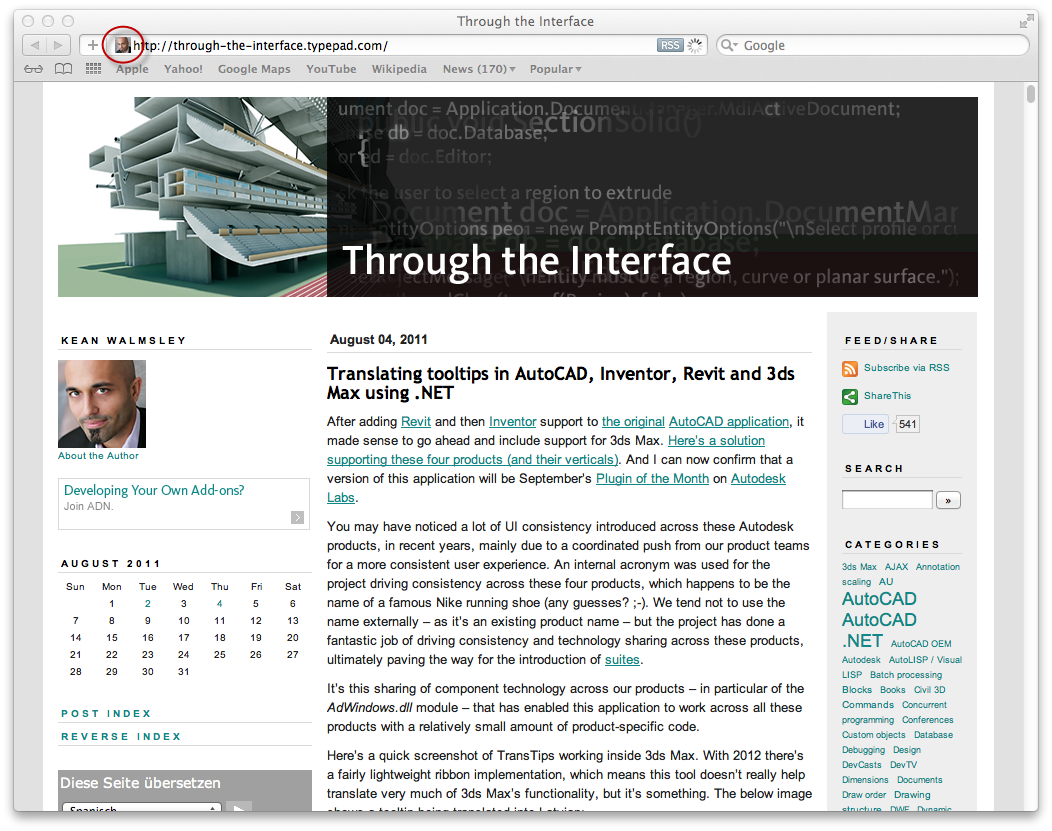
Here's the custom 16x16 icon shown in IE9:
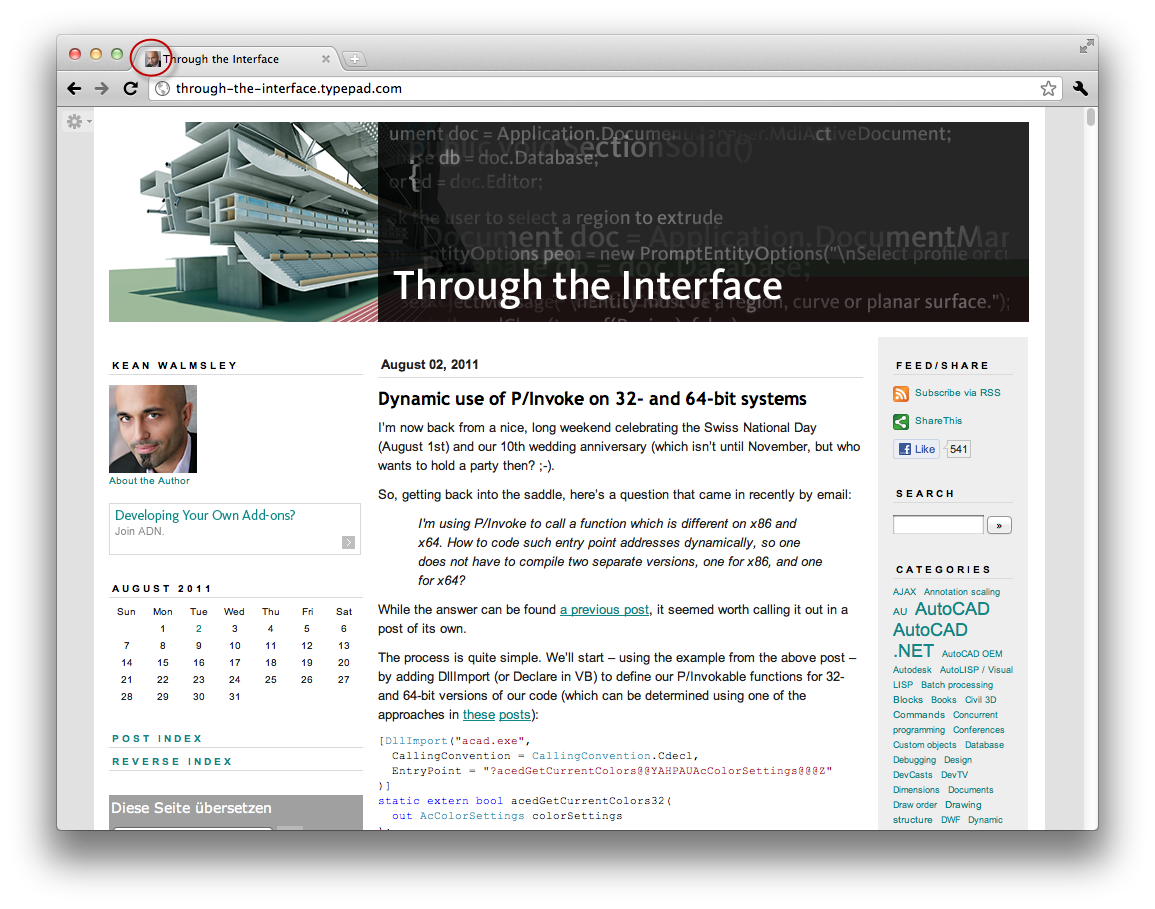
In Chrome:
And in Safari:
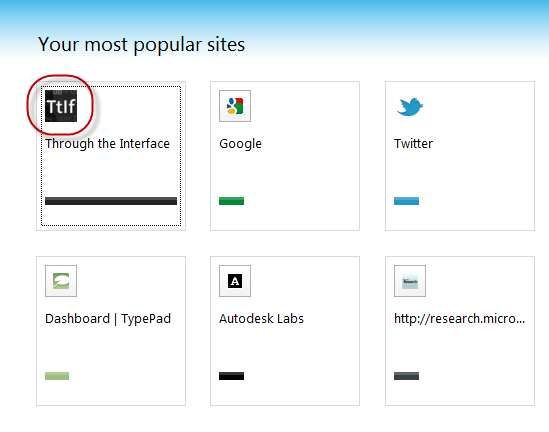
An additional size (64x64, I believe) gets used when the site is listed in the IE9 favourites:
To take it to the next level, there's some additional IE9-specific metadata you can add to provide a custom experience when the site is pinned to the Windows 7 taskbar.
Here's the HTML markup. The first part is focused on naming and identifying the site when added to the browser, and customizing the experience (the size of the window, the colour of the forward/back buttons) when launched in "site mode":
<meta name="application-name" content="Through the Interface"/>
<meta name="msapplication-tooltip" content="Open Kean's blog"/>
<meta name="msapplication-starturl"
content="http://through-the-interface.typepad.com"/>
<meta name="msapplication-window" content="width=1024;height=768"/>
<meta name="msapplication-navbutton-color" content="#000000"/>
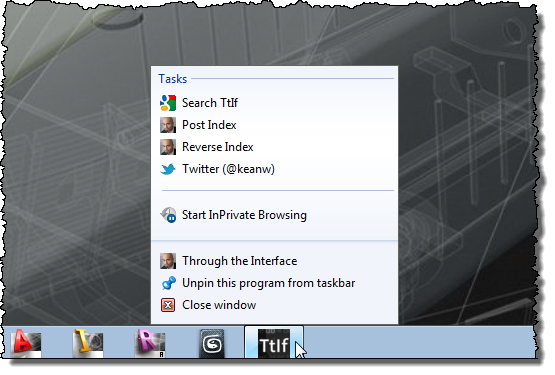
The second part adds some additional tasks for our site. We're adding a direct link to searching the blog, links to the post indices as well as to my Twitter account:
<meta name="msapplication-task" content="name=Search;action-uri=http://www.google.com/search?btnG=%C2%BB&domains=through-the-interface.typepad.com&sitesearch=through-the-interface.typepad.com;icon-uri=http://google.com/favicon.ico" />
<meta name="msapplication-task" content="name=Post Index;action-uri=http://through-the-interface.typepad.com/through_the_interface/posts.html;icon-uri=/favicon.ico" />
<meta name="msapplication-task" content="name=Reverse Index;action-uri=http://through-the-interface.typepad.com/through_the_interface/reverse.html;icon-uri=/favicon.ico" />
<meta name="msapplication-task" content="name=Twitter;action-uri=http://twitter.com/keanw;icon-uri=http://twitter.com/favicon.ico" />
Now let's look at the pinning process and how the site looks once pinned.
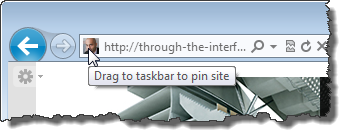
To pin the site – from a user perspective – you typically drag from the address bar:
As you're dragging, you should see another icon:
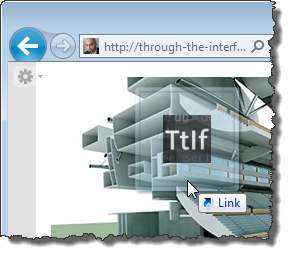
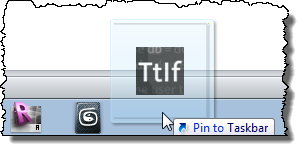
Until you get near the Windows 7 taskbar, where it can be dropped to pin the site:
When you right-click the newly-pinned site, you get additional tasks (which could have separate icons, if I went through effort of creating them):
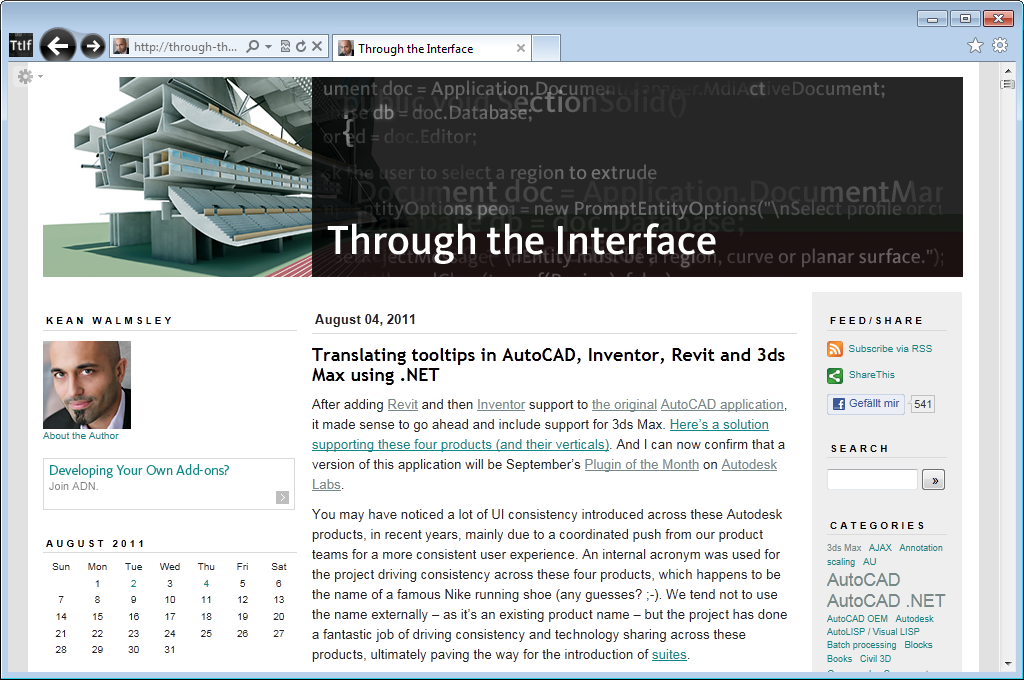
And here's the site itself, launched from the taskbar in "site mode". You'll see our custom icons as well as the modified colour of the navigation buttons.


Leave a Reply