After creating our basic LightSwitch project in the last post, today we're going to add some real functionality.
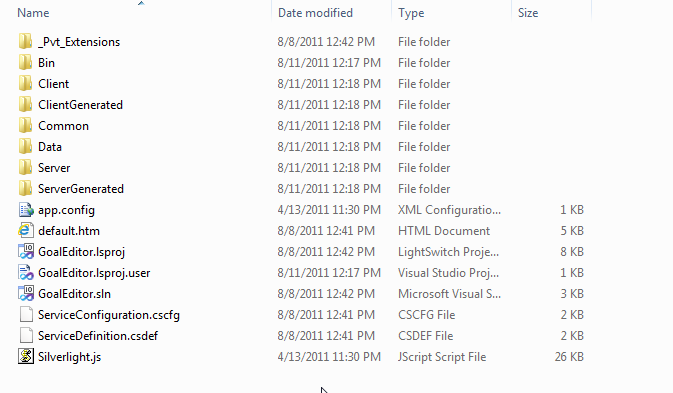
To get warmed up, let's take a look at some contents of the project we created last time. At the top level, we see there's a new project type, along with some intriguing files:
Drilling down a level further, we see a number of sub-projects (Client, Server, Common) contain C# files:
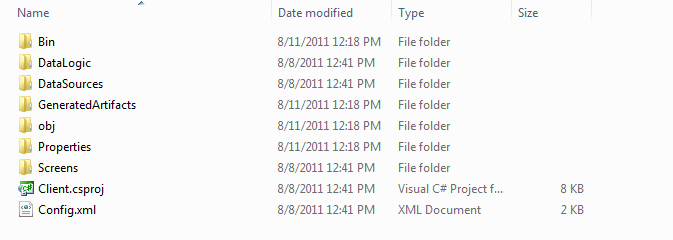
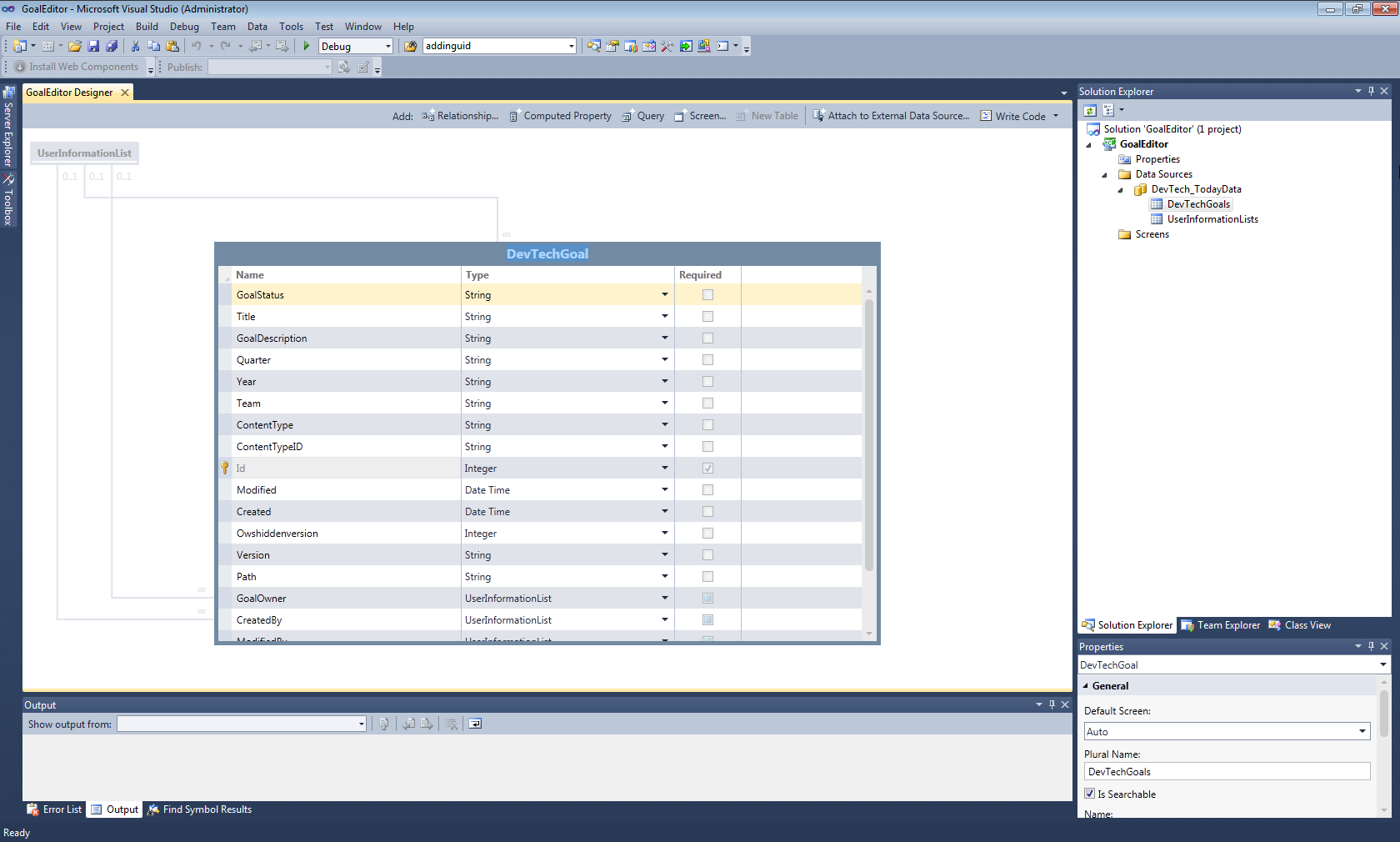
None of this should need to be edited manually, of course. Before adding some real capability to our app, let's take a quick look at the data-type imported when we connected to SharePoint:
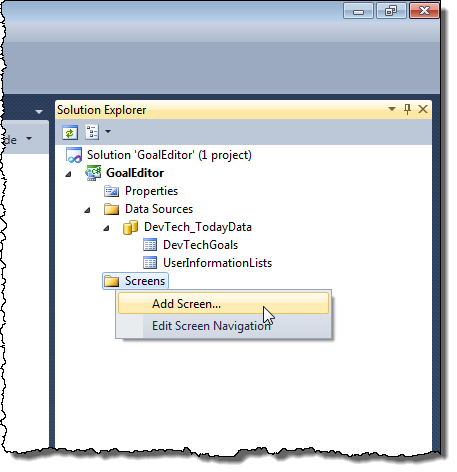
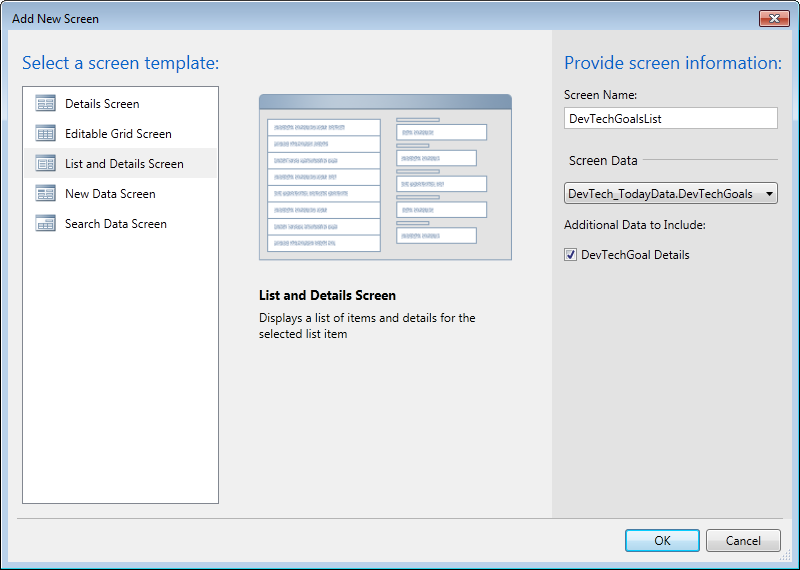
To add some "screens" (the moniker used for dialogs in the LightSwitch runtime environment), it's a simple matter of right-clicking the Screens item in the Solution Explorer and selecting Add Screen…:
We then get to choose the type of screen (whether to view a single item or a list of items, create a new item, etc.) and configure its options:
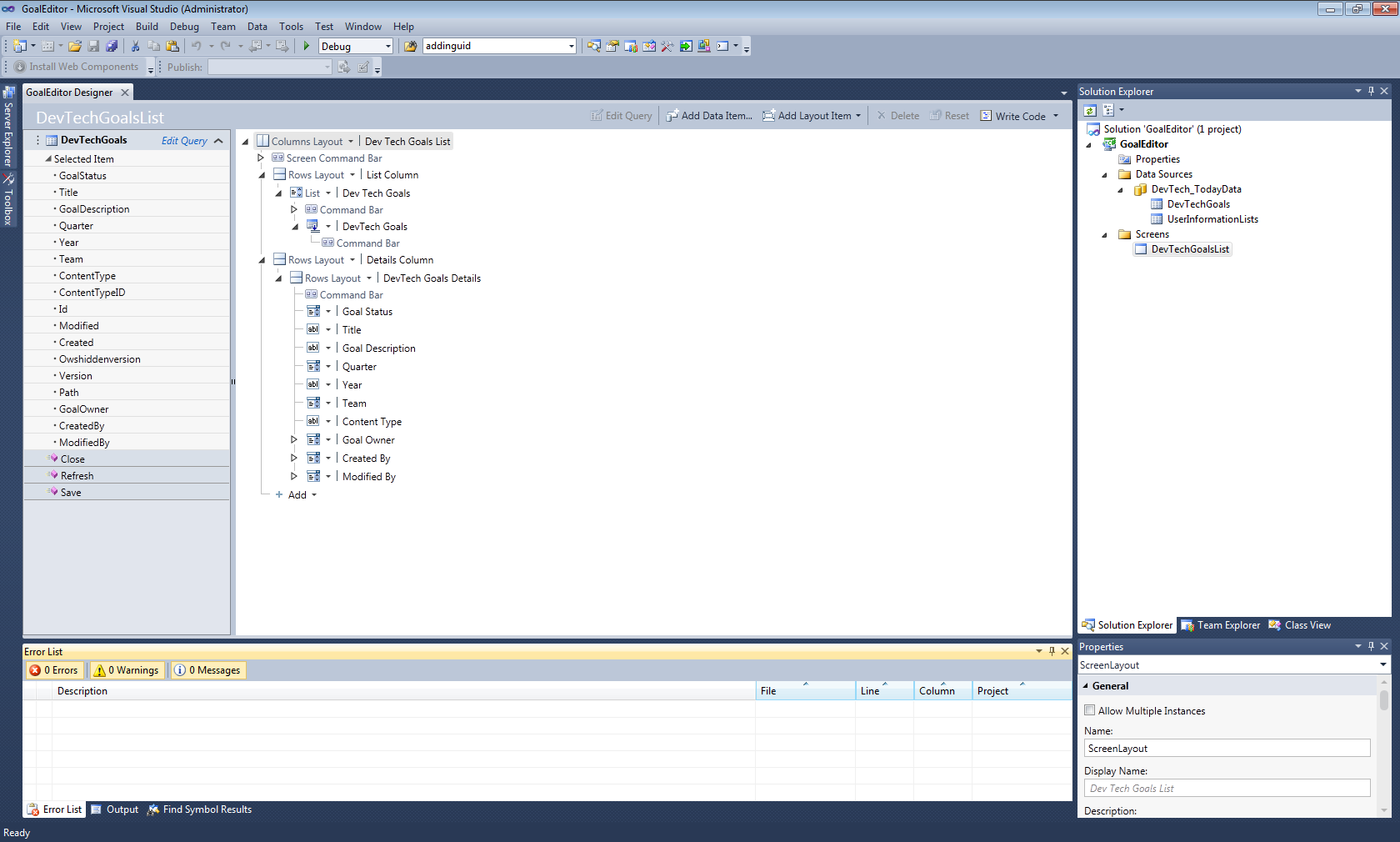
This builds a default list-view plus details screen, which, when we see it in the Designer, is structured based on its data – there's no graphical design to manipulate.
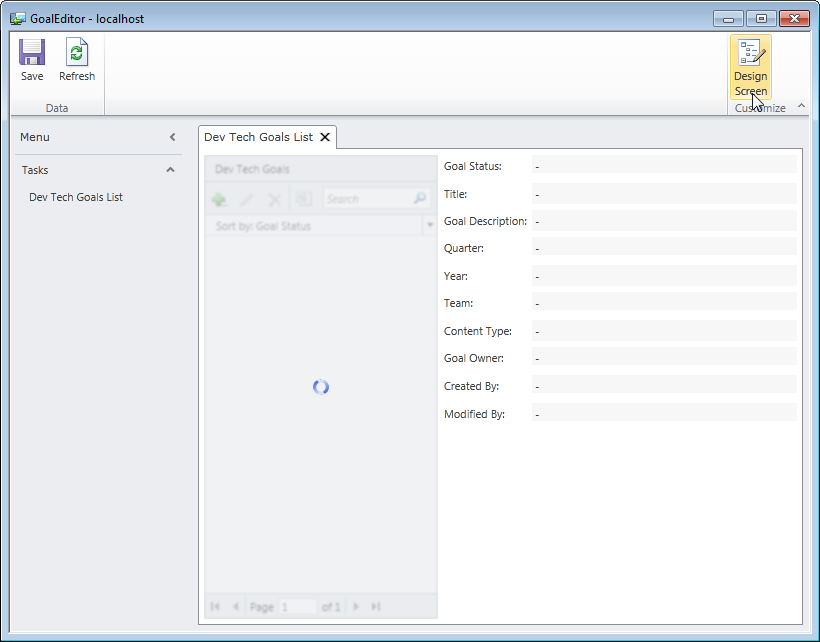
When we're running the application – with its single, default screen – from the debugger, we get the very nice option to edit the screen during the debug process:
When selected, we get to edit the layout with a very helpful preview capability:
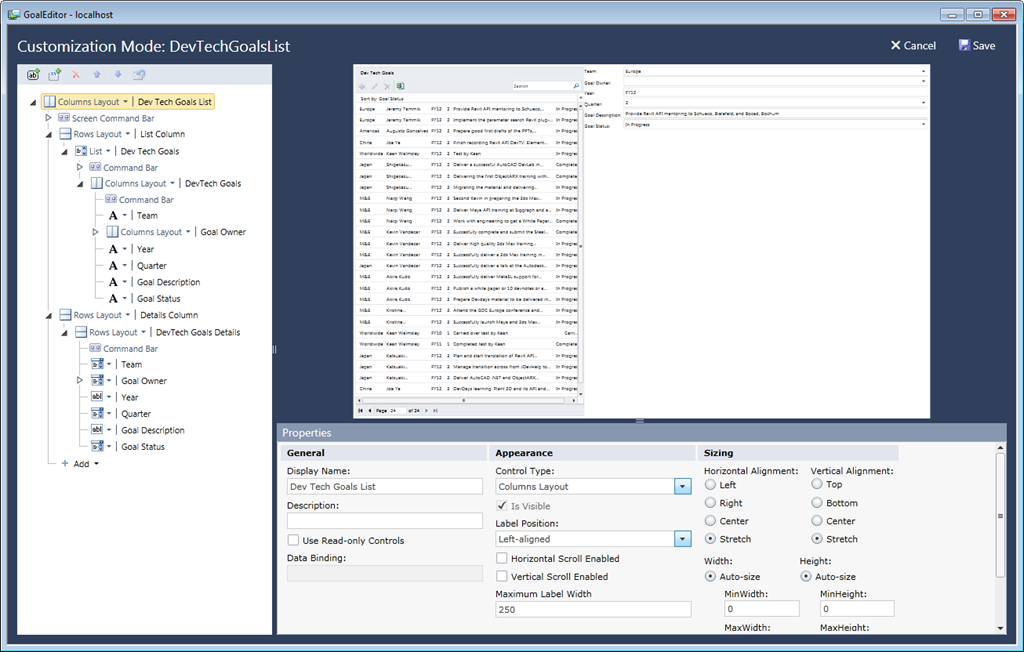
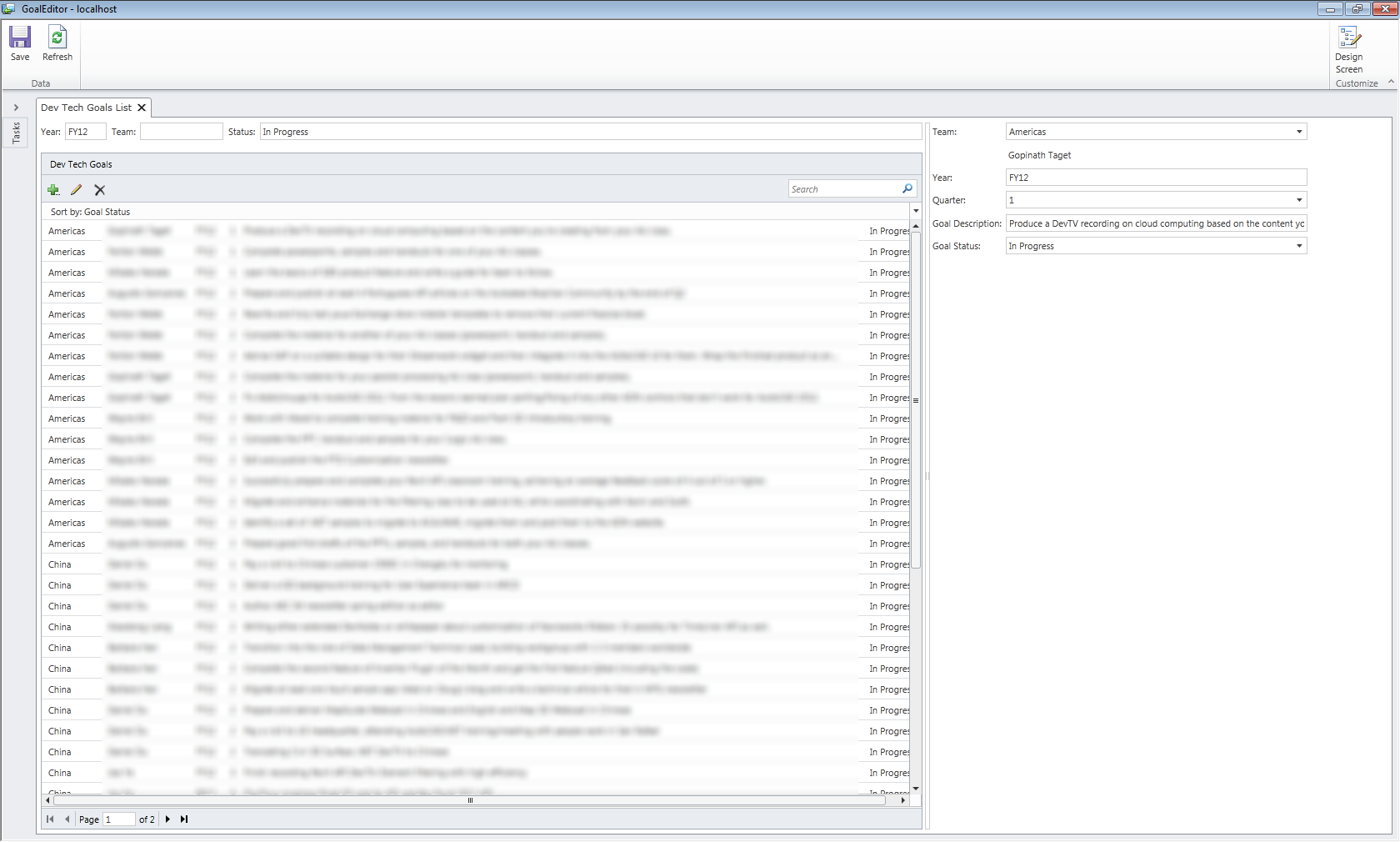
I won't go into the ins and outs of building the app, but suffice to say that I did some work to streamline the user interface for this application, and found it very interesting. After just a few hours of experimentation with an extremely powerful – yet straightforward – user interface, I was able to come up with a very elegant application for editing goals in our SharePoint system. And all without a single line of code (although I believe you can add some, if you really need to).
Here's a screenshot, with some blurring, to protect the innocent. 🙂
Now if only they'd address the many-to-many relationship issue… at which point I'd add an additional screen to create new goals, with their associated metadata. But still – a very interesting development system, all things considered.


Leave a Reply to Kean Walmsley Cancel reply