As mentioned in these previous posts, I've been spending some time developing a social media-enabled security cam using a Raspberry Pi and a standard webcam. The eventual idea is that the security cam will check visitors against a database of photos of a homeowners' friends extracted from Facebook.
I have a lot of the needed "social" components in place – more on those in a future post – but I did just want to document some of the steps needed to create a functional security cam that simply uploads captured videos to Google Drive and sends an email with both a link to the video and an attached image frame (to make quick identification of the visitor easier, especially when reading the email on a mobile device).
Most of the components needed for this were in place – and have been used to good effect in several other comparable projects out there – but I thought I'd just gather some key links in one place (some of which are repeated from last time):
- Base OS: Raspbian "wheezy"
- Motion detection: Motion
- Notification system: Google Drive uploader/emailer
 Raspbian "wheezy" has a number of apparent advantages over its counterpart OS distributions – it includes support for a lot of things out-of-the-box – but also has a key disadvantage in that it doesn't have webcam support. So I had to jump through a few hoops to get that working – no doubt more than were strictly needed, so I won't list them here. I'm thinking of trying Arch Linux ARM next, which does come with the all-important webcam support (and while it's apparently targeted at more advanced users, I feel like I'm gradually getting to the point where I can handle it :-).
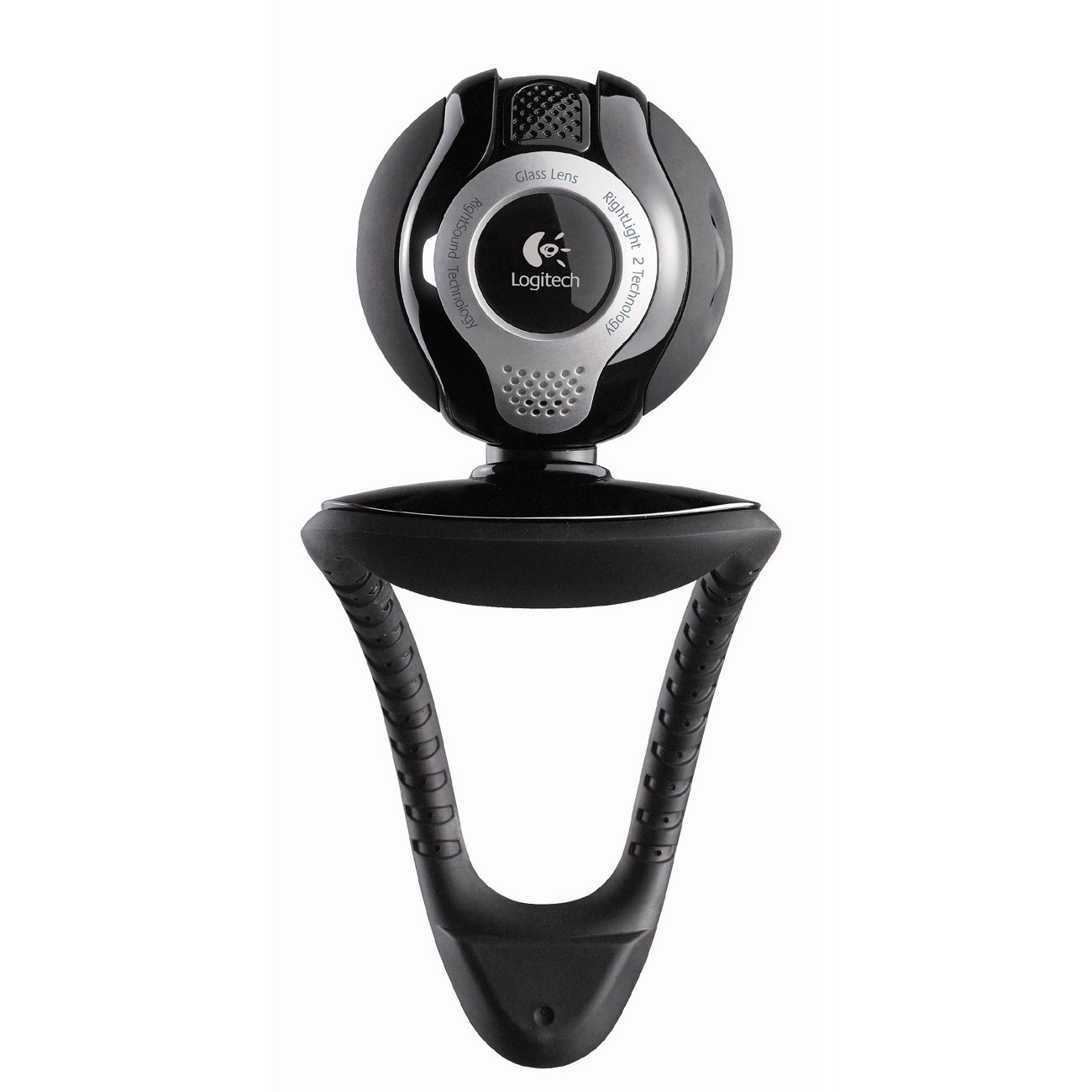 One of the key issues I've been hitting is around resolution: I initially found I had to increase the Motion capture resolution to 960 x 720 for my Logitech Quickcam Communicate Deluxe to work properly, but then found that for the device to work reliably over a period of time (i.e. seconds), I had to reduce that down to 352 x 288 (the default resolution for the Motion sub-system). At a higher resolution the Pi just stopped working – I had to cycle the power to reboot it – which implied a pretty significant throughput issue. Even now I'm finding the webcam stops responding after a period of working – which seems to be due to another problem, possibly due to some webcams requiring a powered USB hub as they otherwise consume too much of the Pi's own supply – but I'm trying to work through that, now. It's possible the stability issues are more related to the use of Raspbian – I'll hopefulyl find out more once I've tried Arch Linux ARM.
When managing Motion, I found this post to be extremely helpful in terms of setting up a script to ki ll it when running in daemon mode. I also found this introduction to be very good, too. I'll publish my working configuration file for Motion in the next post – hopefully with step-by-step instructions on getting the whole system up and running.
The notification system – which takes the video created by Motion, uploads it to Google Drive and then uses Gmail to send a link to the video to the chosen recipient – was already pretty complete. The main change I wanted to make was to take the "best" frame extracted from the video (and Motion allows you to automatically save off the frame with the most changed pixels from the stream, which is a great way to do this) and attach that to the email.
I used the information in this page to create my own remix of the Uploader.py file (again, which I'll publish next time).


Leave a Reply to Severi Aalto Cancel reply