I was happy to see Scott's announcement that a tool I'd seen demoed back at AU – and during my recent trip to Israel – has now been published to the iOS App Store (even if it's really a Labs release, at this stage). It was developed by the Applied Research group in our Tel Aviv office, the team that brought you ShapeShifter.
It's an iPad app called Vectorize It that allows you to generate vectors from raster images – whether taken by the iPad's camera or picked from its image gallery – with the capability of opening the resultant vector drawing directly in AutoCAD 360.
The app uses edge detection – a standard computer vision technique – to extract vectors from the raster input. It also uses a currently internal mechanism – which will hopefully be useable externally, too, at some point – that transfers geometry definitions to AutoCAD 360 using a JSON-based format. Cool stuff.
Let's take it for a quick spin…
To start with, you get the choice to take a photo, choose an image or use a provided sample.
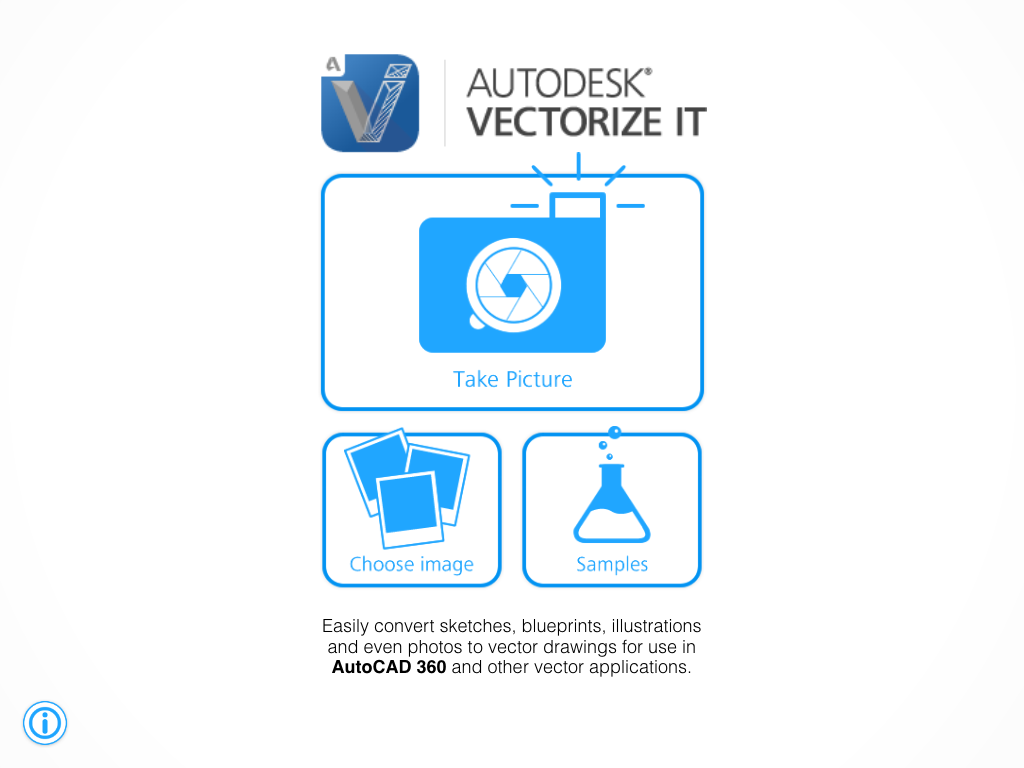
Taking a picture just launches the iPad's camera app.
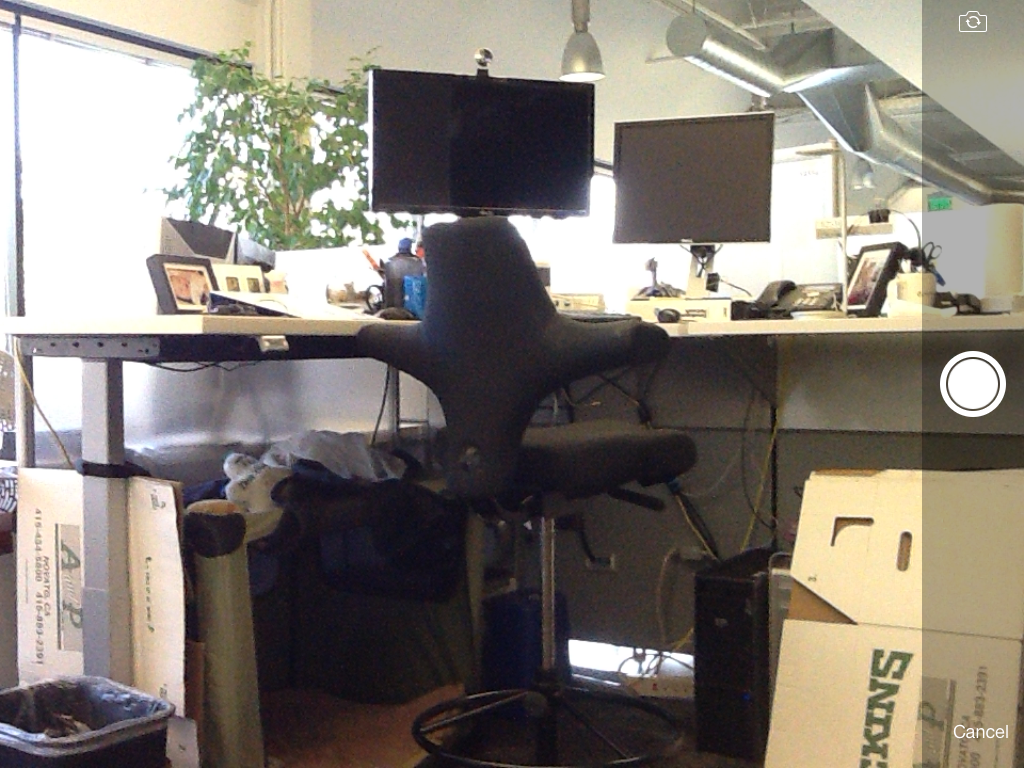
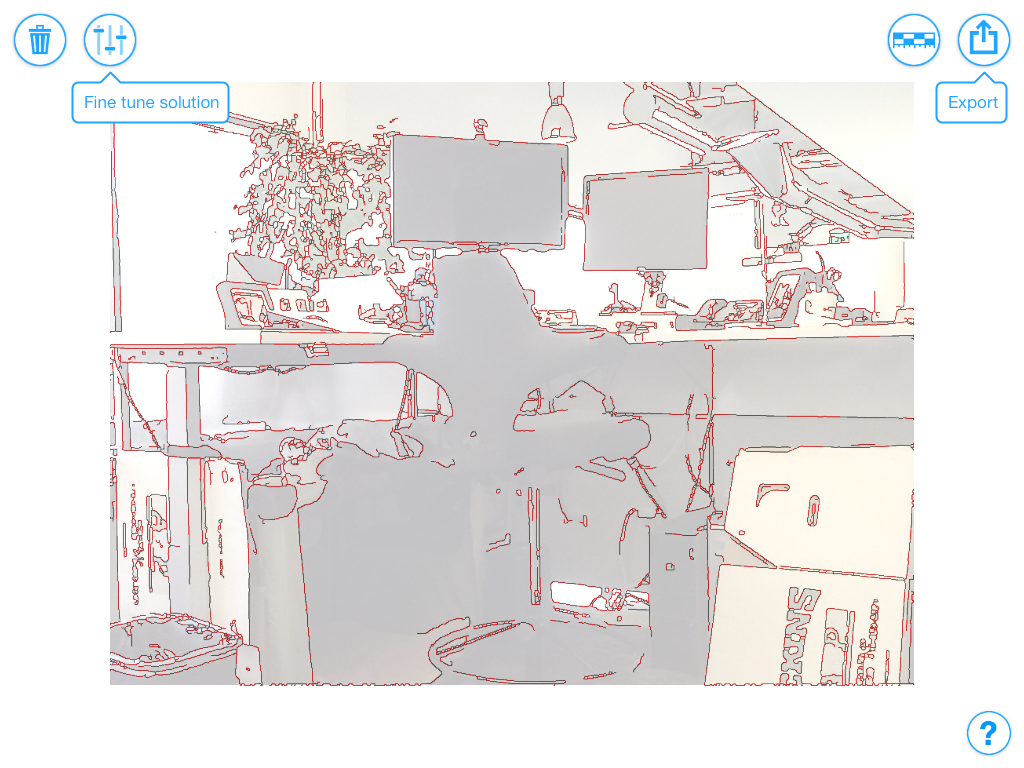
At which point we get a preview of the preliminary results.
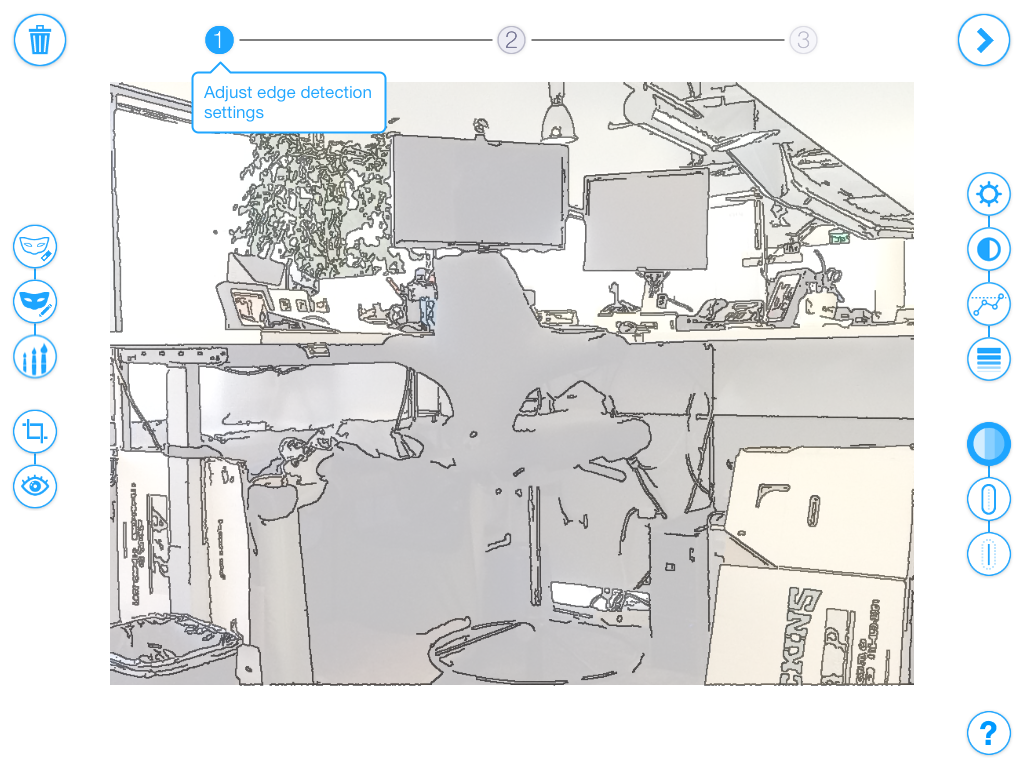
We can fine-tune settings to adjust the lines that are generated.
And once we're done we get to preview again prior to save or export.
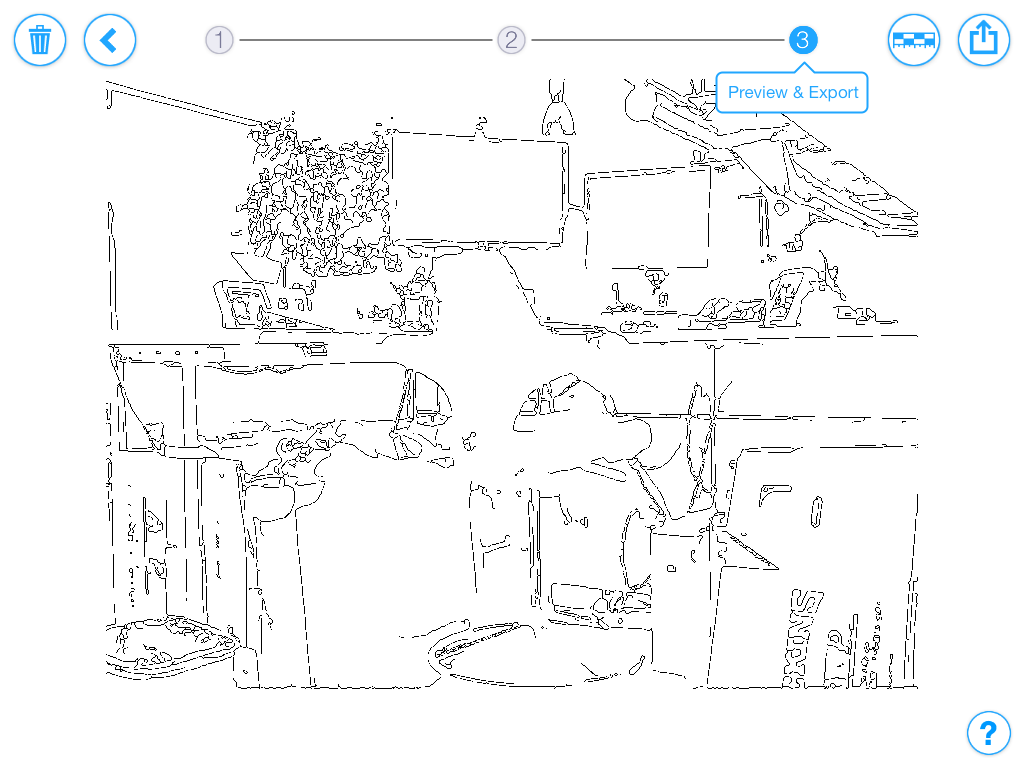
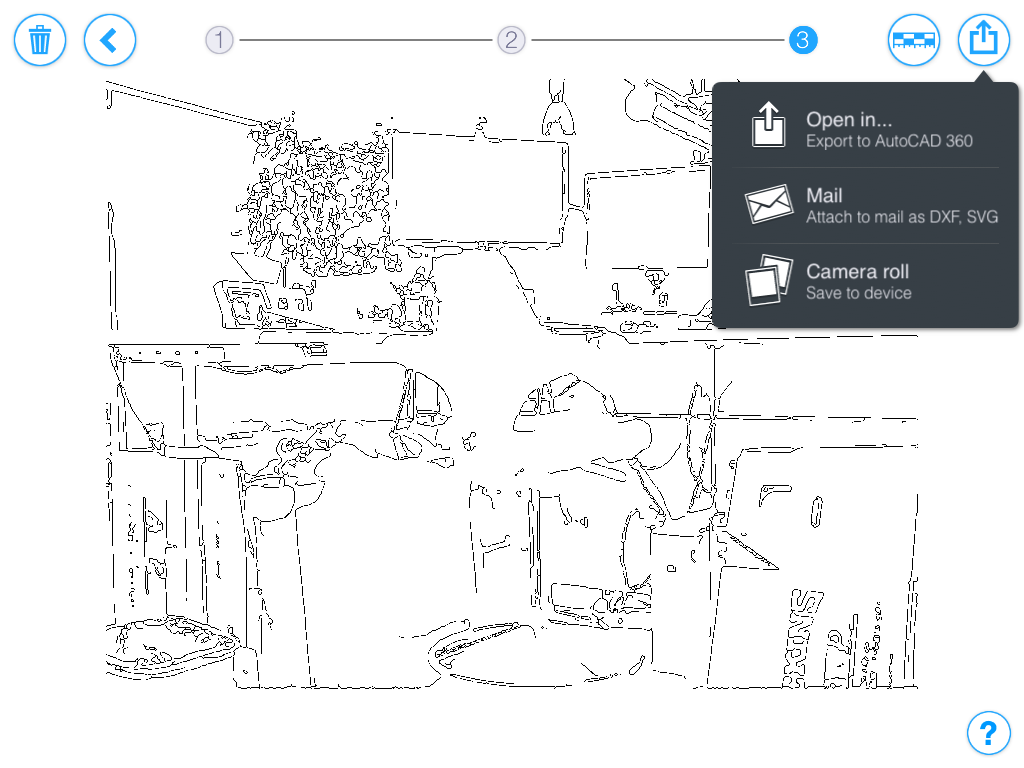
The export options allow us to go straight to AutoCAD 360.
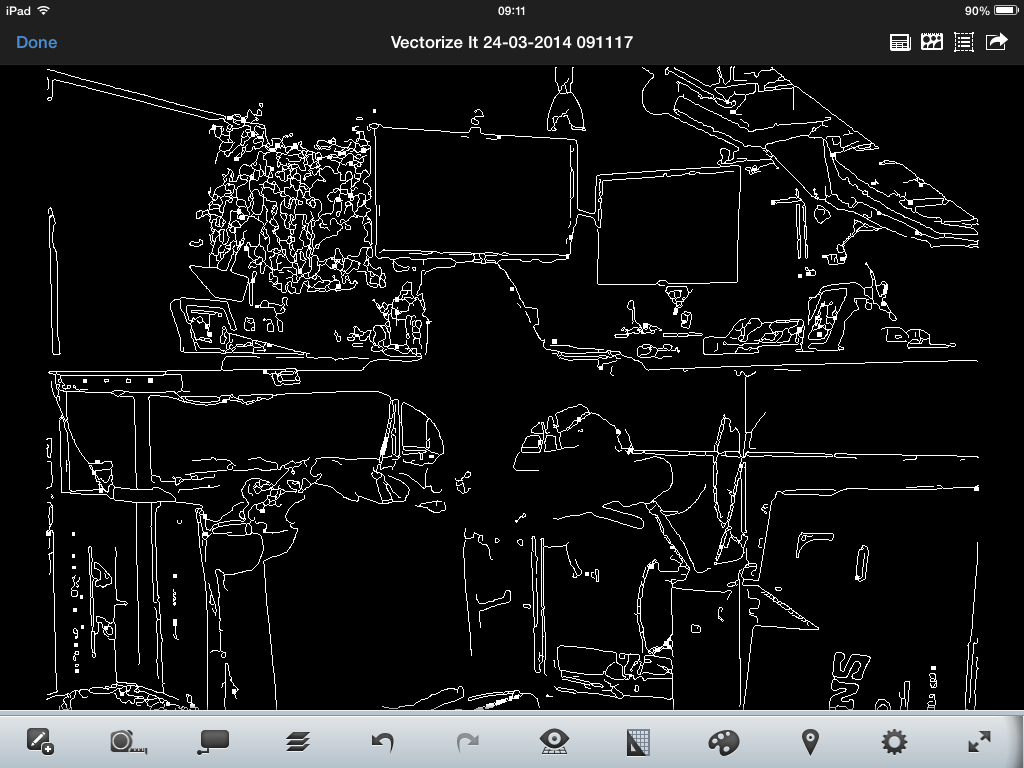
Which both launches AutoCAD 360 and generates the vector geometry.
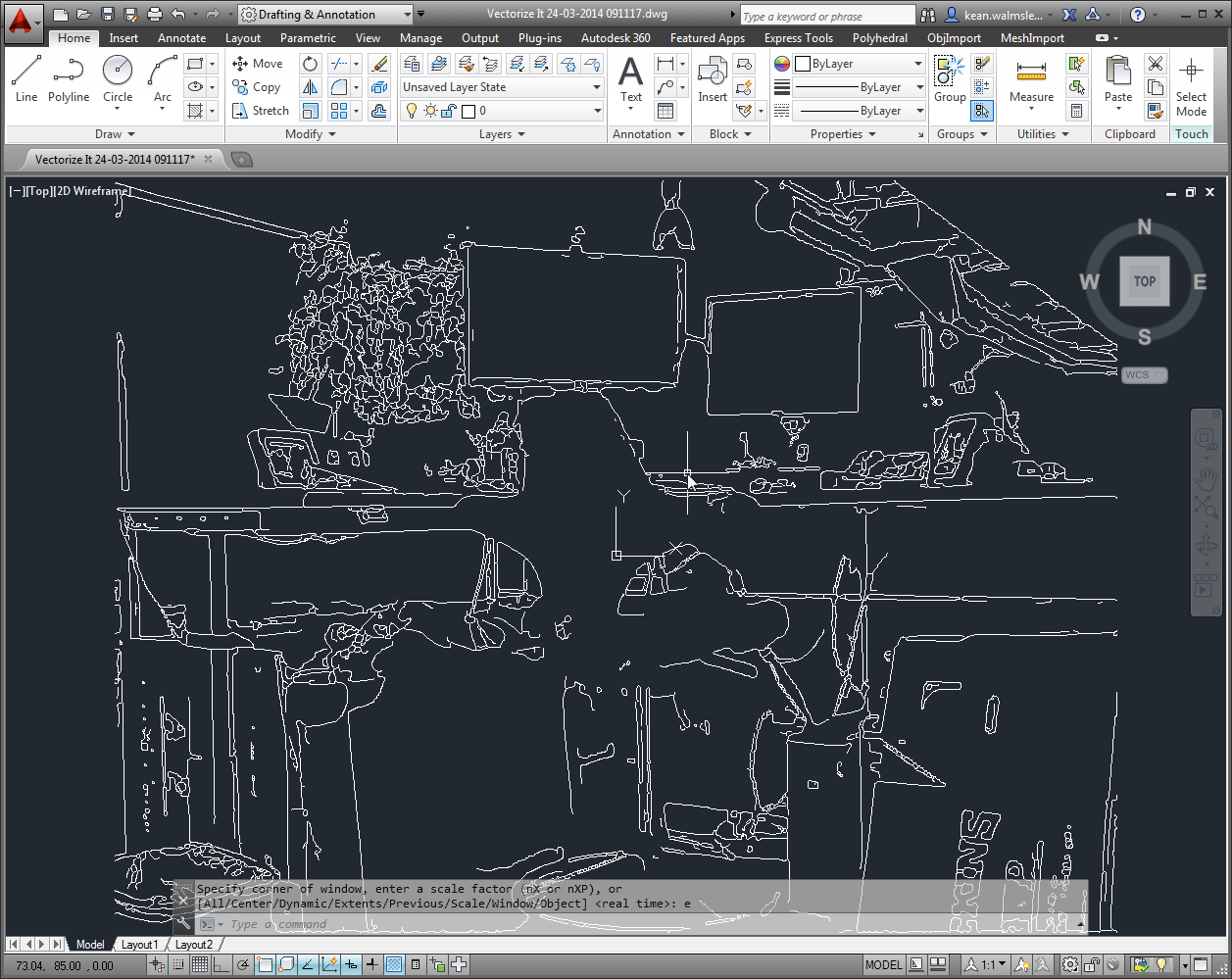
And once the drawing has been exported to AutoCAD 360, it's of course also available in Autodesk 360 to be loaded into desktop AutoCAD.
If you get the chance to try this app yourself, please let us know what you think. For products on Autodesk Labs to make it to official release, we really need to hear whether they're useful for people (and where there's room for improvement).


Leave a Reply to Jason Hopkins Cancel reply