Happy New Year, everyone!
As mentioned in the last post, I took a couple of weeks off over the holiday period, extending Autodesk's annual "week of rest" between Christmas and New Year to a full fortnight.
This time of year clearly has religious significance for many. Some go to church, to temple or even to Stonehenge, some watch one or more of the Star Wars trilogies – arguably which they choose depends on how devout they are. I only ended up watching one Star Wars film, over the holiday period, and while it was from the Despecialized Edition, I don't necessarily consider myself a fundamentalist. 😉
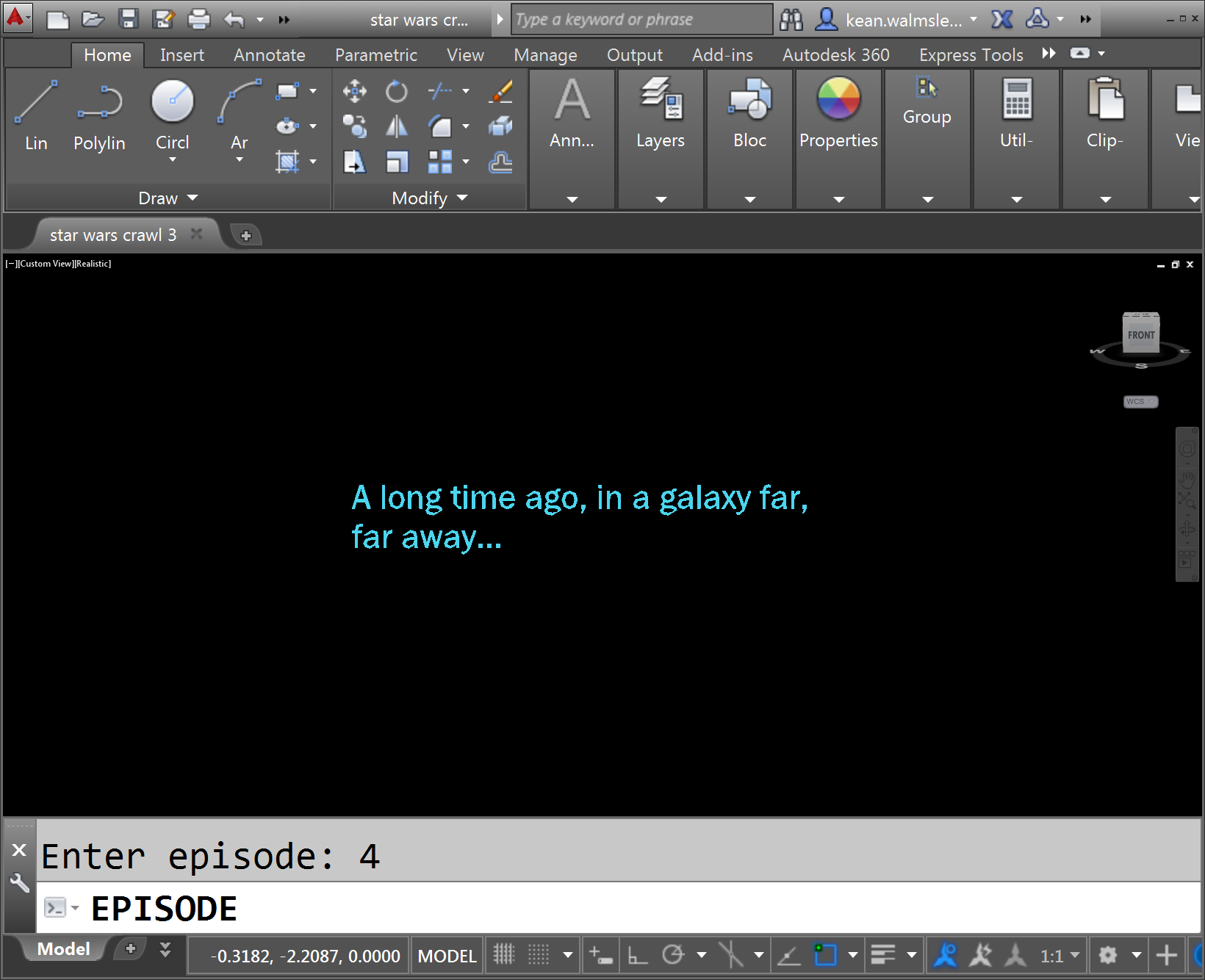
I did spend some time on a Star Wars-related coding project, though. The project was initiated when I received notification, just before Christmas, that the long-awaited (by me, at least 🙂 Star Wars API was available for Beta-testing. This is a Data-as-a-Service REST API that provides access to all manner of information about the various episodes in the Star Wars movie franchise, including which characters appeared in which film, the weapons and vehicles they used, etc.
I put on my thinking hat to see if there was some compelling way this API might be used inside AutoCAD. There are lots of CAD-centric allusions throughout the Star Wars movies – Death Star plans, 3D targeting systems, etc. – and I felt that for sure there was some fun to be had with it. In the end I settled on using AutoCAD to recreate the famous opening crawl.
Here's the original opening crawl from the 1977 version of Star Wars episode IV, for context:
There are a few components to the opening crawl that we're going to recreate inside AutoCAD over the course of this week. This page was helpful when looking at the specifics of how to implement some of these items.
- The initial blue text
- The theme music
- The star field
- The disappearing Star Wars logo
- The crawling text
We'll actually only be using the Star Wars API to retrieve the opening crawl text for step 5, as the command we end up implementing will create a crawl for each of the episodes covered by the API (which means I-VI at the time of writing, but also for VII once released in December 2015).
To access the Star Wars API, we'll once again use the F# Type Provider mechanism for this, just as we used it with Typepad in this recent post. That's actually the main reason for using F# for this project, to see how it simplifies access to DaaS APIs. At some point I may well throw together a C# version of this code, but we'll see: the AutoCAD-centric API calls should be relevant to anyone using AutoCAD's .NET API from another language, of course.
In the next post we'll take a look at knocking off the first few items from the above list.


Leave a Reply to James Maeding Cancel reply