So yes, I like Star Wars. And my kids like Star Wars, too. In my office downstairs at home, I have the pride and joy of my modest collection of Star Wars-related goodies, a LEGO Death Star:
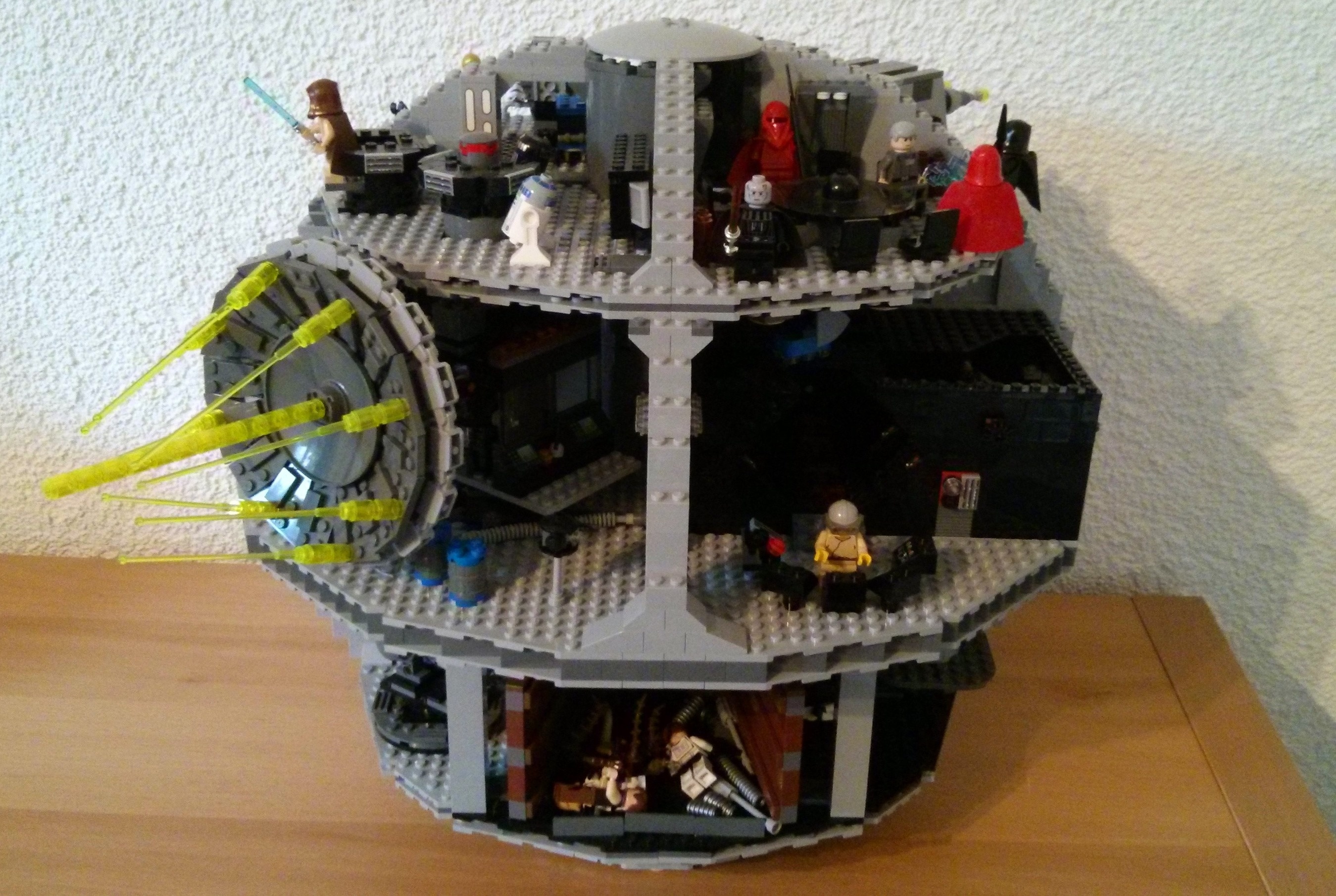
It pains me to leave it downstairs and only let the kids play with it under supervision, but it was a hassle (albeit a very enjoyable hassle) to build and I'd hate to see it damaged. And if anyone thinks that makes me sound like Will Ferrell's character in the LEGO Movie, they'd be right: there's a lot that resonated in that film, sadly. But hey, that's how it is. Just call me Lord Business.
In an attempt to assuage my feeling of guilt, I decided to create a better Death Star for my kids – for one of my sons in particular – to use with (or display, as they wish) their own LEGO Star Wars figures. It seemed like a great opportunity to have a play with 123D Make (and, of course, use AutoCAD in the mix), as well as to execute my first real project at the local Fab Lab.
Of course I started by modelling my Death Star in AutoCAD. Here's the sequence of commands (which you should be able to save as a script or copy & paste into the command-line) I used to do it:
_.sphere 0,0,0 10
_.select l
_.sphere 6.2,6.2,6.2 4.5
_.subtract p l
_.move l 0,0,0 0,0,10
_.select l
_.box -5,-5,0 5,5,1
_.subtract p l
_.move l 0,0,1 0,0,0
I didn't look for actual dimensions, mind… I'm not quite that anal: I did what looks OK. And I flattened off the bottom to help it not roll away, something that wouldn't have been needed in outer space.
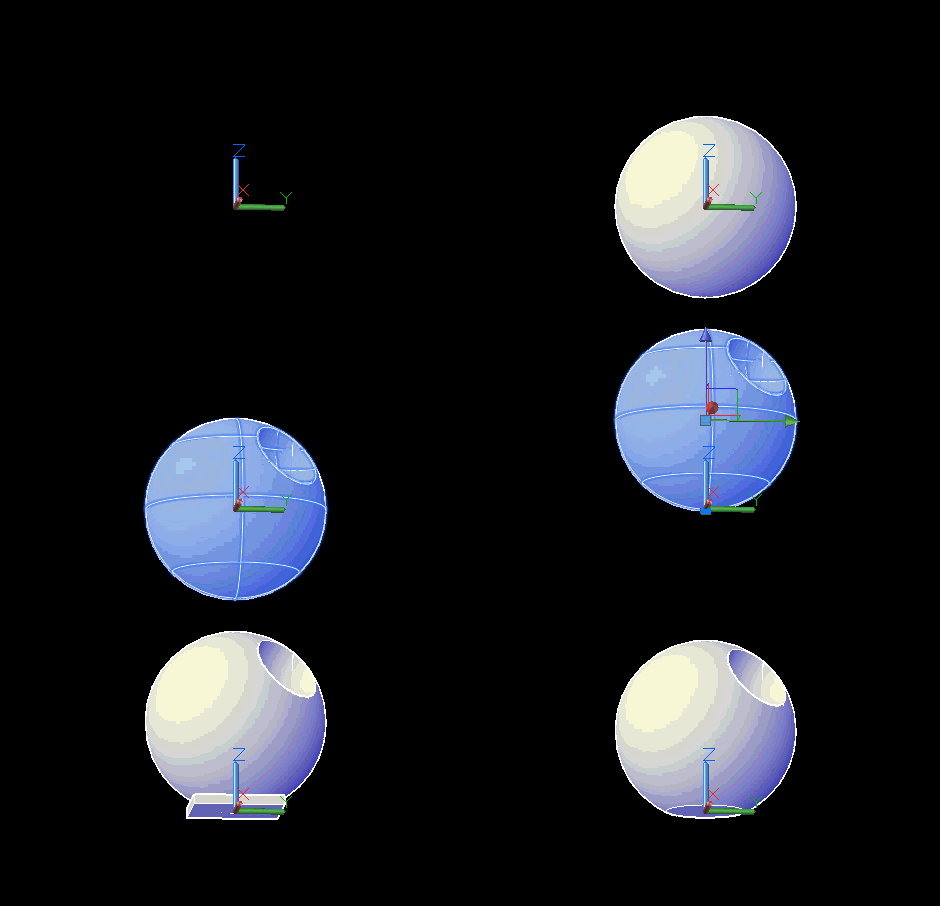
I used the STLOUT command to create an STL file of the resulting solid.
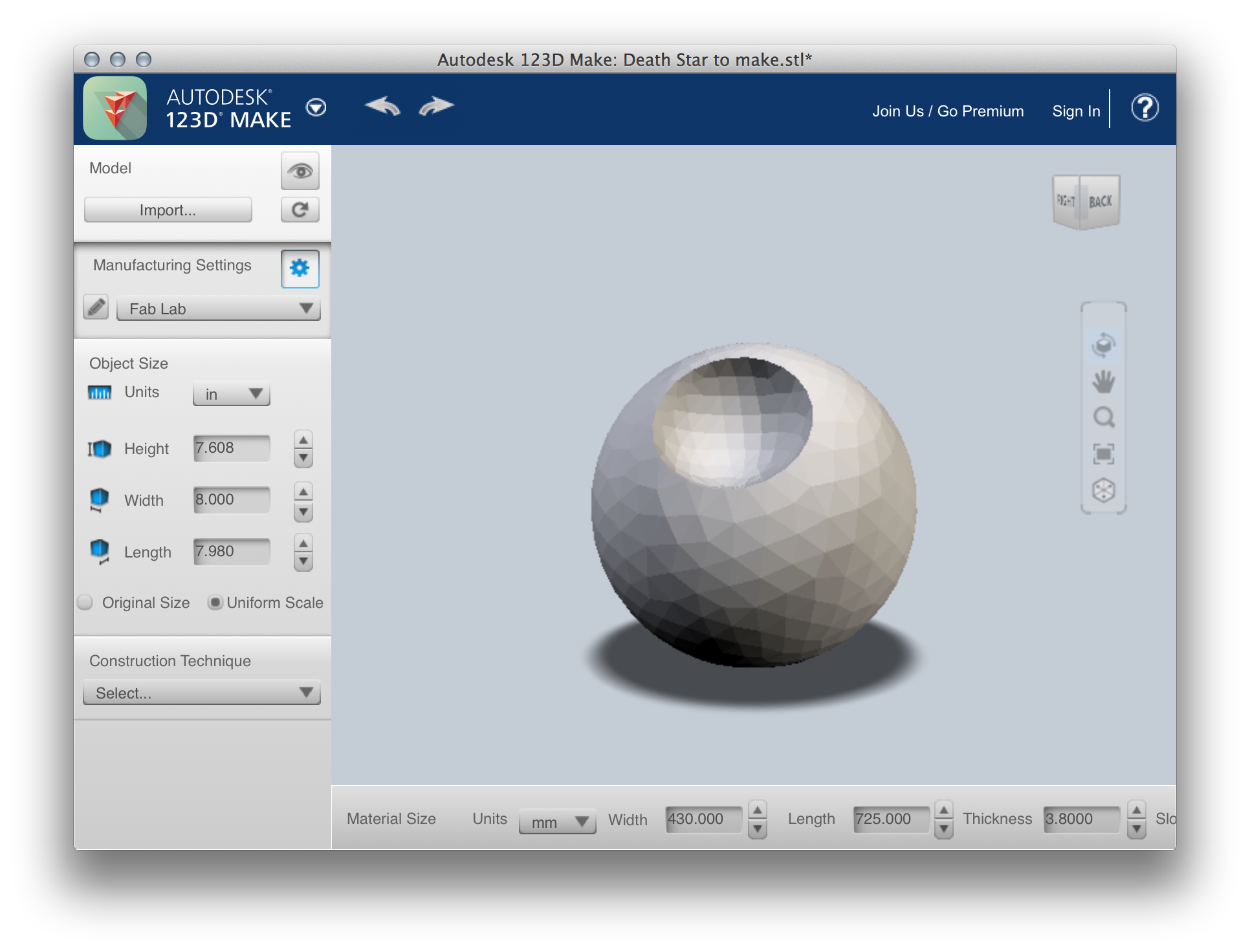
Over in 123D Make – which I went ahead and updated… the version on my system was 4 years old, already! – I imported the STL file. The model came in quite facetted – I'd made the rookie mistake of leaving FACETRES at the default of 0.5, rather than upping it to 10 – but I'll know for the next one I make.
Looking at design options… I liked the "interlocked slices" option, the downside being access to the holes to place the minifigures, etc.:
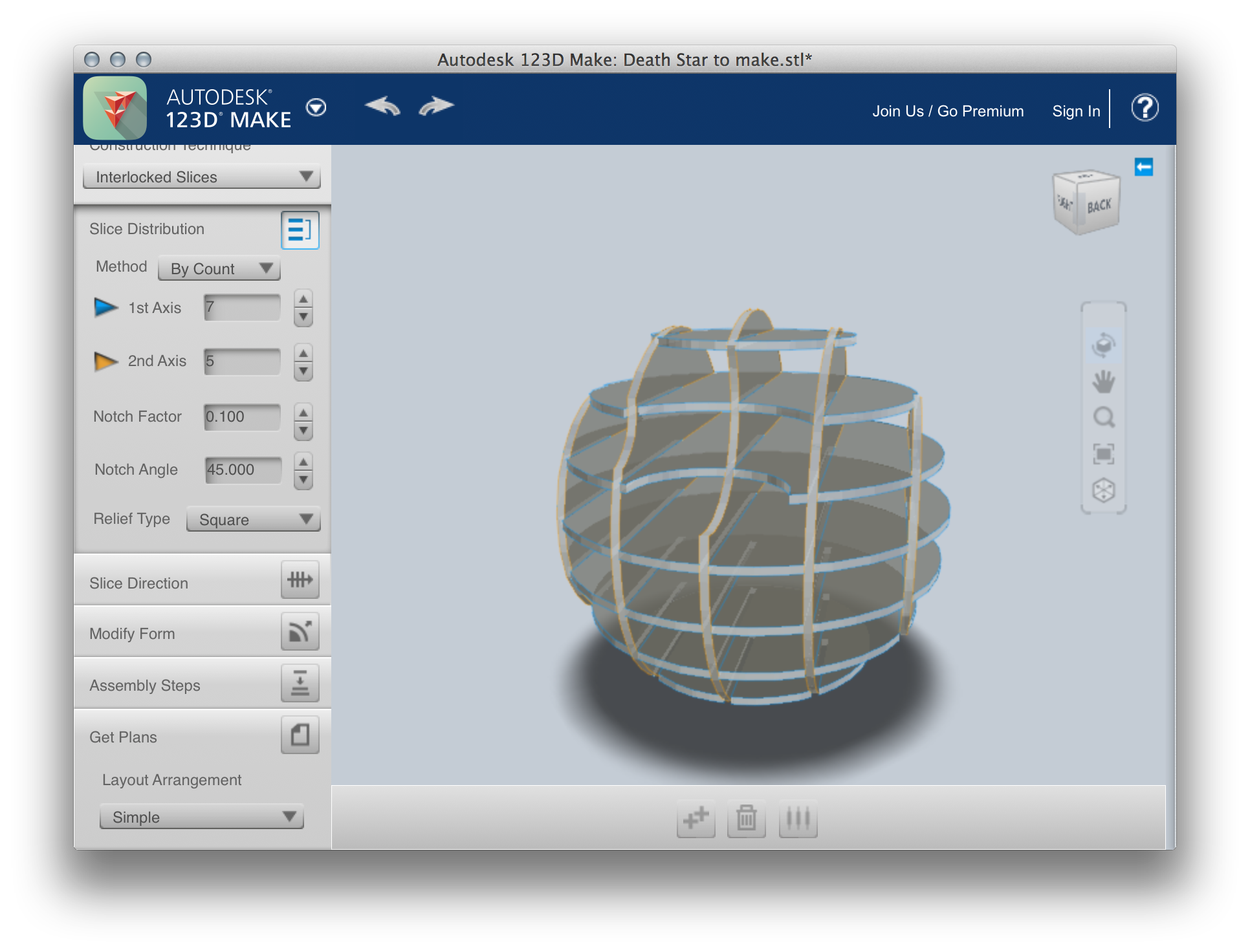
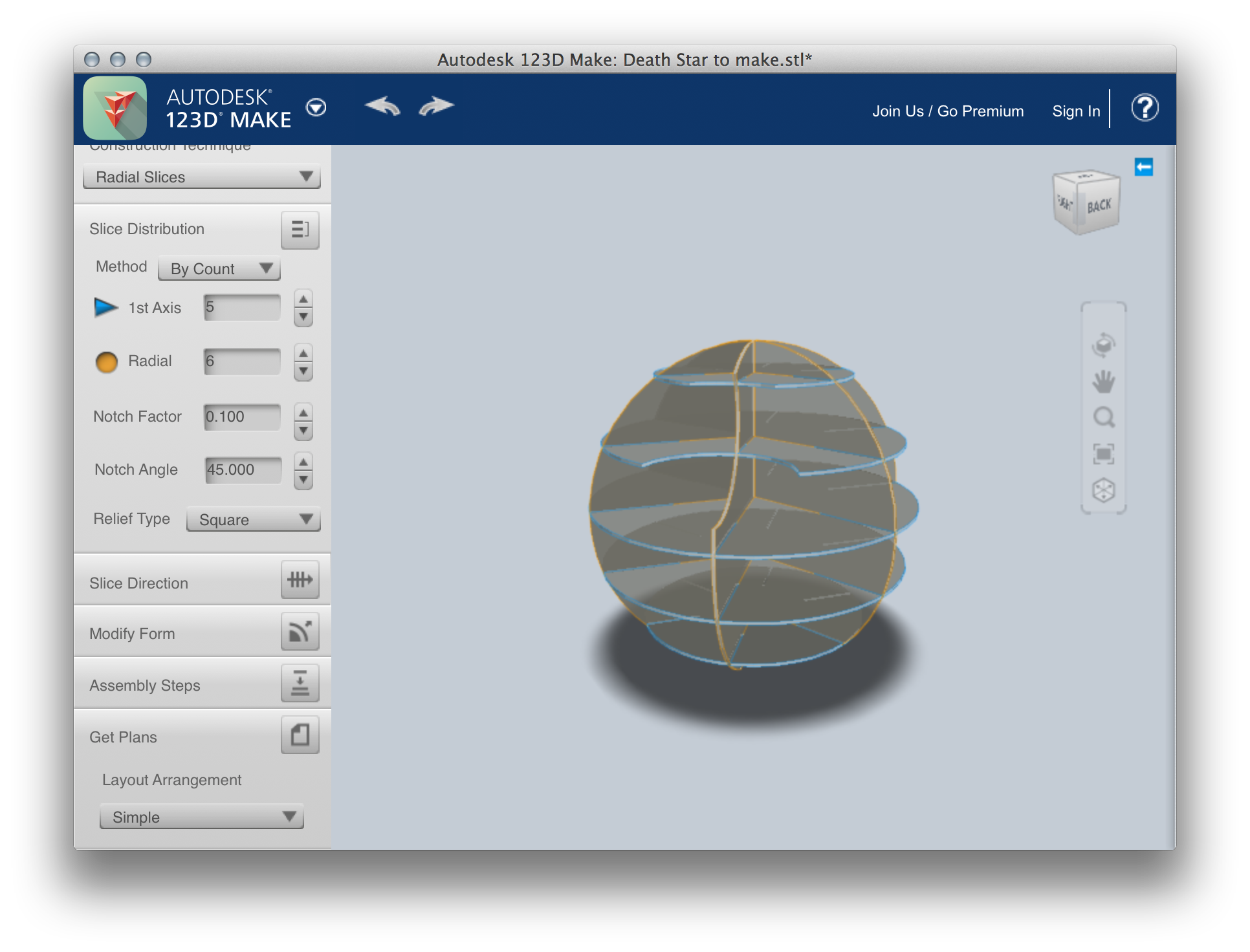
I ended up opting for "radial slices", which allowed for much easier access:
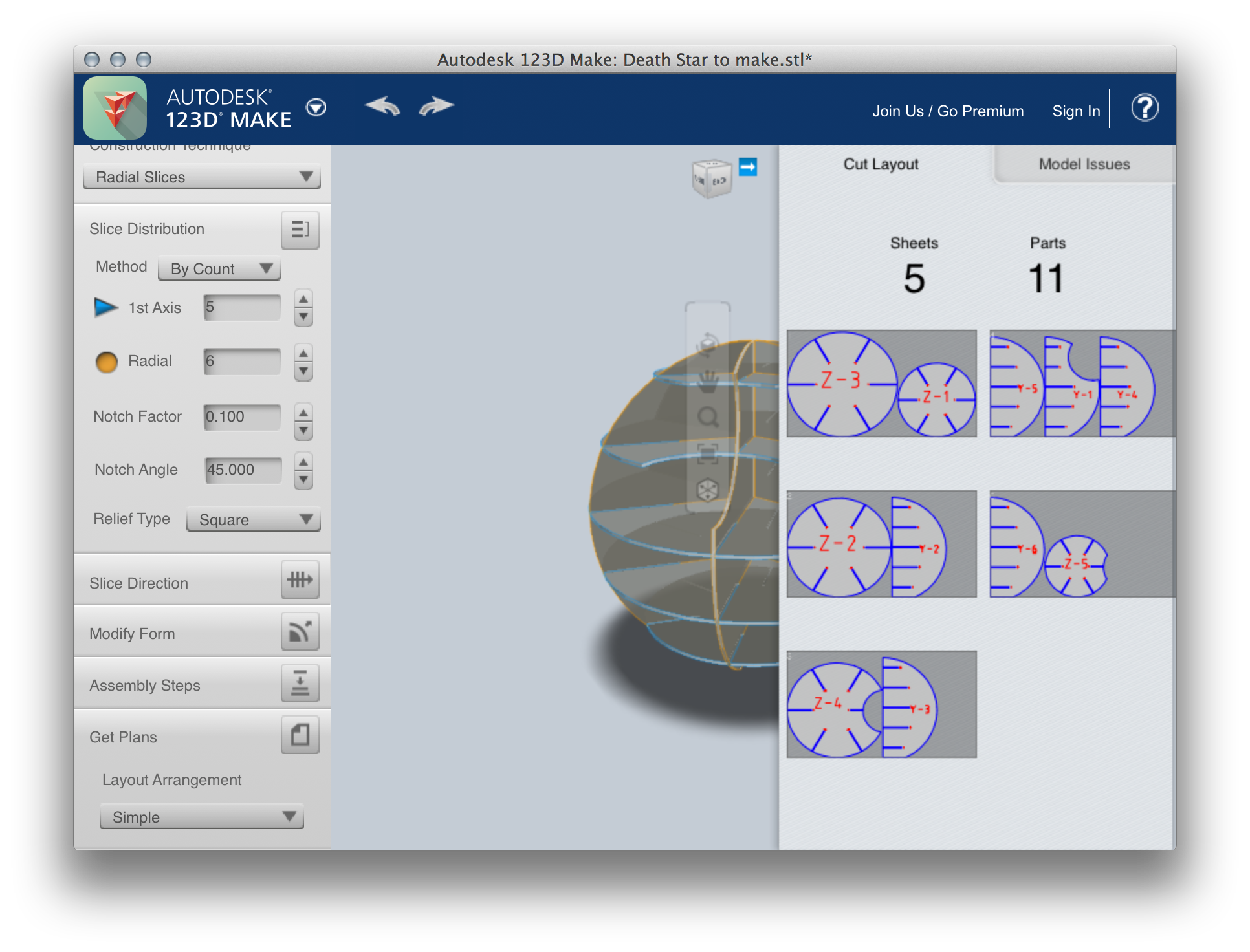
The sheets of MDF we had available were 430x730mm, which meant we'd need 5 to complete a Death Star that was 40cm high, making it basically the same size as the LEGO original.
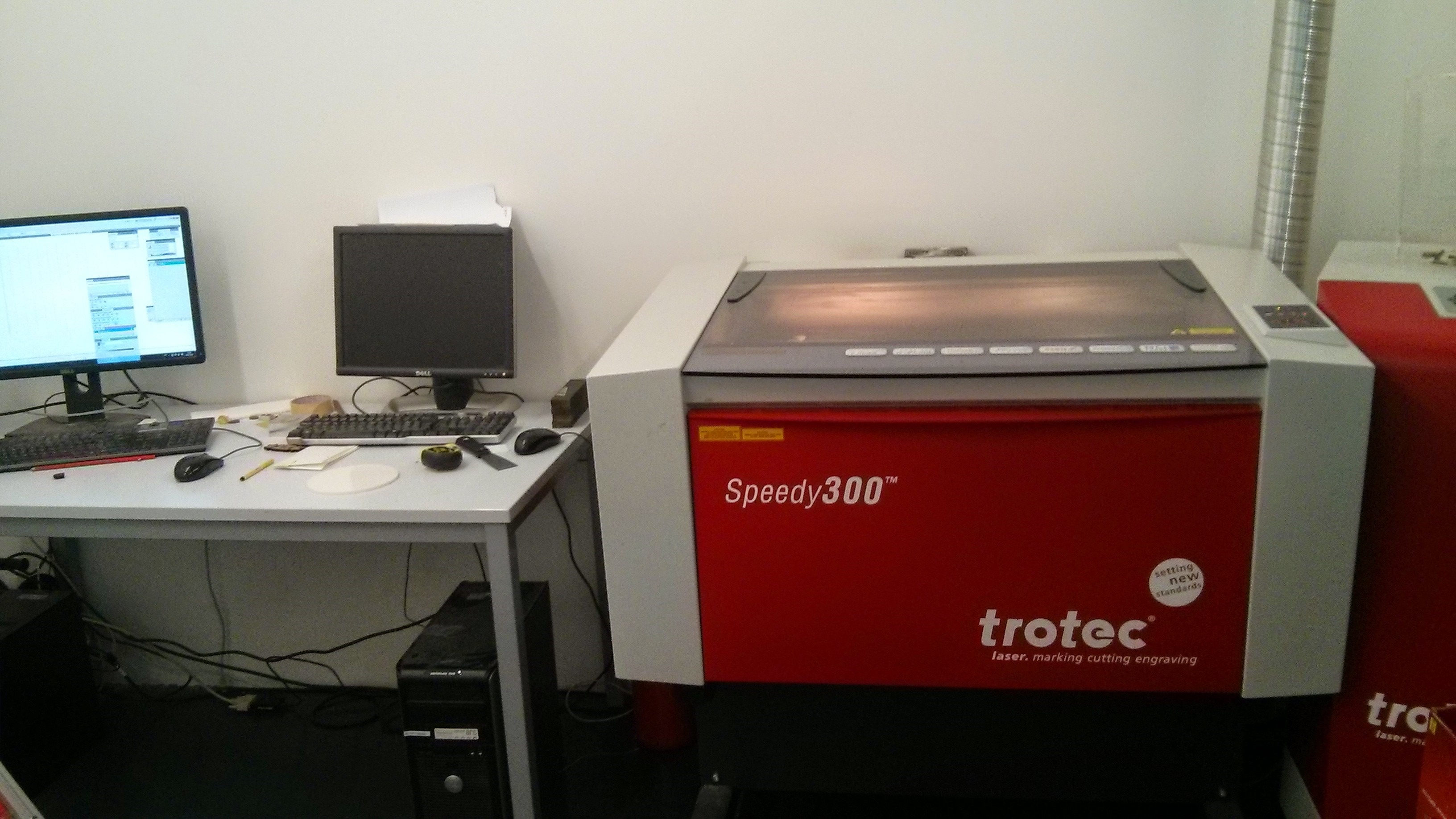
The cutting was done on a Trotec Speedy 300:
I saved the plans from 123D Make into EPS format and imported those into Illustrator to print to the Trotec printer driver. Beam frequencies, etc., are all set by colour. Super-clunky, but effective enough. (I can see why projects such as this one on Labs for the Coherent METABEAM 400 are happening, though.)
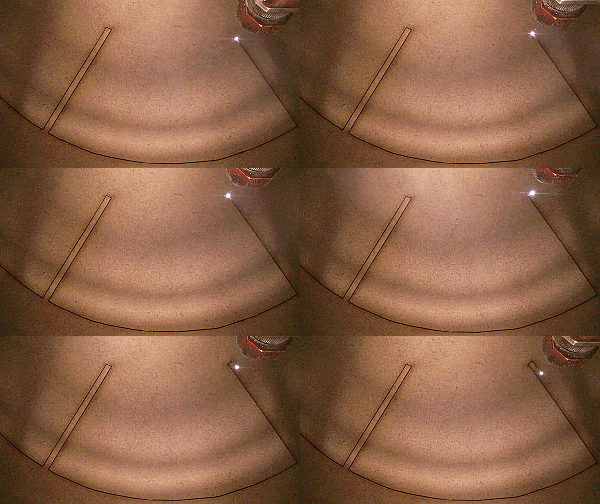
Once the pieces were cut, it was time to build…
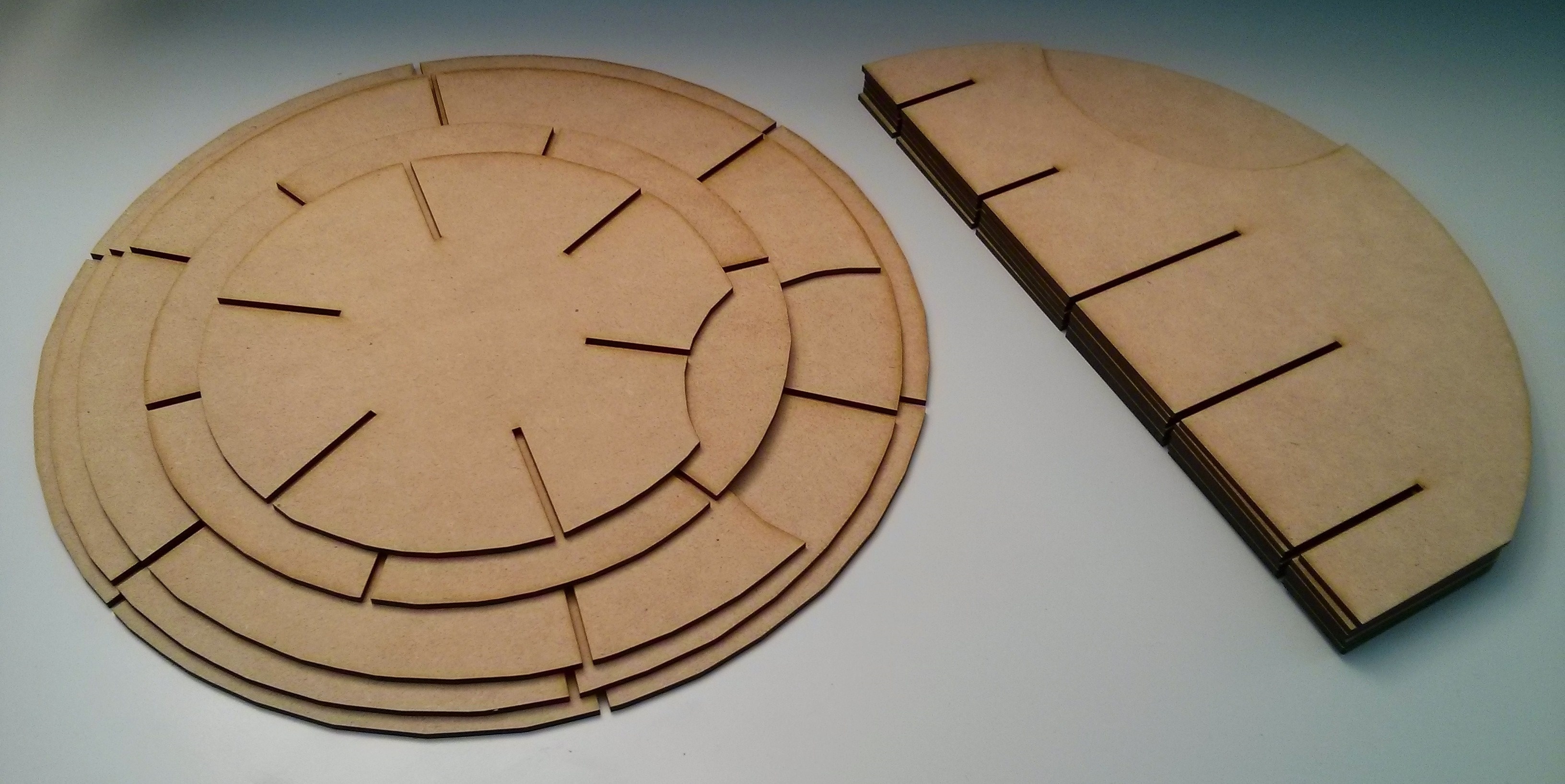
The Fab Lab manager, G
aëtan Bussy, had suggested reducing the material thickness to 3.8mm (from 4mm) inside 123D Make, to reduce the play in the built piece. This was great advice, and certainly made the fit of the joints extremely snug. To make it easier to get the pieces fitting, my wife suggested using soap (I'd been about to sand them slightly), something she'd apparently learned making models as a child. More great advice. 🙂
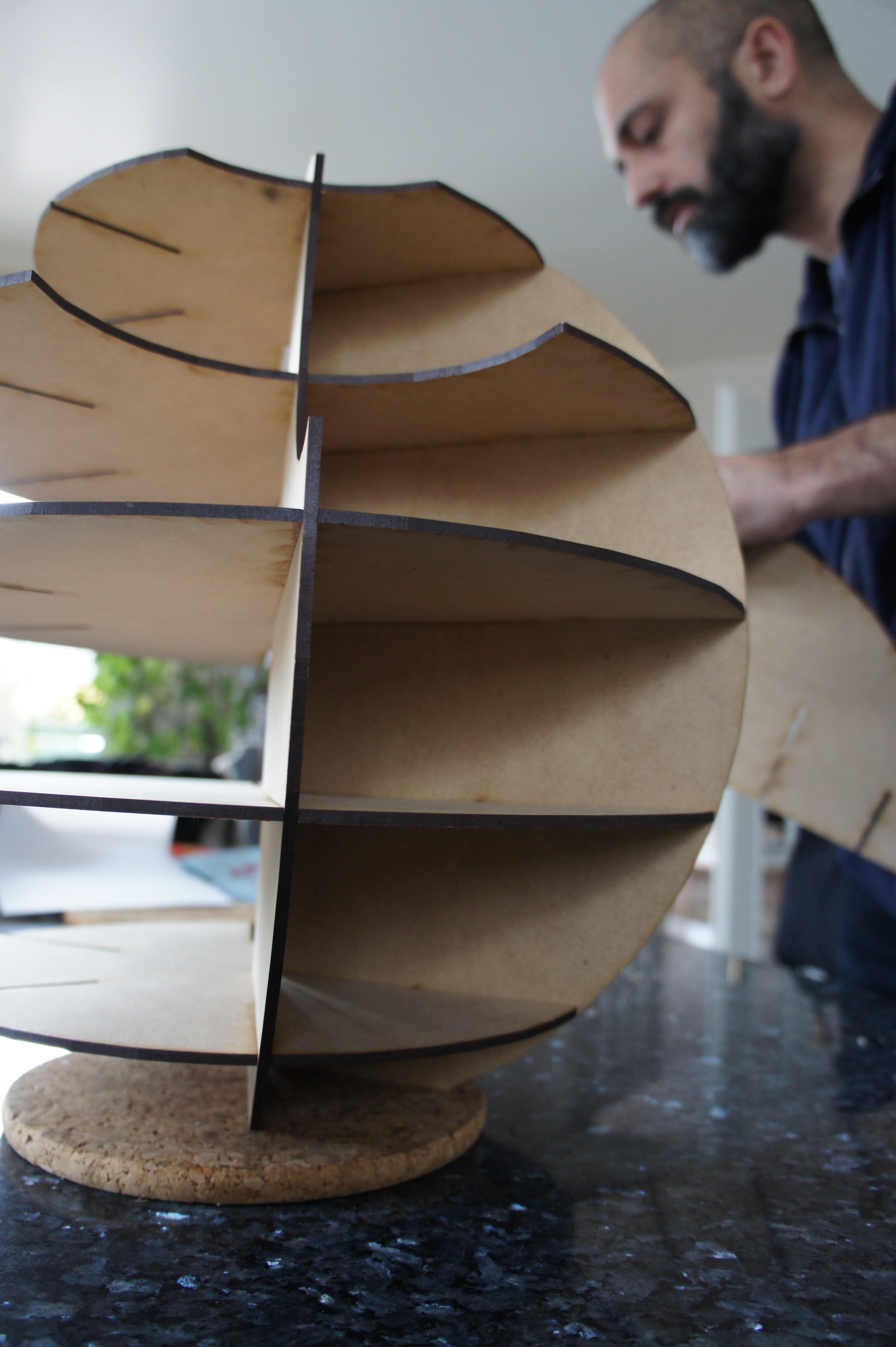
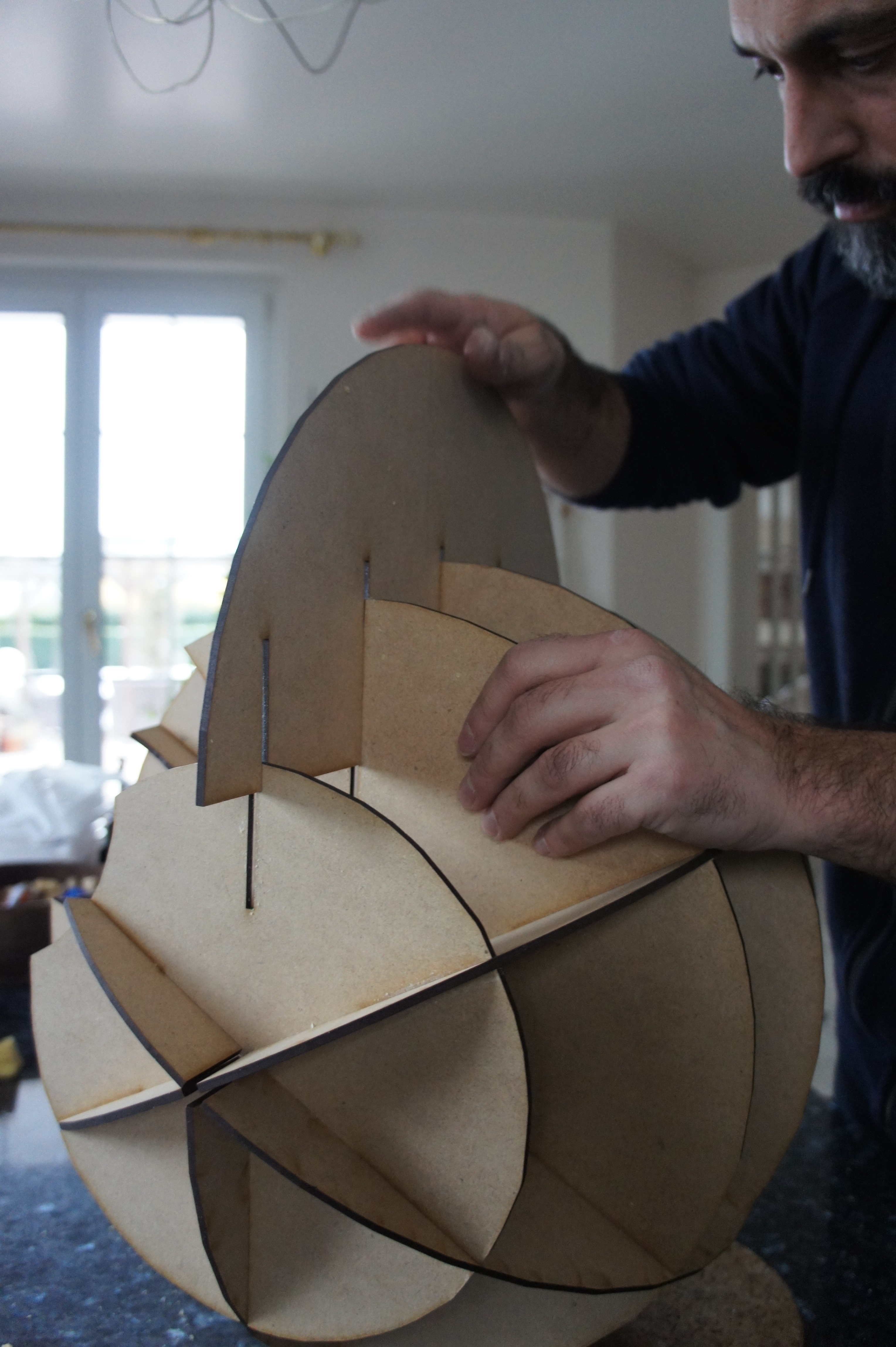
For a first attempt, I was really happy with the results. The best bit, of course, was seeing my son's face when he got home, this evening. Followed closely by seeing him fill it with his minifigures. 🙂
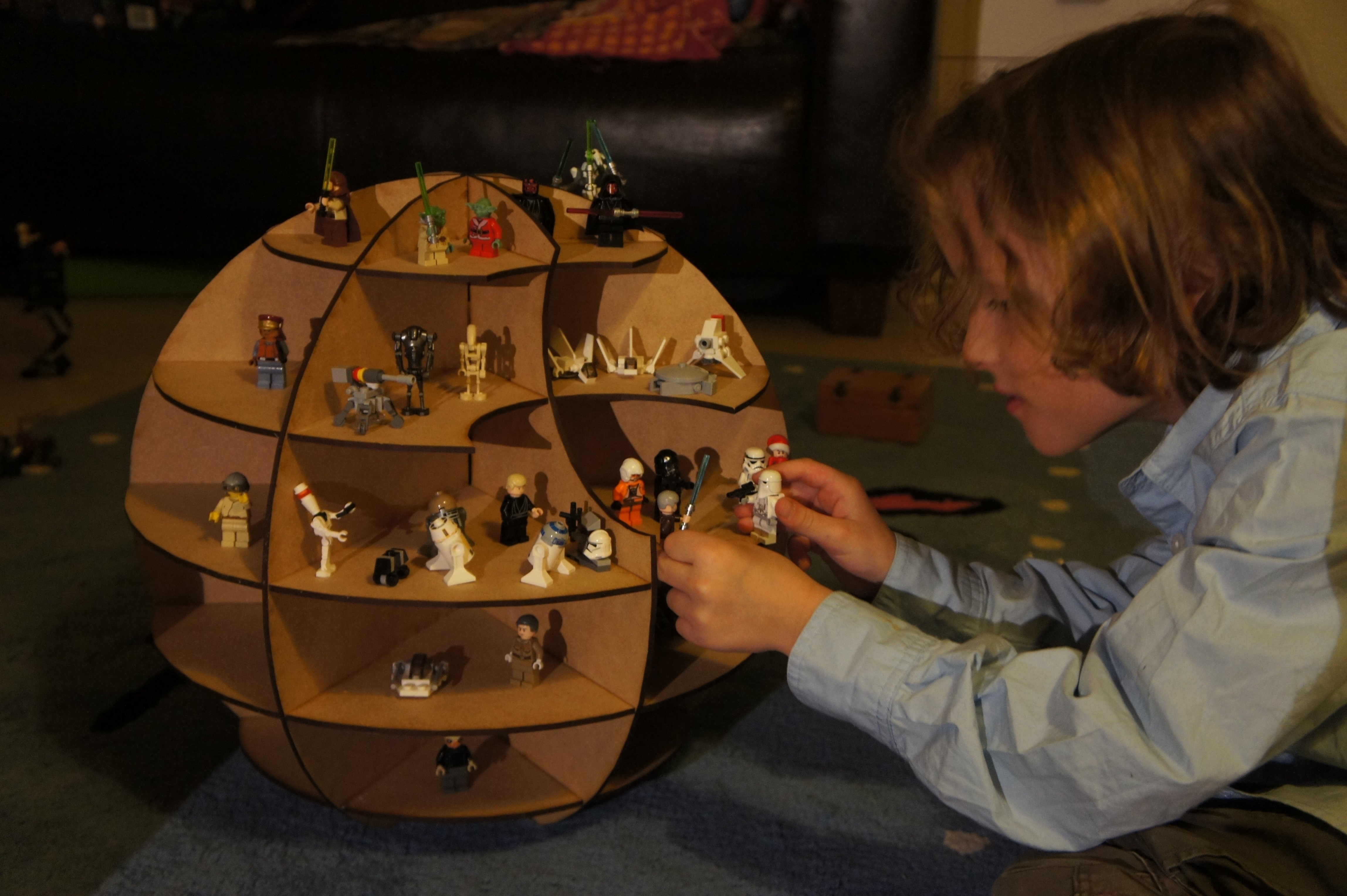
Many thanks to Gaëtan Bussy and Fab Lab Neuchatel for helping make my son so happy.
Update:
Here's the 123D Make project for the Death Star (this one is less facetted than the one I ended up building), in case anyone wants to build their own.
Leave a Reply