Over the last few days we've held Autodesk's first internal, global Hackathon. I started off by not wanting to join a team – I did sign up as an "evangelist", which it turns out means I'm also a judge – but in the end I decided to create a simple HoloLens application. And then Jeremy Tammik suggested we join forces, so we actually were a team, all of a sudden.
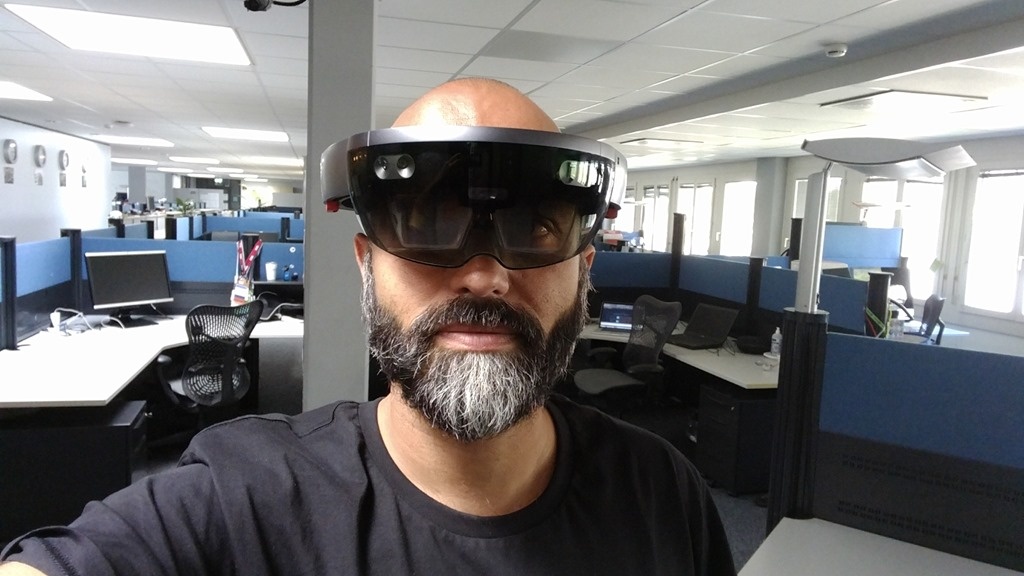
From my side I focused on creating the HoloLens application – which receives path information from somewhere and displays that to the user – as well as the 2D AutoCAD application that drives it. Jeremy created an equivalent, 3D-capable application in Revit.
Here's the demo video I put together that describes the project.
Here's the C# code that implements the PTH command shown in this video:
using Autodesk.AutoCAD.ApplicationServices;
using Autodesk.AutoCAD.DatabaseServices;
using Autodesk.AutoCAD.EditorInput;
using Autodesk.AutoCAD.Geometry;
using Autodesk.AutoCAD.Runtime;
using Newtonsoft.Json;
using System;
using System.Net.Sockets;
namespace SendPathToHoloGuide
{
public static class Extensions
{
public static Point3dCollection VectorizeCurve(
this Curve cur, int numSeg, Vector3d direction,
double scale = 1.0, bool relative = true
)
{
// Collect points along our curve
var pts = new Point3dCollection();
// Split the curve's parameter space into equal parts
double startParam = cur.StartParam;
double segLen = (cur.EndParam - startParam) / numSeg;
var baseDir = new Vector3d(0, 1, 0);
var ang = baseDir.GetAngleTo(direction);
var mat = Matrix3d.Rotation(-ang, Vector3d.ZAxis, Point3d.Origin);
var orig = Point3d.Origin;
for (int i = 0; i < numSeg + 1; i++)
{
var pt = cur.GetPointAtParameter(startParam + segLen * i);
if (relative && i == 0)
{
orig = pt;
pts.Add(Point3d.Origin);
}
else
{
pts.AddRounded((pt - orig.GetAsVector()).TransformBy(mat) * scale, 4);
}
}
return pts;
}
public static void AddRounded(
this Point3dCollection pts, Point3d pt, int digits
)
{
pts.Add(
new Point3d(
Math.Round(pt.X, digits),
Math.Round(pt.Y, digits),
Math.Round(pt.Z, digits)
; )
);
}
}
public class Commands
{
private static string ip = null;
[CommandMethod("PTH")]
public static void PathToHoloGuide()
{
var doc = Application.DocumentManager.MdiActiveDocument;
if (doc == null)
return;
var db = doc.Database;
var ed = doc.Editor;
// Get the IP of the HoloLens to send to
var pso = new PromptStringOptions("\nIP address of the HoloLens device");
if (!string.IsNullOrEmpty(ip))
{
pso.DefaultValue = ip;
pso.UseDefaultValue = true;
}
var psr = ed.GetString(pso);
if (psr.Status != PromptStatus.OK)
return;
ip = psr.StringResult;
// Get the path to send
var peo = new PromptEntityOptions("\nSelect the path");
peo.SetRejectMessage("\nMust be a curve.");
peo.AddAllowedClass(typeof(Curve), false);
var per = ed.GetEntity(peo);
if (per.Status != PromptStatus.OK)
return;
// Get the path to send
var ppo = new PromptPointOptions("\nDirection faced");
ppo.BasePoint = ((dynamic)per.ObjectId).StartPoint;
ppo.UseBasePoint = true;
var ppr = ed.GetPoint(ppo);
if (ppr.Status != PromptStatus.OK)
return;
var direction = ppr.Value - ppo.BasePoint;
// get the scale for the path
var pdo = new PromptDoubleOptions("\nScale of the path");
pdo.DefaultValue = 0.025;
pdo.UseDefaultValue = true;
pdo.AllowZero = false;
pdo.AllowNegative = false;
var pdr = ed.GetDouble(pdo);
if (pdr.Status != PromptStatus.OK)
return;
var scale = pdr.Value;
// Get the number of waypoints along the path
var pio = new PromptIntegerOptions("\nNumber of waypoints");
pio.DefaultValue = 20;
pio.UseDefaultValue = true;
pio.AllowZero = false;
pio.AllowNegative = false;
var pir = ed.GetInteger(pio);
if (pir.Status != PromptStatus.OK)
return;
var numSteps = pir.Value;
Point3dCollection pts = null;
using (var tr = db.TransactionManager.StartTransaction())
{
var path = tr.GetObject(per.ObjectId, OpenMode.ForRead) as Curve;
if (path != null)
{
pts = path.VectorizeCurve(numSteps, direction.GetNormal(), scale);
}
tr.Commit();
}
if (pts != null)
{
const int port = 4444;
try
{
var tcpc = new TcpClient(ip, port);
var message = JsonConvert.SerializeObject(new { pts = pts });
var data = System.Text.Encoding.ASCII.GetBytes(message);
var stream = tcpc.GetStream();
stream.Write(data, 0, data.Length);
}
catch
{
ed.WriteMessage("\nUnable to connect to device at {0}:{1}.", ip, port);
}
}
}
}
}
It actually works pretty well! The main issue with the approach I took was to get the device callibrated directionally. You have to have the headset facing in exactly the right direction when the application starts: over the course of a 40-50m path, there's a very big chance of missing the exit. So I jumped through some hoops to make this work predicatably, which I didn't get the chance to describe in the (mandatedly sub-3 minute) demo video.
Over time I'd expect to be able to align the path based on the mapped surroundings, but that's quite a lot more work, even if the code does perform some basic obstacle avoidance (which in itself is pretty cool).


Leave a Reply