I've finally found the time to get one of the new Demons bound to my service installed with Autodesk VRED, Revit and LIVE.
I had some teething issues getting the HTC Vive to work: my rookie mistake was thinking I could connect it to a DisplayPort via a basic DP –> HDMI dongle. This was enough for the PC – and Steam VR – to detect it, but not enough for anything to show inside the HMD. After a phone consult with Merten Stroetzel, I fixed it by having it come off the DVI port (another option would be to use a powered DP –> HDMI convertor, but in the end a single DVI –> HDMI dongle did the trick). Thanks, Merten!
So we now have functioning VR, albeit in a slightly small space. It's more cubicle-scale than room-scale, right now. 🙂 The work on our VR room will be completed in December, so I'll be able to install the systems then in a much more usable environment.
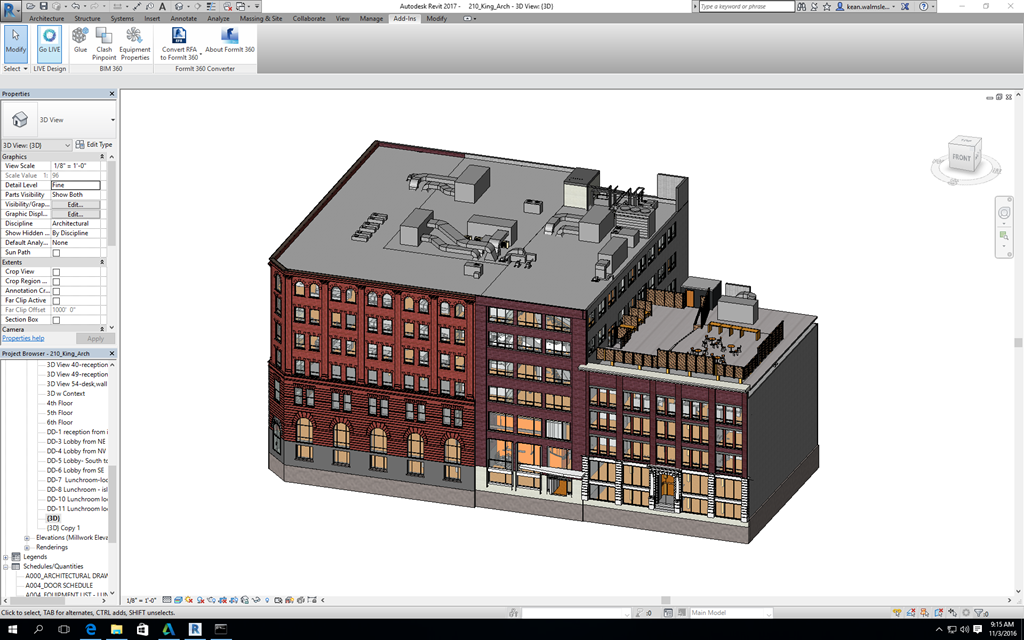
Having installed LIVE, I decided to give its Revit –> Stringray workflow a try with the honking great model we've been using for Dasher 360 (the 210 King Street East building in Toronto, a version of which is available online, incidentally).
Launching LIVE was a simple matter of clicking on the ribbon button…
Some issues were found with the model's materials, which I chose to ignore (but you'd typically want to address before launching). The below process did take quite some time – it's a really big model, as I said – but it didn't need my involvement at all.
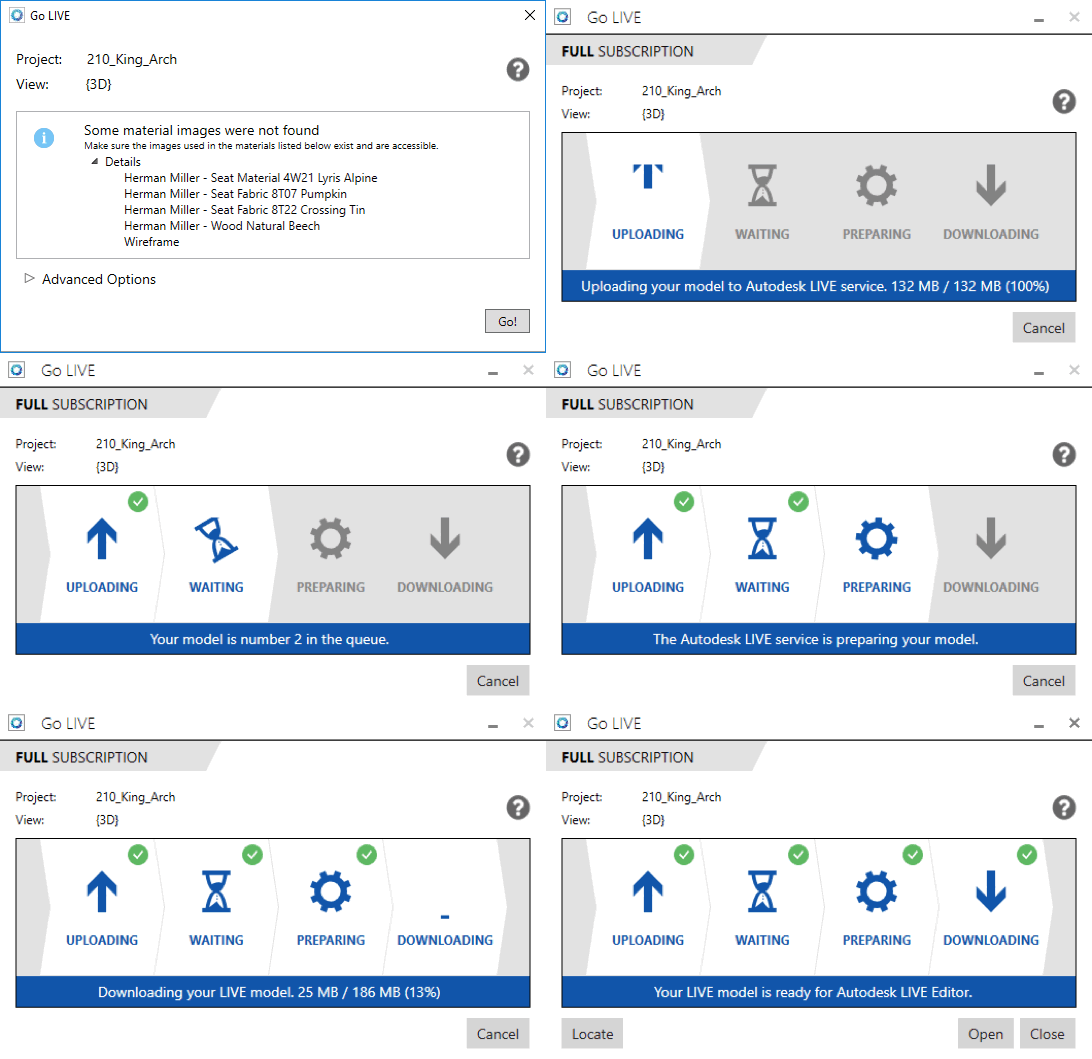
Opening the downloaded model in LIVE involved some additional unpacking and preparation (again, completely unattended):

At which point we have the model – with a helpful overlay for first-time users – inside the LIVE viewer, ready to go.
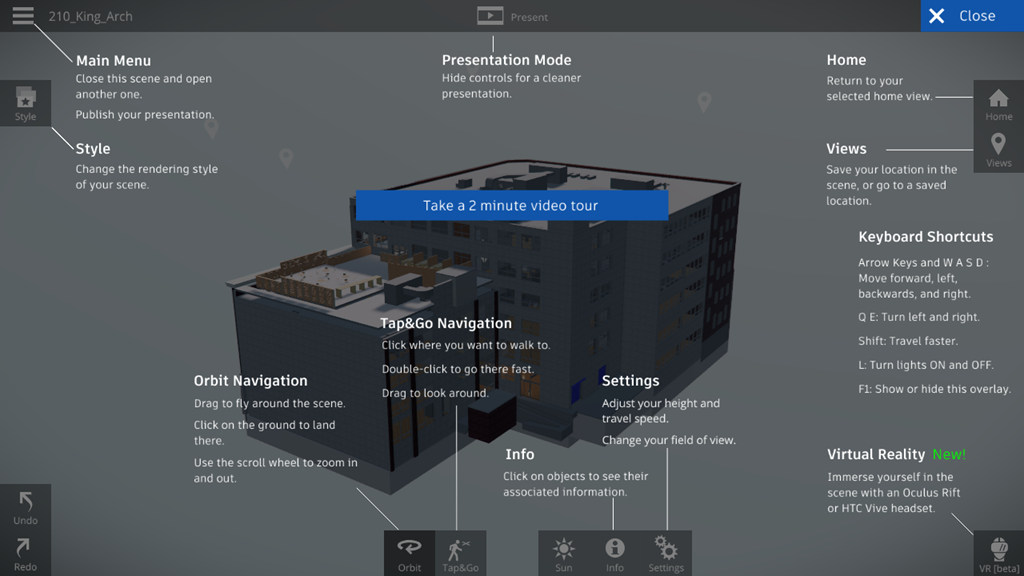
Dismissing the overlay, we can see the full building in all its glory.
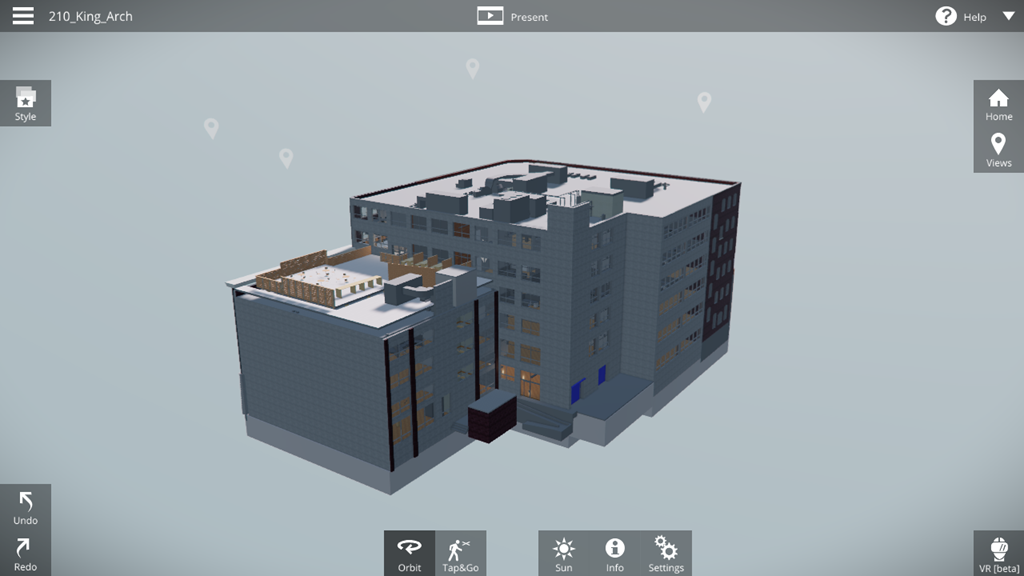
Entering the building we immediately get a sense for the quality of the lighting and materials.
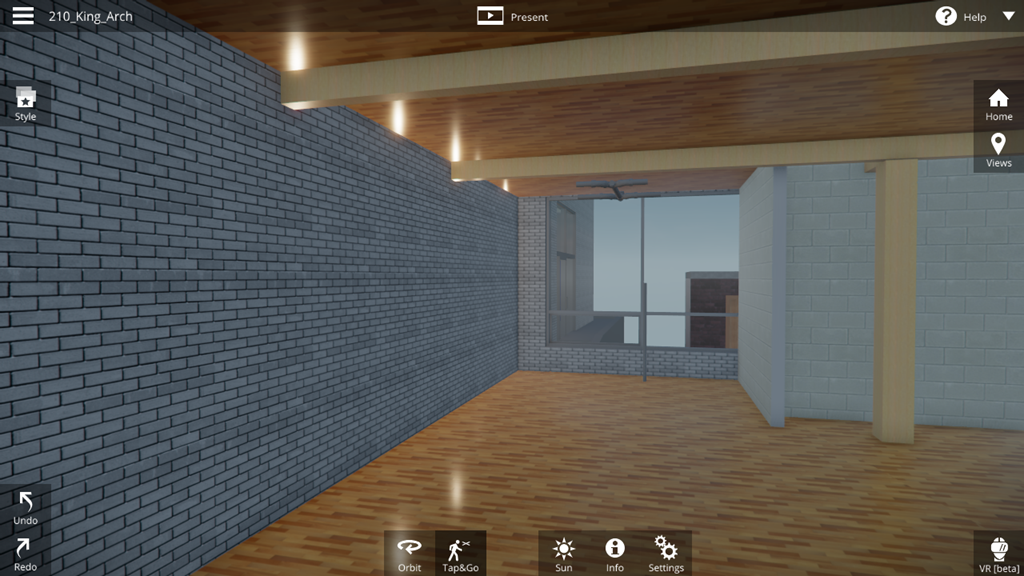
The view outside is also well done. Opening the points of view we can see a number of vantage point that have been generated – presumably from the source Revit model.
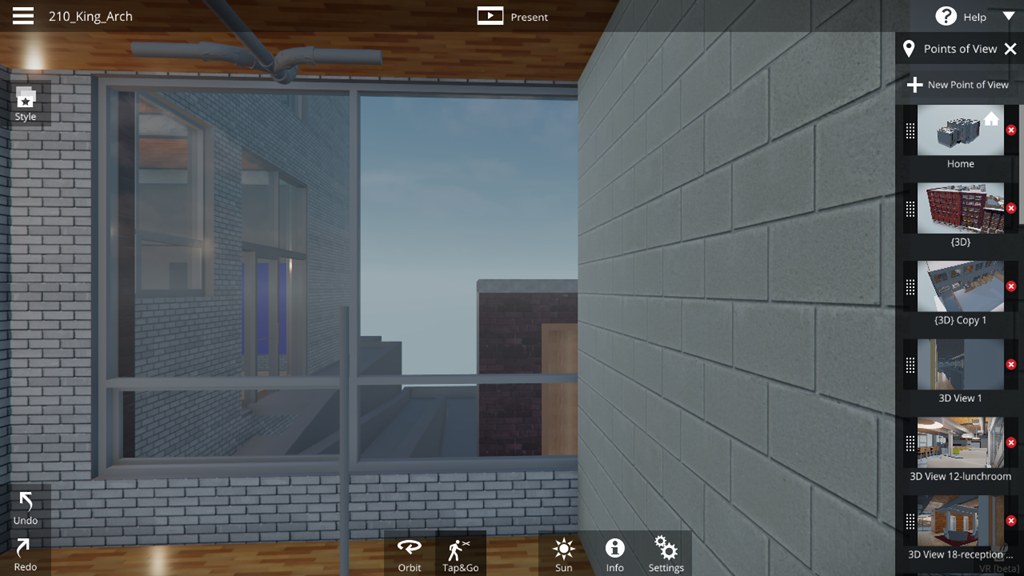
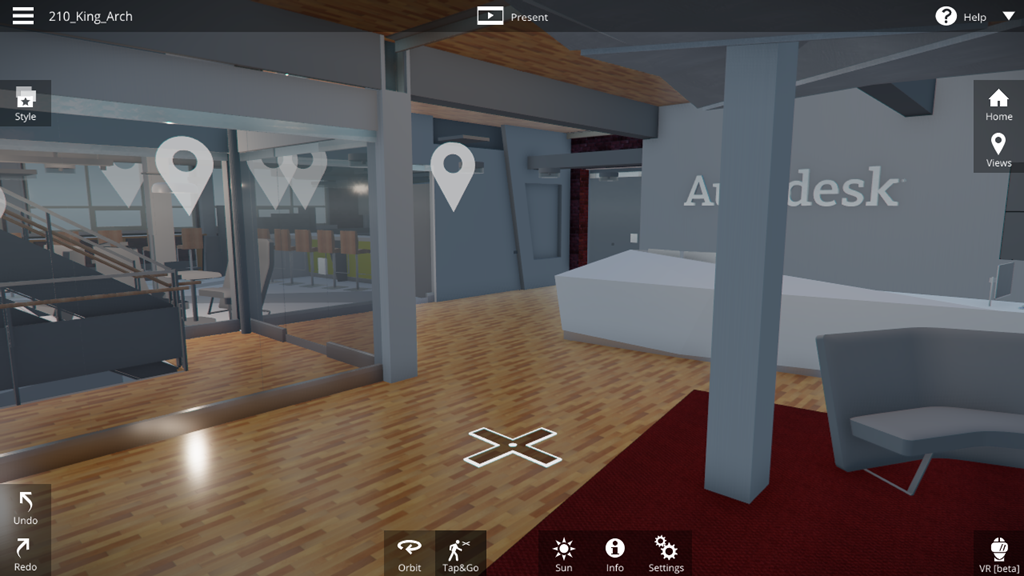
A number of these are obvious when we enter the 5th floor lobby.
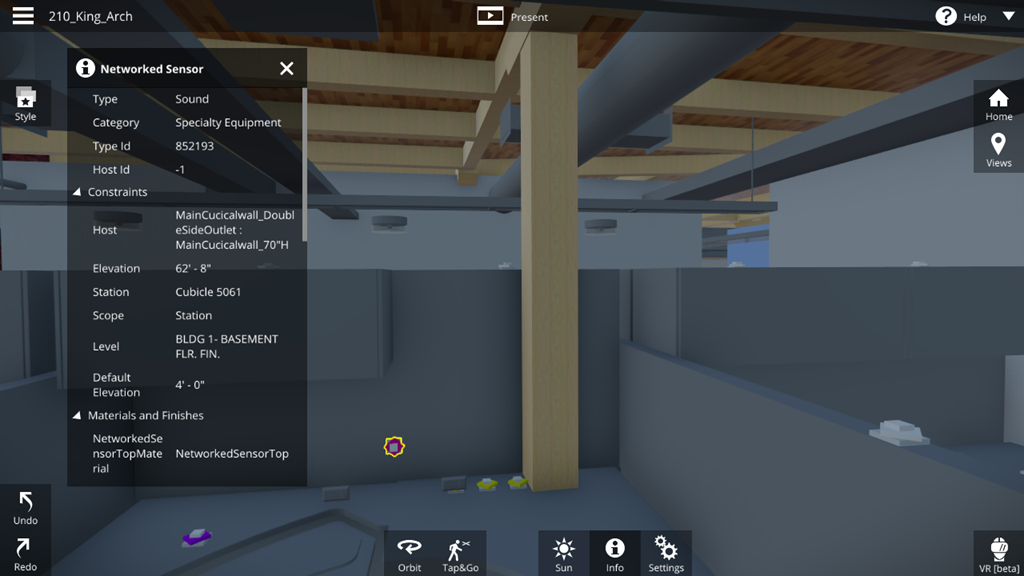
Navigating through to oneof the cubicles, we can see the sensors on people's desks.
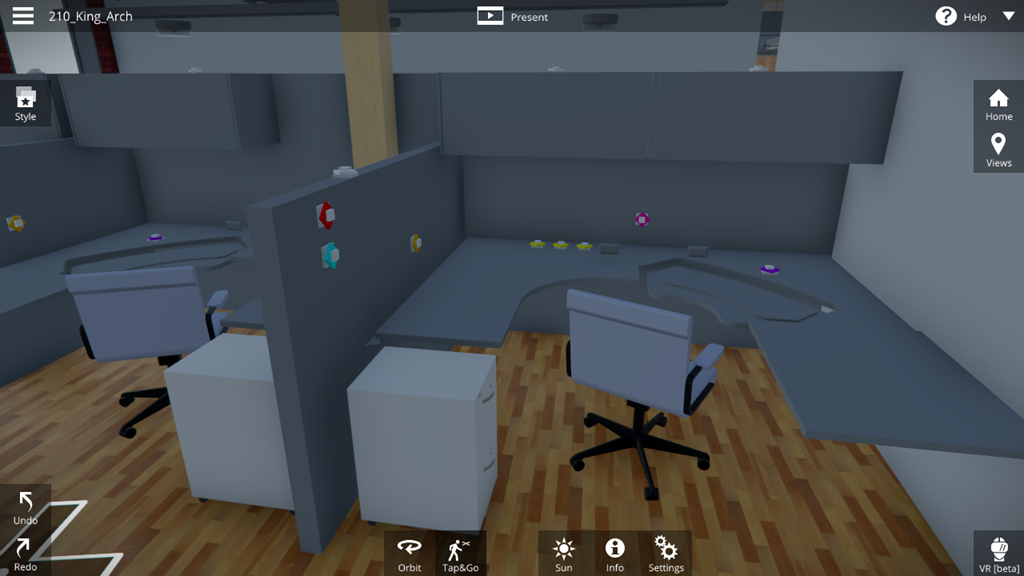
These all have BIM metadat associated – transferred through from the Revit file. Which raises all kinds of possibilities.
Now I was determined to try this model in VR, despite the LIVE viewer's warning that the model was too large:
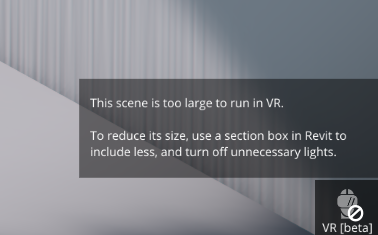
It worked, although the experience was a bit jittery. If I broke the model up into floors I have no doubt it'd be perfect. The VR experience is still in Beta with LIVE 1.1, of course.
You have a teleport controller that lets you move around – beyond the space you have to walk around in the room-scale experience.
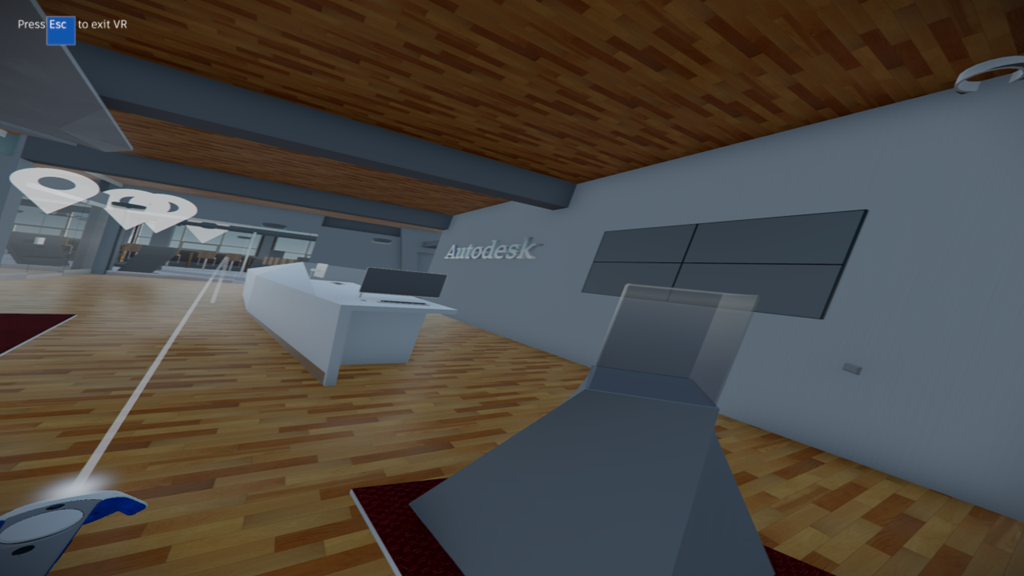
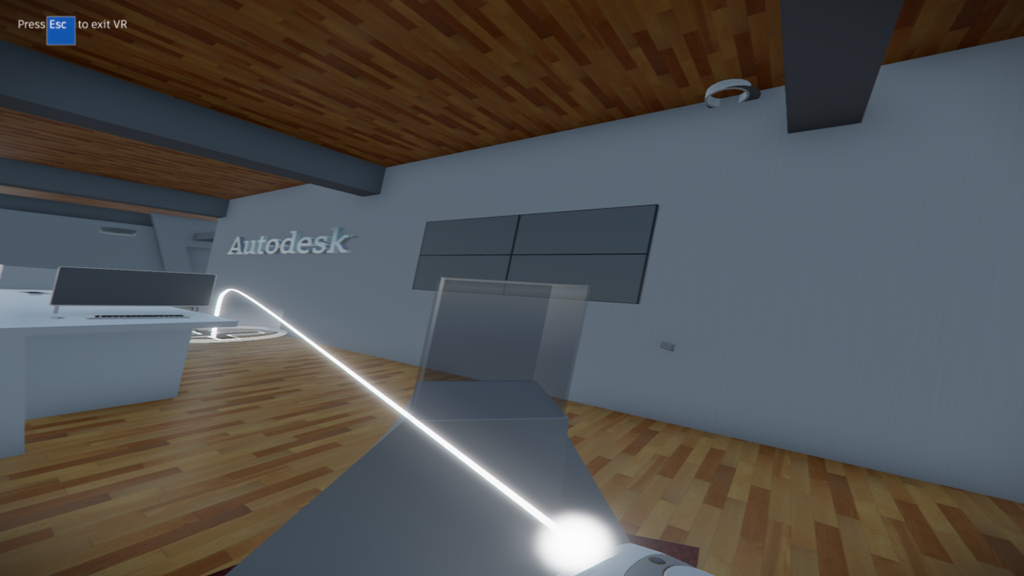
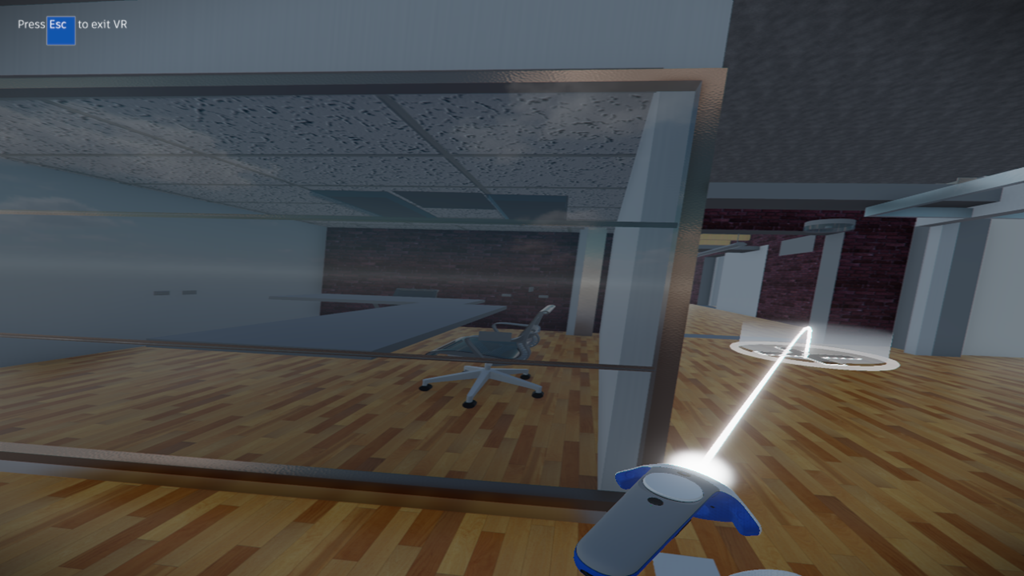
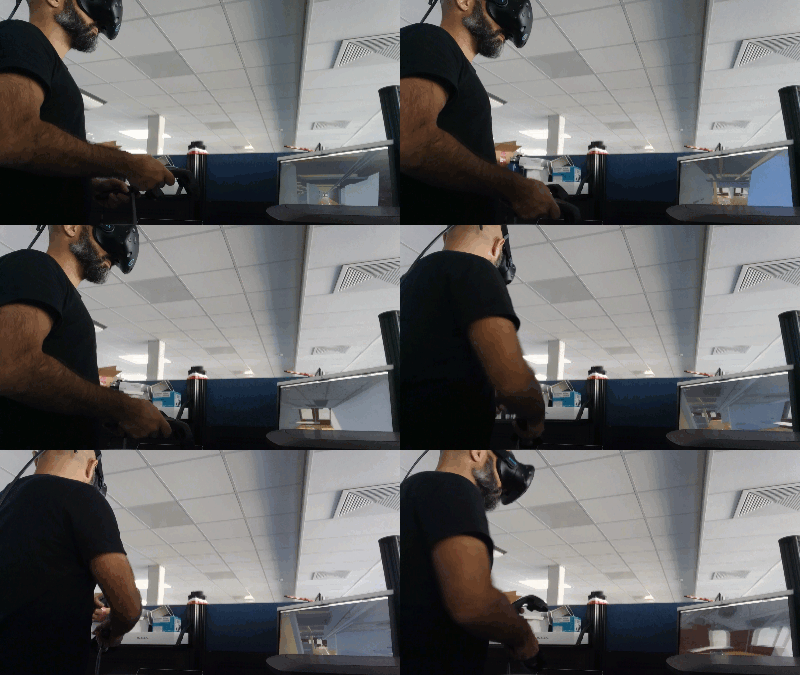
Here's a quick look at me moving around the space using the teleport command. There's also a "minimap" you can zoom out to, allowing you to zoom into a specific location really easily. I didn't capture an image for that, though.
If you're interested in trying Autodesk LIVE yourself, start by downloading the LIVE viewer and then some of the sample models. You don't need a VR headset, but it's really cool if you have a Rift or Vive handy.

Leave a Reply to James Maeding Cancel reply