I've been mocking up some UI additions for Dasher 360, today. A big chunk of my time was spent working out how to make flyouts work for vertical toolbars (something I'll address in a future post, if there's interest), but I've just been fighting another problem that's probably not really an issue for anyone using standard DPI (and non-"retina") screens.
I've been drawing text to a standard HTML canvas and it's been really ugly. After some minutes of searching the web, I found out it was probably due to my MacBook Pro's retina display. Here's the code I integrated (from this post):
public rescaleCanvas(canvas: any): void {
// finally query the various pixel ratios
let ctx = canvas.getContext('2d');
let devicePixelRatio = window.devicePixelRatio || 1;
let backingStoreRatio = ctx.webkitBackingStorePixelRatio ||
ctx.mozBackingStorePixelRatio ||
ctx.msBackingStorePixelRatio ||
ctx.oBackingStorePixelRatio ||
ctx.backingStorePixelRatio || 1;
let ratio = devicePixelRatio / backingStoreRatio;
// upscale the canvas if the two ratios don't match
if (devicePixelRatio !== backingStoreRatio) {
let oldWidth = canvas.width;
let oldHeight = canvas.height;
canvas.width = oldWidth * ratio;
canvas.height = oldHeight * ratio;
canvas.style.width = oldWidth + 'px';
canvas.style.height = oldHeight + 'px';
// now scale the context to counter
// the fact that we've manually scaled
// our canvas element
ctx.scale(ratio, ratio);
}
}
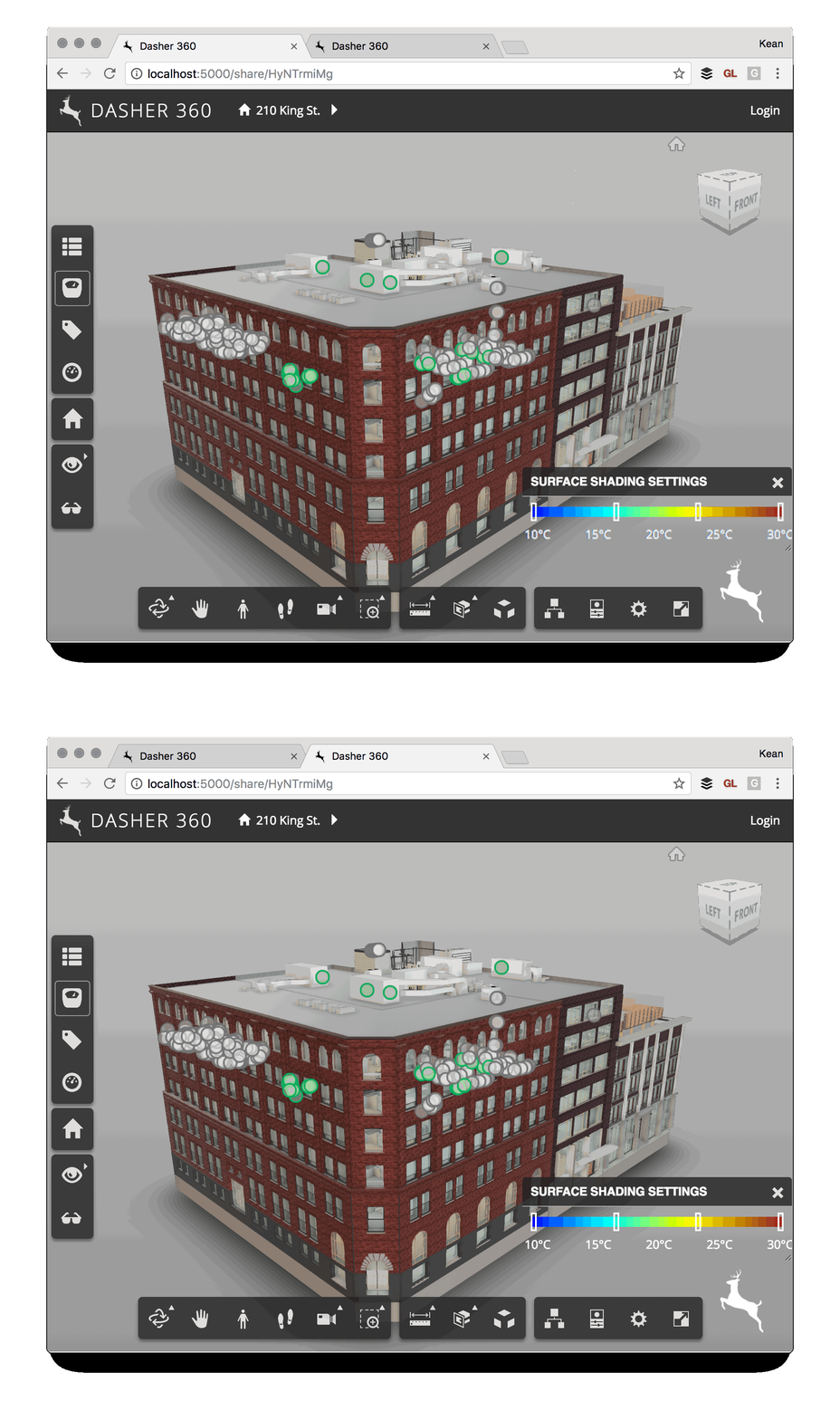
Integrating this into my project made a huge difference to the quality of the text being output. Here's a GIF that shows the difference – although you may need to check the lower right corner in full-screen view to spot it.
Leave a Reply