In advance of next week's AU2019 class entitled "Hands-on with Project Rediscover: generatively designing Autodesk Toronto's office", I'm happy to announce that version 2 of the MaRS graph is now available for download.

(Many thanks to Simon Breslav for all his work on the graph, as well as to both Simon and Rhys Goldstein for their hard work making Space Analysis what it is: a cornerstone of Project Rediscover.)
While version 1 was about "getting something out there that works", the focus for version 2 was to have something that's more discoverable and understandable.
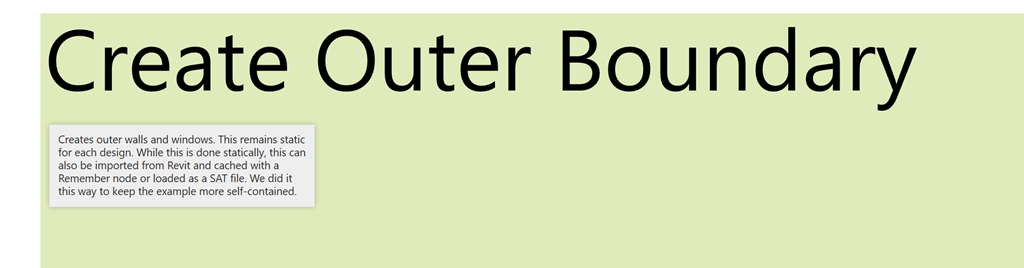
We've done a few things to make the graph more understandable. Firstly, we've added notes to all the major node categories to provide a high-level description of their role in the overall process.
Secondly, we've given the ability to decouple the geometry system from the metrics calculations. Freezing this one node will stop all the downstream nodes from evaluating, allowing you to explore how the inputs to the graph affect the generation of geometry without having to wait for the often time-consuming metrics to evaluate.
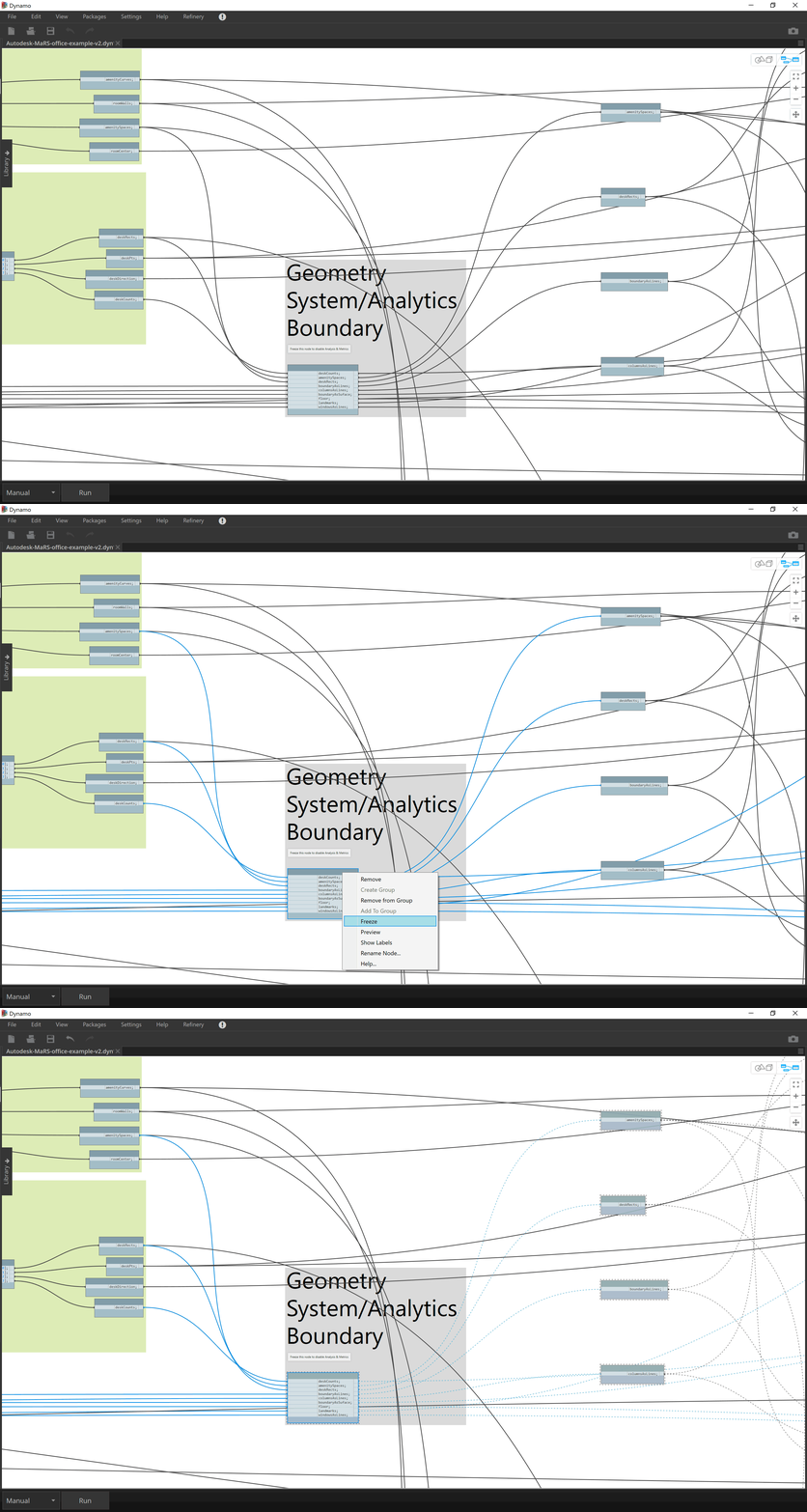
You can even change the graph to execute automatically and then play with the input sliders: with the evaluation system frozen performance is good enough for tolerably real-time feedback.
Thirdly, we've added a series of steps that show how the geometry system works. These can be enabled one after the other (or selectively) to make it very clear how the geometry system functions.
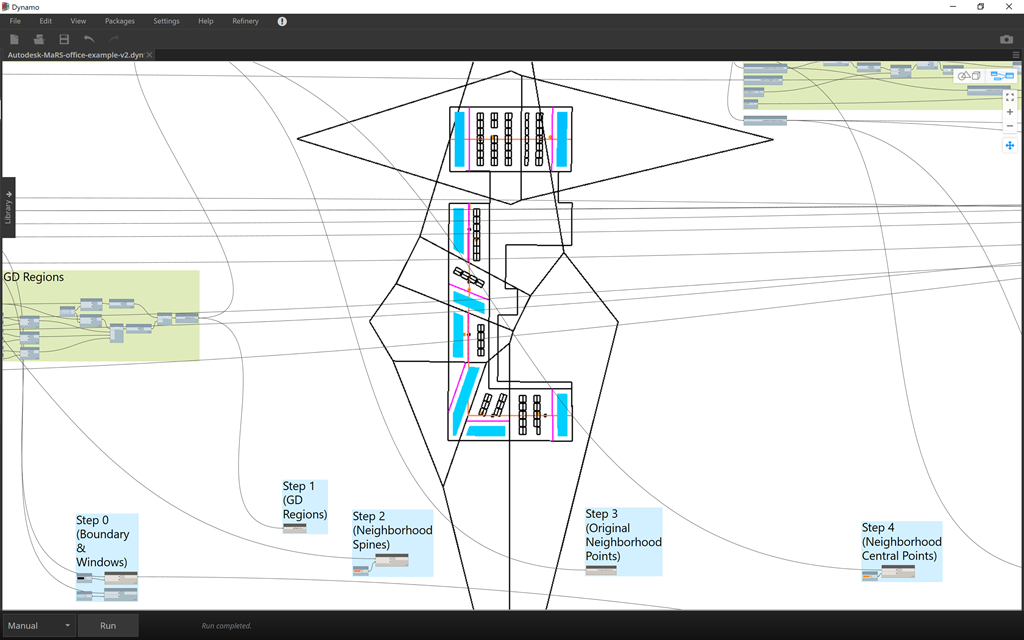
It's this mechanism that helped me create this GIF from a few weeks ago.
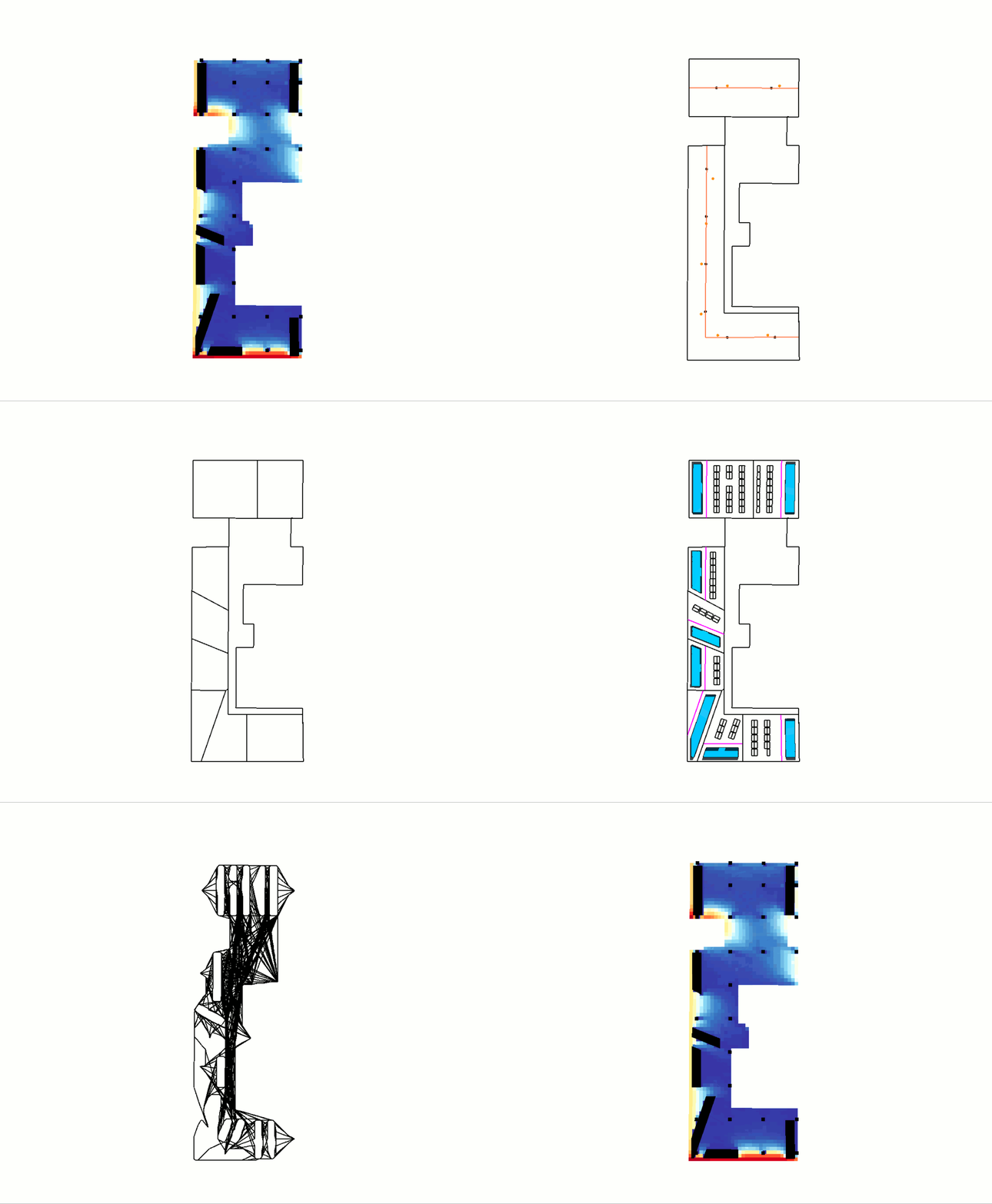
We've done some other things, too, such as to swap out our previous "hand-rolled" daylight analysis approach for the "Solar Analysis for Dynamo" package (it's a repackaging of the former Ecotect technology that you can install via the Dynamo package manager).
Interestingly – and I believe this is a side-effect of swapping out our custom daylighting implementation – the graph now runs just as quickly using the serial processing in Python as it does when using parallel loops: avoiding parallelism does make Refinery perform more reliably, from what we can tell, so all of this is a good thing.
So this graph now seems to work very well with both Project Refinery and also with Capturefinery, if you want to capture some cool animations from your Refinery studies.
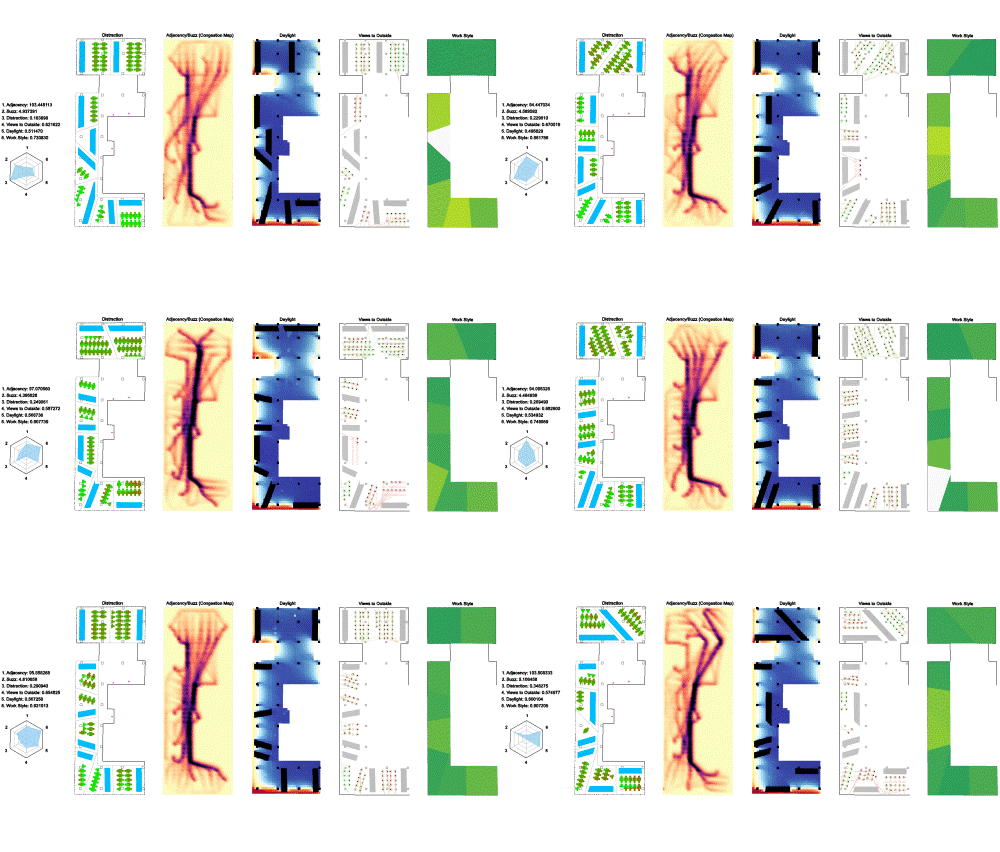
Here are some that I've managed to generate over the last week or so by combining various metric visualizations from the core graph.
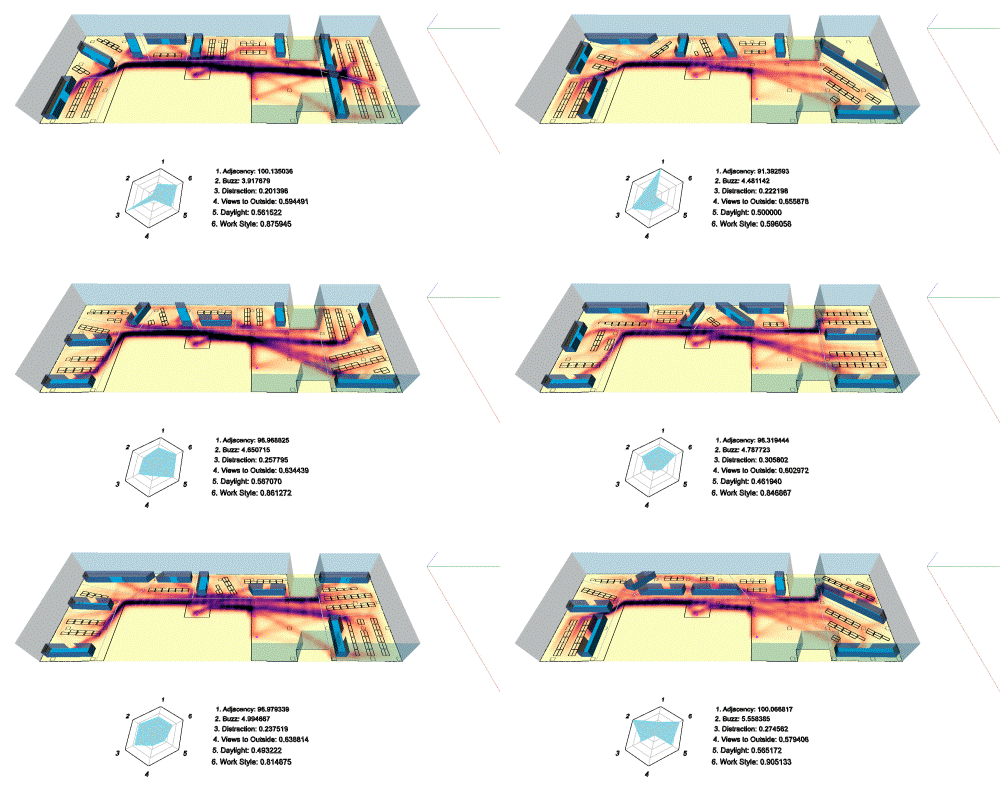
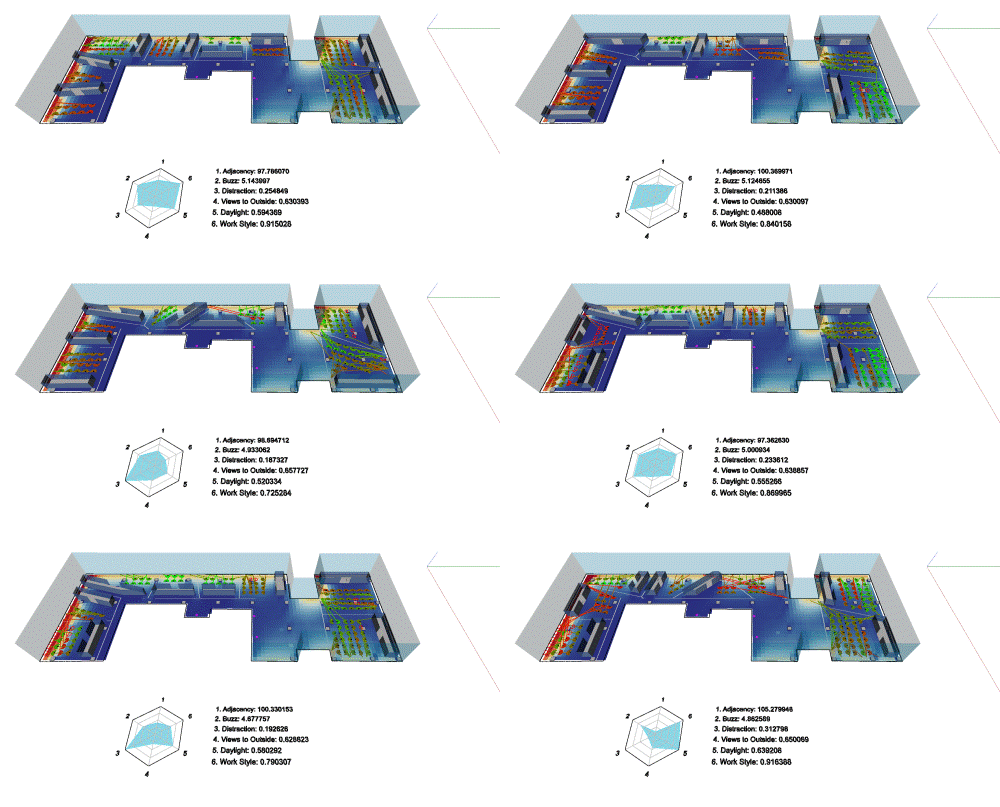
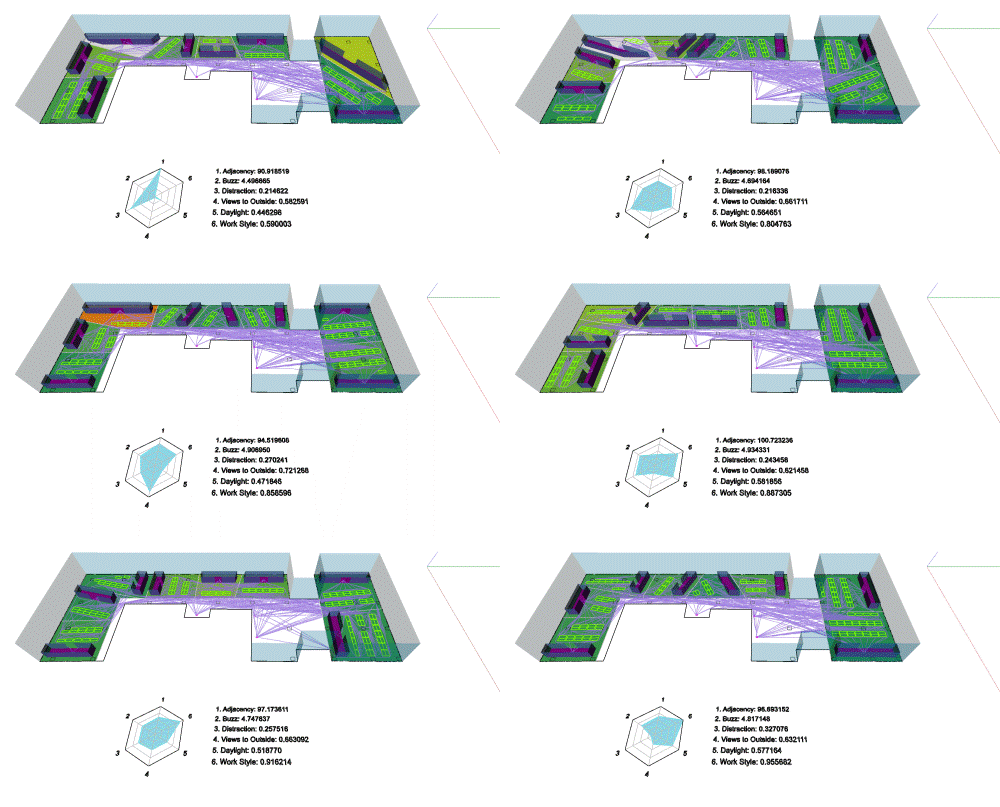
If there ends up being another phase to this project, I expect it will focus on understanding and streamlining the graph's performance. Right now the graph executes in a very tolerable 40 seconds or so (on the systems I've tested it on), but with the help of profiling tools people are working on for Dynamo I suspect we can shave several seconds off that number. We'll see.
If you're interested in this topic and will be at AU Las Vegas, do try to come along to the class, or otherwise stop me for a chat at some point if you see me wandering past.


Leave a Reply to Kean Cancel reply