You're hopefully by now familiar with 123D Catch – a technology I've talked about before, a consumer-focused tool for reconstructing 3D models from photos – but Autodesk is also providing a professional-grade version of the system on Autodesk 360 called Autodesk ReCap Photo.
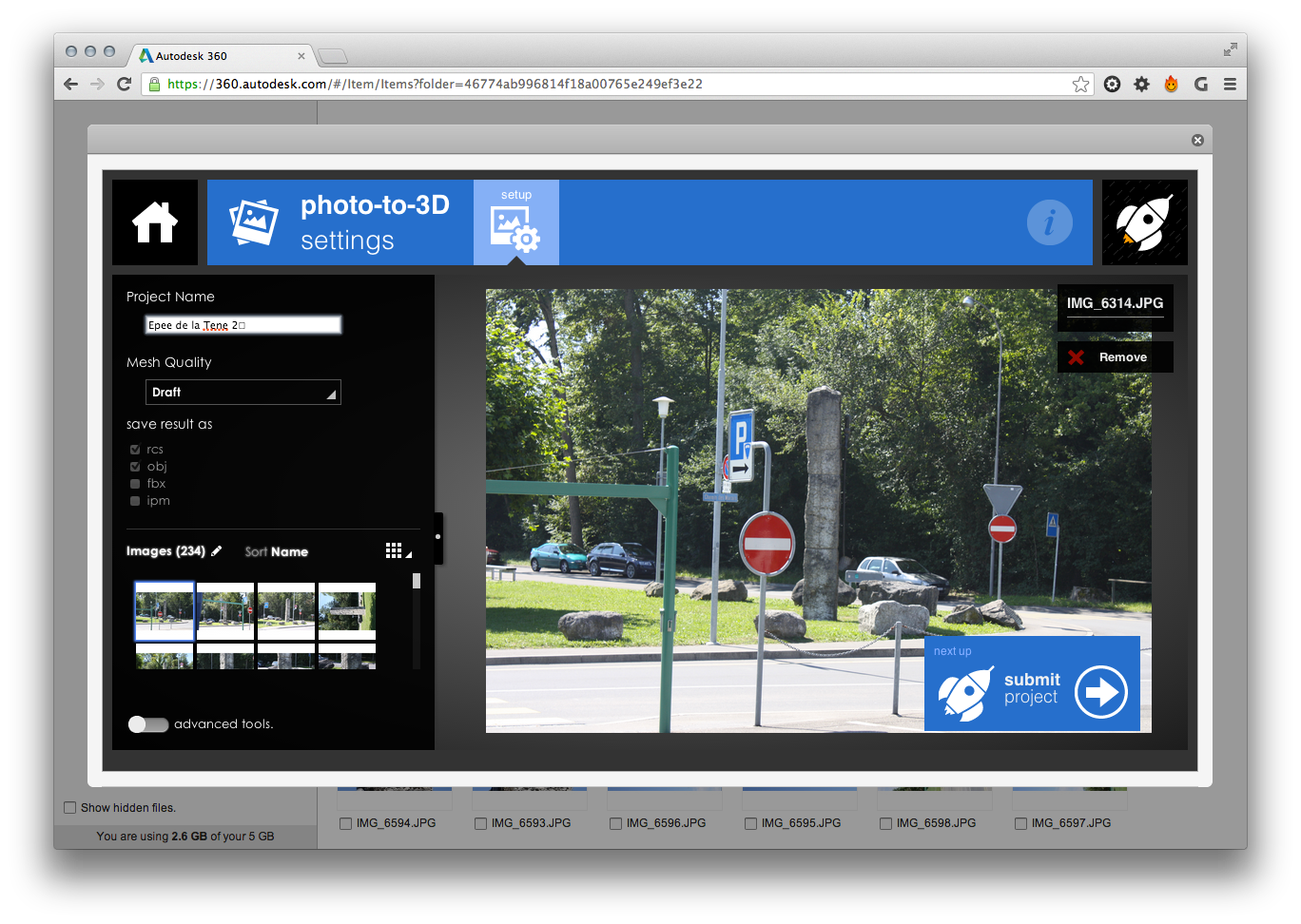
To get access to the trial version of this tool, simply log in to Autodesk 360 and upload some photos of the scene you'd like to capture. You can then multi-select the photos, right-click and select "Create 3D model". You'll be presented with the "photo-to-3D settings" window that allows you to enter the name for the project and select options such as the quality of the output and the target formats (.RCS, .OBJ, .FBX and/or .IPM). You can also enable the "advanced settings" toggle to be able to register reference points/distances to generate a scale model as well as to specify which photos should be used for texture generation.
For more detailed information on using ReCap Photo – as well as some sample projects – see this page. You might also want to check out the forum for ReCap Photo (and for ReCap Studio) to ask any questions you might have or just see what others are saying.
Here's a video on taking the right pictures for use with ReCap Photo, which is comparable to advice we've given for 123D Catch (and the Photo Scene Editor, before it).
Another nostalgic aside (these seem to be happening a lot, lately – hitting 40 has no doubt triggered them): the voiceover in the above video makes me think of "our Graham", the person doing the voice-over from the classic UK game show Blind Date. To see what I mean, check this YouTube video of a special Comic Relief episode featuring Mr. Bean (and the actor who now plays Eli Gould in The Good Wife – wow, he's a Scot!).
Here's a voiceover-less video of a 3D model of the "launch cake", captured (of course) using ReCap Photo:
Incidentally, if you're an ADN member who's interested in working with this technology, check your inbox for a recent DevNews on the topic. If you can't find it, feel free to drop me an email.


Leave a Reply