In the last post, we looked at an approach for bringing data from our Apollonian web-service into a Unity3D scene. Our next "off piste" look at consuming data from this web-service is on the Android platform.
This is my first serious attempt at mobile development (ignoring some fooling around I did with Embedded Visual C++ for Windows Mobile, way back when) although I have spent some time looking at WinRT (which basically means I've now built a Windows Phone 8 app, I suspect :-).
So why did I choose Android, rather than iOS? No real reason: I have both iOS and Android devices, and just picked one to start with. Although if I'm honest, deep-down I suspected the learning curve for a C# programmer would be shallower to learn Java that it would be with Objective-C. That was probably a reasonable assumption – I've found working with Eclipse and the Android stack pretty quick to adjust to, at least – but that doesn't mean it's a good reason to choose a platform, of course: I'll certainly take the plunge and try to do something comparable with iOS, when I get the chance.
I'm not actually going to post code, today, as I'm still making some "final" tweaks to get the UI right. But I will talk about the development process I've been following, so far.
Let's start with some technology choices (beyond the choice of the Android platform, of course)…
To develop a 3D app for Android, it seems the logical choice is to use OpenGL ES, as the Android SDK supports it directly. Whether you go for OpenGL ES 1.0 or 2.0 seems to depend on the age of hardware you want to support: as I'm primarily targeting the Kindle Fire – the only Android device I currently possess – I was able to go with 2.0.
I was loathe to code against OpenGL directly – as it's a C-based, procedural API – so I went a-hunting for an object-oriented layer. My first discovery was min3D, but that was based on OpenGL ES 1.0. But from there I discovered a more recent framework written by Dennis Ippel – who had previously worked on min3D – called Rajawali. Rajawali is an open source, object-oriented framework available on GitHub that saves you from having to deal with the mess-C-ness (ouch) of OpenGL ES 2.0.
On to my first Android/Rajawali app…
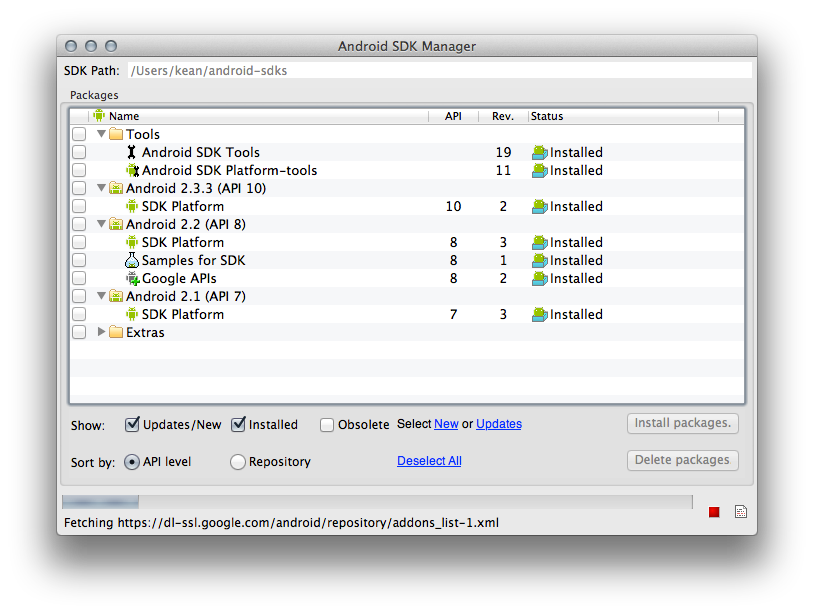
I followed the steps outlined in this "getting started" resource, to at least get the development environment set up. I went with "API level 10", which apparently equates to Android 2.3.3 (the Kindle Fire runs a customised version of Android 2.3.4, it seems, so this was as high as I felt I could safely go and still have it work). The Android SDK manager was helpful for getting hold of the version I wanted (although I ended up bringing down a few older versions, before settling on 2.3.3).
Rather than going through the typical "Hello World" tutorial, I went directly across to follow the basic Rajawali tutorial. The fact it dealt with creating a sphere seemed like a bonus. 🙂
I was impressed with how quickly I got the basic app working, although it took me a while to work out how best to debug it. The standard device emulator that comes with the Android SDK does not support the use of OpenGL ES 2.0, which means you have to debug via a physical device. I started by manually building my application into an .apk file and transferring it across via USB and opening/installing it via ES File Explorer (this appears to be a fairly standard approach for side-loading apps onto the Kindle Fire). This process became old pretty quickly, I have to admit, and I didn't have much information passed back on things that didn't work.
Luckily, I came across these instructions for connecting the Kindle Fire to ADB (ADB is the Android Debug Bridge, by the way, and manages the connections with your development system and both physical and virtual Android devices), which allowed me to debug directly on the Kindle Fire from Eclipse via USB. This allowed me to step through code on the device and get information on any unhandled exceptions that occurred, greatly streamlining the development process.
OK, that's about it for today's post. To give you a taste of where we're heading… in the next post post we're going to build an application that allows us to query and view the various levels of our Apollonian sphere packing:
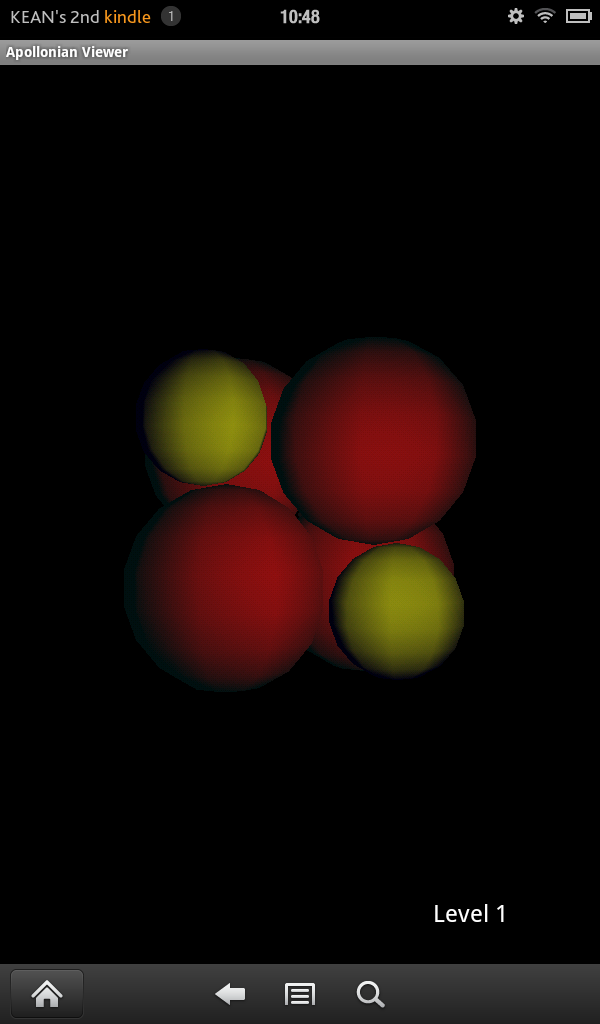
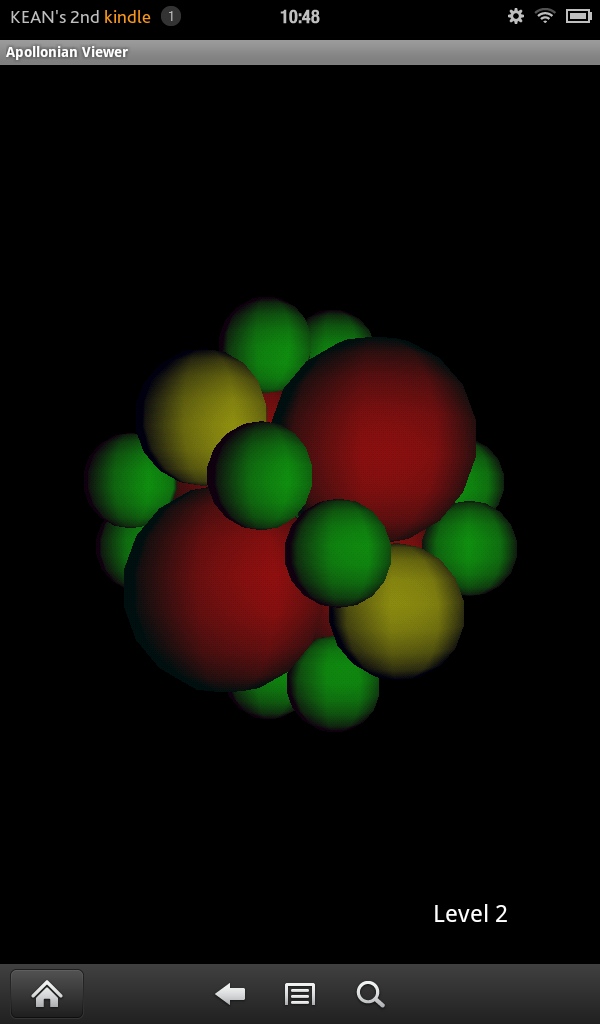
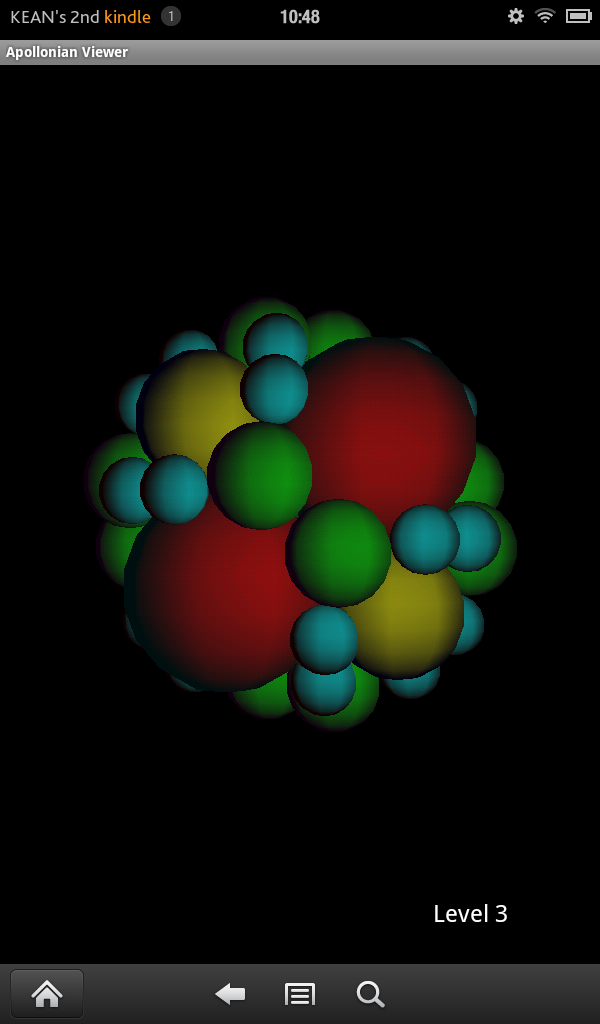
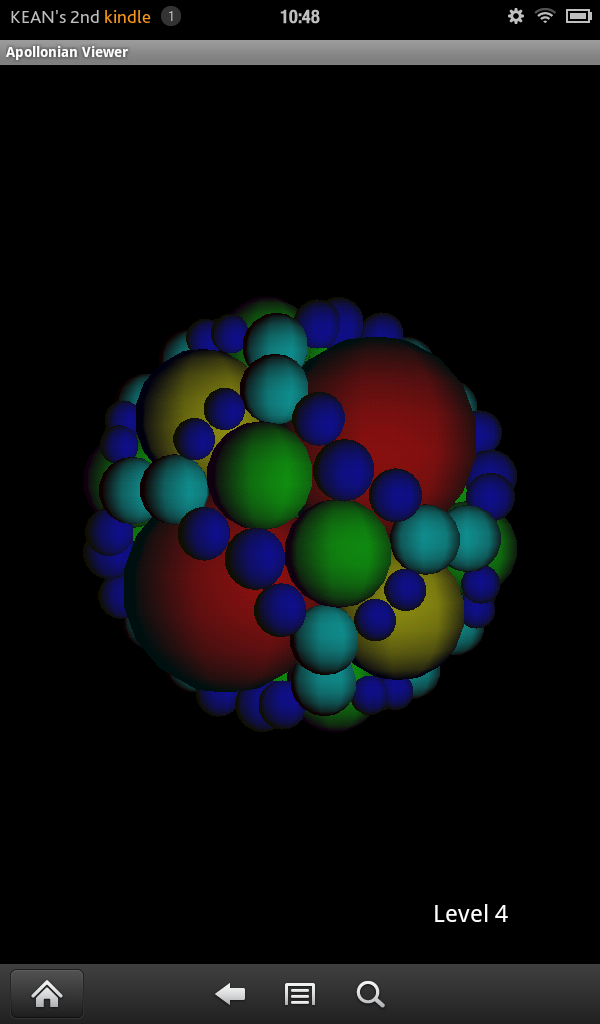
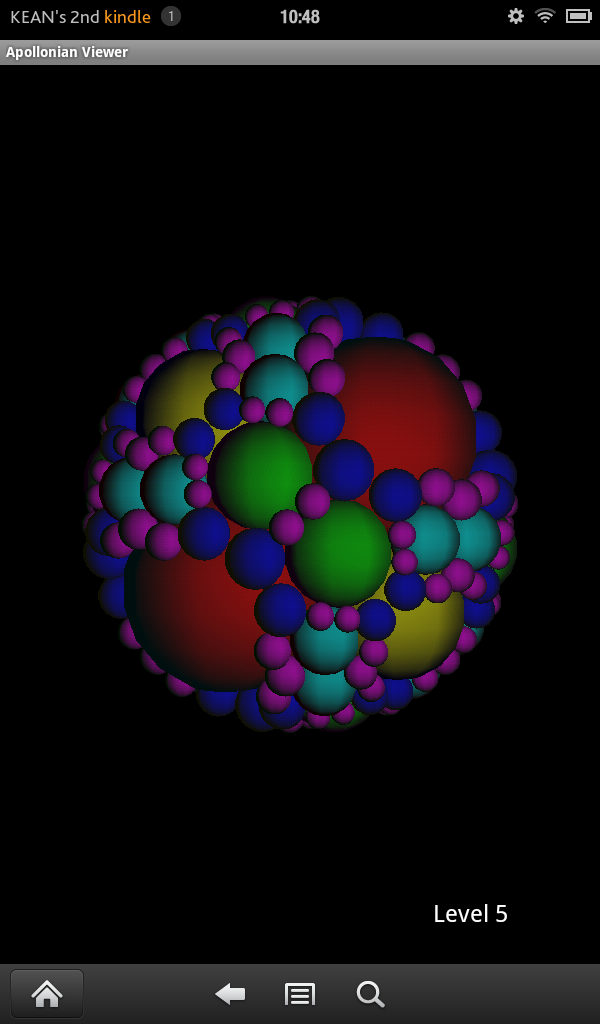
The entire app is going to comprise of around 1,000 lines of code – which I think is pretty good, considering. We'll implement some rudimentary UI for changing levels, progress bars for both download and processing, and even touch gestures such as pinch-zoom, drag-rotation and swipe-spinning.


Leave a Reply