I had a fantastic surprise at the beginning of the week: a friend from work – to whom I'd shown my retro-foolings with the Raspberry Pi – brought a plastic bag to my desk containing an original Sinclair ZX Spectrum and power supply. He had talked about my project to a friend of his back home in Rome, who thought I'd like it (he was otherwise going to throw it away).
The computer was in very good condition externally, at least:

I was impressed by the condition of the keyboard, in particular, as these very quickly became dirty and damaged, back in the day. Perhaps Italy is a less corrosive environment for computers than the UK? 🙂
Everything worked when I plugged it in and turned it on (I could hear the distinctive click of the speaker when I hit the keys) but it didn't display on a modern TV set: it turns out that the Spectrum uses an RF modulator – allowing it to work with TV sets available back in the 80s/90s – but that it's a simple matter to bypass this component, as the Spectrum generates composite video anyway. There's even a video on YouTube that steps through the process.
So I dusted off my soldering iron and got cracking with the mod. Opening up the case made it apparent I'd received a fairly early model – which I assume means it's 16 rather than 48K – and you can see a little rust where there was some water damage:

The mod itself went fairly well – I ended up with a not-too-ugly bypass of the modulator unit:

The only problem came when I tried to reconnect the keyboard, as the membrane's connectors are notoriously fragile (especially after 30 years). At first a few keys worked, but they soon stopped.

Not holding much hope of being able to repair this effectively, I got on the web and found a site that still provides them (and they're newly manufactured!). A few days after placing my order, I received the replacement membrane through the post.
On to replacing the keyboard membrane…
First I had to get the Spectrum's metal face-plate off. This took but a little work with my wife's hair-dryer (you'd be right in thinking this is one of the rare times I've had call to use one of these, in recent years 😉 followed by some gentle prying, revealing the rubber keyboard mat:

And under the rubber keyboard we can see the original membrane:

Here are the old and new keyboard membranes, side-by-side:

Replacing the membrane was very easy, then it was a mere matter of replacing the keyboard, face-plate (I didn't even need additional glue) and screws.
Then it was time to plug it back in and connect it via a standard yellow composite video cable into my TV...
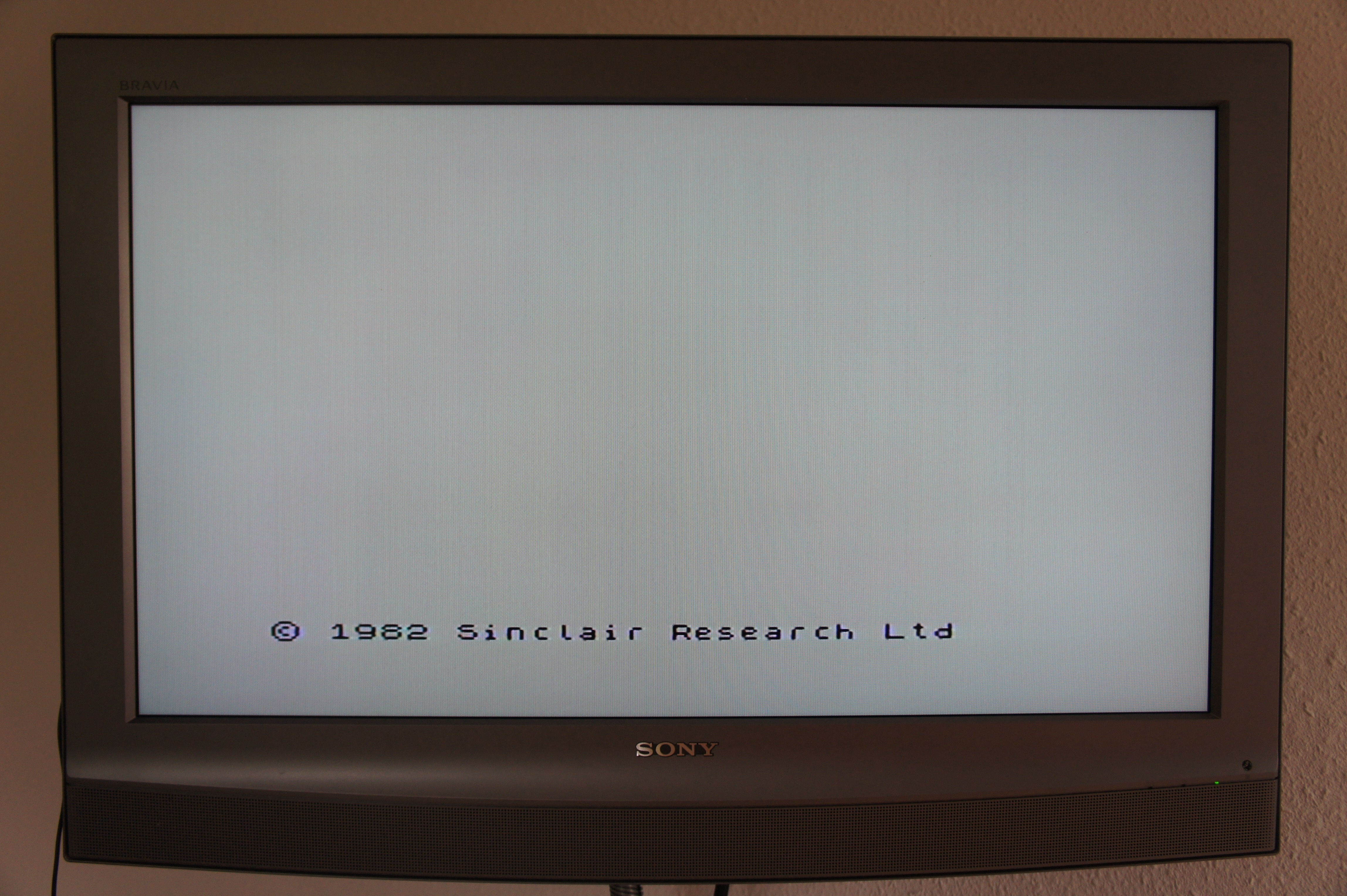
... write some code…
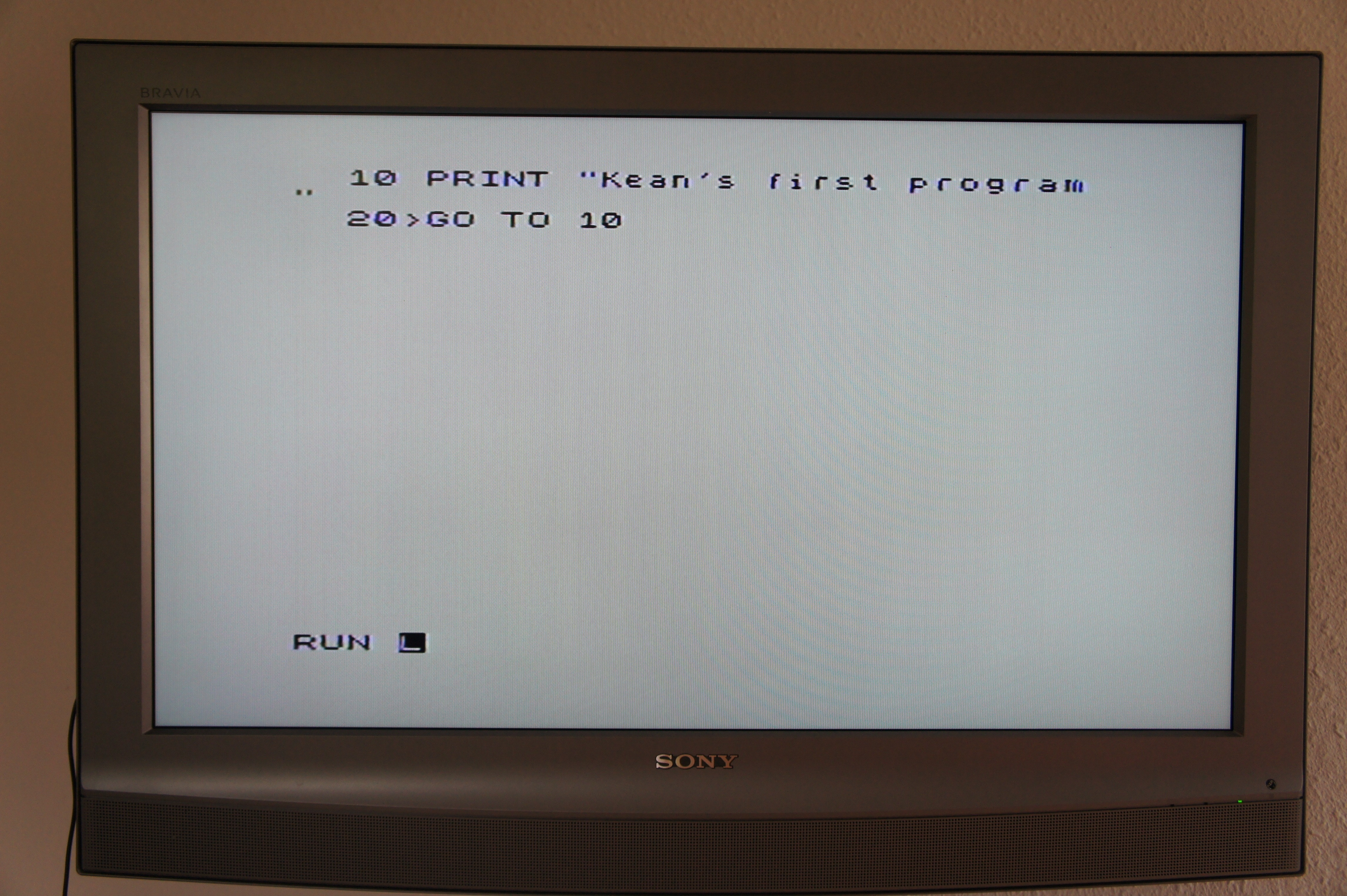
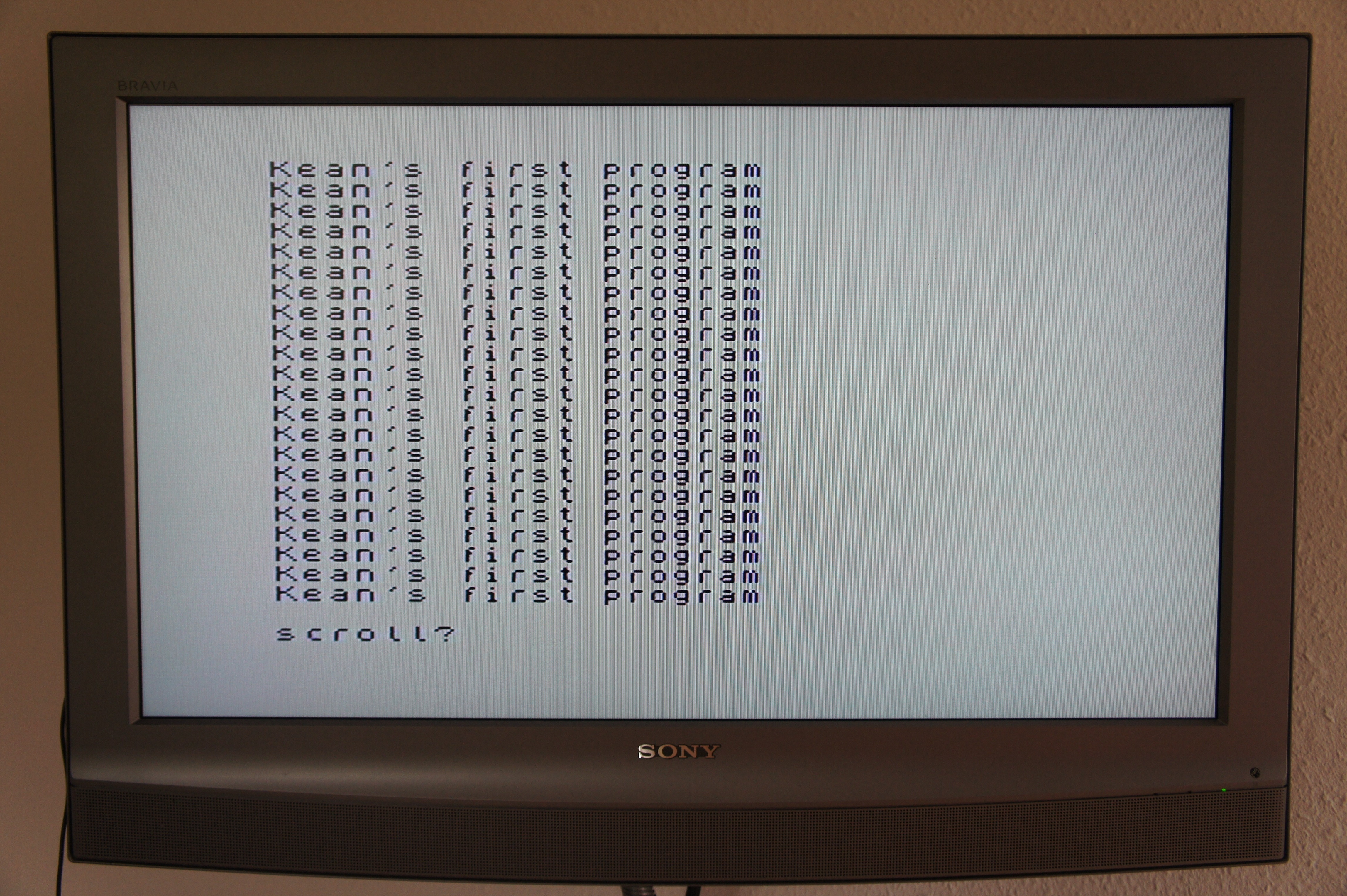
... and see it in action…
So what about playing games? Games for the ZX Spectrum were originally loaded from cassette tape via an audio jack. Many of these games are available online, but in digital format.
A future project is to use one of the tape-related utilities to create a bunch of WAVs or MP3s for the games I want to load and then put them on an old iPod (I have an old iPod Photo that looks sufficiently retro for the task ;-), so that I can relive the experience of loading and playing games. I'll still probably use the Raspberry Pi to do any serious playing – I'd like to keep my Spectrum in good condition – but it'd be fun to get working.
My friend also tells me that he may well be able to bring me back a Commodore 64 from his next visit to Rome. I can't wait!
(Grazie mille, Francesco and Andreas! 🙂


Leave a Reply to Kean Walmsley Cancel reply