In case you missed it, last week Scott Sheppard announced the availability of a new version of DesignScript on Autodesk Labs.
This release unveils DesignScript Studio which brings a visual programming environment to the DesignScript language. People who are familiar with Rhino Grasshopper or SoftImage's ICE will be aware of the benefits of working with a graphical tool for mapping associations and flows of data. I personally prefer working directly in code, myself, but there are certainly times when this kind of tool can help unravel complexity.
The other primary feature is a new lightweight OpenGL-based script execution tool that allows people without AutoCAD installed to work with DesignScript.
I'd talked at some length with Robert Aish and Luke Church on my recent(ish) trip to Singapore, so I was looking forward to hearing more about – and kicking the tyres of – this particular release.
DesignScript Studio
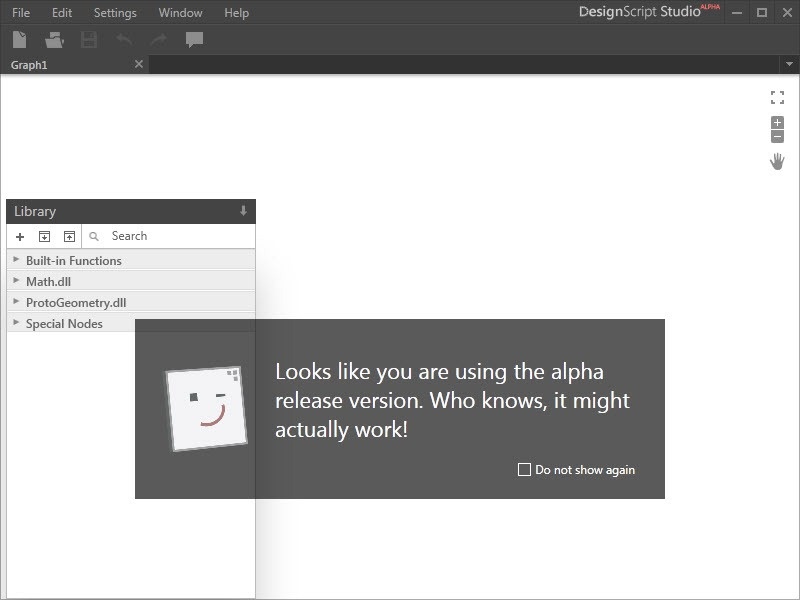
The eventual goal for DesignScript Studio is that you'll be able to generate graphical views of existing DesignScript files, so that's (of course) the first thing I tried. The tool (as you can see above 🙂 had kindly warned me not to expect too much, and – sure enough – it turns out this piece is something that isn't yet working.
Here's some more information I received from Luke that should help set expectations appropriately for this release:
Basically, the plan is to be able to do a free and flexible interchange between nodes and scripts and direct manipulation and have all of them available all the time. We're getting there 😉
Here's where we're at right now:
- Graph nodes can usefully co-exist with associative code
- Graph nodes can be turned into text nodes with the action point -> source code
- Existing associative code can be loaded into the library and dropped onto the canvas
Right now, some stuff isn't quite ready but is coming:
- Associative code being auto-loaded into nodes in the graph (they can be added in, but they don't auto-display as nodes)
- Fixes related to associative code working properly in the graph
Based on this, I'd reiterate what Luke has said in Scott's post: "It's early days for the technology, that's why we're releasing it here - to get more feedback and continue improving DesignScript."
Now that said, if you want to start creating a graph from scratch, things start to get interesting quickly. I recommend taking a look at the online help, which provides step-by-step instructions on making use of the DesignScript Studio UI to create your first graph. Here's one Luke made earlier, which helped me get going quickly.
When you open the .bin file in the editor, you'll see the graph it contains:
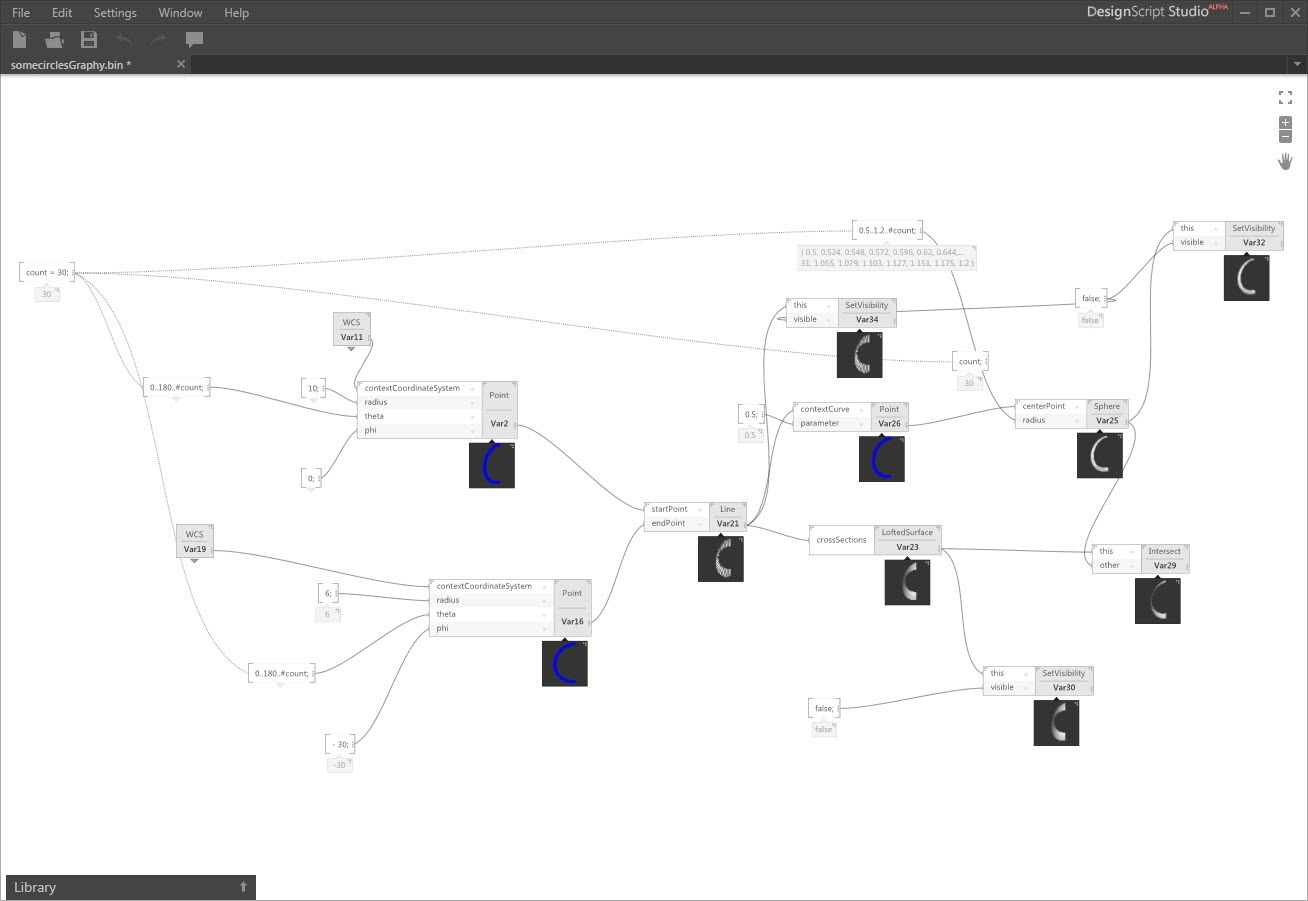
I really like the per-node, graphical previews (which can be hidden or switched to text view, if you prefer).
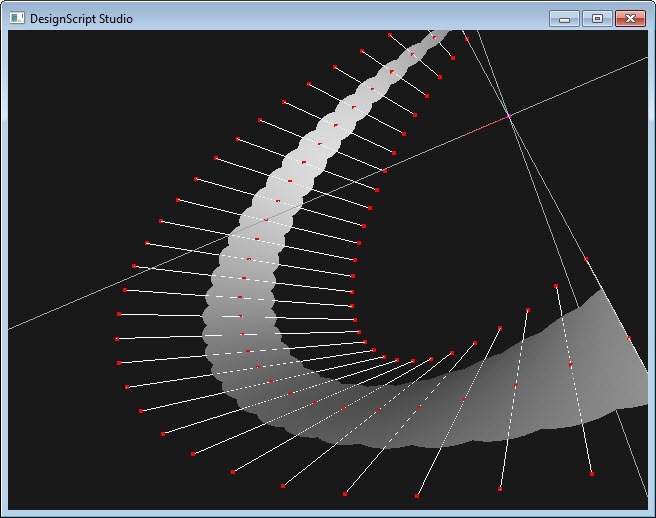
You'll also see the new OpenGL-based Lite viewer previewing the execution results:
To turn sections of the graph into code, select the area of interest and you'll see an action appear at the top right of the selection. In this case I've selected the whole graph:
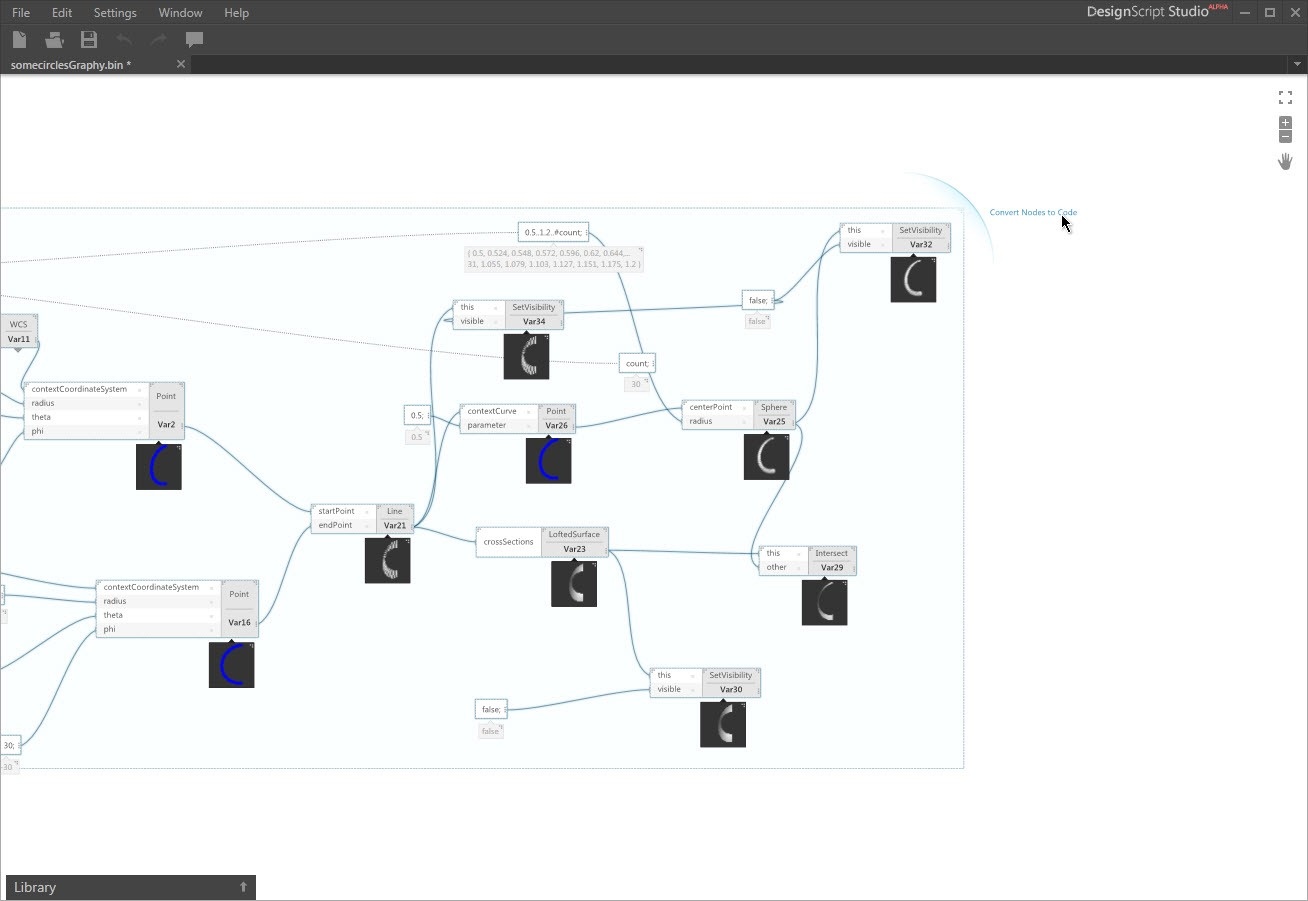
Clicking that action displays the code representation of the selected subset of the DesignScript graph:
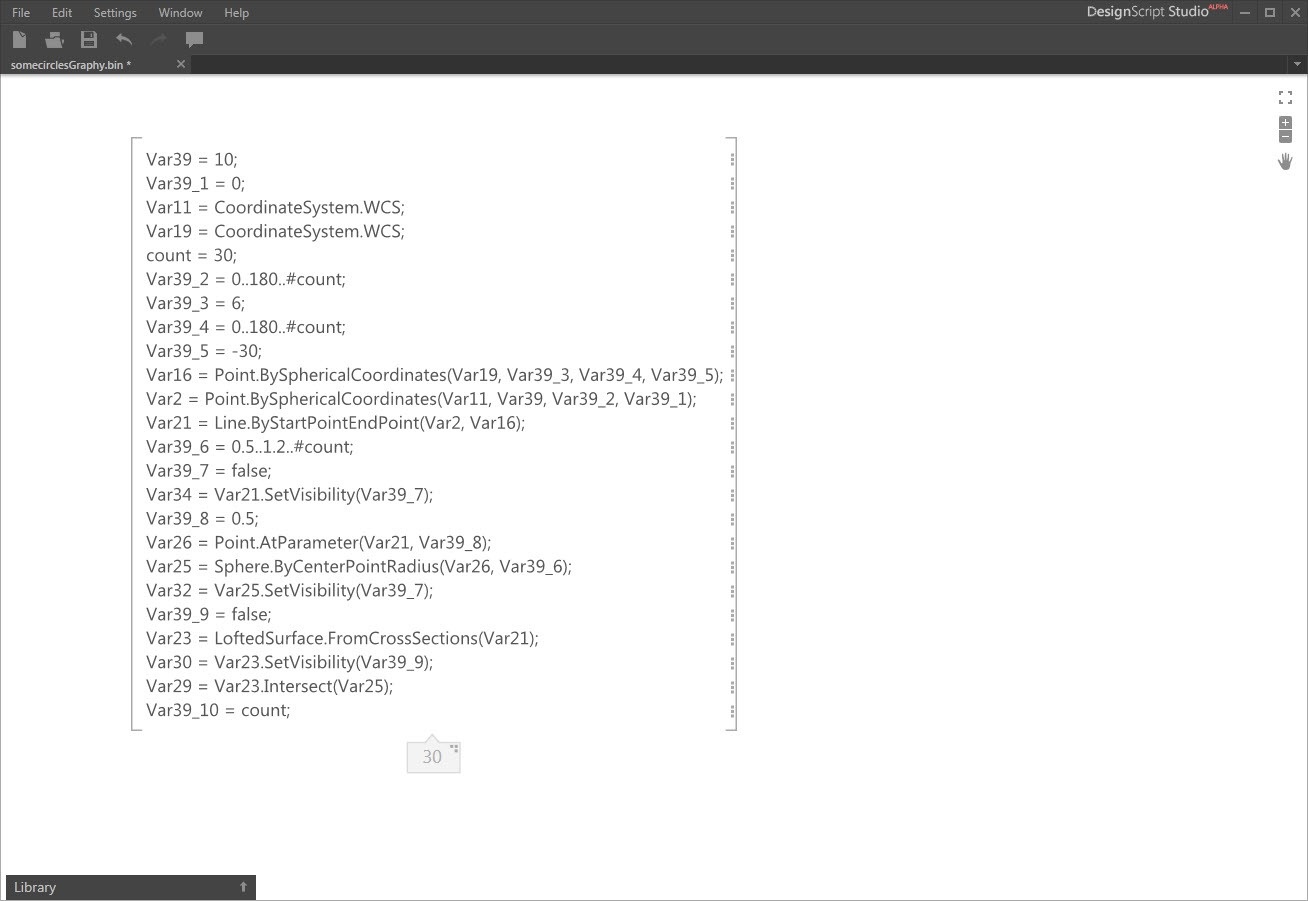
It shouldn't be too hard to imagine a world where DesignScript Studio will allow you to move quickly between code and graphical views of sections (or the entirety) of your DesignScript app. While we're not there yet, we'd love to get your feedback on the capabilities that are there today.
DesignScript Editor (Lite)
When you launch this new, standalone version of the DesignScript editor, the first thing you'll notice is that the app looks a whole lot like the palette you'd see inside AutoCAD:
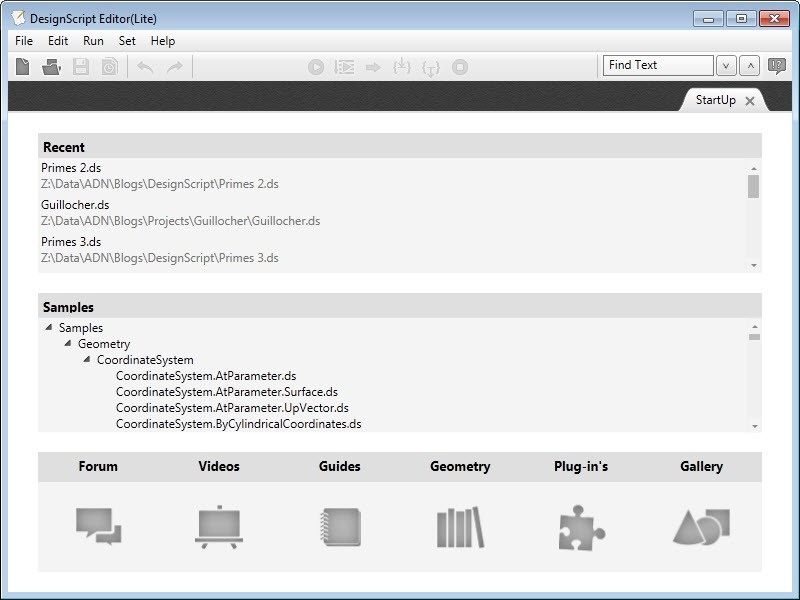
The difference being once you open and execute a script – such as the one I showed here, albeit with minor adjustments to the input parameters – the geometric results get displayed in a separate window, much as we saw above with DesignScript Studio:
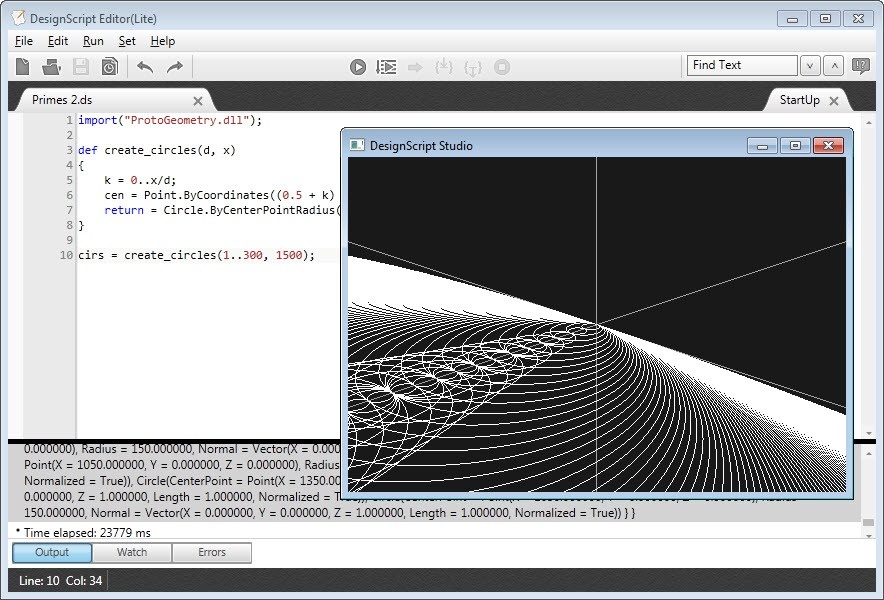
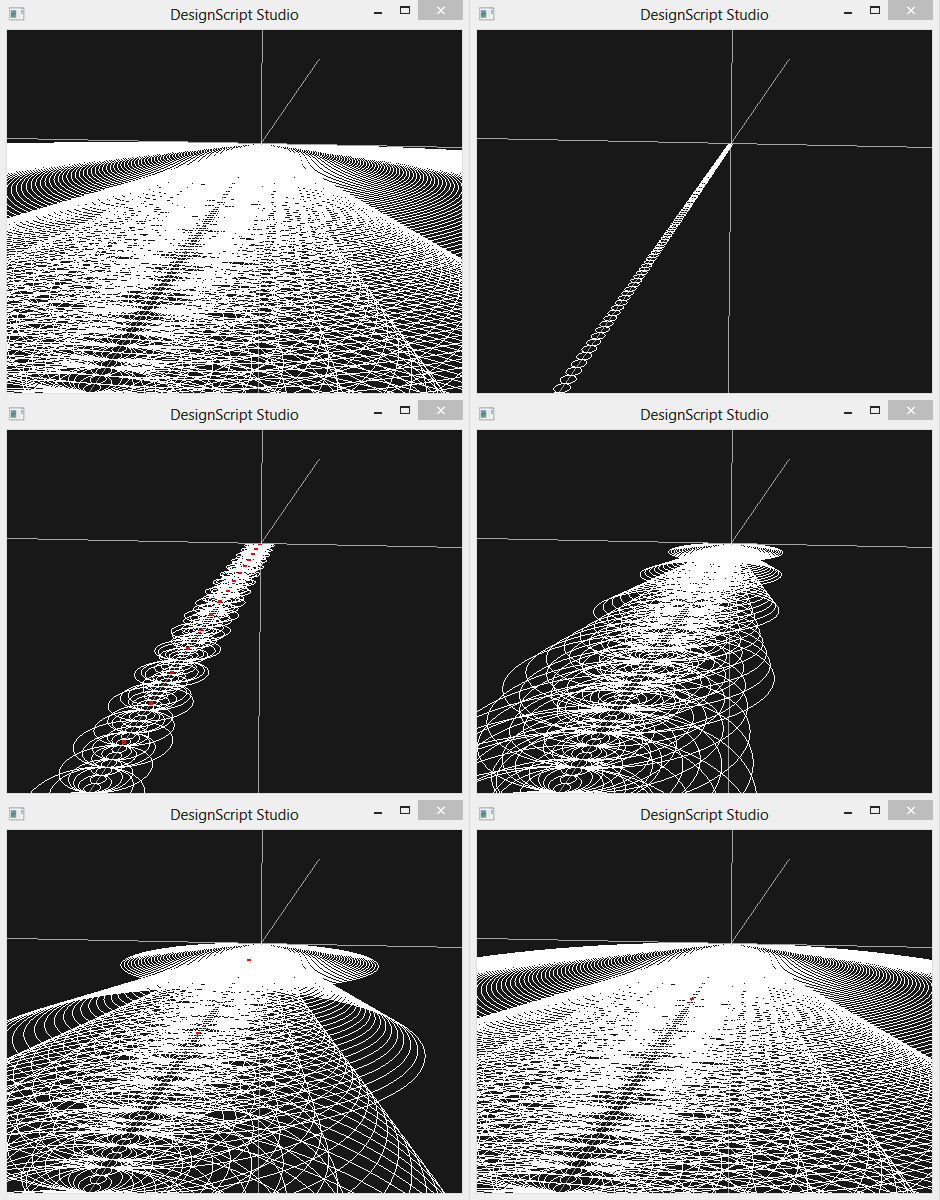
This particular script creates a huge number of circles. It's actually pretty fun to see the Lite viewer display the results progressively as the execution unfolds. While readers of this largely AutoCAD-focused blog will generally not be interested in running DesignScript in a standalone environment, there may well be the odd use-case for which you might find it useful.
That's it for this very quick tour of the new capabilities in DesignScript. Luke tells me an update is coming relatively soon, so I'll report back again once I've had more time to work with these new features.
[I'm heading off on holiday tonight, but have queued up some posts on other topics for next week. Please be aware that I may not respond to comments as promptly as I might otherwise, though.]


Leave a Reply to James Maeding Cancel reply