Happy New Year! I hope that those of you who celebrate at this time of year, were able to take a nice, relaxing break. I certainly did. 🙂
Anyway, it's now time for me to ease back into work. But rather than it being an abrupt transition, I've decided to take a look at a pet project that I thought would be pretty fun: controlling robots from inside AutoCAD. The thinking is to outline some possibilities for moving virtual robots inside a floorplan drawing and having their real-world, physical counterparts move as instructed. Perhaps along a specific path, perhaps by finding a path based on the current 2D floorplan… we'll see what makes most sense as we go along.
But let's start with the basics, such as which robots to use. In the Walmsley household we had a number of them under the tree, this Christmas: I bought a Sphero BB-8 and my wife bought a LEGO Mindstorms EV3 construction system, both ostensibly "for the kids". Thankfully it seems I'm also covered by that particular description, so I get to mess around with them now that the actual kids are back in their respective classrooms.
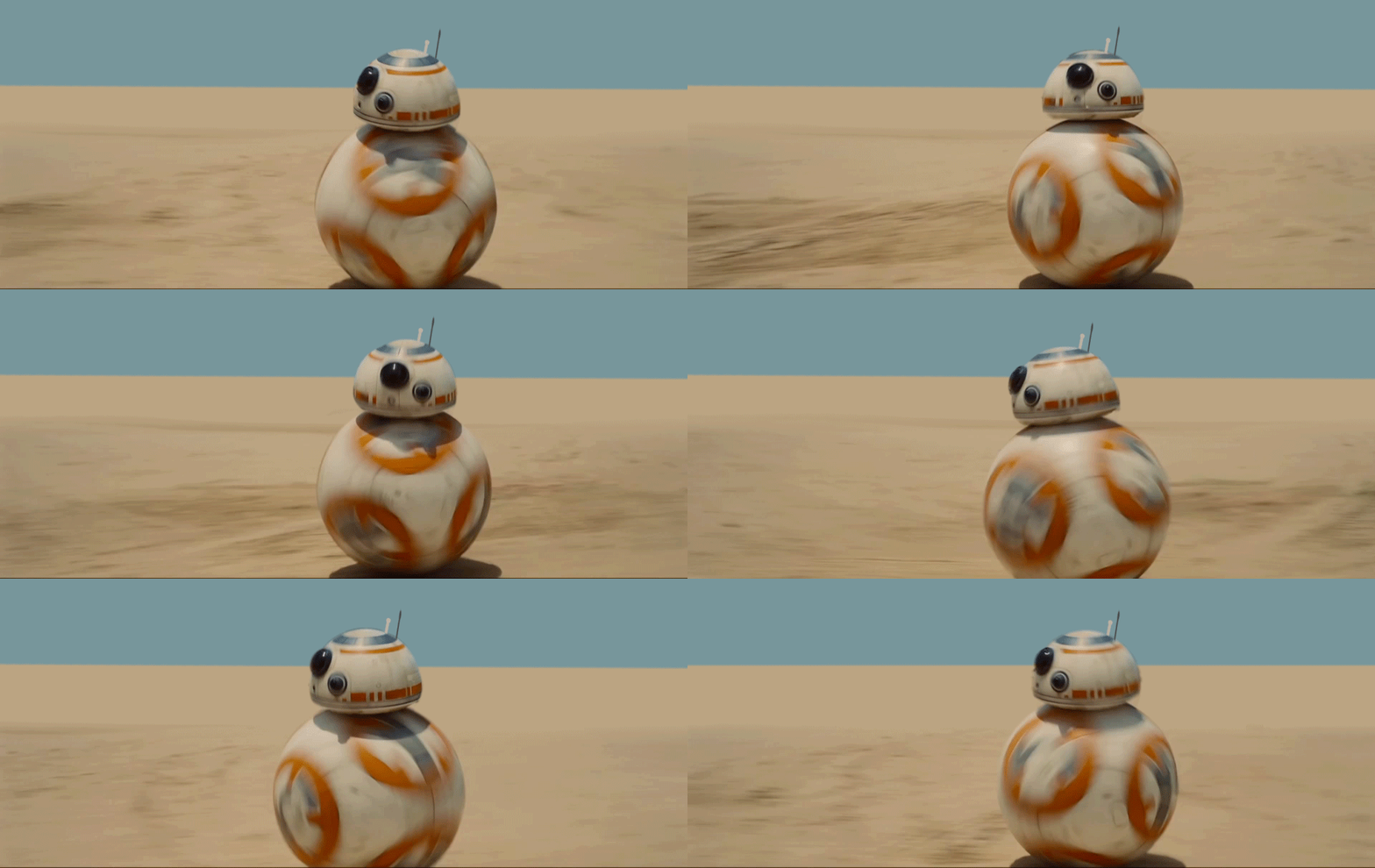
I haven't cracked open the EV3 set, as yet, but we already had a lot of fun with BB-8, over the break. For those of you who missed the fuss, this is the "real" BB-8 from Star Wars: The Force Awakens:
The Sphero version of BB-8 is pretty darn cool. Here's the marketing video:
This little bot is typically controlled by mobile apps that make use of Bluetooth Low Energy, much as its siblings the classic Sphero and the Ollie are. To take control of it from my PC, I decided to use Cylon.js, a JavaScript robotics framework that integrates with a number of different robot and Internet of Things platforms. I definitely see more IoT fun in my near future, so it seemed to make sense to use this rather than a Sphero-specific SDK of some kind.
It seems a little quirky to be using a JavaScript framework on a physical PC (or Mac) to send instructions to a nearby device, but there are some likely advantages, down the line: it would certainly make it easier to have the controller physically independent of the robotic environment, having it driven remotely via a web-page or -service on (for instance) a Raspberry Pi with a Node server and a Bluetooth dongle. And in the meantime AutoCAD can host the page or call the service on the same system via localhost.
When getting started, this post helped quite a bit, as well as this one it points to. To simplify the act of getting BB-8 to work, I also integrated keyboard support into my Cylon code using this snippet.
Oh, and just to do something that goes beyond what the existing mobile apps can do, I added support for multiple devices. Here's some JavaScript code that controls both the new BB-8 and last year's Christmas present, the Ollie:
And here's the code in action. I cycle through a sequence of four commands – front, left, right, backwards – and as the robots are facing in opposite directions they end up in the same place.
To make this work I applied different durations for the "roll" operations for each type of robot: given its design, the Ollie is somewhat grippier and more responsive, so I used a roll duration of 600ms vs. 1.5 seconds for BB-8.
Now that we can see how easy it is to control these robots from JavaScript, now I have to work out how to plug this into AutoCAD. The step after that will probably involve decomposing AutoCAD "path" geometry into movement operations. I believe these bots can also provide collision detection feedback, too… maybe we can use that to generate a crude map of a floorspace, too!


Leave a Reply to JeffH Cancel reply