APS (Forge)
-
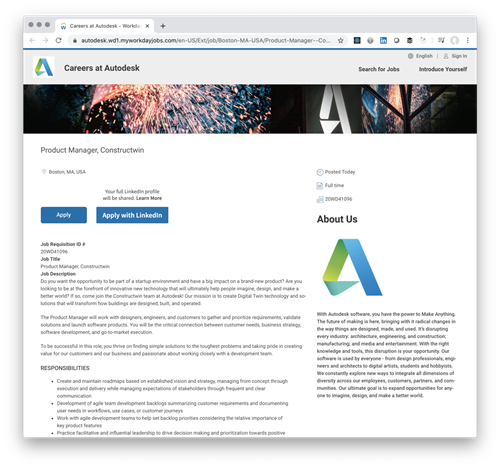
There's an exciting job posted for a key role in a new project (product?) team at Autodesk named Constructwin. Here's some information from the posting: Do you want the opportunity to be part of a startup environment and have a big impact on a brand-new product? Are you looking to be at the forefront of innovative new technology that will ultimately help people imagine, design, and make a better world? If so, come join the Constructwin team at Autodesk! Our mission is to create Digital Twin technology and solutions that will transform how buildings are designed, built, and operated. I…
-
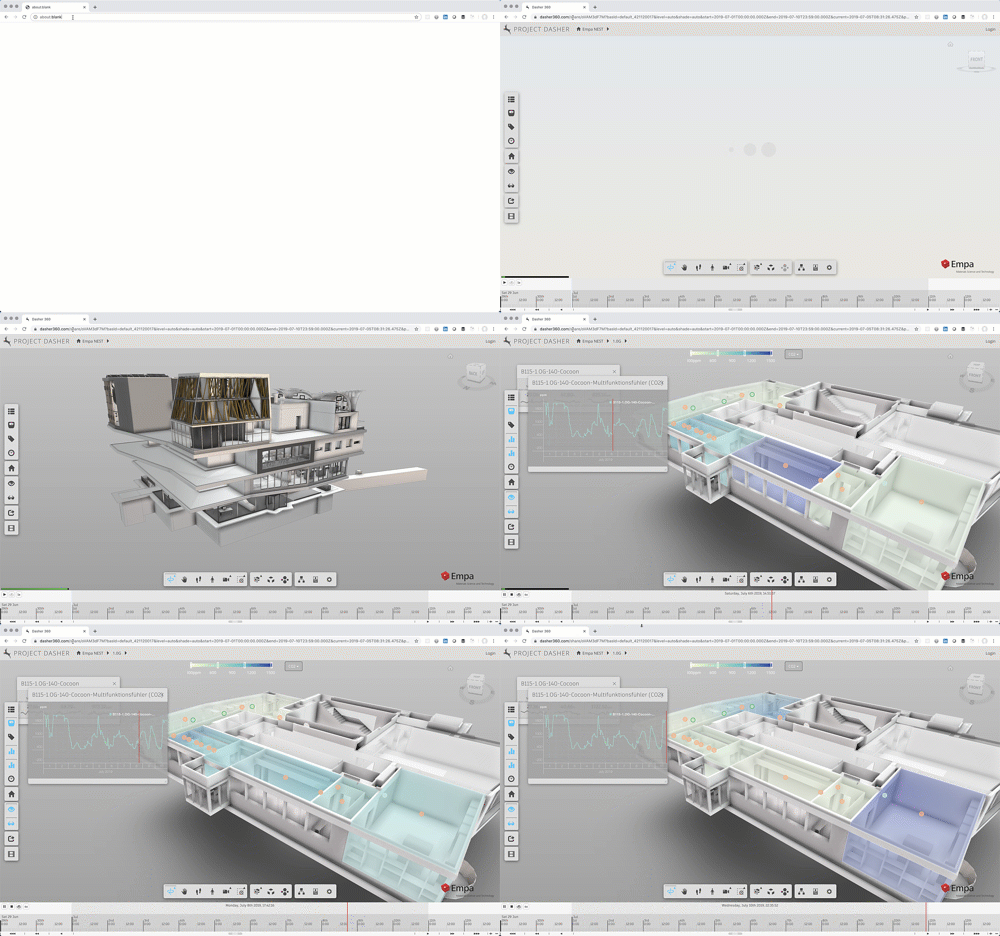
While I announced the sharing feature – and its corresponding API – some time ago, I still had some work to do before it could go live on the Dasher site: largely around supporting timezones properly when specifying time ranges for data display, but there were some other minor tweaks needed, too. Anyway, the feature is ready enough for people to kick the tyres on it, at least. Here's a link which will launch the public Dasher demo for you, taking you straight into a "surface shading" view for C02 values on the 1st floor, bringing up the graph for…
-
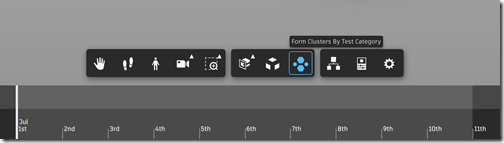
I have a quick update to share on Dasher, today: I've just pushed live a version to the main Dasher site that enables a core Forge viewer extension to perform visual clustering of model contents. I talked about this back at the beginning of the year, but there was a core change needed to the Forge viewer to make it work for Dasher: specific details are in the blog post I just linked to, but it relates to the fact we rely on the Navisworks format for our models, and these have a different property structure when loaded through Forge.…
-

I have the sense that I'm seeing my face too much at the moment (admittedly I'm very attached to it… haha). All I can say, in my defence, is that over the last few weeks I've started to receive more requests to participate in virtual activities. And I've mostly said yes, as it's a reasonable alternative to travelling to meet people, given the current circumstances we're all in. In case you haven't seen these various pieces of virtual content – and you're actually interested – here's a quick round-up of some current and future ones. Getting Simple When my friend…
-
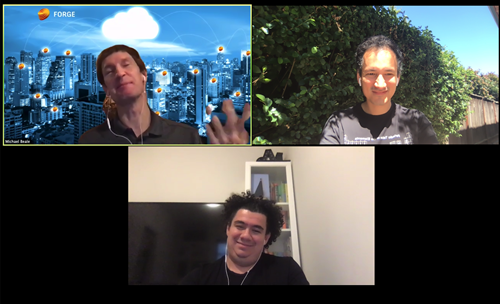
For two of the last three weeks I've been lurking in virtual Forge Accelerators: as I mentioned last time, the Forge team has pivoted to virtual events after this year's Accelerator in Sydney was forced online due to a COVID-related office closure. (Incidentally I need to get used to the team's new name: they recently switched from Forge Partner Development to Developer Advocacy and Support. FPD is no more, the future is DAS!) The DAS team has since gone "all in" on these events, holding two during the month of April. The first one was codenamed Metropolis and ran during…
-
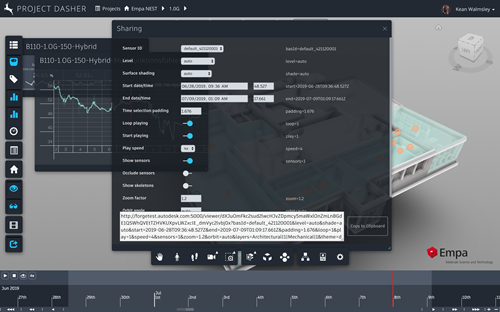
Last week I talked about an API that we've added to Dasher, allowing it to be controlled via URL parameters. I expect this to be useful when integrating Dasher into other systems – as you can control the initial view of data, such as for a particular sensor during a specific time period – but I also expect it to be helpful for people to collaborate. It's with this in mind that over the long Easter weekend I started building a "sharing" feature into Dasher. You can think of it as a URL builder, much in the way that you…
-
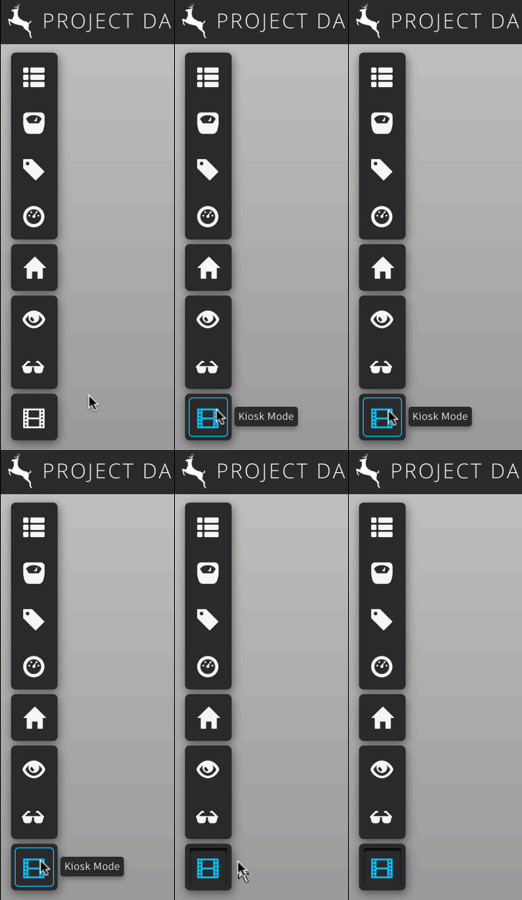
In the last post I neglected to remind people of Kiosk Mode, a great way to see some of Dasher's features. Simply click on the filmstrip button at the bottom of Dasher's vertical toolbar and move the cursor off to the side (this just stops the button from staying highlighted when the cursor gets hidden). Then just sit back and see how Dasher works. Here are some posts talking about how this works. Kiosk Mode knows about various Dasher extensions and can automate their usage. There's a fair amount of complexity in the mechanism, but it works well enough. Over…
-
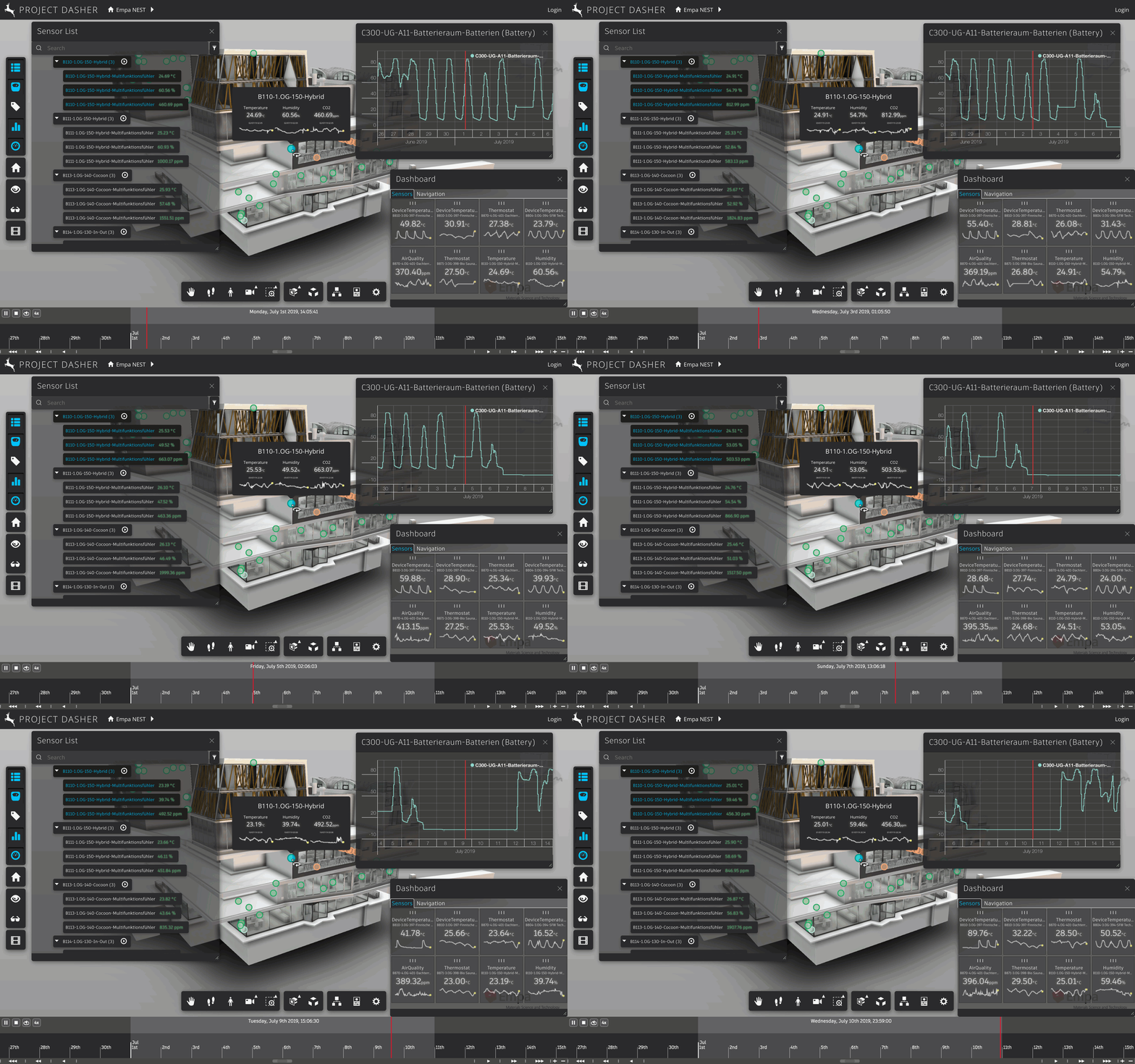
After many months of effort, we now have an updated version of Project Dasher available on dasher360.com. (The project is still very much active research, so for now you're able to try it out with the model of the NEST building, accessible via the Demo button on the main page.) The major feature of this update is the new timeline, which was designed by Autodesk Research and developed by our partner CCTech. This component has been under development for over a year, so it's really exciting to finally get it into people's hands. Beyond that, you should really give the…
-
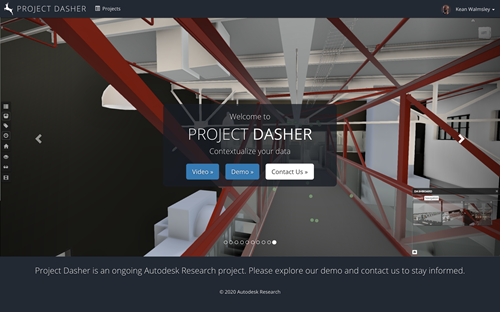
For the last week or so I've been busy making sure Dasher works well with multiple themes. You can see the progress across these posts. I'm not quite ready for a full unveiling, but it should go live at some point in the next week, give or take. In the meantime, here are some screenshots of the main page (you'll be able to select the theme either as you enter Dasher via the front page or from within the application's settings UI, which is integrated into the Forge viewer's). One of the big-ticket items in this coming release will be…
-
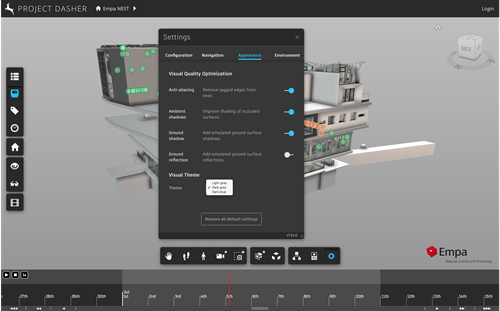
Despite the unfolding horror of the situation with Covid-19 – and stuff is really starting to hit the fan, here in Switzerland, with schools and non-essential commerces being closed and rumours of an enforced sequestration being considered – I'm at least getting some quality time to work on Dasher. Last week we saw how it was possible to support both dark and light themes from the Autodesk HIG in a Forge viewer application. I mentioned both times my desire to allow Dasher's theme to be selected by the user at runtime. After searching fruitlessly on the internet for some time,…