Azure
-
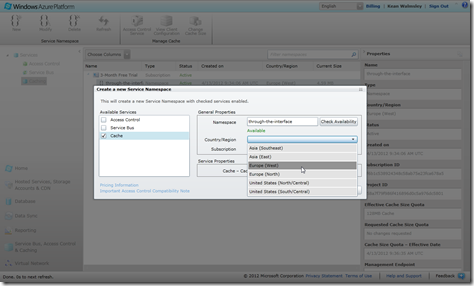
As mentioned in the last post, while working on deploying our web-site and its related services to Windows Azure, I started to chew on the economics of Azure hosting. This is especially relevant as I start to see my free 3-month subscription's resources being burned through by all of you checking them the links in the last post. 😉 Here's what I found… "extra small" instances are a mere sixth of the cost of "small" instances (not taking into account the 6-month pre-purchase discount on small instances, admittedly), which got me thinking: if I can reduce the resources needed for…
-
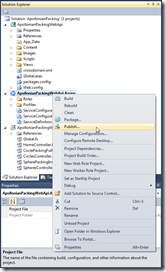
In the last post, we added a Windows Azure deployment project to the ASP.NET Web API project we created previously. In this post, we're going to go ahead and publish our project on Windows Azure. To get this started, we right-click the deployment project in Visual Studio's Solution Explorer and select "Publish"… … which brings up the "Windows Azure Publish Sign In" dialog. At this stage, you probably don't yet have an Azure subscription. Whether you do or not, click the link on the dialog to proceed: If you don't yet have a subscription, it's at this point that you'll…
-
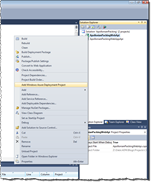
Having built our local ASP.NET Web API project and consumed its data inside AutoCAD, we're now ready to deploy our web-service to the cloud. In this first part, we'll look at some background information on Azure, in particular, and then get ready for the publishing process, which we'll complete in the next post in the series. Choosing a provider As is obvious from the title, for these posts we're going to use Windows Azure. Alternatives such as Amazon Web Services (AWS) provide IaaS (Infrastructure-as-a-Service) capabilities related to hosting ASP.NET – you basically get the ability to deploy Windows Servers in…