REST
-
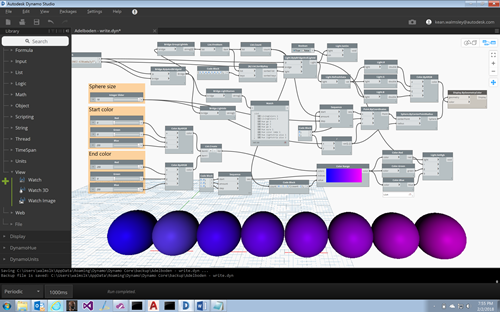
Now that we've seen a couple of posts showing how to query information about Hue lights via a Philips Hue bridge from Dynamo Studio, it's time for the really fun stuff: controlling lights from Dynamo. To make this happen some changes were needed to the zero-touch node that talks to the Philips Hue API on behalf of Dynamo, mainly to allow the setting of a light's properties. The Philips Hue API allows this to be done either via Hue, Saturation and Brightness or by the XY offset in the CIE colour space. I ended up exposing the ability to set…
-
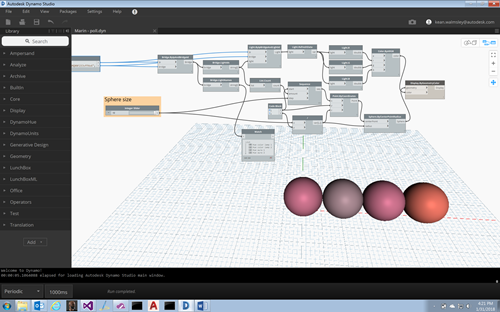
In the last post we looked at some initial code to get basic information about the lights connected to a Philips Hue bridge. In this post we're going to extend the code to expose more information but also to query the bridge repeatedly, allowing the graph to display the latest light colours as they change. Here's a view of the updated graph. A few things have changed: firstly the Bridge object exposes some new information – in our case we can see the names of the lights, but we could also access the names and IDs of the various groups,…
-
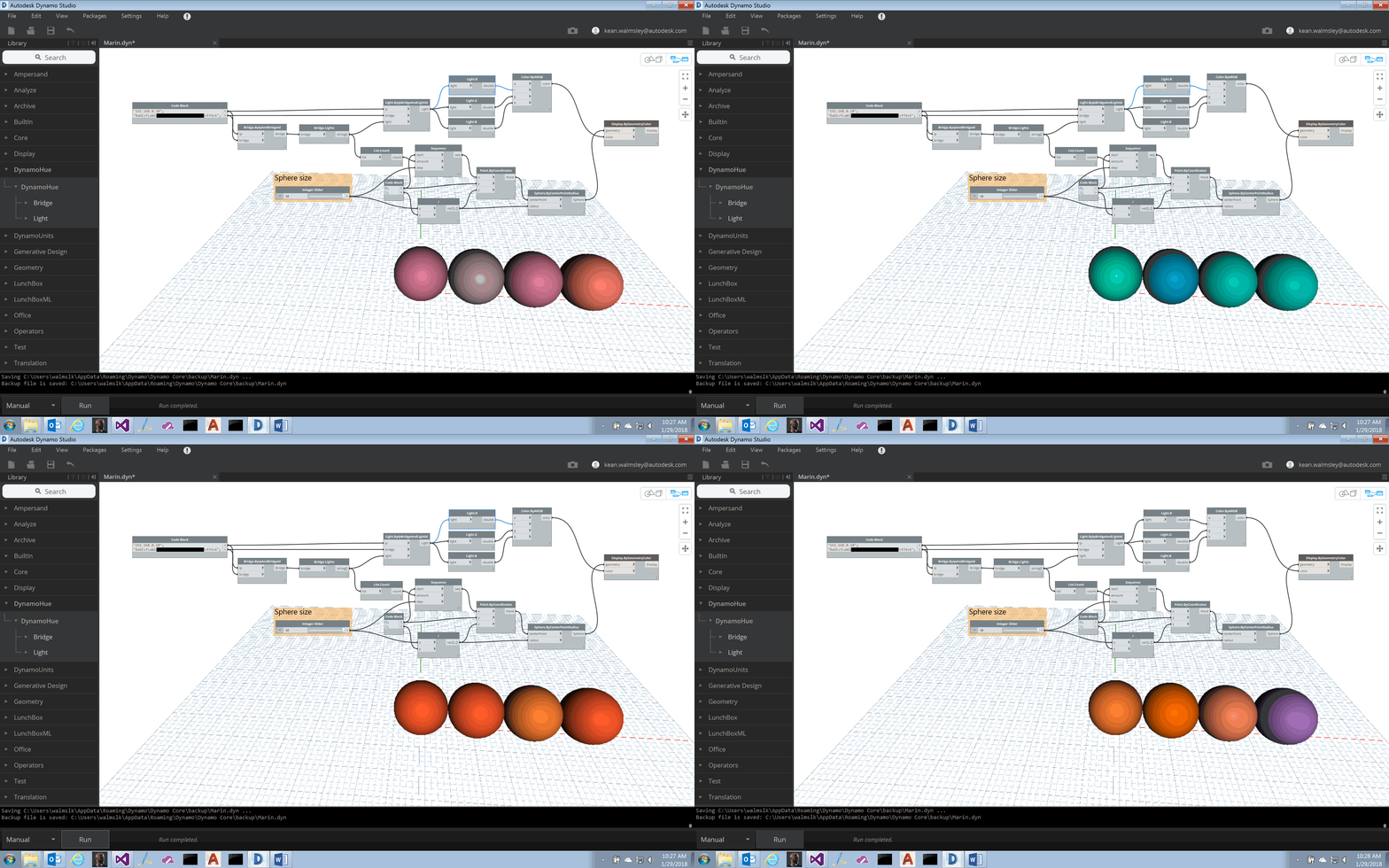
I mentioned in a recent post that I was chewing on how design apps might connect with building automation systems to display data via lights. My first step along this path was to see how Dynamo Studio might connect into my home's Philips Hue bridge and get information about the "smart" lights it contains. To do this I created a zero-touch node in C# that calls into the Philips Hue API exposed by my local bridge. (To make this piece work you need to follow the steps on this page that show how to create an authorised user ID for…
-
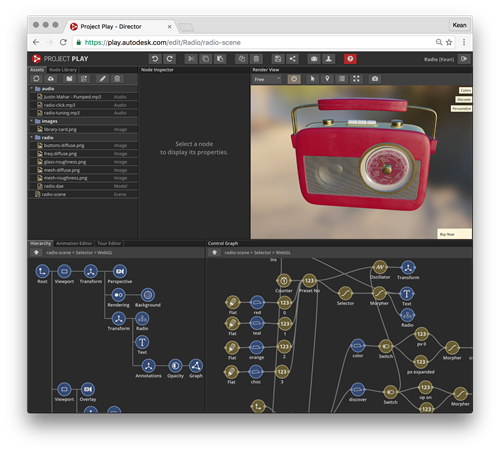
There's a new WebGL-based technology being developed by Autodesk and it's completely awesome. And you can request access to it today. Project Play has been in development for some time. It has some shared lineage with the Smithsonian X 3D Explorer – although I'm not sure to what extent, if any, they share code – and it's the viewing technology used by millions (?) around the world to explore the ReCapped Apollo 11 Command Module. But this technology is about way more than just viewing static models. It's a full node-based editor that allows you to create rich 3D experiences…
-
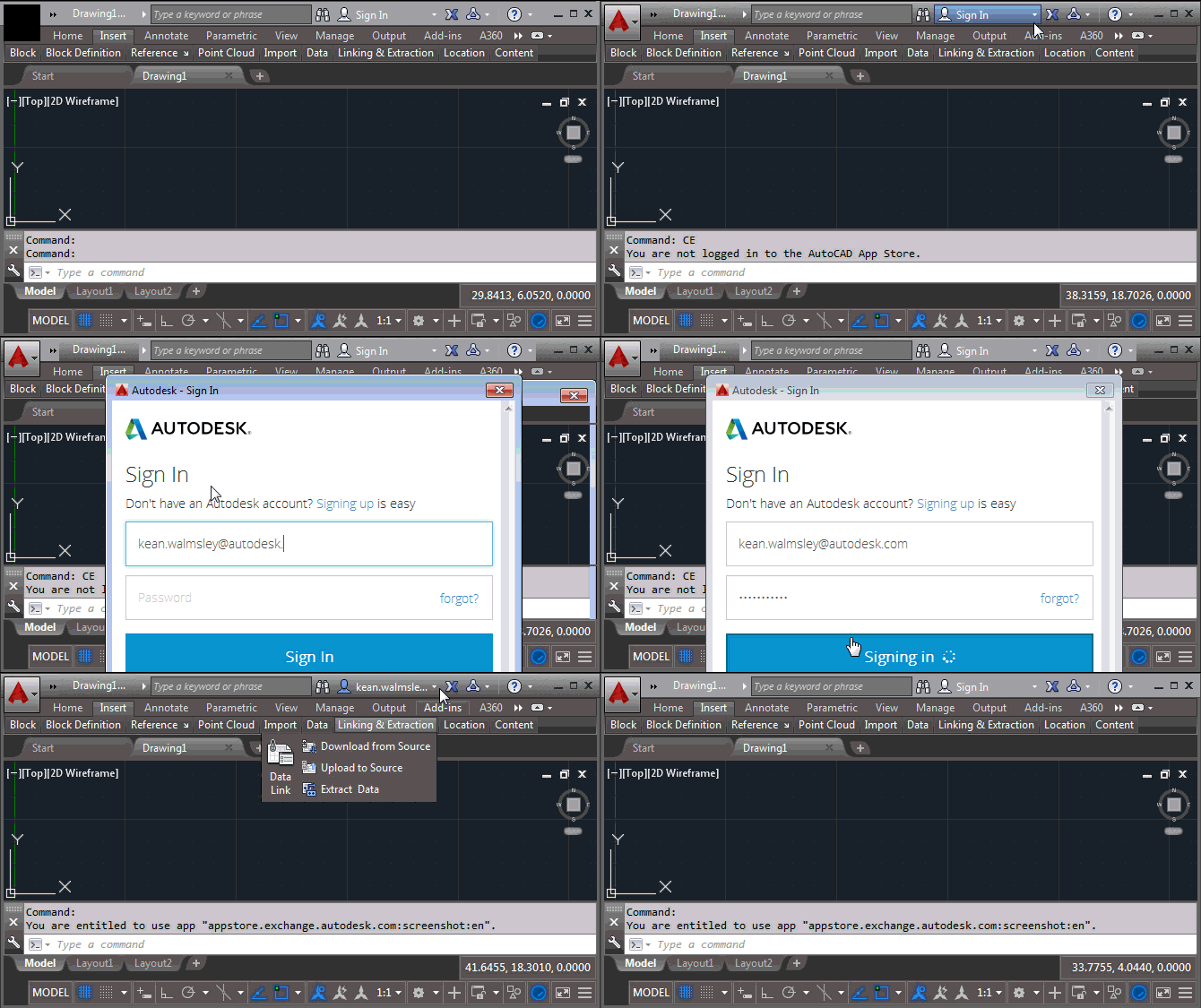
Many, many thanks for the congratulatory messages I received after my last post, whether via this blog, Twitter, LinkedIn or email. I was genuinely overwhelmed by the response! 🙂 Here's a post I've been meaning to write for some time: a common question I've seen, over the years, is about how best to implement copy protection or licensing in your application. While this post doesn't fully address that requirement, it does show you how to use a REST API to check the user entitlement for your application via the Autodesk App Store (formerly known as Autodesk Exchange Apps). This post…
-
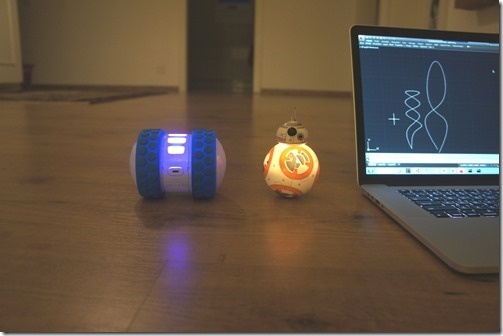
After seeing how we can use Cylon.js to control Sphero's Ollie and BB-8 robots from a browser, and then using the same mechanism from inside a custom AutoCAD command, today we're going to drive these cute little bots based on AutoCAD geometry. The idea is that we'll decompose regular curves – whether lines, arcs, polylines or splines – and use the "segments" as movement instructions for our robots. The approach is simple enough: we'll iterate along the length of each selected curve and generate a set of instructions – really just a set of angles – for the associated bot.…
-
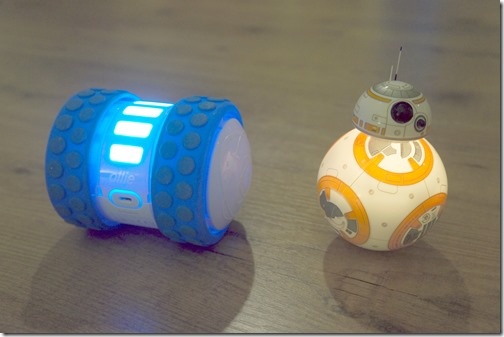
After looking at how to control robots using Cylon.js in the last post, in this post we're going to get that working inside AutoCAD. For now with just a command that allows us to move the robots – in a future post we'll analyse geometry and use that to specify the movements. The "controller" code we saw in the last post needed a little updating for use in this way. I went ahead and stripped out the keyboard-related code – as we're using behind a web-service – and added the capability to control individual robots. We want to be able…
-
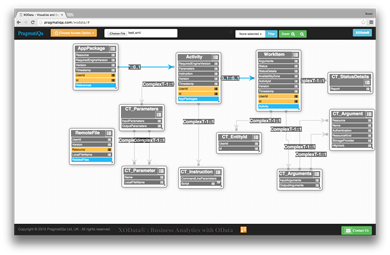
I've been working with AutoCAD I/O quite heavily over the last week or two – mainly spending time fleshing out my Jigsawify web application well in advance of AU2015 – and came across this helpful trick for visualizing an OData-based REST API graphically: you can copy and paste the XML schema for the AutoCAD I/O API into a file and then load it into the handy XOData tool. Here's what was generated (after a little editing from my side for layout): I'm making pretty good progress using AutoCAD I/O from Node.js – which is interesting as I can now run…
-
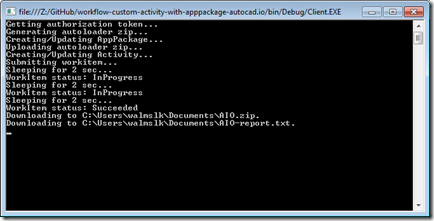
Now that we've introduced how the CRX will be loaded by AutoCAD I/O – via an Autoloader bundle – we're going to take a look at the code needed to create and test our Activity using it. As a starting point – and as mentioned last time – you should get hold of the code in this sample on GitHub and copy & paste the (C# & XML) code we've seen in the last two posts into their respective files. The code we're going to see in today's post belongs in Client\Program.cs. We're very much tailoring the existing implementation, making…
-
It's live! Our entry for the recent VR Hackathon in San Francisco has received a significant amount of spit and polish (OK, perhaps not the best mental image) over the last couple of weeks and is now ready for prime time (i.e. Beta testing ;-). Check it out at http://vrok.it! It should work well with Chrome, Firefox or Safari, although for best results I'd stick with Chrome on mobile devices. The term "vrok" is one I came up with on the trip back from San Francisco… it's a combination of an invented acronym – Virtual Reality Online Collaboration – and…