Batch processing
-
In the last post we looked at some code to search the current drawing for a particular attribute and update its value. In this post - as promised - we're going to look at how to extend this application to work on a folder of drawings, updating those that contain the attribute and saving them to a new filename. Rather than implement a fancy, graphical user interface, I've stuck with my approach of using the command-line for input and output. If you wish to implement your own UI, please do - it's really easy using .NET. I get the occasional…
-
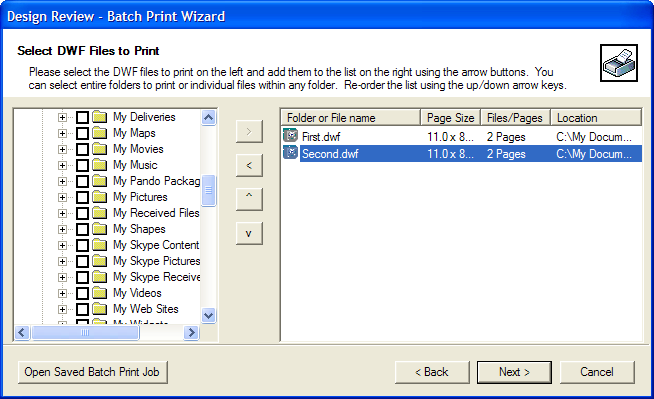
We sometimes receive questions on how best to automate the printing of DWF files. Autodesk Design Review 2008 now has a new Batch Print Plug-in enabling just this. Once you've installed the plug-in, you'll be able to use the Batch Print Wizard in Design Review (on the file menu, once a DWF has been loaded). This Wizard allows you to configure a batch job for Design Review to process and save it to a BPJ (Batch Print Job) file. This BPJ (which is basically a very simple XML file) can then be used to drive the batch print process automatically.…