Plotting
-
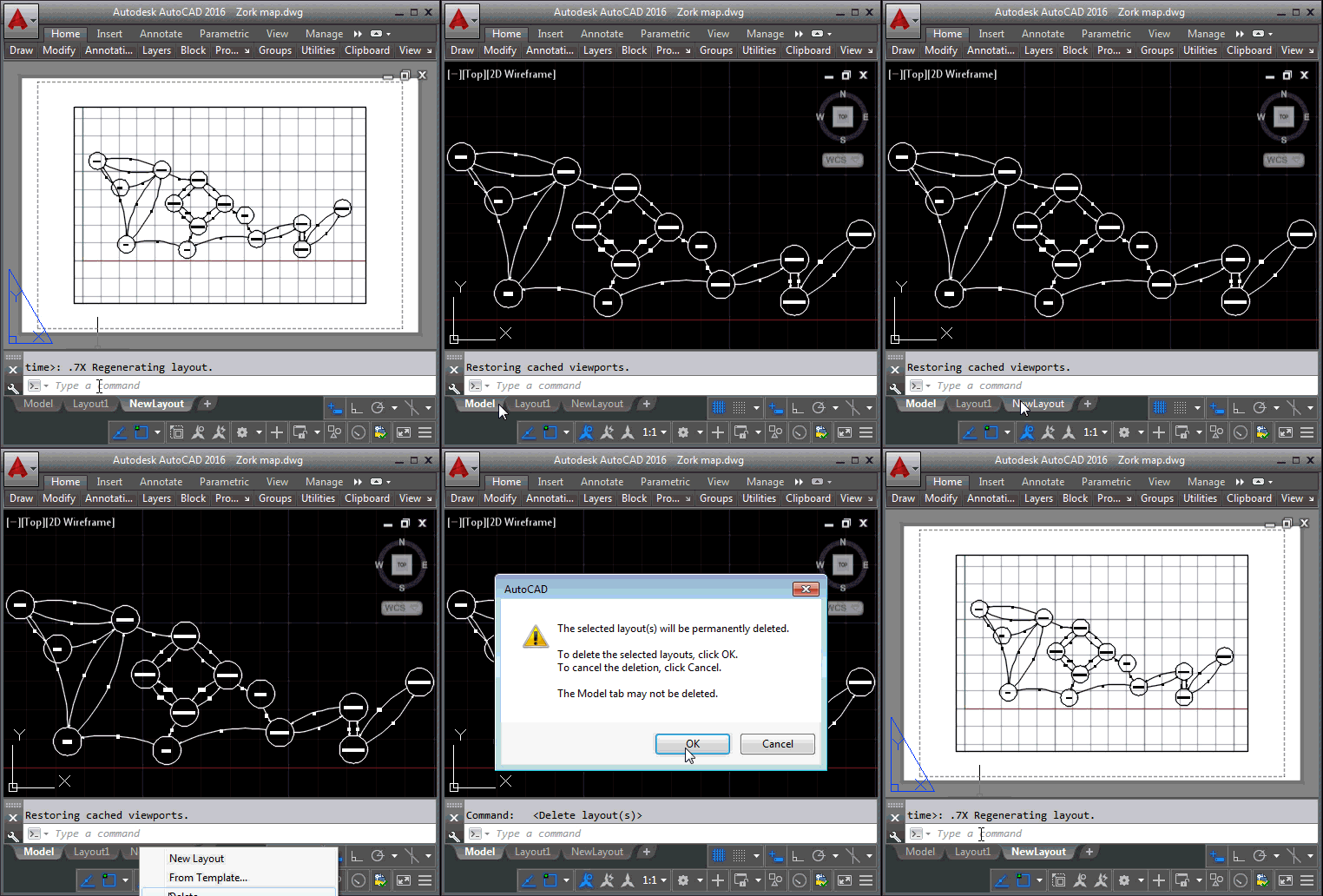
This request from Thomas Longnecker languished in my inbox for several weeks before I finally found the time to work on it. It would be tremendously helpful to me if you could give an explanatory example of how to: Create a new layout, add a page-setup with plot-settings and then either delete the default viewport and create a new one or possible change the default viewport. […] Within the newly created layouts I needed to set some of the general Plot setting, mainly Paper size and Plot style table. Some of the main things for the viewport was to set…
-
I stopped by the Fab Lab in Neuchâtel, last week, to say a quick hello and find out what's being worked on. Gaetan Bussy, the Lab manager, spent some time talking to me about some projects they have in the pipeline, one of which is to hack their Ultimaker to make it work with polar rather than (and eventually in addition to) Cartesian coordinates. Gaetan also showed me the latest addition to the Lab's equipment, a B9Creator they received after backing its Kickstarter project. The project was successfully funded (and then some) a year ago, so I was quite surprised this…
-
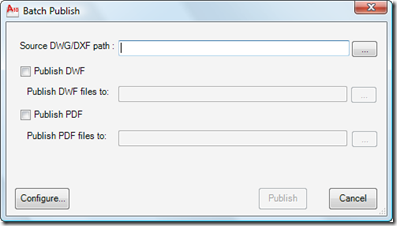
I'm very pleased to announce the availability of this really interesting Plugin of the Month over on Autodesk Labs: Batch Publish for AutoCAD. Here's an excerpt from the ReadMe (which I happen to have written, but anyway): This plugin can be used with AutoCAD to simplify the process of publishing sets of drawings to DWF and/or PDF. It runs as a command within AutoCAD – as opposed to a separate executable – and uses a separate executable to monitor AutoCAD's health and restart it, as needed. The status of the batch publishing operation is stored to disk, allowing it to…
-
This post extends this previous post that dealt with driving a single-sheet AutoCAD plot by adding some code to handle selection and transformation of a window to plot. First order of business was to allow the user to select the window to plot. For this I used the classic combination of Editor.GetPoint() for the first corner) and Editor.GetCorner() for the second. All well and good, but the points returned by these functions are in UCS (User Coordinate System) coordinates. Which meant that as it stood, the code would work just fine if (and only if) the view we were using…
-
A comment came in on this previous post regarding how best to know whether a media name is valid during your plot configuration. There are a few approaches, other than the one I chose of hardcoding the device and media names. The first is to implement a user interface of some kind which allows the user to select the device and media names. Another approach for setting the media name is to use PlotSettingsValidator.SetClosestMediaName() to choose the media name that most closely matches the paper size you desire. Today I'll focus on the first option, although I'm only going to…
-
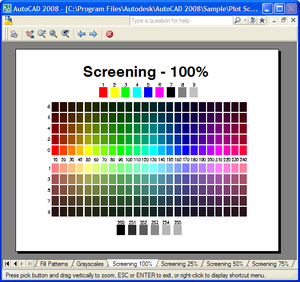
This was a fun one to work on. The code in this post combines and extends upon techniques shown in two earlier posts: one showing how to plot multiple sheets and the other showing how to preview a single-sheet plot. One of the key differences when plotting or previewing is that while plotting can directly support multiple sheets (assuming the device does so), previewing does not. The good news is that AutoCAD provides you the user interface elements to allow cycling through plots: the user is provided with "Next" and "Previous" buttons - it's then up to you to implement…
-
This week's posts take the code I threw together last week for single-sheet and multi-sheet plotting, and introduces the concept of "plot preview". I'm learning as I go for much of this, so there are structural (although usually not functional) changes being made to the code as it develops. In this instance, for example, I've factored off common functionality needed by both previewing and plotting into a single helper function. This will no doubt evolve further (and change in structure) when I come to apply the principle to multi-sheet plotting later in the week. Here's the C# code: using Autodesk.AutoCAD.Runtime;…
-

Somewhat symmetrically I'm posting this from Chicago airport, once again, but thankfully I'm now on my way home. It was a busy week of meetings, but I did get the chance to put together some code that extended the last post into the realm of multi-sheet plot jobs. The following code took some work, but I finally managed to iron out the obvious wrinkles and put together an approach to plot multiple sheets into a single document. The standard DWF6 driver doesn't appear to support multiple sheet jobs (directly, at least), so I chose to use the DWFx driver that…
-
I just missed my connecting flight in Chicago, so have 3 hours to pass until the next, and decided to post some code I finally got around to writing on the plane from Zurich. I've had a few requests for code showing how to plot using the .NET API in AutoCAD. There's an existing ObjectARX (C++) sample on the SDK, under samples/editor/AsdkPlotAPI, but there isn't a publicly posted .NET version right now. Here's the C# code I put together. Please bear in mind that it was written during less than ideal coding conditions, and I haven't spent a substantial amount…
-
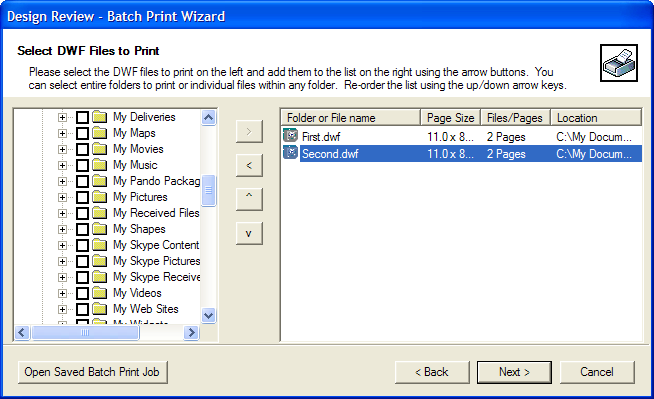
We sometimes receive questions on how best to automate the printing of DWF files. Autodesk Design Review 2008 now has a new Batch Print Plug-in enabling just this. Once you've installed the plug-in, you'll be able to use the Batch Print Wizard in Design Review (on the file menu, once a DWF has been loaded). This Wizard allows you to configure a batch job for Design Review to process and save it to a BPJ (Batch Print Job) file. This BPJ (which is basically a very simple XML file) can then be used to drive the batch print process automatically.…