Blocks
-

I decided to dust off Visual Studio and write a quick AutoCAD app, this morning. It tackles a question received via a blog comment from Pankaj Potdar, over the weekend. I have two blocks with different attributes I want to merge them in single block, and I don't want to create any nested blocks. I haven't had much time to spend on AutoCAD, of late. Part of the reason has been work-related: I'm heads-down getting the VR/AR track in shape for the upcoming Forge DevCon, as well as spending time on new duties in Autodesk Research. The other part is…
-

After showing how to automatically attach xrefs at the origin inside AutoCAD, and then redoing the approach to take care of different unit systems, I then had the request from a couple of places to look at making the xrefs overlays and adjusting their paths to be relative rather than absolute. Looking around, I found some code on the AutoCAD DevBlog that changes an attachment to an overlay, after the fact. Henrik Ericson found the code didn't work for him, but did spot the db.OverlayXref() method which did. So I went ahead and made use of that for overlays. I…
-
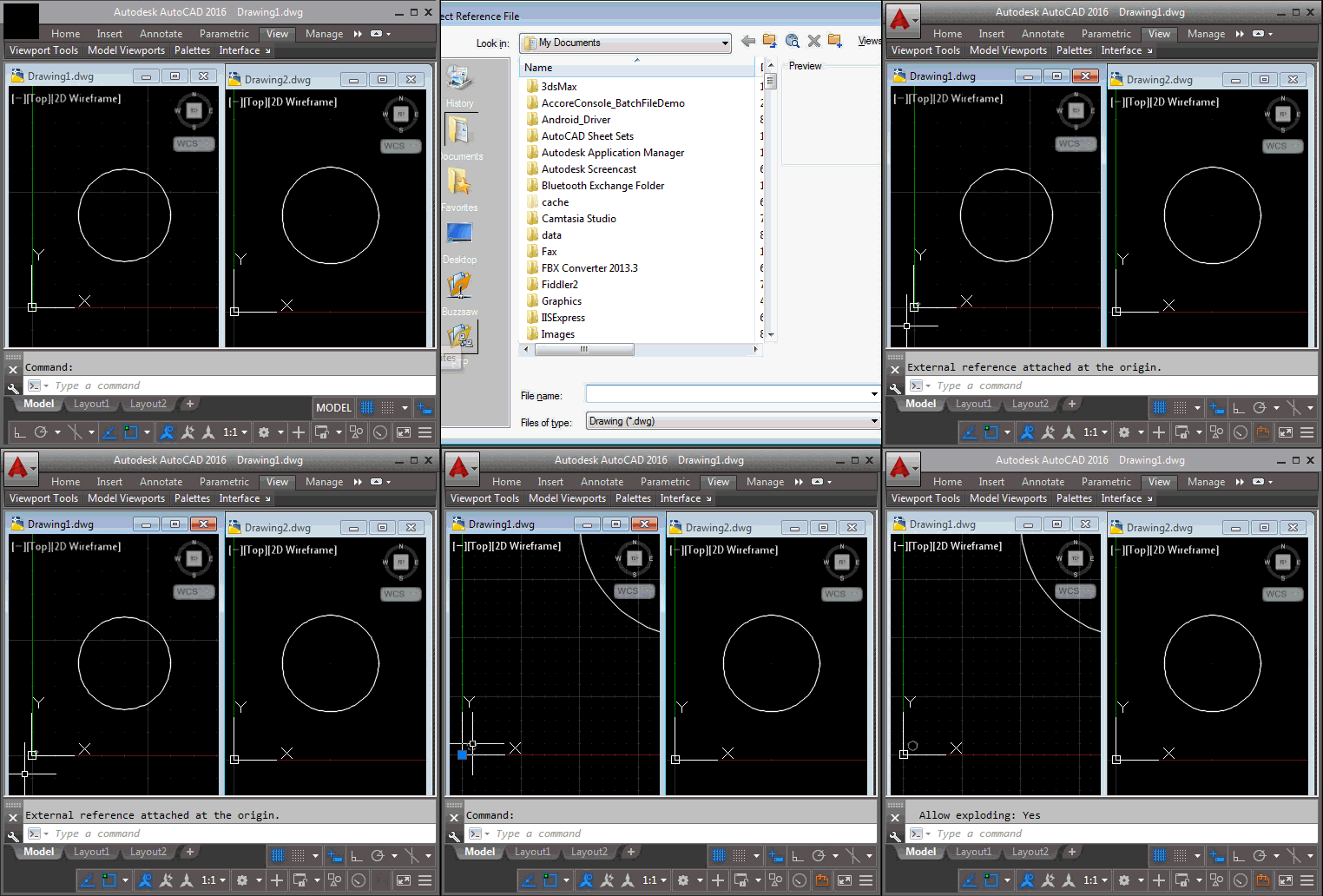
This is actually a redo of last week's post, just with a different title: while the approach shown worked well when creating external references to drawings using the same units, when bringing in (for instance) metric xrefs into an imperial master drawing the scale was all messed up. Thanks to Hans Lammerts for reporting the issue. The scaling ended up being straightforward to implement: the hard work was done by UnitsConverter.GetConversionFactor(), which established the scale factor to use, converting between the Units property of the new block table record and the Insunits property of the target database. Then it was…
-
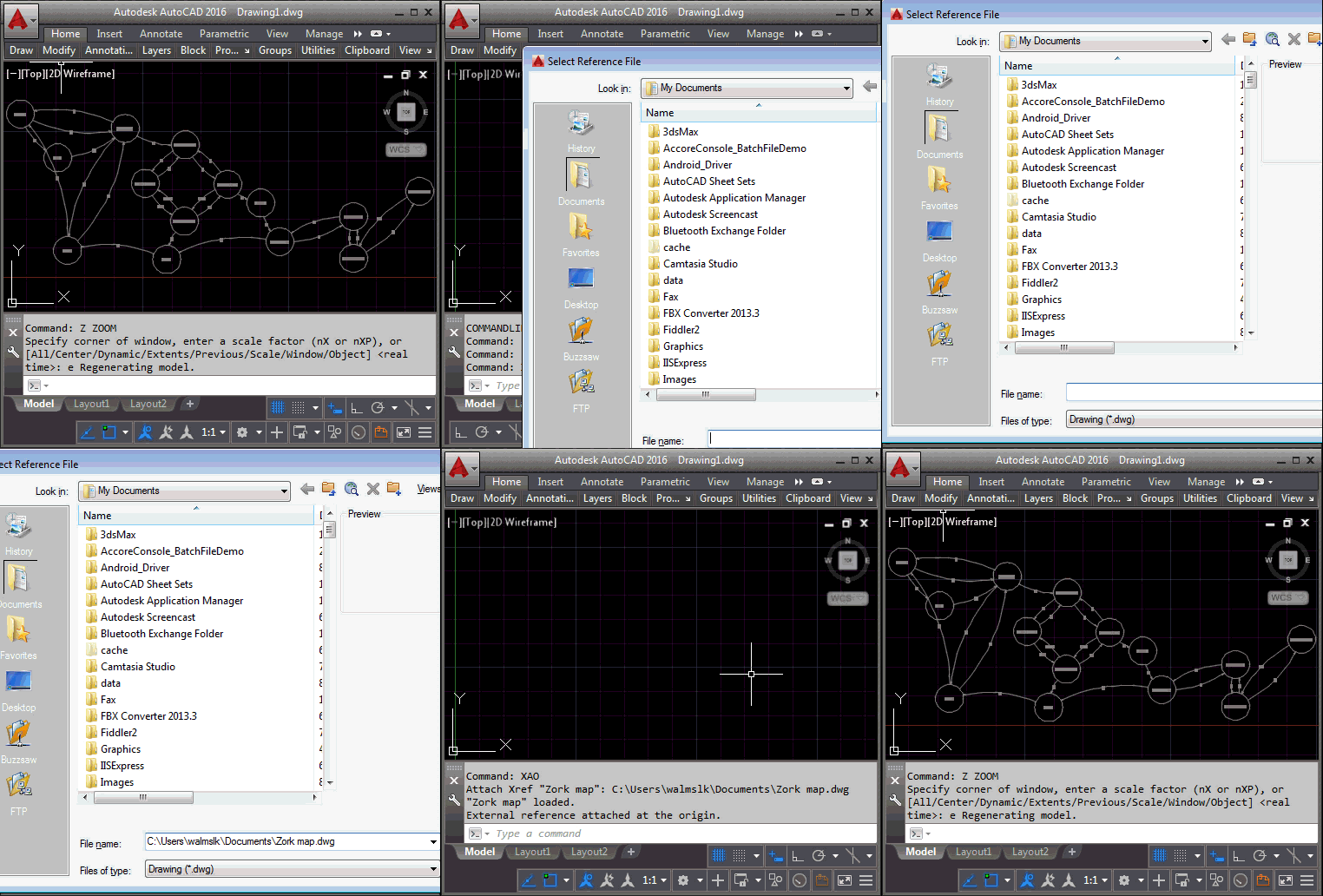
I just received this interesting (and quick to solve) question from Henrik Ericson, this morning: I'm looking for a new xref command (or perhaps overriding the internal xref command) that always insert the selected xref at 0,0,0 coordinates and in World coordinate system. I'm often inserting an xref and 'nothing happens' and then I realize that I'm in a UCS. I created a simple command called XAO – for XrefAttach[At]Origin – that does just this. As a helper function I implemented a simple extension method to both attach and insert an external reference in the current space of the active…
-
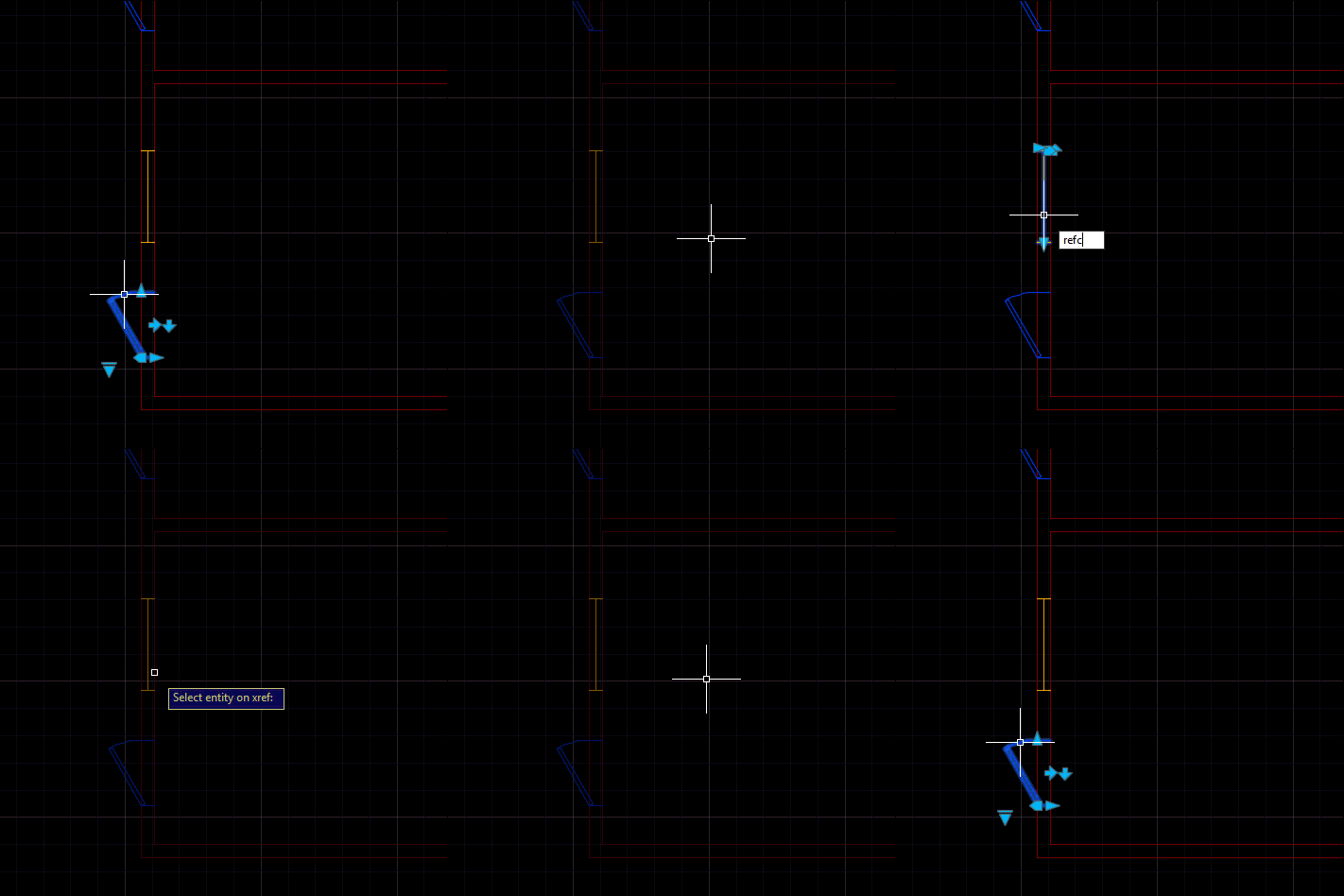
A really interesting problem came up during an internal discussion, this week: someone wanted to launch the REFEDIT command on a selected xref and pre-select the entity found at the picked point. The entity that's part of the selected xref, of course. This turned out to be quite a tricky problem and yet one that could be solved with relatively few lines of code. The tricky parts were finding the right entity in the nested selection and then the corresponding entity in the xref. Here's the approach I ended up taking: Ask the user to selected a nested entity Get…
-
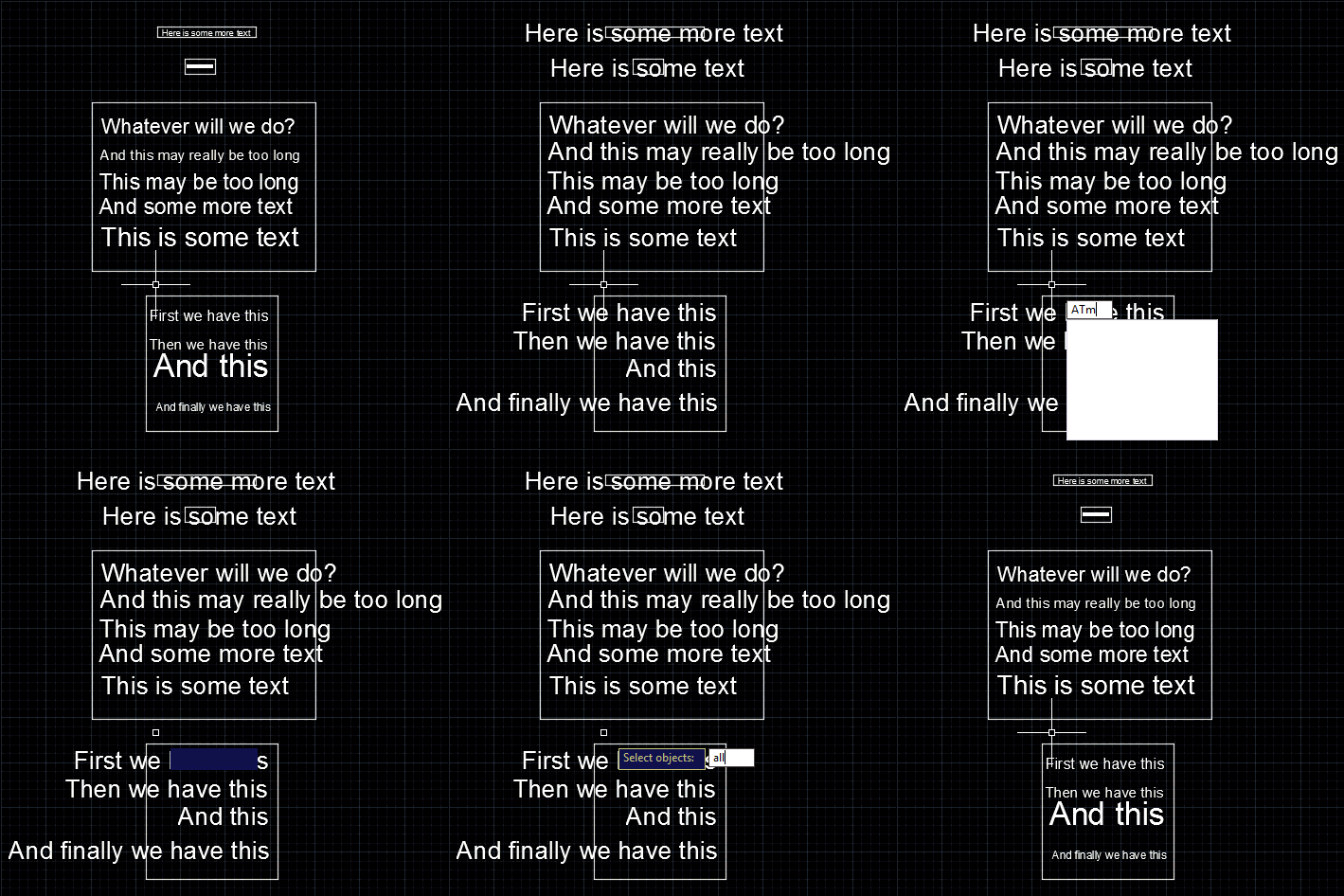
This is a follow-up to the post where we modified the size of selected text in a drawing, to make it fit its container. I received this comment last week: instead of selecting the nested entities one by one, is it possible to make a "selectall" selection ? It turns out that the question was related to a completely different post, but by the time I realised I'd already completed most of the work. It seems a very valid question for this topic, so that's fine. 🙂 Looping through all the text – some of which may be nested inside…
-
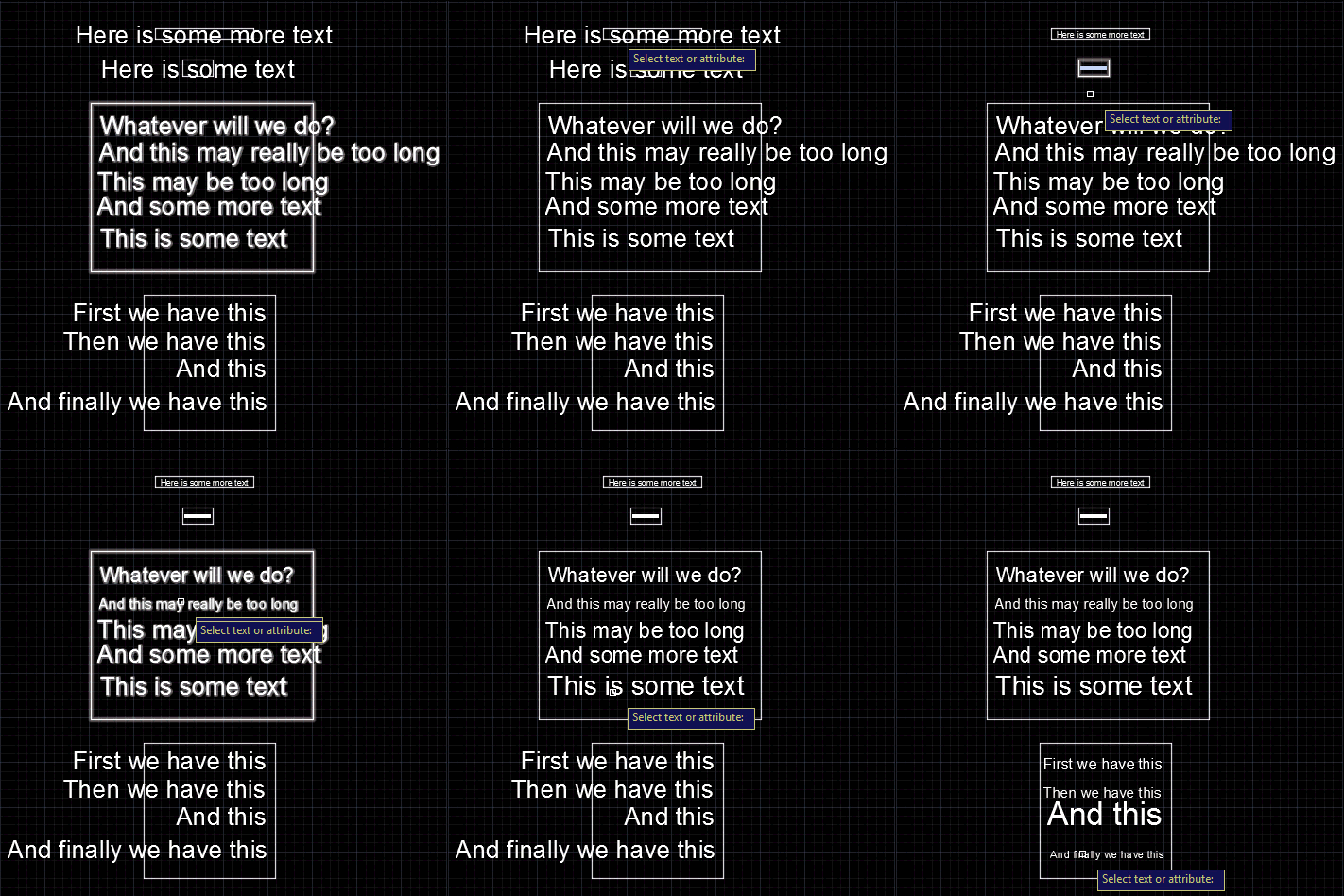
We started this series by looking at how to get the centroid of a region, and then how to create text that fits an arbitrary space. In this post we're going to wrap up by looking at the original question of how to resize block attributes to fit their container. The core algorithm is actually very similar to the code we saw in "space labelling" application: it's simply been refactored to be more general and forms the basis for both the previous and the new commands. Here's the C# code: using Autodesk.AutoCAD.ApplicationServices; using Autodesk.AutoCAD.BoundaryRepresentation; using Autodesk.AutoCAD.DatabaseServices; using Autodesk.AutoCAD.EditorInput; using Autodesk.AutoCAD.Geometry;…
-
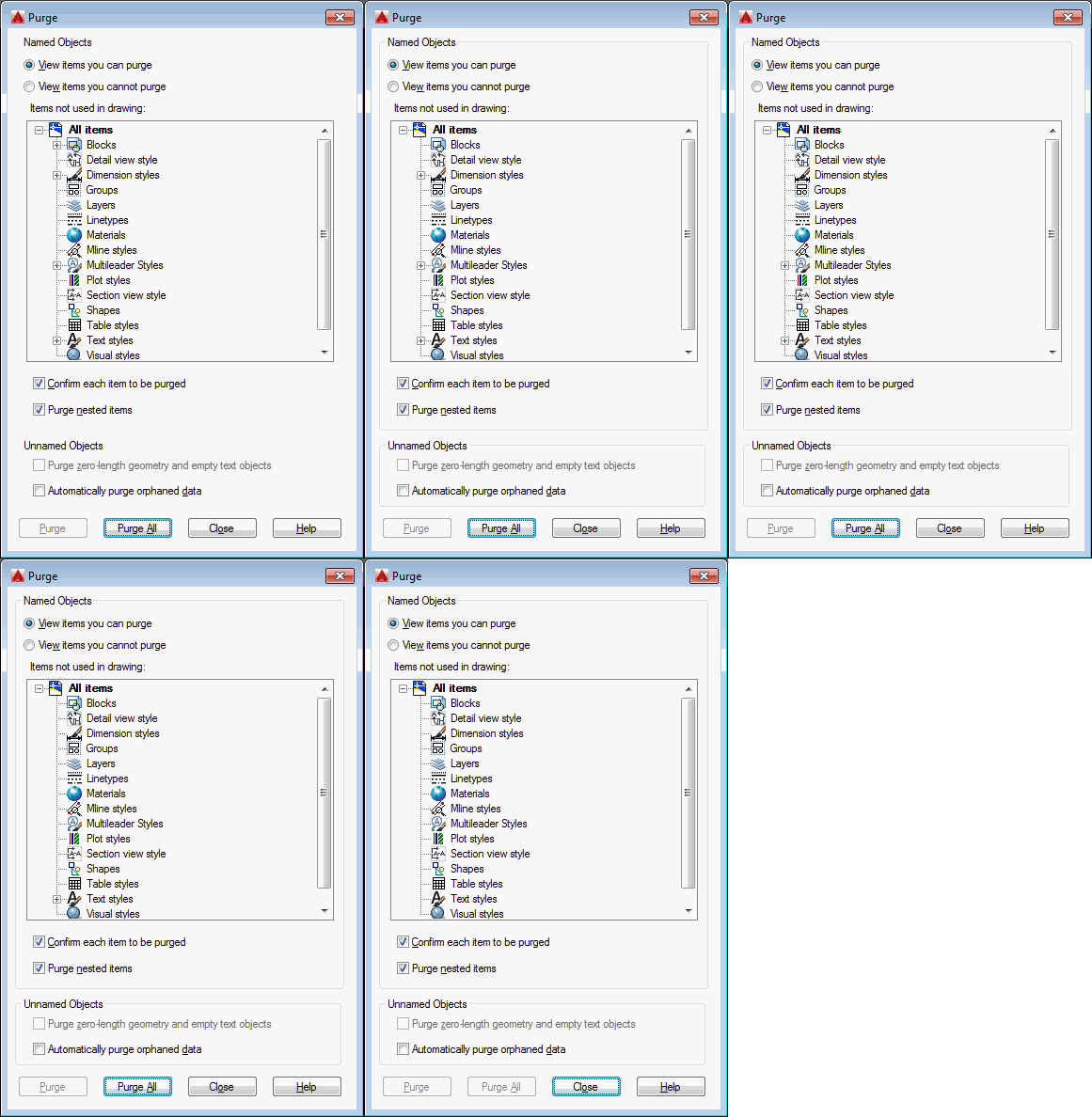
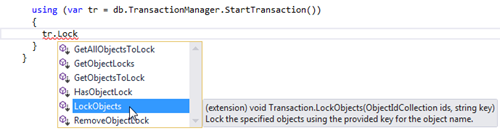
In the last post we introduced a static C# class containing extension methods for the ObjectId and Transaction classes. The new Transaction methods allow you to more easily "lock" objects, whether because they're "system" objects you want to keep around in every drawing or because they're objects that shouldn't be purged at whim by users. Under the hood, the implementation uses Xrecords stored in the Named Objects Dictionary that contain hard-pointer references to the various locked objects. This stops the PURGE command from removing them, but also allows us to check via Database.Purge() – or our new ObjectId.IsErasable() shortcut –…
-
This is one of those topics that has been at the back of my mind for a number of years. Here's a question I received via a blog comment back in 2009: I was wondering if there's an easy way to modify the objects to purge. For example, if a particular text style was included in the drawing that I did not want to be purged. Can this easily be done? Here's how I responded, at the time: There are a couple of ways: You can maintain your own list of objects "to keep" and remove any items that are…
-
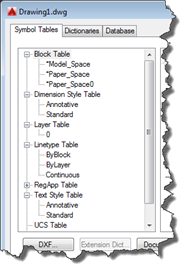
This interesting question came in by email from Igor, over the weekend: Let say I want to delete a layer by it's name. I can get ObjectId or LayerTabelRecord from the name, like LayerTable tLayers = (LayerTable) Transaction.GetObject(Database.LayerTableId,OpenMode.ForRead,false) LayerTableRecord ltRecord = (LayerTableRecord) Transaction.GetObject(tLayers.Item[Name],OpenMode.ForWrite,false); Now having LayerTableRecord how can I found out that this DBObject is not the built-in one? Like names '0' or 'DEFPOINTS'. Same goes for TextStyle (STANDARD) or layout (MODEL)….? I can't found any property regarding this, like IsBuiltIn. The IsPersistent property is no help. It's true that there isn't an IsBuiltIn property on AutoCAD objects… for block…