Generative design
-
On Monday I hopped onto the train to Geneva and from there onto the TGV to Paris Gare de Lyon. I was in Paris for BIM World, where we displayed the Dar 2m Smart Bridge. It was my first time seeing the bridge in person, which was a really exciting moment for me. After checking into a very nice little hotel in the 6th arrondissement I headed to the conference centre to help with the setup. The bridge was already unboxed and hooked up when I arrived. Pete Storey had some wires to connect to get it up and running.…
-
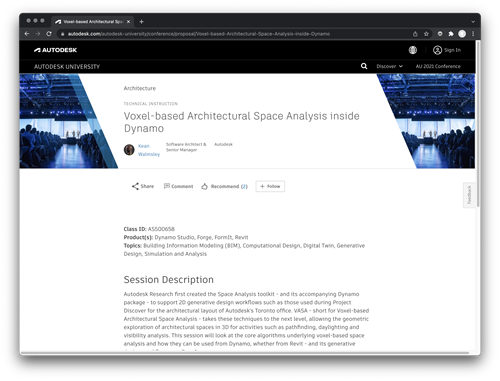
I've gone ahead and submitted two class proposals for Autodesk University 2022. If you think they should be part of this year's event, I'd certainly appreciate you voting for them: Voxel-based Architectural Space Analysis inside Dynamo Autodesk Research first created the Space Analysis toolkit - and its accompanying Dynamo package - to support 2D generative design workflows such as those used during Project Discover for the architectural layout of Autodesk's Toronto office. VASA - short for Voxel-based Architectural Space Analysis - takes these techniques to the next level, allowing the geometric exploration of architectural spaces in 3D for activities such…
-
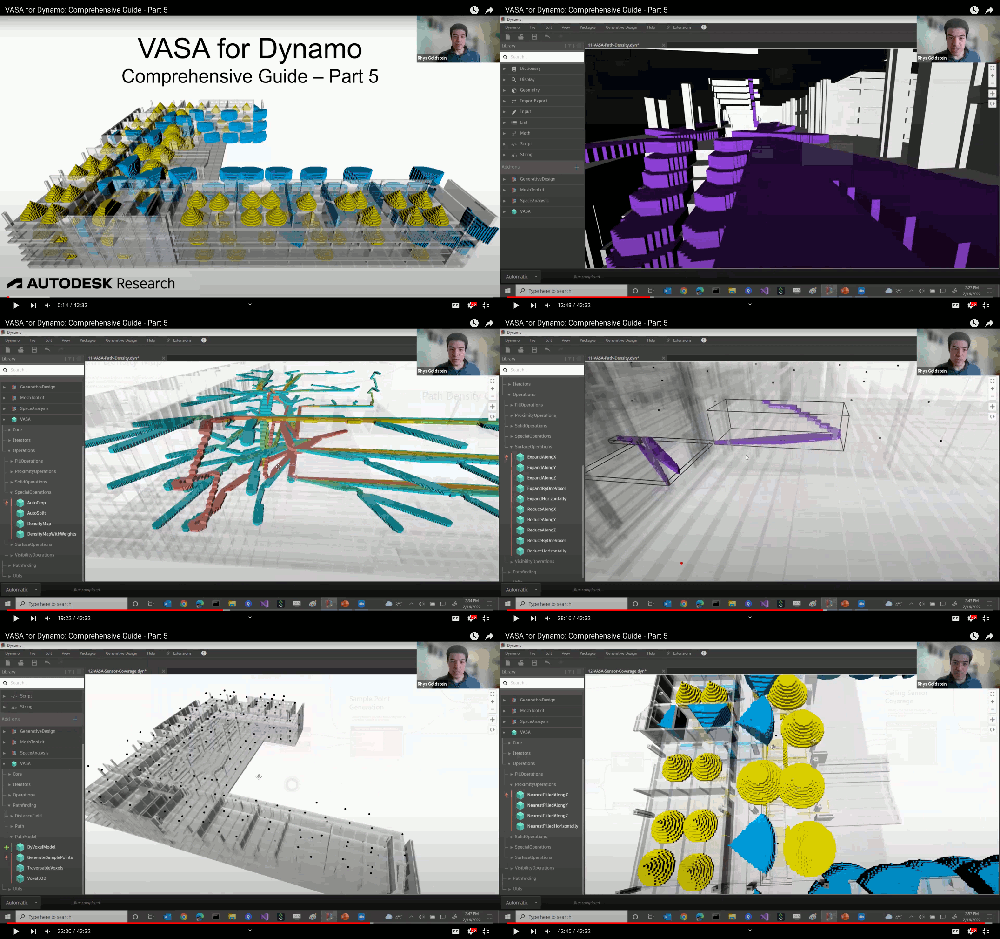
Rhys Goldstein has now published Part 5 in his video series on using VASA. In it, Rhys walks through the latest two samples that come with VASA 0.2.0, one of which I talked a bit about in a recent post. Both samples make use of sample points – one in the context of aggregating path information, while the other uses them (as we've seen) for sensor placement. Both workflows have significant potential for use in the context of generative design – something I hope to dig into at some point in another post. Hopefully you'll find this video…
-
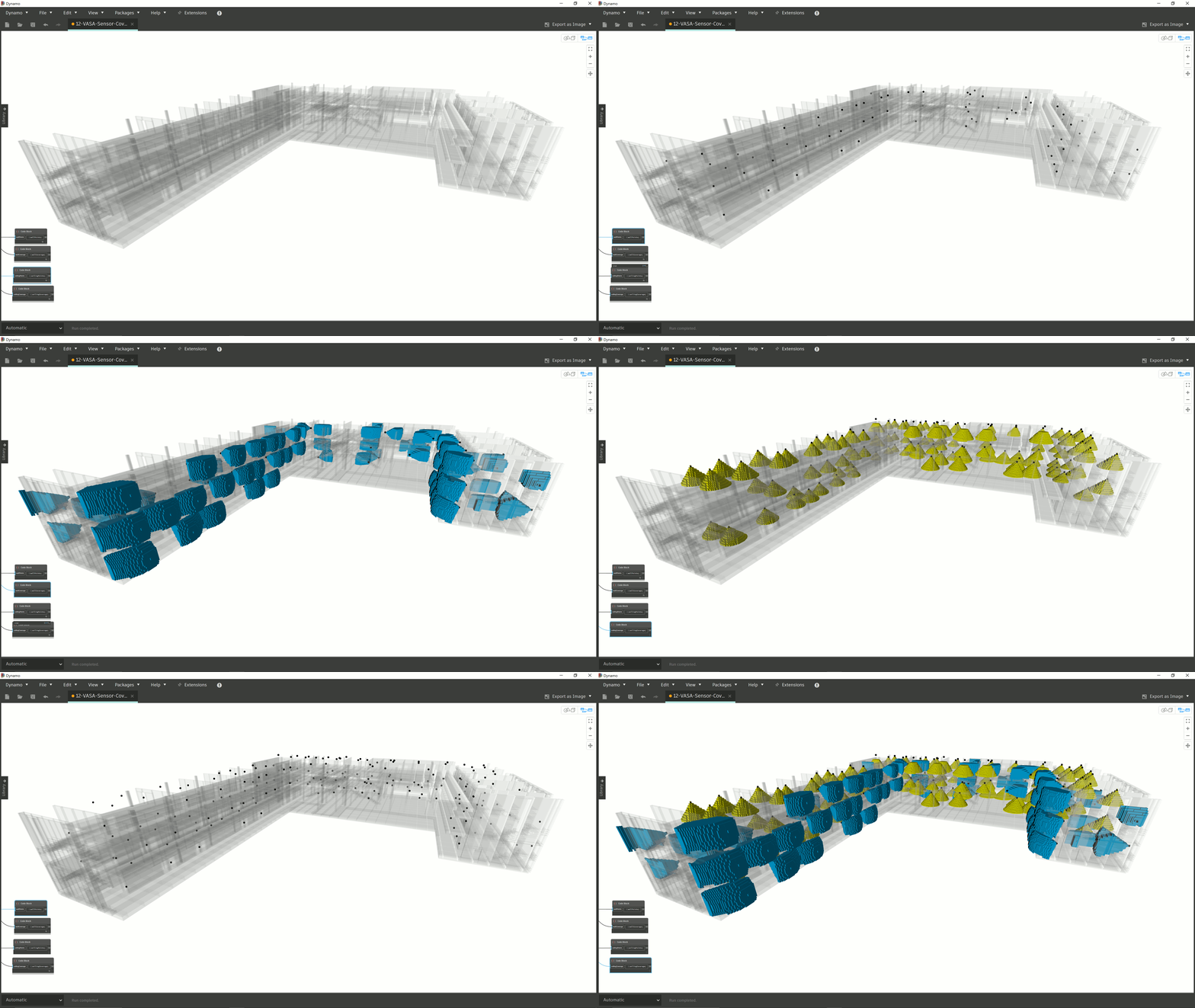
Last week I mentioned the release of VASA 0.2.0, which includes some new nodes and samples that raise some really interesting possibilities. I couldn't help but come back to the "sensor coverage" sample (named 12-VASA-Sensor-Coverage.dyn), in particular, as I can see so many possibilities for its use. Here's the description Rhys Goldstein included in the sample: A demonstration of how to combine sample point generation and proximity operations to select locations on walls and ceilings using the Voxel-based Architectural Space Analysis (VASA) package. In this example, the locations are used to place sensors and approximate their coverage. First, sample points…
-
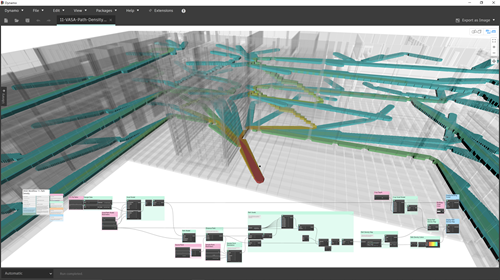
Rhys Goldstein has been busy implementing some new features in the Voxel-based Architectural Space Analysis (VASA) package. I've just published a new version to the Dynamo Package Manager containing the following enhancements: Added "PathModel.GenerateSamplePoints" and "DistanceField.GenerateSamplePoints", which generate sample points according to an approximate spacing parameter. Added proximity operations ("NearestFilledAlongX", "NearestFilledAlongY", "NearestFilledAlongZ", and "NearestFilledHorizontally"), which find the filled voxel nearest to a point. Added special operations ("AutoCrop", "AutoSplit", "DensityMap", "DensityMapWithWeights"), which automatically crop, split, and create density maps from voxel models. Added new examples ("11-VASA-Path-Density.dyn" and "12-VASA-Sensor-Coverage.dyn"), which demonstrate the new features. Fixed a bug in the fill from point…
-
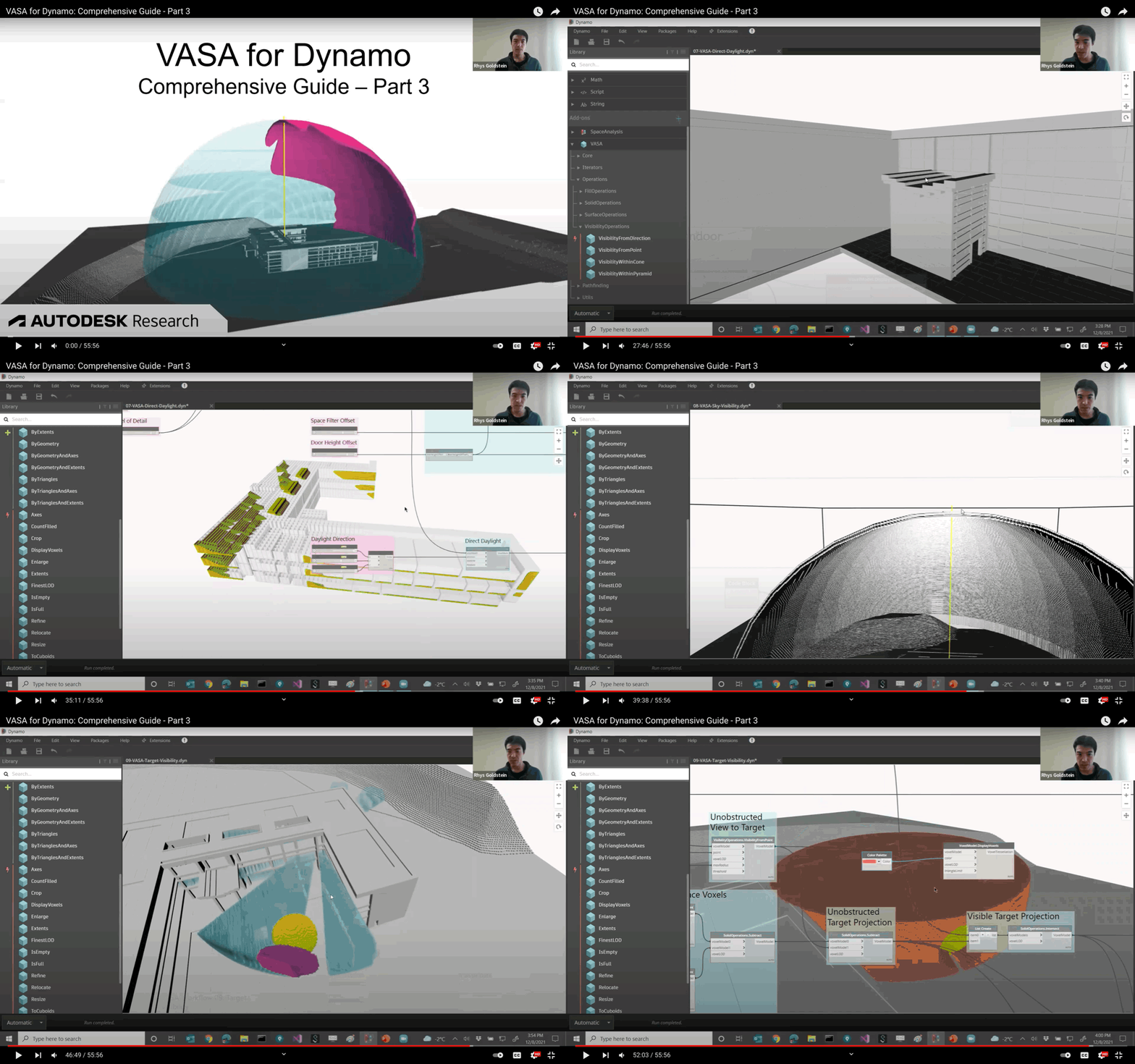
Rhys Goldstein has published the third part of his video series introducing capabilities of the VASA (Voxel-based Architectural Space Analysis) package for Dynamo. This part focuses on how VASA can perform visibility and daylighting analyses. Here's an animation showing some of topics covered: And here's the video itself: We're taking a break from this series now until the New Year, when Rhys will be sharing a walkthrough of the remaining VASA samples.
-
Recently Mayur Mistry from Engineering ArchiTECHure asked me to join him for a YouTube livestream. Mayur often holds his interviews over the weekend, but he very kindly accommodated my schedule and held the session during the week. So while it was "live", it wasn't at the usual time for Mayur's subscribers and the discussion remained very much between the two of us. I've seen some really good sessions on his channel – several of his guests have prepared extensive material to show – so my apologies if you're expecting something more formal: we just chatted for an hour. Many thanks…
-
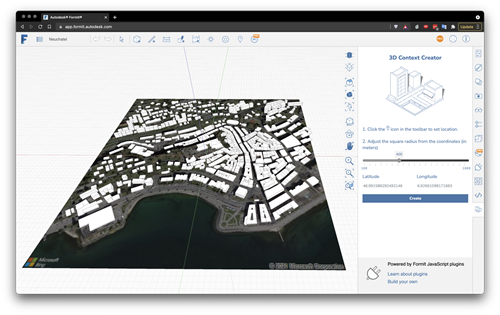
In the last post we looked at using VASA from within Dynamo for FormIt to solve mazes generated by a cool plugin created by Brett from the FormIt team. The Dynamo graph we saw used VASA in "3D mode" – where the voxel height is higher than 1 – but that came with the added need to create a floor for the maze (something that isn't too hard, as we know the exact dimensions and location of the maze). In today's post we're looking at how VASA might be used to perform pathfinding operations at the urban scale, taking geometry…
-
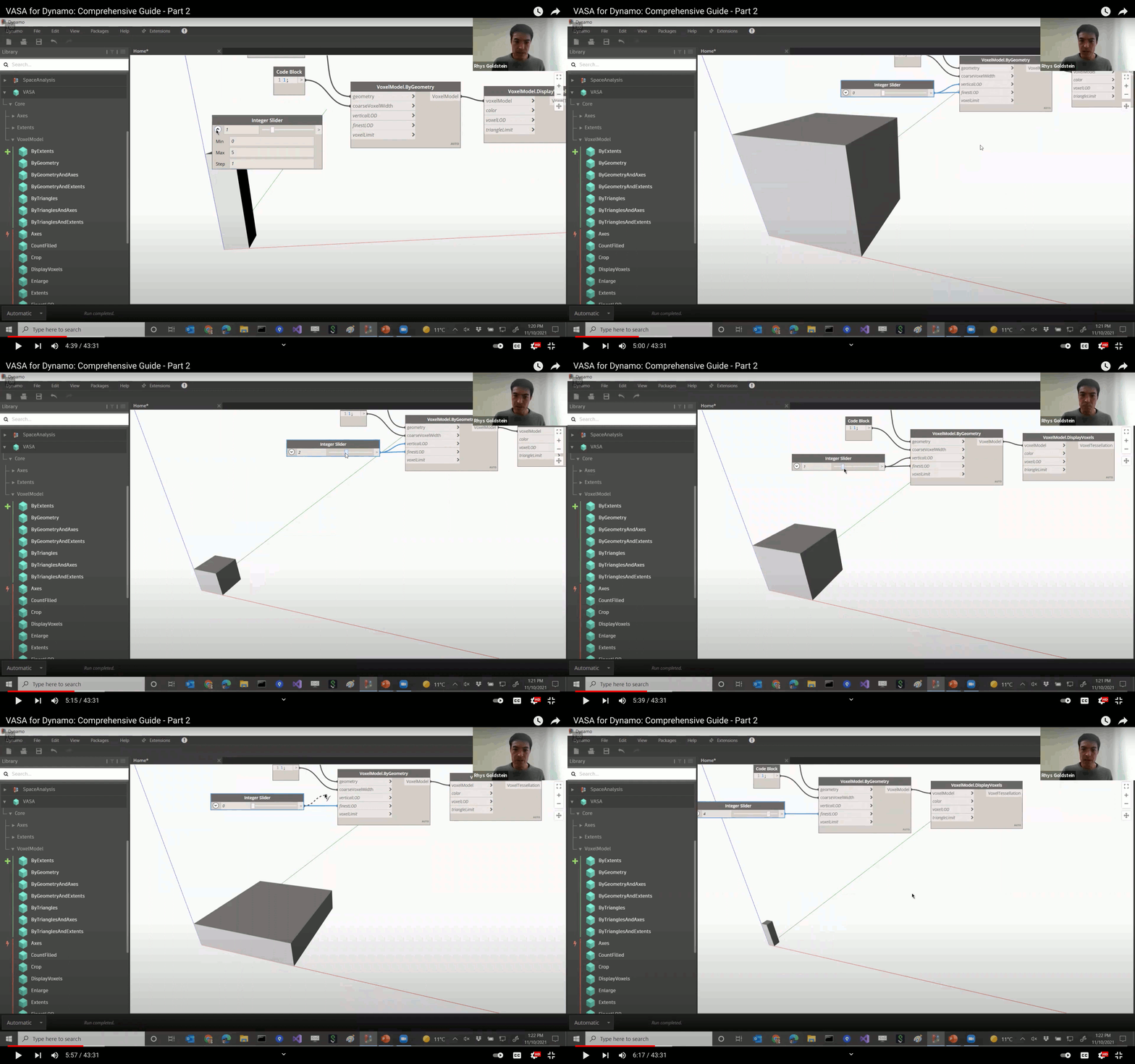
Rhys Goldstein has published the second part of his informative video series on using the VASA (Voxel-based Architectural Space Analysis) package with Dynamo. The first part was an overall introduction to the package while this part dives into pathfinding, taking a close look at samples that show how it might be used in both 2D and 3D. While the overall video is really interesting – some of you might find it a bit long at 43 minutes but it's quite watchable at 2X and is packed full of useful information – one of the sections that stood out for me…
-
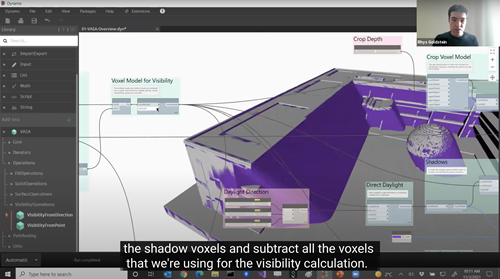
Rhys Goldstein, the researcher behind our 2D and 3D Space Analysis toolkits, has recorded a great video introduction to VASA (an acronym for Voxel-based Architectural Space Analysis). It steps through how to install the VASA package inside Dynamo and then create a simple voxelisation of Dynamo geometry. Rhys also shows how to load and run the samples provided with the package, and takes some time to step through – and then dissect – the main overview sample. Here it is: If you don't have time to spend 23 minutes watching a video, it should be quite watchable at higher playback…