Tables
-
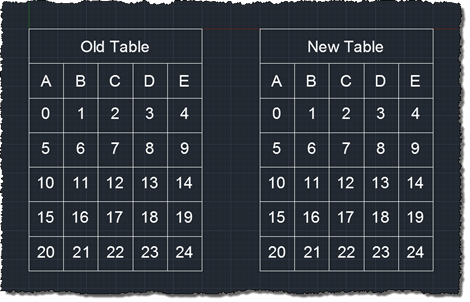
This question came up, from our friends over at The Swamp: I have been re-building some old code in VS2010 using the 2012 ObjectARX SDK and came across some 'blablabla is obsolete: use thingy instead' warnings. The code still compiles and runs fine but I want to start thinking about the future. a few examples will follow, please add any others you come across. […] The next was to do with the Table Class i.e. Autodesk.AutoCAD.DatabaseServices.Table In fact, there are a myriad of obsolete warnings in the Table class ... some of them appear to have no documented resolution,…
-
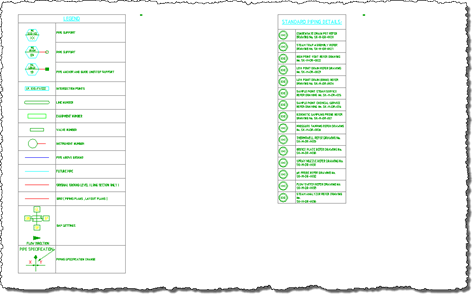
Thanks to Marat Mirgaleev, a member of our DevTech team based in Moscow, for the code that inspired this post. The code in this post implements the simple case of taking the last two rows of one table and copying them into the same relative position in another table. If the destination table is smaller, it gets expanded, as do the individual rows and columns. Other than that, there's not much to it. I have tried to structure the code to make it easy to adapt to more "challenging" tasks, such as taking an arbitrary, rectangular selection of cells and…
-
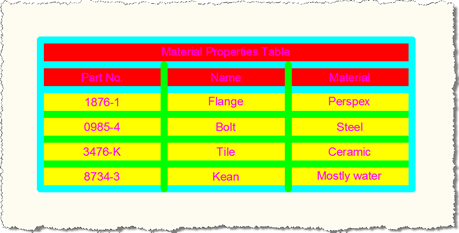
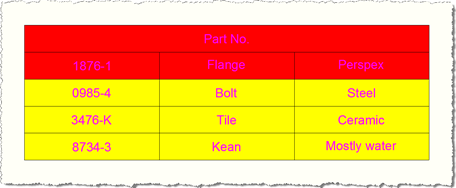
In this previous post we saw some code to create a table style and apply it to a new table inside an AutoCAD drawing. While responding to a comment on the post, I realised that the table didn't display properly using my example: the first column heading was being taken as the table title and the rest of the column headings were lost - the headings in the table were actually taken from the first row of data. I suppose that serves me right for having chosen such eye-catching (and distracting) colours. 🙂 The following C# code addresses this by…
-
The question of how to define a new table style programmatically has come up a couple of times over the last week or so, so this post shows how to approach this. I've used the code from this previous post as a basis for this post's. The important thing to know is that TableStyle objects are stored in a special dictionary, which can be accessed via a Database's TableStyleDictionaryId property. This ObjectId property allows you to access the dictionary, from which you can query the contents, determine whether your style exists and add a new one if it doesn't. The…
-

In the last post we saw some code to update an AutoCAD table linked to an Excel spreadsheet. In this post we go the other way, updating an Excel spreadsheet from a linked AutoCAD table. Here's the C# code: using Autodesk.AutoCAD.ApplicationServices; using Autodesk.AutoCAD.DatabaseServices; using Autodesk.AutoCAD.EditorInput; using Autodesk.AutoCAD.Runtime; using Autodesk.AutoCAD.Windows; namespace LinkToExcel { public class Commands { [CommandMethod("T2S")] static public void UpdateSpreadsheetFromTable() { Document doc = Application.DocumentManager.MdiActiveDocument; Database db = doc.Database; Editor ed = doc.Editor; PromptEntityOptions opt = new…
-

Thanks to Viru Aithal, from DevTech India, for providing the code for this post (I converted the C# code below from some C++ he had sent to a developer). In the last post we showed how to create a table linked to an Excel spreadsheet using .NET in AutoCAD 2008. AutoCAD does a great job of looking for changes in the Excel spreadsheet, and asking whether you want to update the linked table: There may be times, however, when you want to force the update programmatically, whether from the spreadsheet to the table ot vice-versa. In this post we'll show…
-
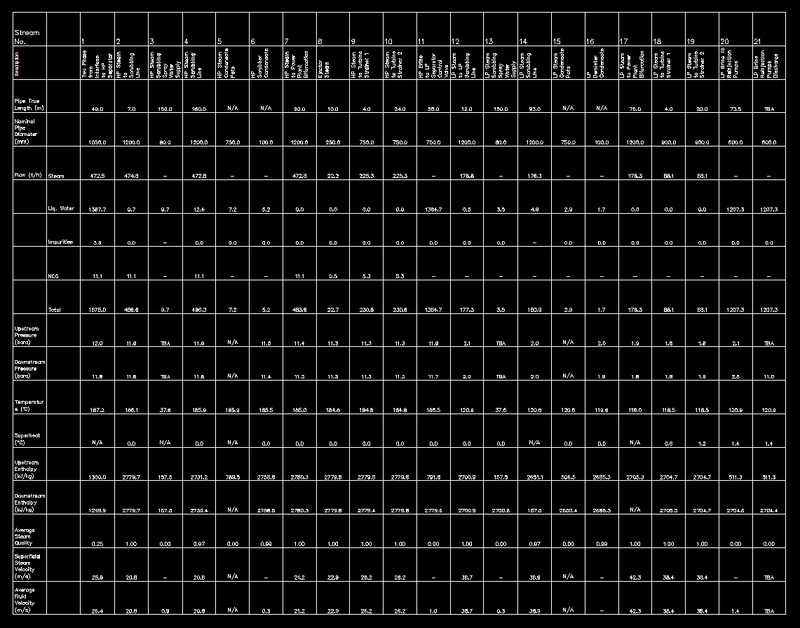
In the last post I promised to tackle this issue, and so here we are again. 🙂 Note: the code in this post relies on enhanced table functionality introduced in AutoCAD 2008, so please don't get frustrated trying to make this work in previous versions. The following C# code follows on from yesterday's, taking the spreadsheet selected by the user and linking it to a newly-created table in the active AutoCAD drawing. I haven't bothered with line numbering in the below code, as it follows on almost exactly from the code shown last time (aside from renaming the namespace, the…
-
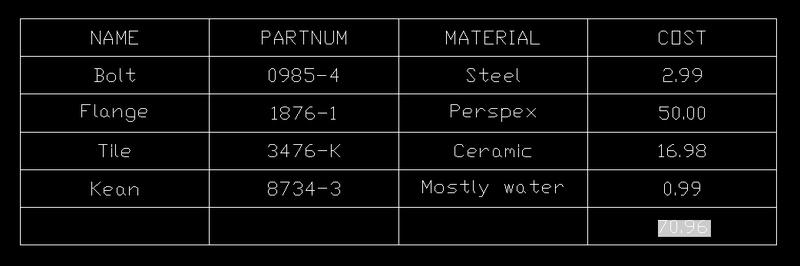
In the last post we looked at some code to create a table of attribute values for a particular block. In this post we'll extend that code and show how to use a formula to create a total of those values. Below is the C# code. I've numbered the lines, and those in red are new since the last post. The complete source file can be downloaded here. Firstly, a quick breakdown of the changes: Lines 60-81 deal with user input, and the forcing of the decision to "embed" rather than "link", if we're performing the total (table formulae do…
-
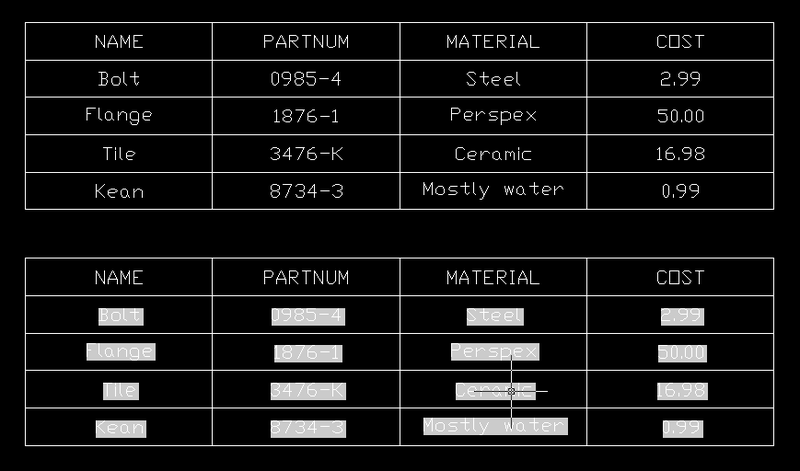
This post was inspired by suggestions from a few different people (you know who you are! :-). I'm going to take it in two parts: this post will focus on creating a table automatically that lists the values of attribute references included in block references in the modelspace that point to a particular block table record selected by the user. Phew. The next post will add some functionality to create a "total" of one of the columns in the table we create, by using a table formula that performs a sum of the appropriate cells. The below code is actually…
-
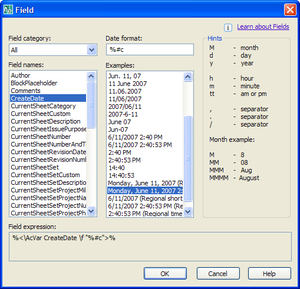
This post is in response to a few requests I've received to show how to embed fields in tables. It follows on from this previous post, where we looked at how to embed a block preview icon in a table. The technique I'm showing in this post is far from being specific to tables, however. You could very easily use it for any other text object that supports fields inside AutoCAD (MText, Text, Attributes, etc.) Fields are very cool objects: they allow you to access a very wide array of information and embed them inside textual objects in AutoCAD. A…