I've decided to interrupt my series on creating a face-recognising security cam to cover another Raspberry Pi-related topic, this week. I'll try to finish my series write-up for next Wednesday.
At the recommendation of an old friend from University, I recently devoured the excellent "Ready Player One" by Ernest Cline. Ernest was apparently born about a year before me, so to say that the copious pop-culture references from the 1980s resonated would be a massive under-statement. I just wish I'd come across it sooner (in time to have a shot at solving the Easter Egg and winning a 1981 DeLorean, complete with a sadly non-functioning flux capacitor).
As Don Draper famously said in Mad Men:
Nostalgia - it's delicate, but potent. Teddy told me that in Greek, "nostalgia" literally means "the pain from an old wound." It's a twinge in your heart far more powerful than memory alone.
Ready Player One definitely had me pining to relive some of my early computing experiences – whether programming or playing – and so I decided to have a bit of fun with my second Raspberry Pi device (the first is a little busy… I'll be telling you more about its exploits over the coming weeks).
I've mentioned a few of these experiences before, but over a recent rainy weekend I decided to see if I could track down and build or install emulators for the main computing platforms of my youth onto the Raspberry Pi.
Here's what I found… (the images of the emulators have been taken on my Mac with the graphics streamed down from the Raspberry Pi and displayed using X11, mainly to make it easier to grab screenshots.)
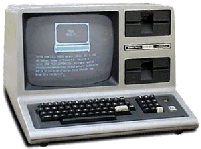 TRS-80 Model III
I can't remember whether I first programmed on the BBC Micro or the TRS-80, but the TRS-80 Model III was certainly the first computer I had access to at home (well, in my father's home office). It was also my first exposure to computer games – I remember even now many of the problems in Ghost Town, an early text adventure from Scott Adams (one that you can now play on-line, of all things).
The emulator I ended up building for the TRS-80 was SDLTRS, which actually proved to be straightforward to download and build. I couldn't track down a posted ROM for the Model III, but I did get one for the Model I, which then allowed me to load LDOS from an emulated floppy-drive:
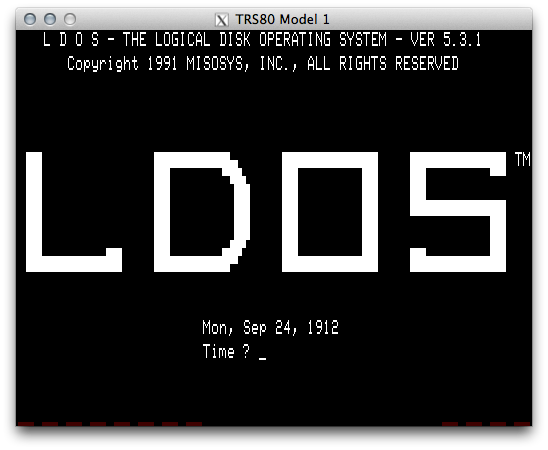
The dates seem a bit off – I guess I'm using a really recent version of the LDOS ROM in order for it to say copyright 1991, and as for the date being 1912… Y2K issues, anyone?
I'm yet to do anything useful with this emulator – I'm really struggling to remember how to load data from a floppy, for starters – but just seeing it again brings back floods of memories.
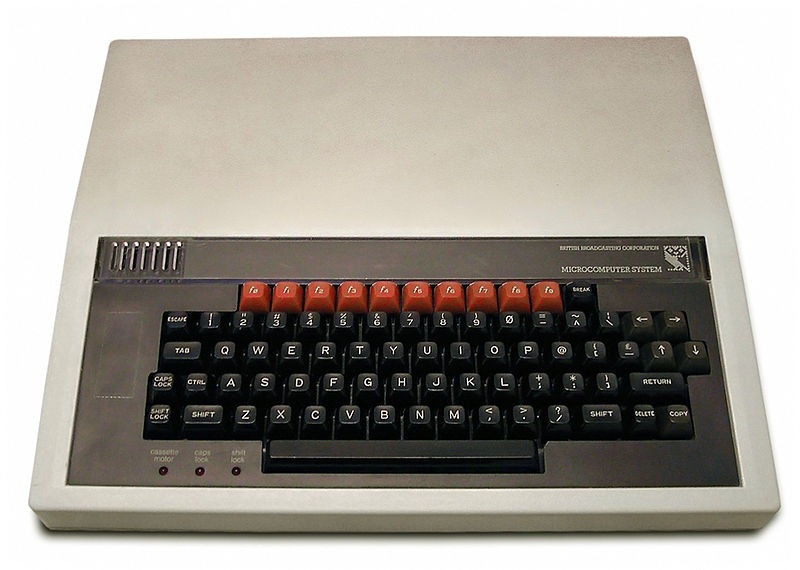
This was the first computer I worked with at school and used to spend many, many happy hours fooling around with Logo and BASIC.
The emulator I found for this was BeebEm, which required downloading, extracting and building, in much the same way SDLTRS did.
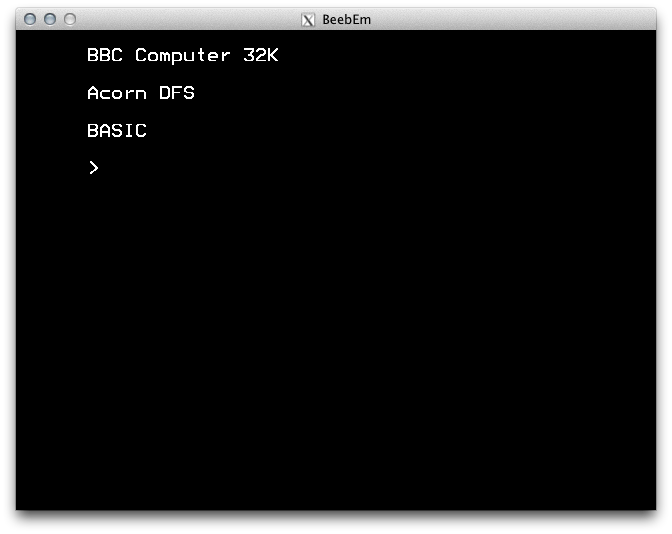
Again, I don't yet have anything running inside this emulator (my main memories are of Logo, Chuckie Egg and Elite), but will try to do something fun, at some point.
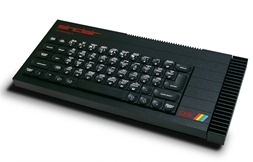 ZX Spectrum
I used to love playing games on the ZX Spectrum (my brother and I shared a Spectrum+, as pictured here). While the TRS-80 and BBC Micro were mostly (for me, at least) about learning, the Spectrum was (almost) all about fun.
We used it mostly for games, but I do remember having lots of fun using it with the Currah Microspeech device to synthesise something approaching human speech.
Photo courtesy of Bill Bertram.
The Spectrum emulator I installed – and this was super simple, no building needed – was Fuse.
Once installed, I went looking for ROMs of games I used to play. There are a lot out there, happily. Here's a screenshot of Manic Miner in action:
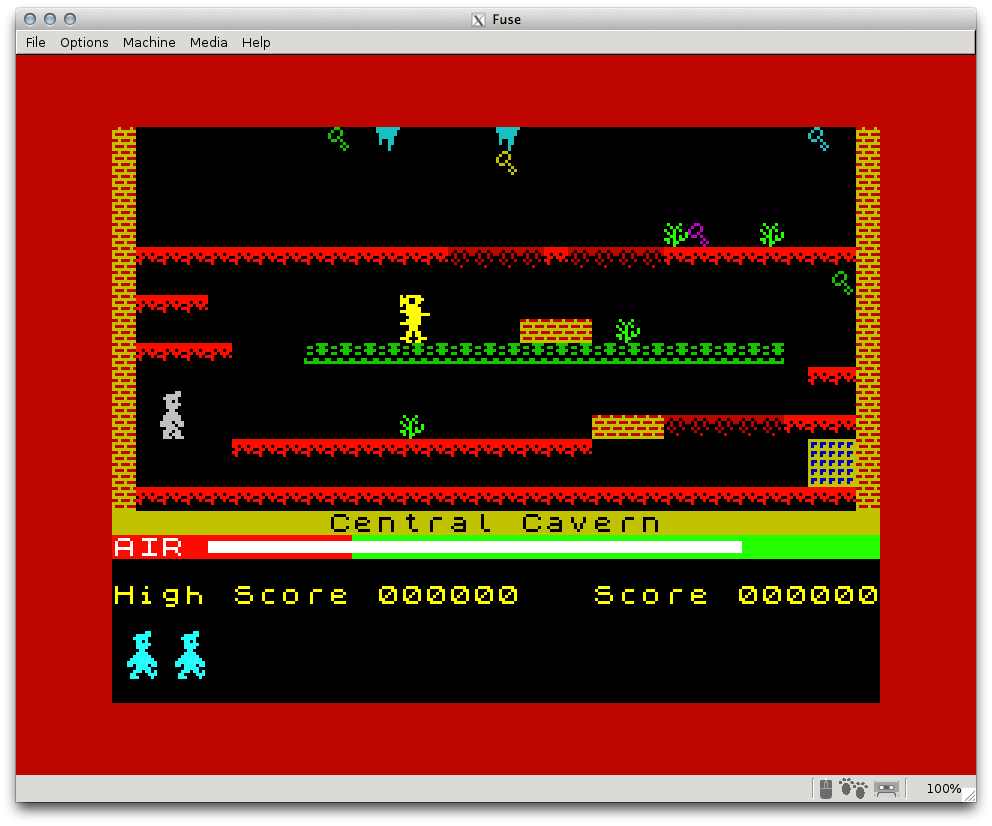
One really good thing about running Manic Miner via X11 is the lack of support for sound (I couldn't hear the ghastly, discordant 8-bit music that plays once the game has loaded ;-).
Atari 2600, Nintendo Entertainment System, Super NES, Nintendo 64, Sega Master System, Sega Mega Drive, Sony Playstation, MAME and more…
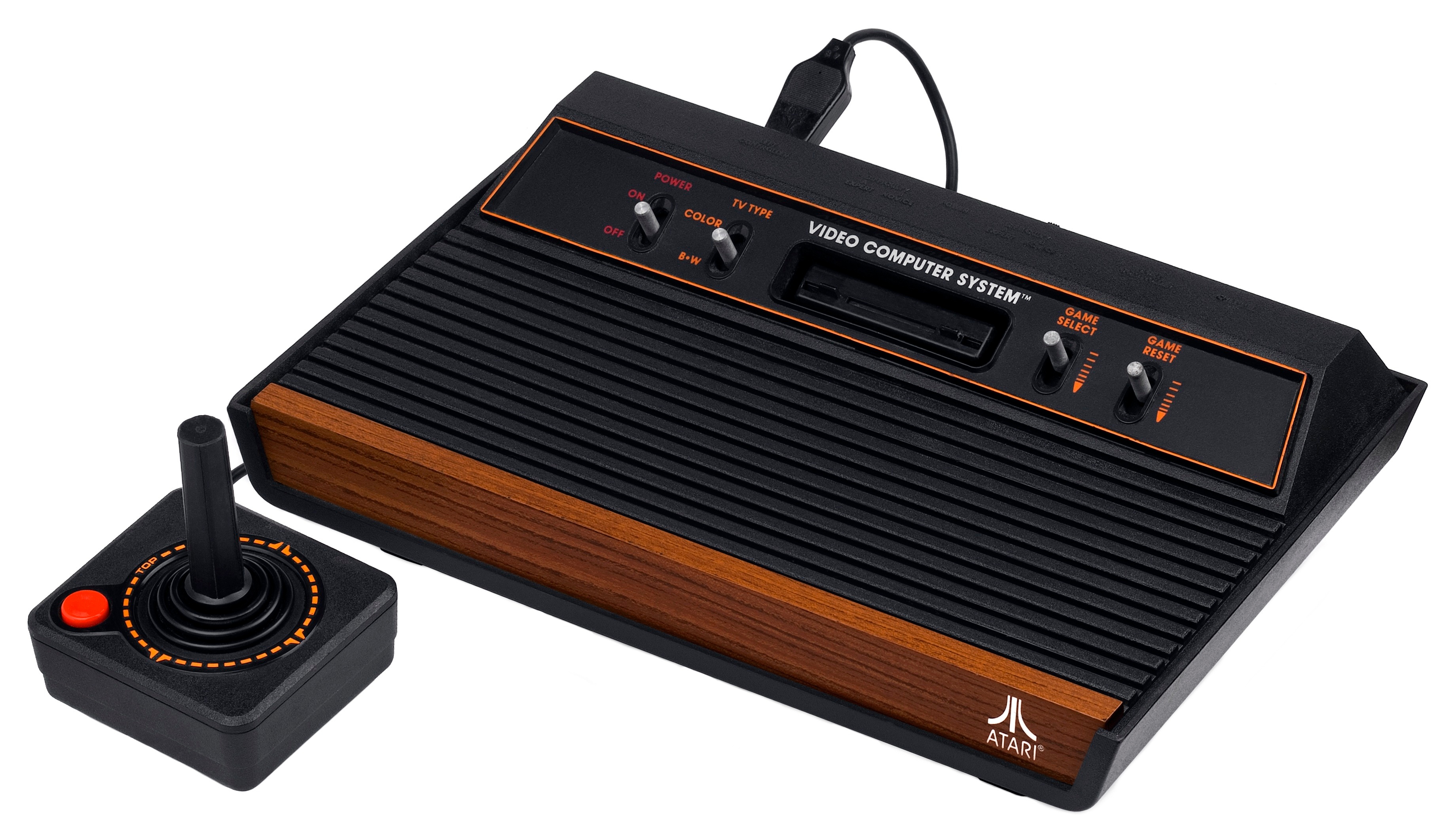
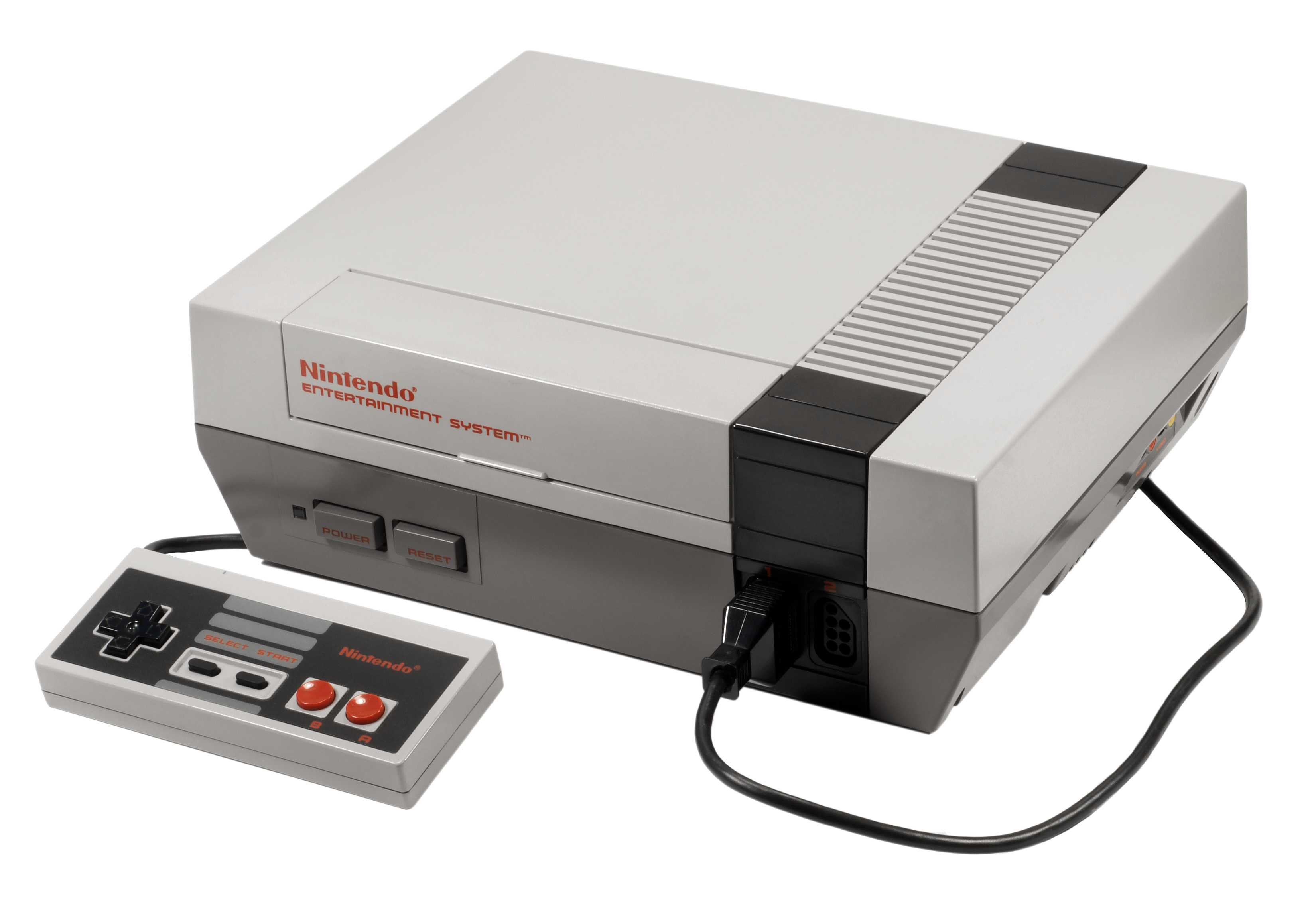
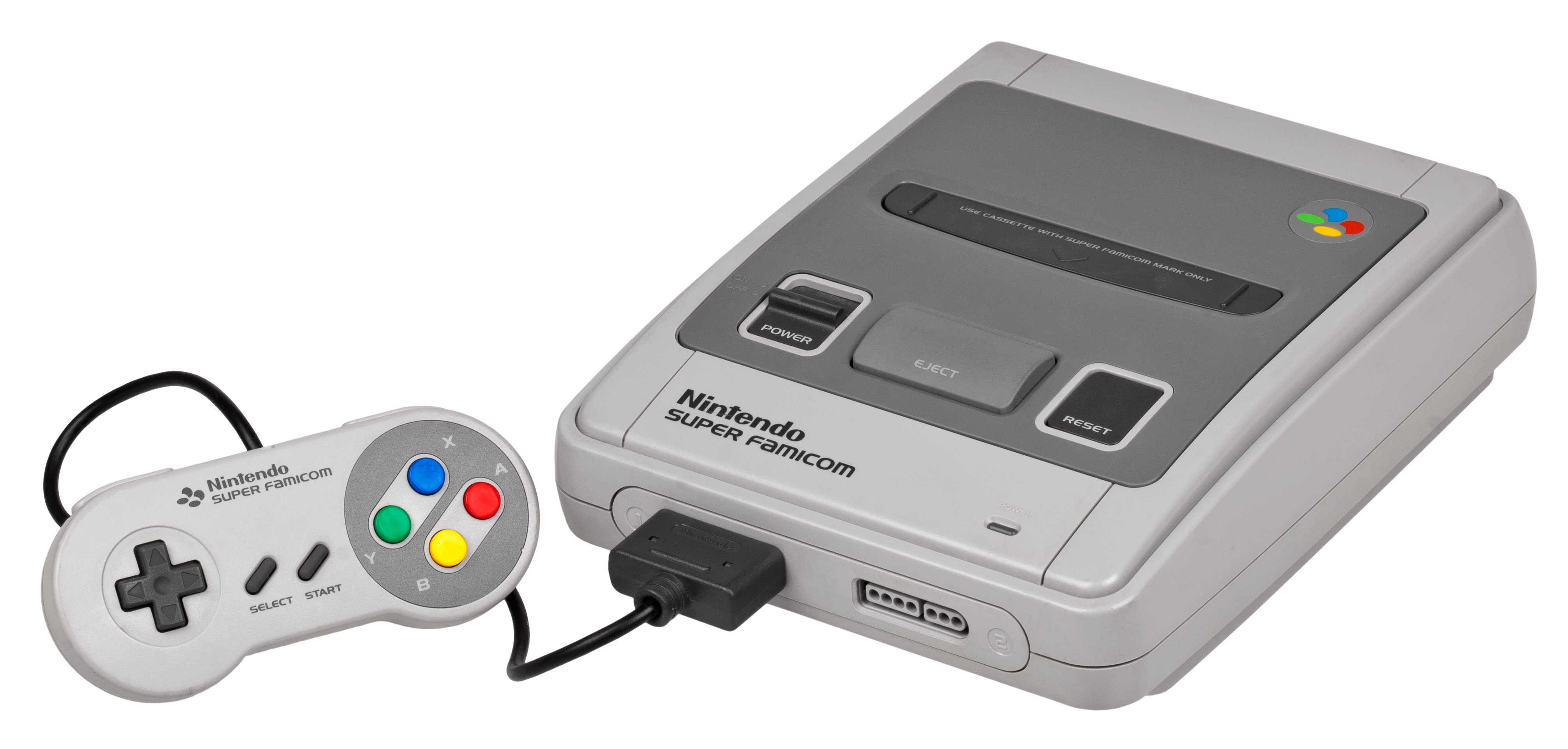
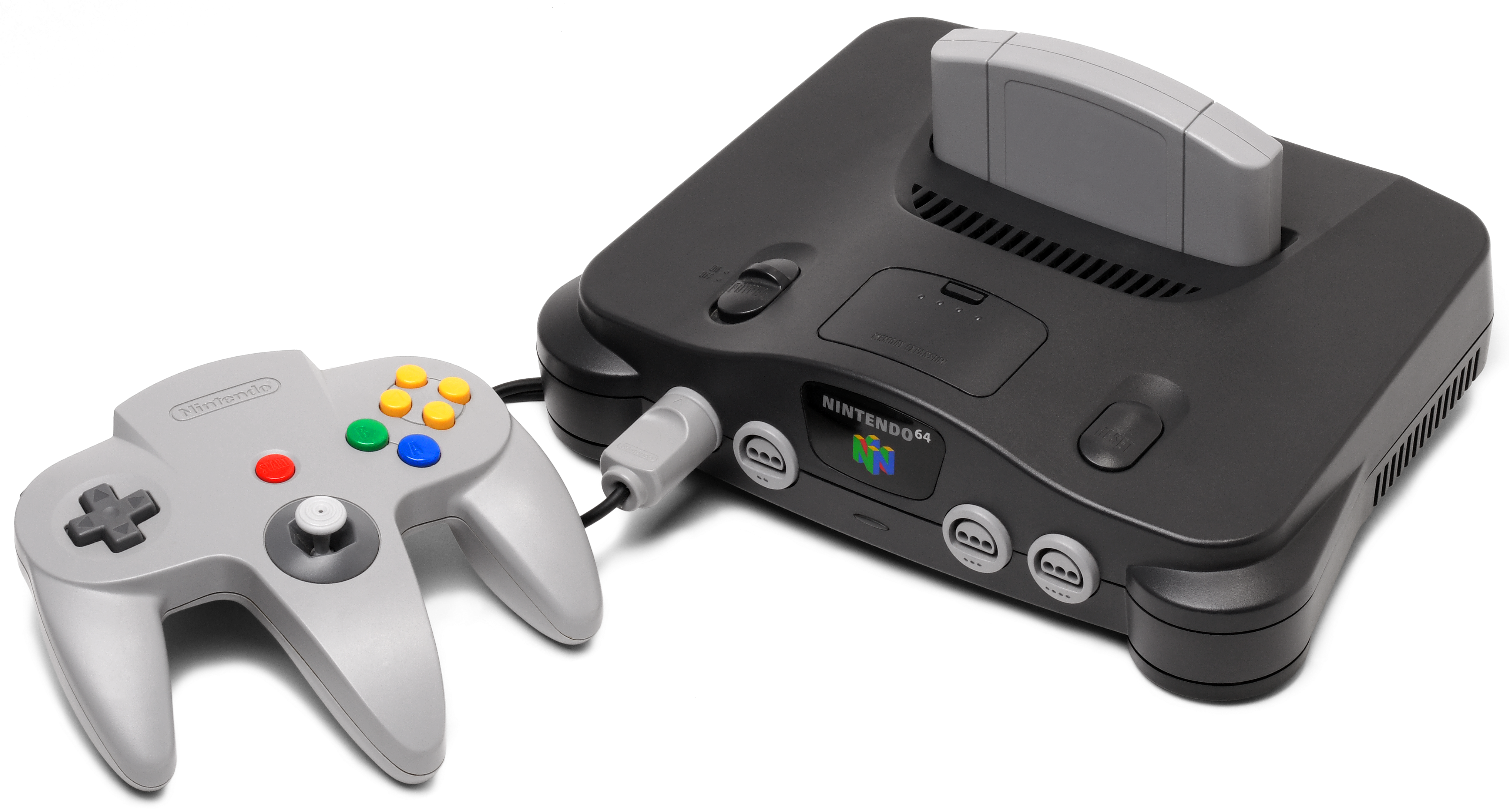
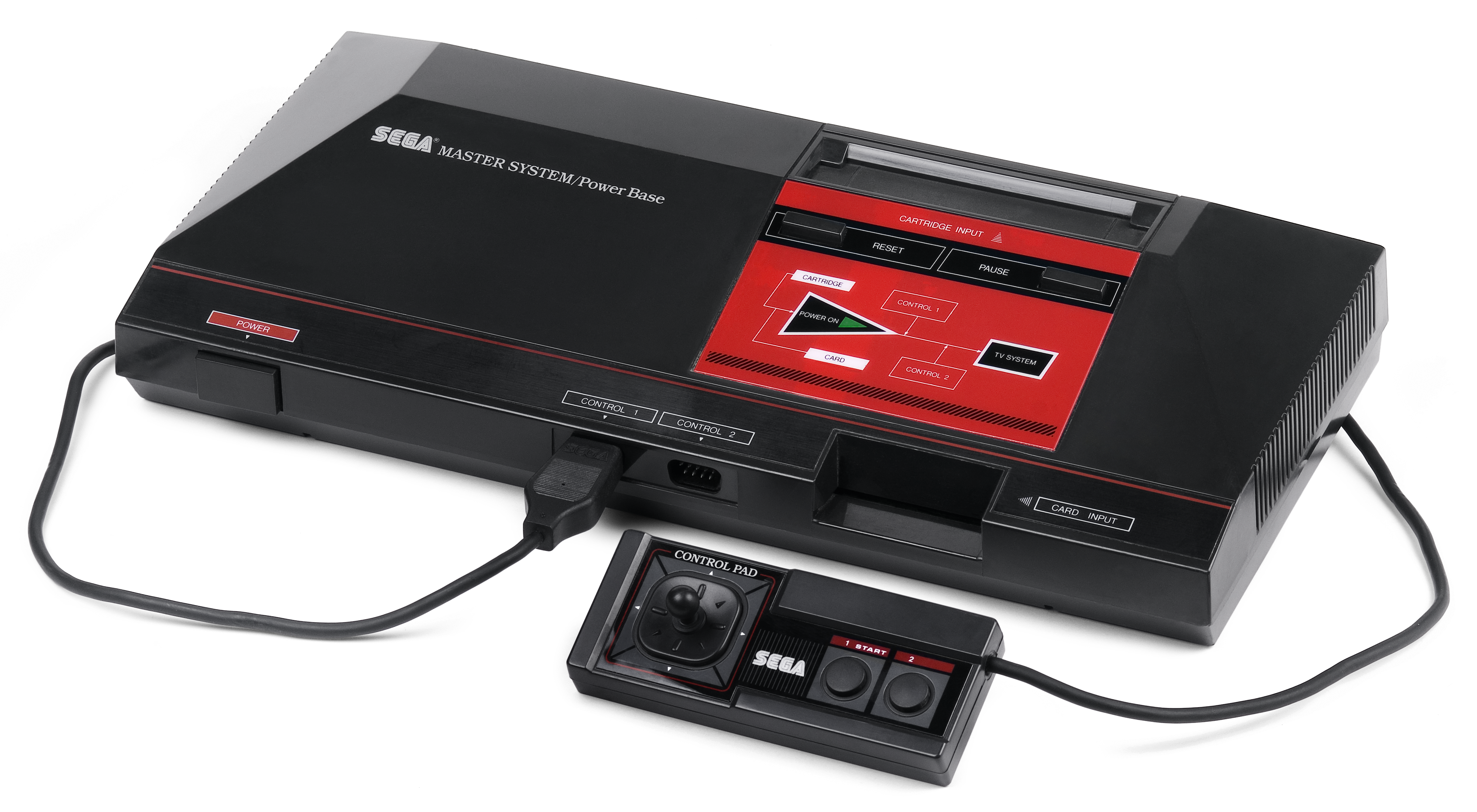
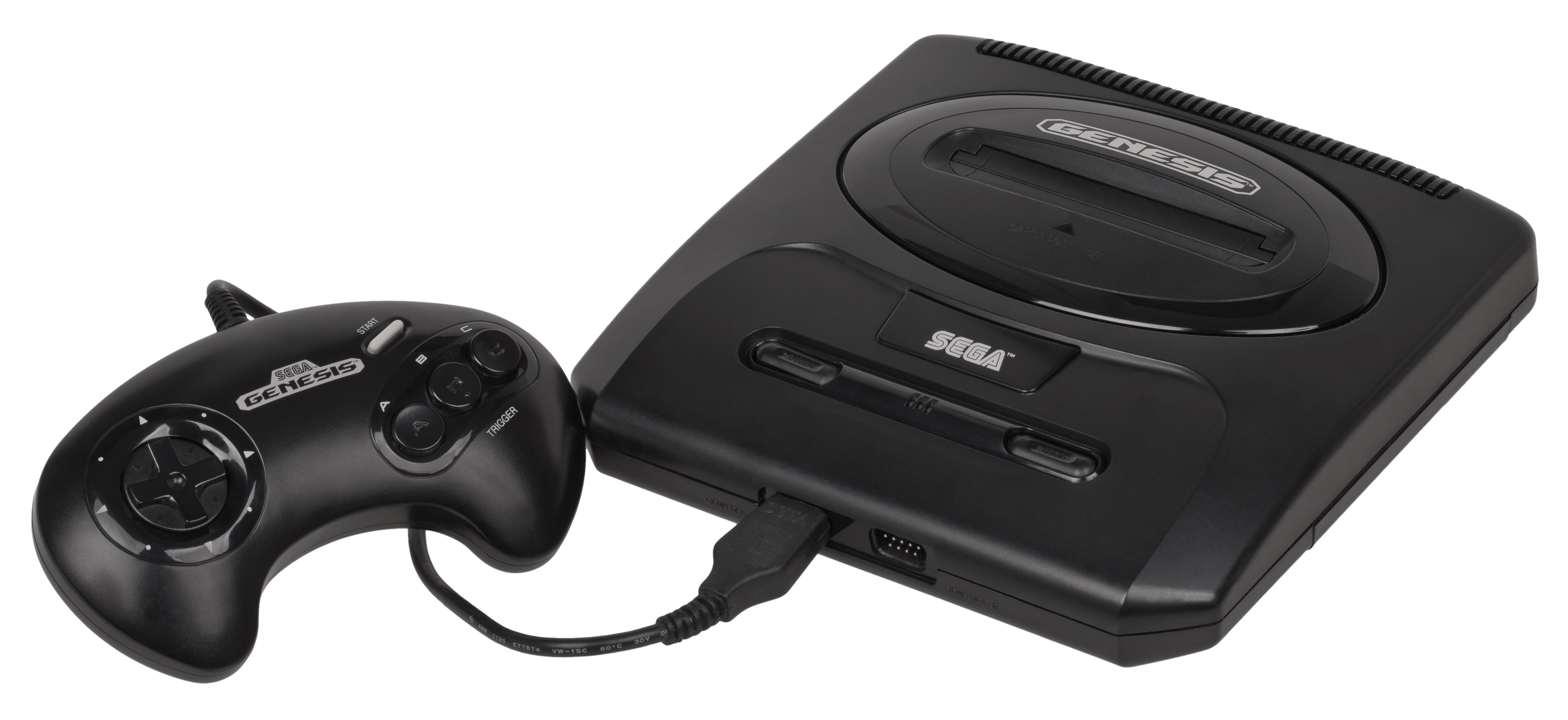
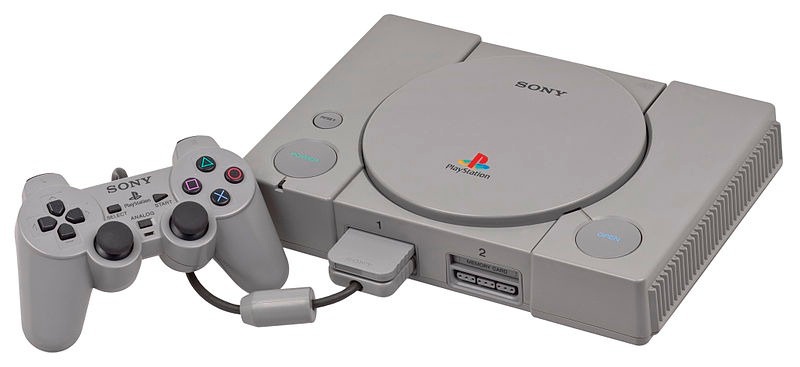
The final touch for my retro computing system was an incredible all-round emulator called RetroArch. To install this and the EmulationStation graphical front-end, I used the very handy RetroPie-Setup script.
I mainly installed this piece as my wife cut her gaming teeth on the Legend of Zelda on the NES, and that seemed the simplest way to get that working. I also wanted to get MAME on the device, as there are a number of classic arcade games I wanted to be able to play, too.
The graphics generated by RetroArch are not piped via X11, so I don't have any screenshots for that. But the games seem to look and play as well as I remember.
Wrap-up
The system looks and works really well. For me it's just amazing that it's possible to pack in this kind of capability into such a small (and cheap!) device. I suppose it's not necessarily the mark of progress – or indeed very surprising – that over the course of 30 years you can shrink the capabilities of all these computers into a credit-card sized device, but it' is nonetheless very cool. Long live nostalgia!
By the way, to finish off this device from an aesthetic perspective, I went ahead and bought a PetRockBlock Pie, a beautiful gaming-focused case from maker of the RetroPie-setup (I've used the image from their website – mine is actually an also-very-attractive transparent acrylic version):
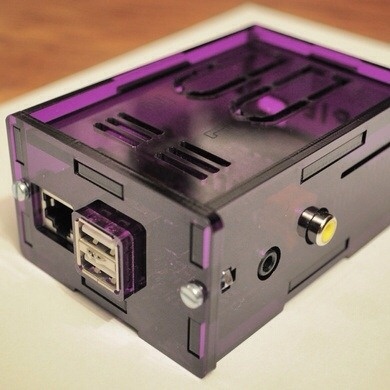
This case is ideal for people wanting to wire up old-school controllers (I'm think of raiding my in-laws' attic to get some NES gamepads to connect up), but for now I've gone and bought a wired Xbox 360 controller that comes by default with a USB connector… less retro but also less soldering. 😉 Getting that working was a little tricky, but the xboxdrv driver is really simple to install, and I now have it set up to launch with the classic Q-A-O-P-Space (up, down, left, right, fire) keyboard mapping when playing Spectrum games, and a different configuration when using RetroArch.
I'll have this with me at AU, in case anyone want to take a look (and maybe even find a screen in the exhibit hall to have a play ;-).


Leave a Reply to Florian Cancel reply