After my initial (only partially successful) attempt, earlier in the week, to get 3D geometry from the Apollonian web-service into a PointCloud Browser session, I finally managed to get it working properly.
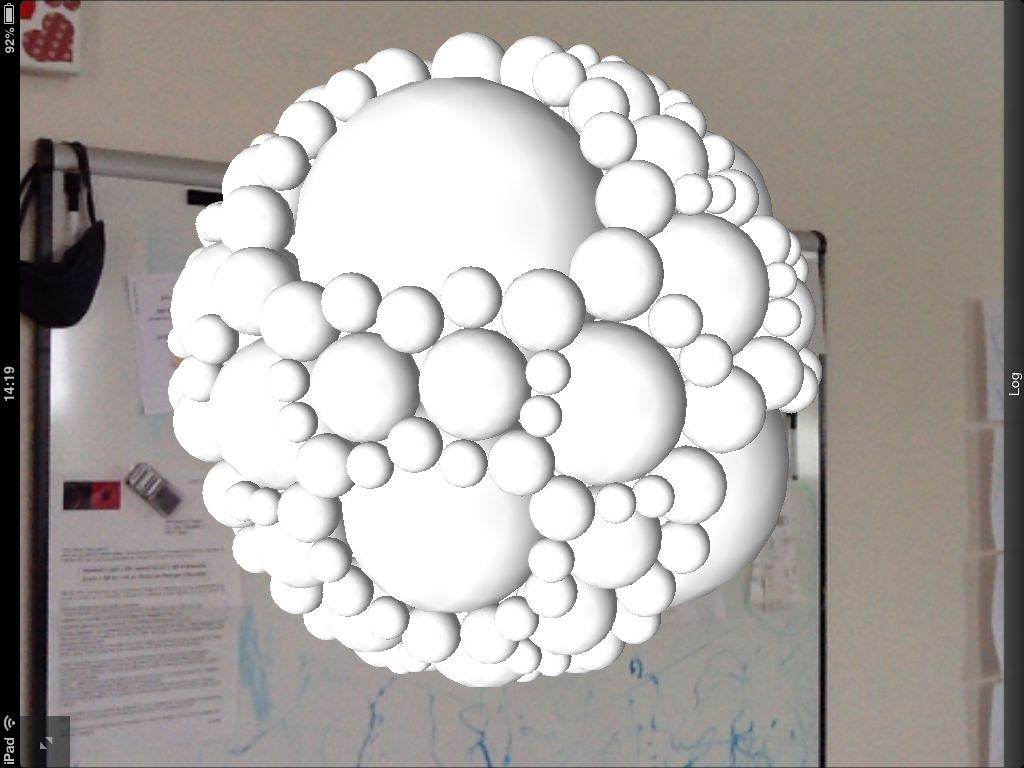
Given the currently fairly light documentation available – especially for the Viper JavaScript namespace which gives access to the 3D rendering capabilities in the browser – I ended up posting a question to the PointCloud forum. The answer was very instructive – I was able not only to get spheres of different radii displayed using the same mesh…
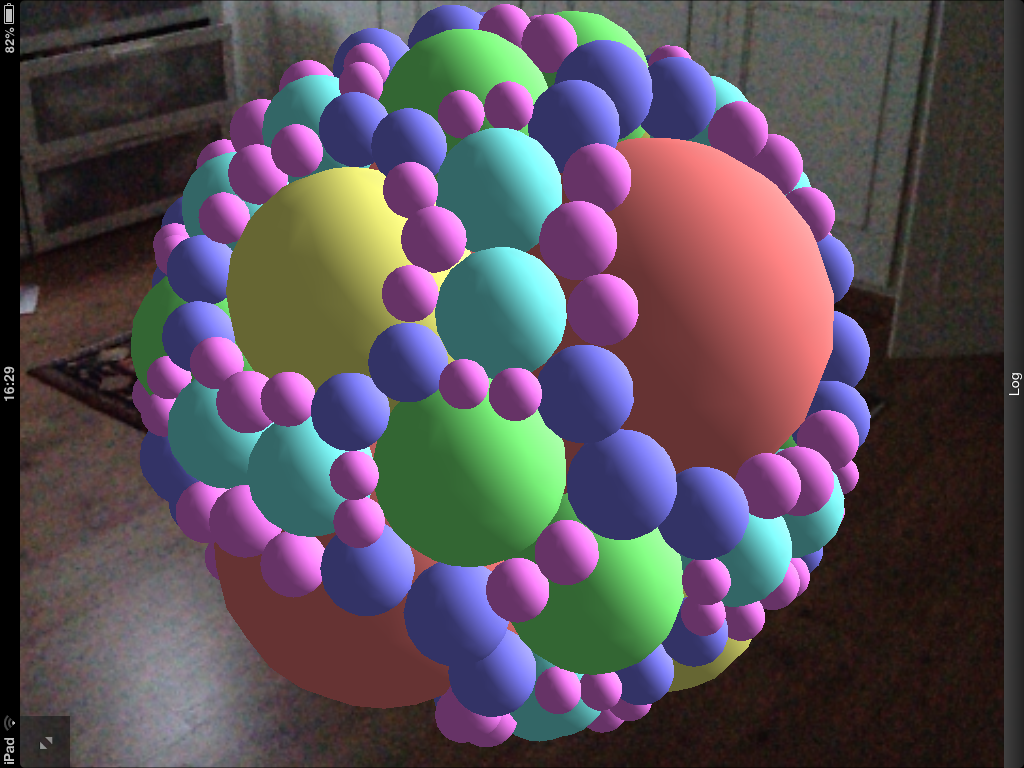
… but also to apply different colours to the same mesh via tinting. Here's an intermediate step I hit (I'm not fully sure why the colours came out as they did, but anyway)…
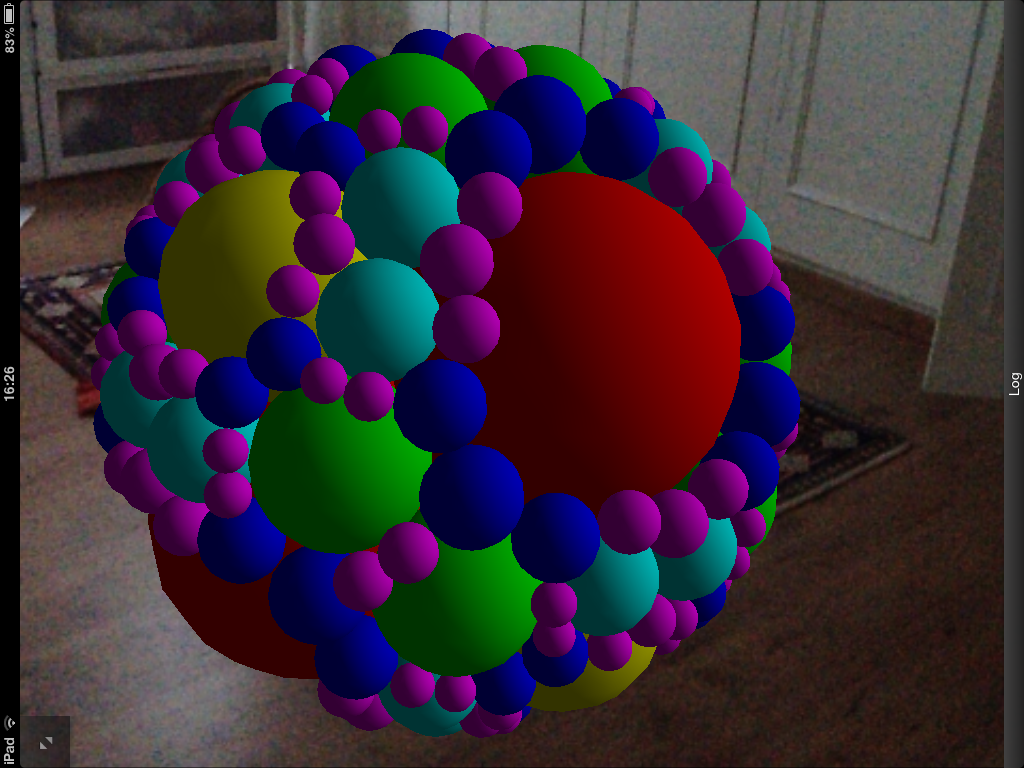
… before getting much more satisfactory results. With fewer lines of code.
Here's the updated HTML page (also available here and at this shortened URL):
<!DOCTYPE html>
<html>
<head>
<title>Apollonian</title>
<meta
name="viewport"
content="user-scalable=no, width=device-width, initial-scale=1.0, maximum-scale=1.0"/>
<meta name="viper-init-options" content="manual"/>
<link
rel="viper-app-icon" type="images/png"
href="resources/images/appicon.jpg"/>
<link
rel="stylesheet" href="./css/common.css" type="text/css"
charset="utf-8"/>
<script
type="text/javascript"
src="http://code.jquery.com/jquery-1.7.1.min.js">
</script>
<script type="text/javascript" src="./js/common.js"></script>
<script type="text/xml" id="library">
<library>
<mesh
id="sphere_mesh" radius="1" primitive="sphere"
details="2" />
<node id="sphere_node">
<model
texture_src="resources/images/white-4x4.png"
id="sphere_model" mesh="sphere_mesh"/>
</node>
</library>
</script>
<script type="text/xml" id="scene">
<scene base="relative-baseplane">
<light id="main_light"
intensity="1.0"
fade="constant"
ambient="0.2, 0.2, 0.2, 0.2"
diffuse="1.0, 1.0, 1.0, 1.0"
specular="1.0, 1.2, 1.2, 1.0"
position="3, 0.5, 2, 0"/>
</scene>
</script>
<script type="text/javascript">
function startup() {
viper.requireRealityMap();
}
/*
* This function is called when the web app is fully loaded
* (e.g. sounds, textures, image descriptors)
* and we're completely ready to go
*/
function onAppLoaded() {
startup();
var nodeListener = new viper.NodeListener();
viper.getCamera().attachListener(
nodeListener,
function(node, data) {
var pos = data.position.getTranslation();
viper.log(
"Received camera pos update: " +
pos.getX() + "," + pos.getY() + "," + pos.getZ()
);
}
);
}
/*
* This function is called when the Viper JavaScript API is
* ready for use
*/
function onViperReady() {
viper.setLoggingEnabled(true);
var scene = viper.getScene();
populateWithLevel(scene, 5);
// Create an observer. This observer contains the callback
// functions that may be called from the engine layer.
// We only need to add the functions that we are interested
// in.
var observer = {
/*
* Called when the user clicked cancel in the map creation
* view
*/
onMapCreationCancelled: function () {
startup();
}
}
// Attach the observer to viper
viper.setObserver(observer);
}
function populateWithLevel(scene, level) {
viper.log("Populate with level: " + level);
// Make sure CORS is enabled
jQuery.support.cors = true;
// Call our web-service with the appropriate level
$.ajax(
{
url:
'http://apollonian.cloudapp.net/api/spheres/0.3/' +
level,
crossDomain: true,
data: {},
dataType: "json",
error: function (err) {
alert(err.statusText);
},
success: function (data) {
viper.log("Successfully called web service.");
// Hard-code the colour for each level in an array
var colors =
[ "0,0,0,1", "1,0,0,1", "1,1,0,1", "0,1,0,1",
"0,1,1,1", "0,0,1,1", "1,0,1,1", "0.9,0.9,0.9,1",
"0.6,0.6,0.6,1", "0.3,0.3,0.3,1", "1,1,1,1",
"1,1,1,1" ]
// Process each sphere, adding it to the scene
$.each(
data,
function (i, item) {
// Get shortcuts to our JSON data
viper.log("Processing item " + i);
var x = item.X, y = item.Y, z = item.Z,
rad = item.R, level = item.L;
var length = Math.sqrt(x * x + y * y + z * z);
// Only add spheres near the edge of the outer one
if (length + rad > 0.29) {
// Create a spherical node
var nodeID = "sphere_" + i;
var position = new viper.math.Vector(x, y, z);
var sphere = new viper.Node(nodeID, position);
sphere.setPrototype("sphere_node");
sphere.setScale(rad);
sphere.setTint(colors[parseInt(level)]);
scene.addChild(sphere);
}
}
);
}
}
);
}
</script>
</head>
<body/>
</html>
The page depends on an additional texture (which you can get here) but that should be of modest inconvenience).
To really get a sense of the responsiveness of the PointCloud Browser when viewing this 3D geometry, here's a quick video I recorded this morning to show it in action:
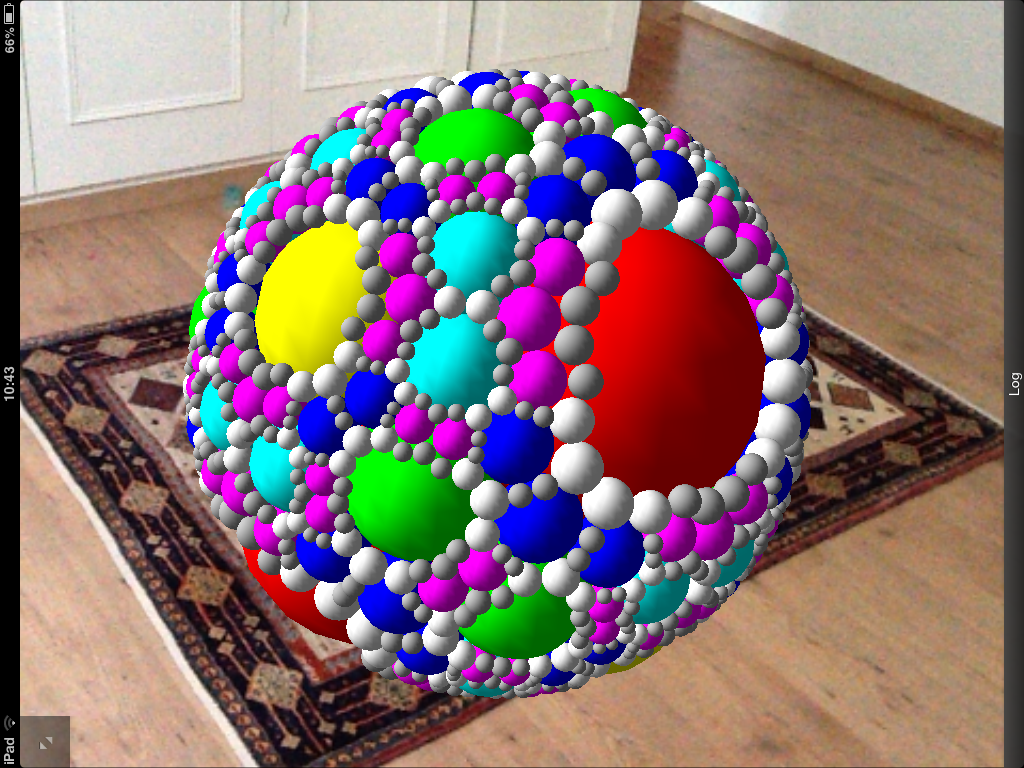
For fun, here's a level 7 packing (you can tweak the level in the call to populateWithLevel(), above). This change does slow down the load considerably – which stalls the "reality map acquisition" process for several seconds – even though the runtime performance on my iPad 2 remains pretty good. So I've left the posted versions at level 5.
Leave a Reply