Annotation scaling
-
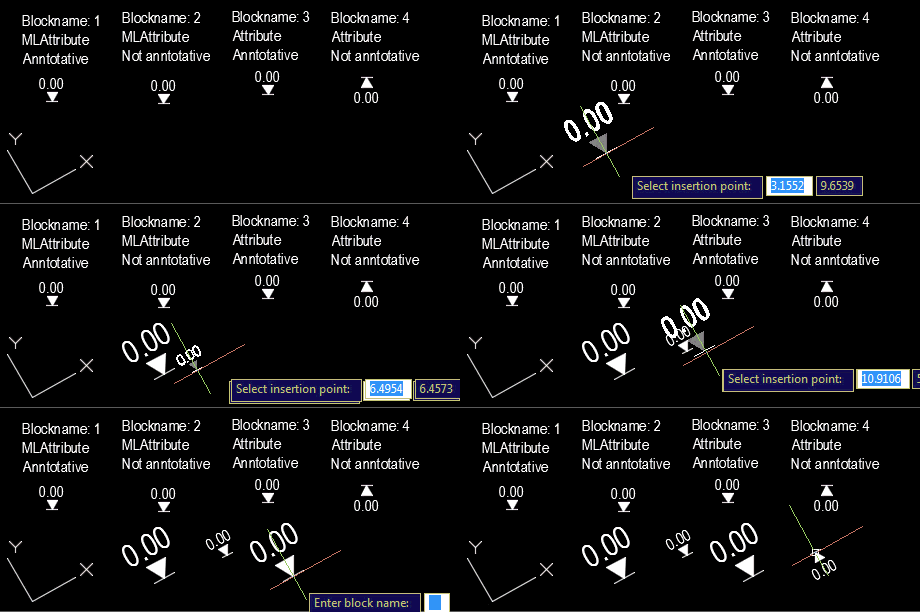
Our old friend Roland Feletic emailed me last week. He'd been having some trouble with this previous post when jigging blocks with multiline attributes. Roland had also identified some code in this post on another blog which worked properly for him. I spent some time looking into what was wrong with the original post. It certainly didn't deal with the appropriate placement of multiline text, and didn't take proper care of annotation scaling and UCS. Time for a do-over. 🙂 The following C# code is a combination of the code from the previous post and the approach spiderinnet1 took in…
-
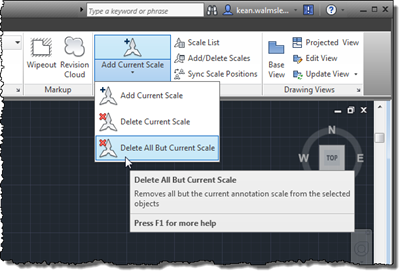
I stumbled across this wishlist request on the forums, the other day, and thought it worth covering in a blog post. It's an interesting little piece of code – nothing very startling, but obviously whenever removing data you have to be a bit careful: in fact I would probably add an "are you sure?" question prior to actually removing the various annotation scales, even if the operation participates in the undo mechanism and can therefore be rolled back easily by the user. Here's the C# code for the AIOBJECTSCALEREMOVEOTHERS command (yes, I would normally use a slightly more succinct name,…
-
Thanks for Chris, Dan and Dale for pointing out the obvious issue(s) with my last post. Let's just blame it on a few holiday cobwebs needing brushing away during the first week back in the saddle. 🙂 The main issue with my previous implementation was that I'd somehow forgotten that Database.Insert() allows you to insert into a named block definition. This simple function does all my previous, manual approach did and more. The secondary issue – but still very important to those using annotation scaling – is that the previous code does not work for annotative blocks, as Dan very…
-
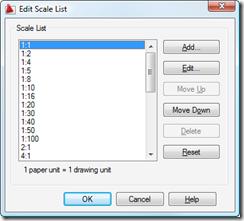
Back in this previous post we looked at some code to add new annotation scales and attach them to textual entities inside AutoCAD. As a comment on that post, someone requested information on how to safely delete annotation scales from a drawing. I (very) speculatively responded, at the time, that it was probably appropriate to use Database.Purge() to make sure there were no dependencies on the scales before erasing them. I've just seen an internal email confirming this, so I thought I'd write it up in a quick post. [As a side not, this is presumably the technique used in…
-
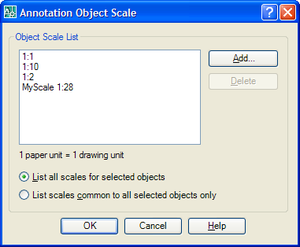
In the last post we looked at how to add a new annotative scale to an AutoCAD drawing. In this post we'll look at what's needed to make an object annotative - providing it's of a type that supports annotation scaling, of course. Once again, this post is based on functionality introduced in AutoCAD 2008. I hit my head against the problem for a while, having tried my best to convert the technique shown in the AnnotationScaling ObjectARX sample (which uses a protocol extension to access objects stored in an annotative entity's extension dictionary) to .NET. I finally ended up…
-
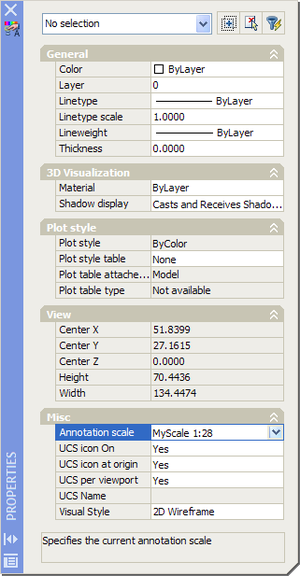
Thanks to Nikolay Poleshchuk and Roland Feletic for suggesting this topic, and to Wayne Brill, from DevTech Americas, for providing the code. In this post we're going to look at some functionality that's specific to AutoCAD 2008 - adding a new annotative scale to a drawing. The next post (assuming I can work out how to do it 🙂 will cover how you can attach a scale programmatically to make an entity annotative. Firstly, I should cover what the annotation scaling feature is all about... Here's a quick overview from the AutoCAD 2008 online help: Objects that are commonly used…