Autodesk Research
-
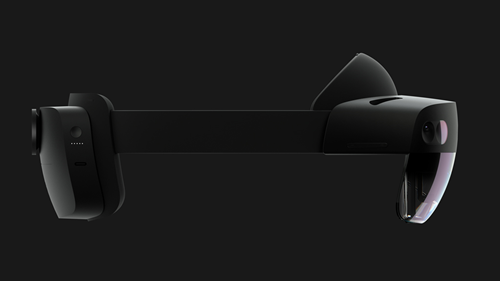
Our Technology Centers team has posted an interesting RFP on LinkedIn: they've been working with Microsoft to make HoloLens 2 headsets available to Technology Center residents interested in exploring mixed reality workflows for the AEC and Manufacturing industries. It seems pretty straightforward: if you're interested in developing a mixed reality solution – whether using Unity, Unreal or WebXR – then you need to submit your proposal before August 24th, 2020. If accepted you'll be invited into our residency program and provided a HoloLens 2 device for 6 months (with the possibility of extending the term, if needed). This seems like…
-
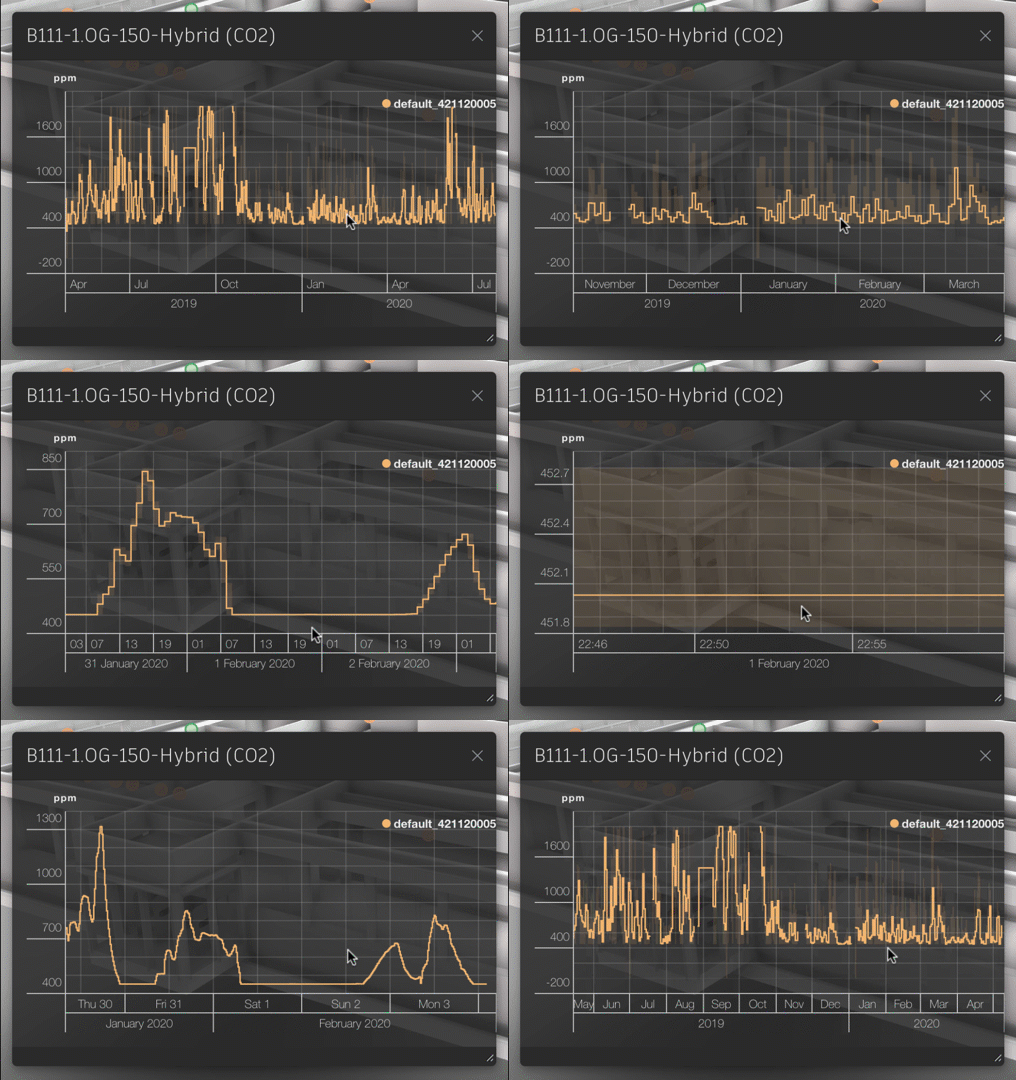
When we started developing Dasher in late 2009 – back then it had a desktop client – one of the main drivers was around providing an interface to explore IoT data (at the time measuring building performance) responsively in a 3D context. To do this we knew that we needed some way to summarize the raw sensor data at different levels of detail: there was no way we could wait around for the client to query years of sensor data in order to visualize a high-level summary, for instance. In our time-series back-end the team developed a mechanism we refer…
-
These days I belong to the Research Engineering team at Autodesk, headed by Tony Ruto. (Tony joined Autodesk with the acquisition of Within Technologies, back at the end of 2014, where he was CTO.) Tony's team is a shared resource for the various "Core Science" and "Industry Futures" teams within Autodesk Research: we help develop prototypes and platform capabilities that are used elsewhere in the organisation, and also have members of our team embedded within these other teams. The team is growing, which is quite exciting: there are a number of open positions that I'd encourage you to share or…
-
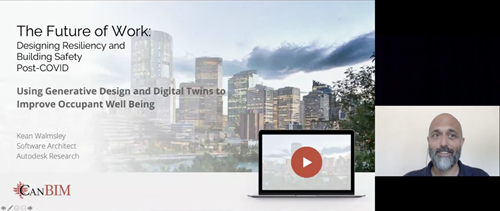
This post is a bit of a grab-bag of various event-related topics. The first one (chronologically, if not in terms of the title above) is the availability of session recordings from the recent CanBIM event: "The Future of Work: Designing Resiliency and Building Work Safety Post-COVID". My own session was entitled "Using Generative Design and Digital Twins to Improve Occupant Well Being". As it was the first session of the day – with a new web streaming platform – there were a few teething issues for the sponsor's introduction (and the session auto-closed a little too promptly, which meant no…
-
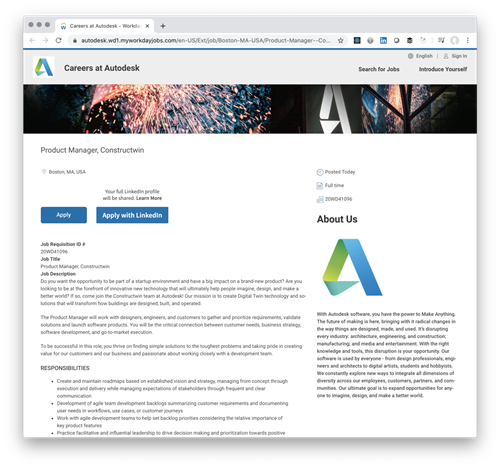
There's an exciting job posted for a key role in a new project (product?) team at Autodesk named Constructwin. Here's some information from the posting: Do you want the opportunity to be part of a startup environment and have a big impact on a brand-new product? Are you looking to be at the forefront of innovative new technology that will ultimately help people imagine, design, and make a better world? If so, come join the Constructwin team at Autodesk! Our mission is to create Digital Twin technology and solutions that will transform how buildings are designed, built, and operated. I…
-
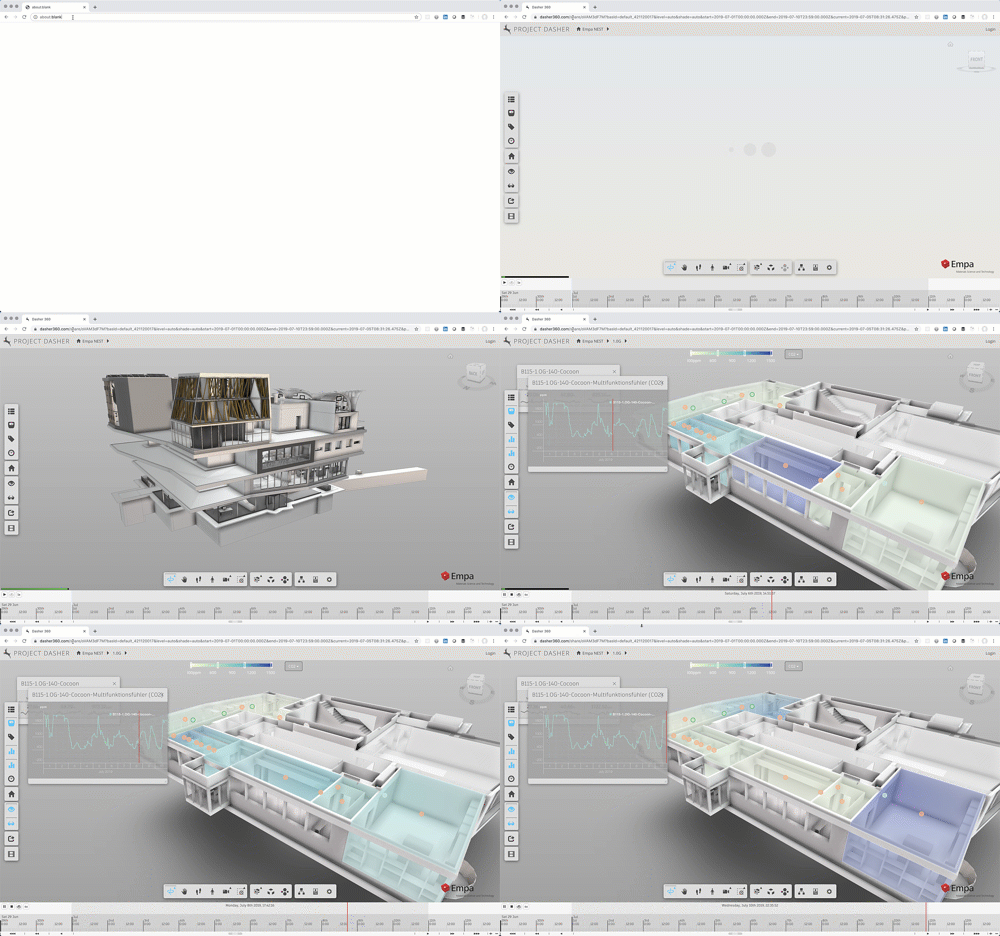
While I announced the sharing feature – and its corresponding API – some time ago, I still had some work to do before it could go live on the Dasher site: largely around supporting timezones properly when specifying time ranges for data display, but there were some other minor tweaks needed, too. Anyway, the feature is ready enough for people to kick the tyres on it, at least. Here's a link which will launch the public Dasher demo for you, taking you straight into a "surface shading" view for C02 values on the 1st floor, bringing up the graph for…
-
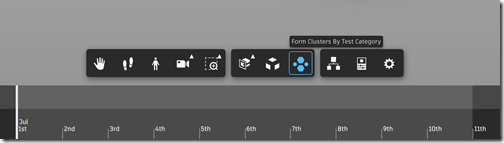
I have a quick update to share on Dasher, today: I've just pushed live a version to the main Dasher site that enables a core Forge viewer extension to perform visual clustering of model contents. I talked about this back at the beginning of the year, but there was a core change needed to the Forge viewer to make it work for Dasher: specific details are in the blog post I just linked to, but it relates to the fact we rely on the Navisworks format for our models, and these have a different property structure when loaded through Forge.…
-
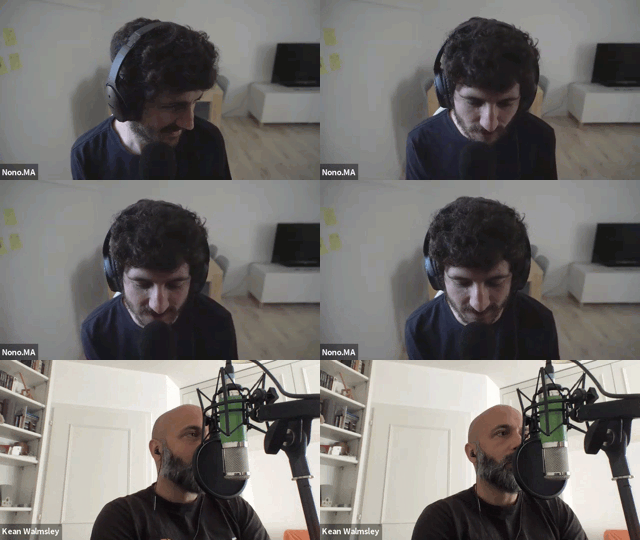
I have the sense that I'm seeing my face too much at the moment (admittedly I'm very attached to it… haha). All I can say, in my defence, is that over the last few weeks I've started to receive more requests to participate in virtual activities. And I've mostly said yes, as it's a reasonable alternative to travelling to meet people, given the current circumstances we're all in. In case you haven't seen these various pieces of virtual content – and you're actually interested – here's a quick round-up of some current and future ones. Getting Simple When my friend…
-

As a follow-up to the last post which talked about SimAUD and it's going online, today I wanted to mention some other online resources that might also be of interest to people during these times. The Institute of Technology in Architecture (ITA) at ETH Zurich is one of many institutions that have moved their public lectures online and have made them available for anyone to watch. So far I've watched a couple of them live, the second one being by my friend and former colleague, Matt Jezyk, who is now spearheading Tesla's efforts to streamline gigafactory design using techniques such…
-

Next week is the annual Symposium on Simulation for Architecture and Urban Design (SimAUD, pronounced Sim-Odd). This conference was started a decade ago by my former manager Azam Khan, along with Gabriel Wainer and Ramtin Attar. I've only had the pleasure of attending one SimAUD event – the 2018 edition was held in the Netherlands at TUDelft – but I was hoping/planning to attend this year's in Vienna: a paper submitted by Rhys Goldstein – with Simon Breslav , myself and Azam as co-presenters – was accepted for the conference. Here's a quick photo from a dinner we had in…