Dynamo
-
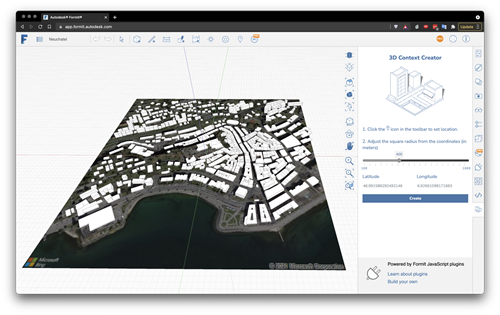
In the last post we looked at using VASA from within Dynamo for FormIt to solve mazes generated by a cool plugin created by Brett from the FormIt team. The Dynamo graph we saw used VASA in "3D mode" – where the voxel height is higher than 1 – but that came with the added need to create a floor for the maze (something that isn't too hard, as we know the exact dimensions and location of the maze). In today's post we're looking at how VASA might be used to perform pathfinding operations at the urban scale, taking geometry…
-
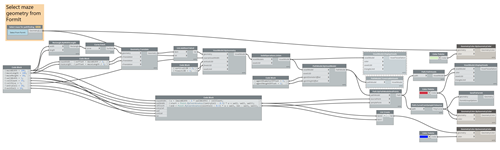
In this recent post we looked at FormIt's JavaScript API and learned how Brett Garrison was able to use it to develop a Maze Generator plugin. In this post we look at one way to find solutions for the mazes generated by this plugin using VASA from Dynamo. When I first started looking into VASA with FormIt, Rhys Goldstein sent across a Dynamo graph he'd used to grab contextual building geometry from FormIt – to create a voxel model of the space – and then send the pathfinding results back afterwards. I've adapted this graph to work with the results…
-
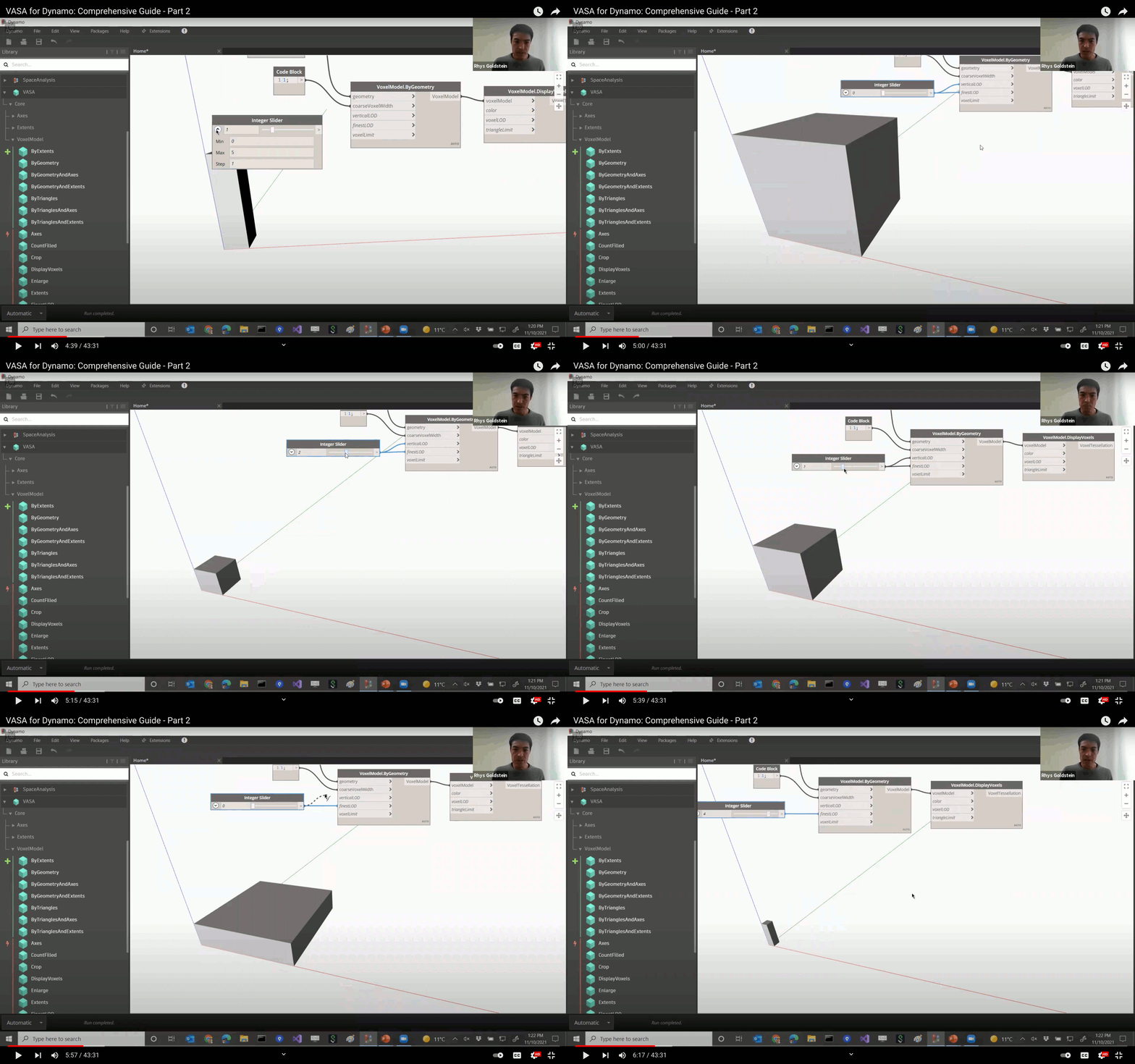
Rhys Goldstein has published the second part of his informative video series on using the VASA (Voxel-based Architectural Space Analysis) package with Dynamo. The first part was an overall introduction to the package while this part dives into pathfinding, taking a close look at samples that show how it might be used in both 2D and 3D. While the overall video is really interesting – some of you might find it a bit long at 43 minutes but it's quite watchable at 2X and is packed full of useful information – one of the sections that stood out for me…
-
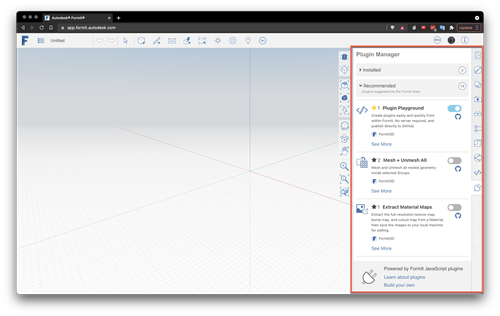
A few weeks ago I started taking a closer look at Autodesk FormIt, mainly with a view to understanding how it might integrate with VASA. FormIt is a multi-platform (which I believe in this case means Windows, iOS and web) conceptual design and analysis tool. I haven't really followed the development of FormIt, over the years, so if you're interested in learning more about that then I suggested heading over to the product team's blog. If you want to get started with using FormIt, then this Primer seems helpful. Two things in particular had me intrigued about FormIt: its integration…
-
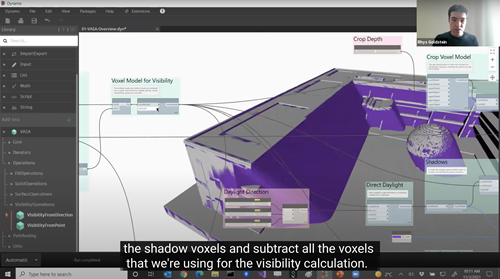
Rhys Goldstein, the researcher behind our 2D and 3D Space Analysis toolkits, has recorded a great video introduction to VASA (an acronym for Voxel-based Architectural Space Analysis). It steps through how to install the VASA package inside Dynamo and then create a simple voxelisation of Dynamo geometry. Rhys also shows how to load and run the samples provided with the package, and takes some time to step through – and then dissect – the main overview sample. Here it is: If you don't have time to spend 23 minutes watching a video, it should be quite watchable at higher playback…
-
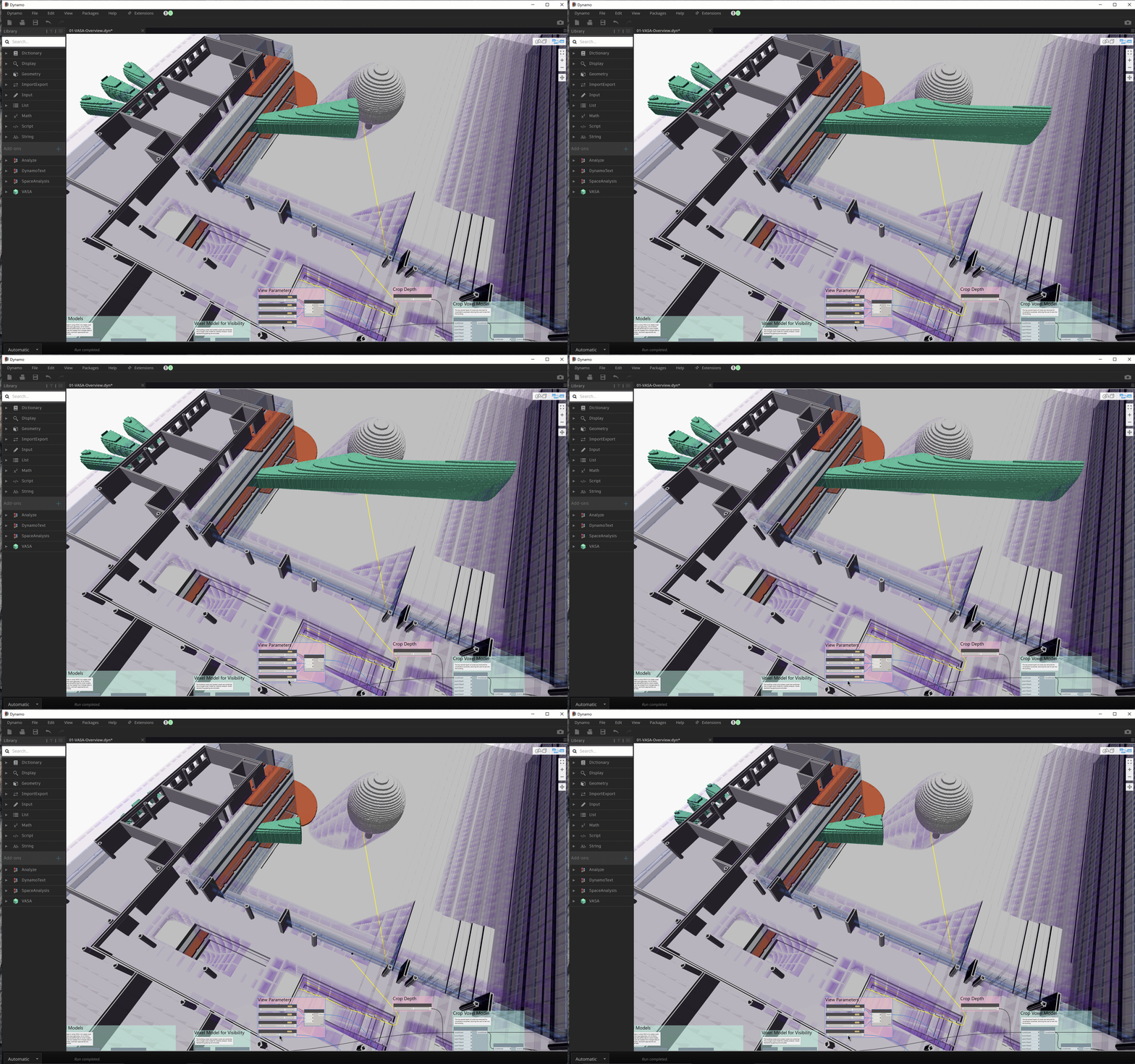
I've been hinting about this for a few weeks now, but today is (very excitingly) the day for the big unveiling. My colleague Rhys Goldstein has been working his magic, once again, taking the algorithms he developed for the 2D Space Analysis package and applying them to 3-space. If you were impressed by Space Analysis, what we're showing now may just knock your socks off. The new package is called VASA, which stands for Voxel-based Architectural Space Analysis. It's available today for download from the Dynamo Package Manager. It's worth unpacking a couple of terms, here: voxel-based means VASA breaks…
-
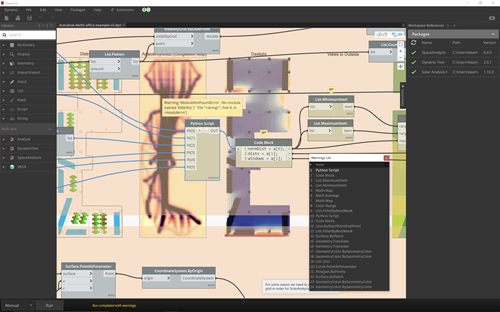
This week I've been getting my Revit installation working again – it had been a while since I'd used it, and it was overdue an upgrade from 2021 to 2022 – mainly because I have to publish a couple of new packages (or package versions) to the Dynamo Package Manager. The first is a minor update to the Space Analysis package, taking it from version 0.3.3 to version 0.4.0. There is a breaking change, however, in that people using the Visibility nodes from Python may have to modify their code to use the correct (newly added) namespace. We only hit…
-
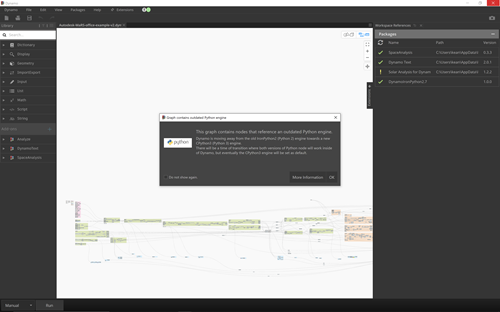
The latest update to Dynamo Core (which for now you can use via Dynamo Sandbox) has some really interesting enhancements, both in terms of usability and performance. Check out Sol Amour's two blog posts that introduce Dynamo Core 2.12. As it had been a while since I'd tried the MaRS graph in a new drop of Dynamo, I went ahead and loaded it. I immediately noticed a couple of things: it was referencing an old, now-deprecated version of the Solar Analysis package, so I updated to the latest & greatest version on my system and then reloaded the graph to…
-
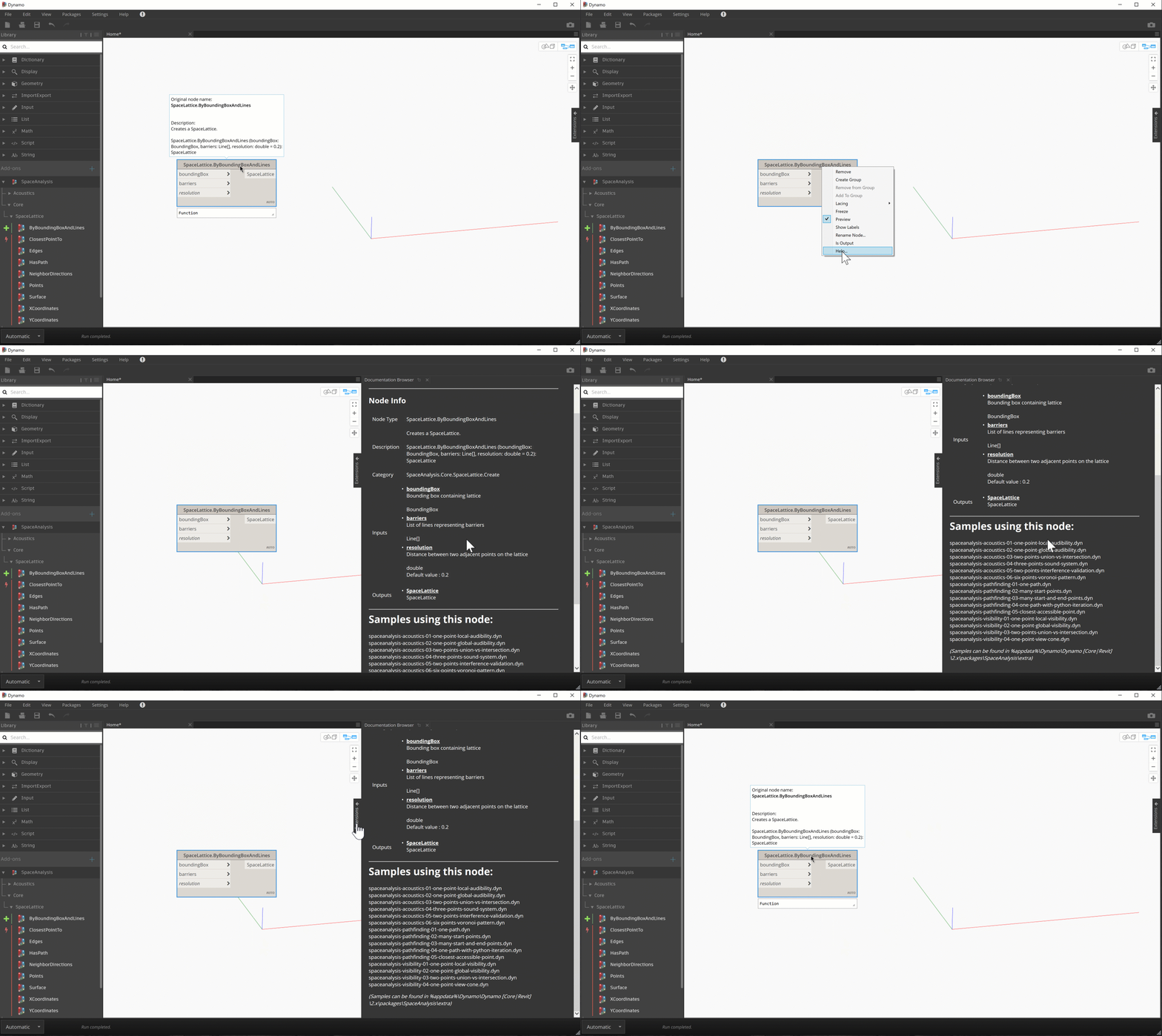
I mentioned last week that Dynamo 2.11 allows package owners to add additional documentation for their nodes via the enhanced Documentation Browser. I decided to give it a try, and then decided to test the possibilities around automating the process. Here's the idea: the Space Analysis package comes with 15 different samples showing how to use its various nodes. These are all hidden away in the %appdata%\Dynamo\Dynamo [Core|Revit]\2.x\packages\SpaceAnalysis\extra folder, so lots of people don't know they exist. What if the Documentation Browser told you about the samples that use a particular node when you pull up its help? Here's a…
-
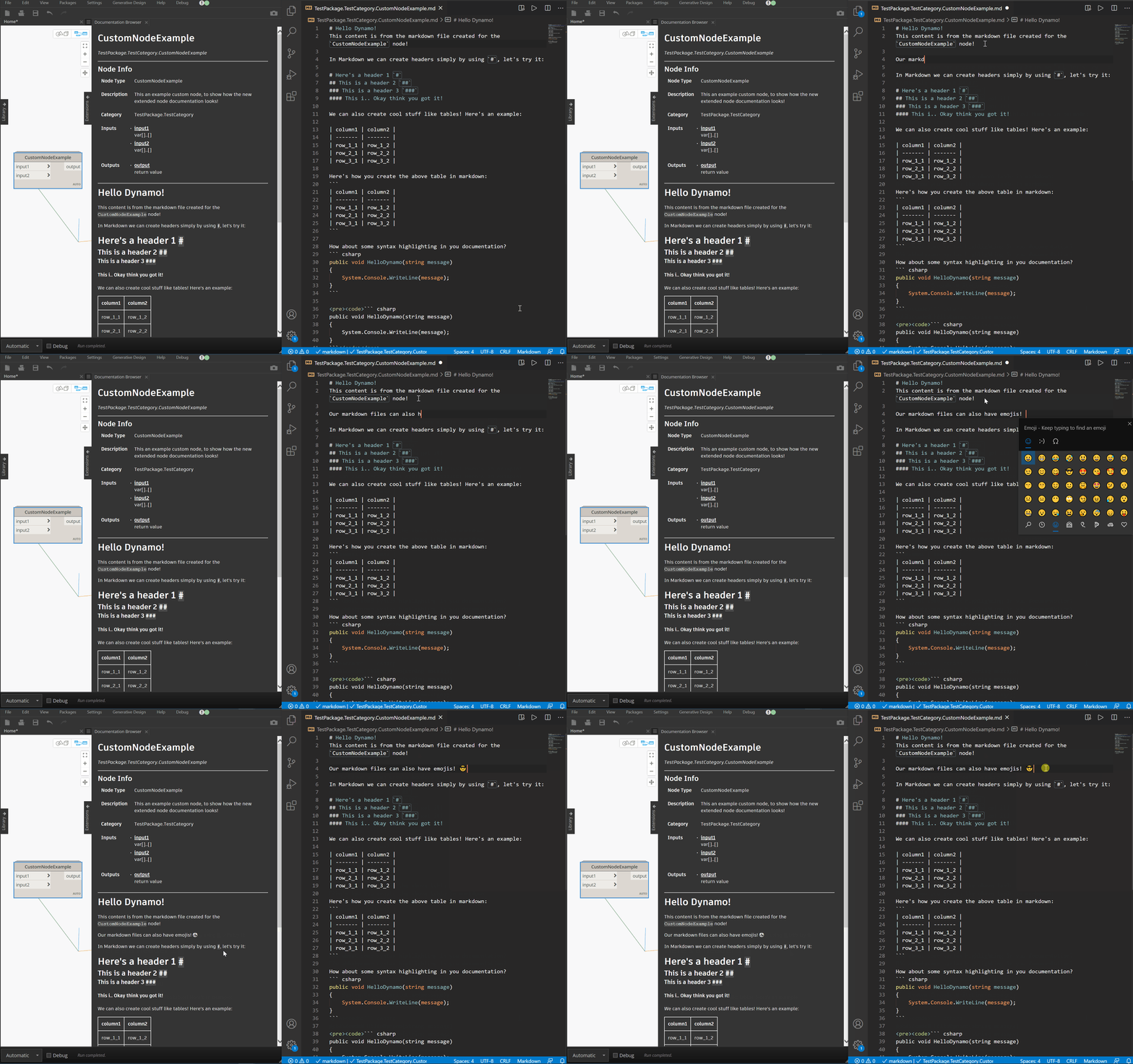
It's that time of year, where our engineering teams release the primary annual updates to our products. AutoCAD 2022 was released a couple of weeks ago, and Revit 2022 dropped yesterday. I unfortunately spend very little time in our products, these days, so I'll leave others to extoll their various benefits. Aside from working with the Forge platform, the product (or perhaps feature-set) I spend the most time with is Dynamo. I'm always happy to see Sol's public release announcements on the DynamoBIM blog, both for his unique writing style and the velocity of improvements the team is making to…