Robotics
-
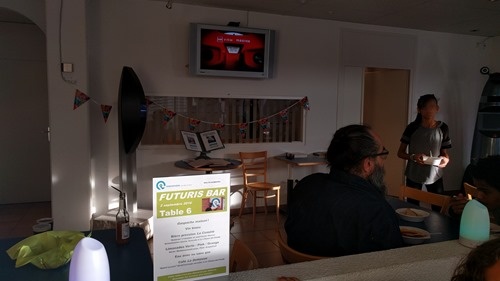
I've been working with a number of local organisations to help prepare the 25th anniversary party we're holding for Autodesk Switzerland in October. One of them is Robosphère, an association in La Chaux de Fonds focused on increasing awareness of the field of robotics. When I was there chatting with Serge Bringolf – the chairman of Robosphère– a few weeks ago, I showed Serge the HoloLens demo I'd been working on. It included a robot, after all. This was Serge's first exposure to mixed reality and he thought it'd be a good topic for a presentation at one of the…
-
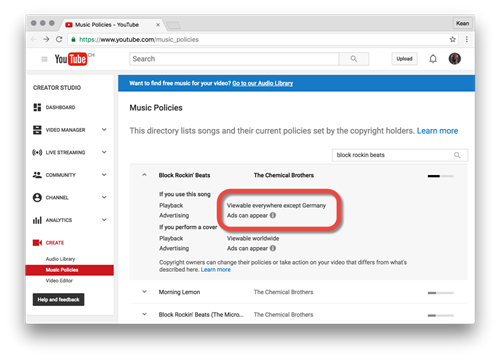
Just out of curiosity, this morning I decided to go and check the YouTube video we saw in the last post. I'd realised from my messing around with the Star Wars opening crawl that if you include copyrighted content in a video, then sometimes ads get included, too, with the proceeds benefiting the copyright owner. Which is absolutely fair enough, as far as I'm concerned. What I hadn't realised is that some copyrighted content isn't viewable in certain countries, presumably at the request of the copyright owner. So due to its use of a Chemical Brothers track, my last video…
-
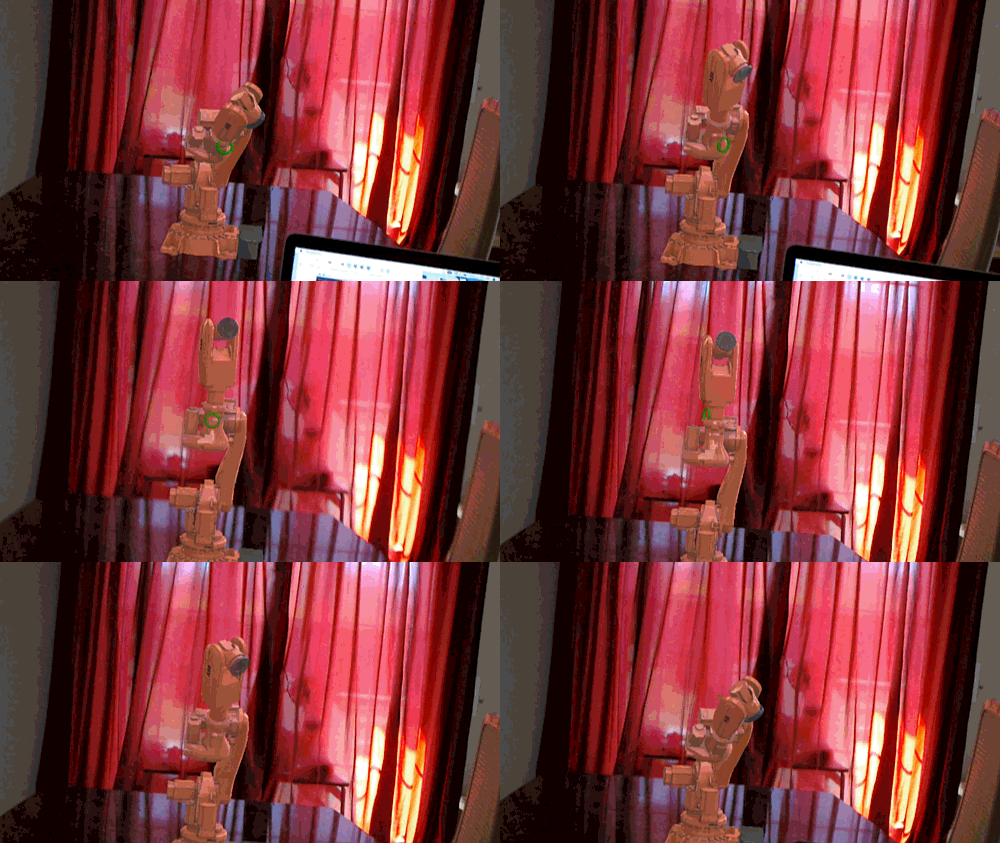
As promised, way back when we started this series of posts looking at various Windows Holographic platform capabilities to build an app that displays an animated ABB industrial robot inside HoloLens, here's the part where we make it dance. 🙂 During Autodesk Switzerland's 25th anniversary party in late October, people will be able to give the app a try and hopefully see the robot dancing along to whatever tunes the DJ plays. Let's talk a bit about how the system works… Quite early on I decided against doing the additional audio processing directly on the HoloLens device itself. So I…
-
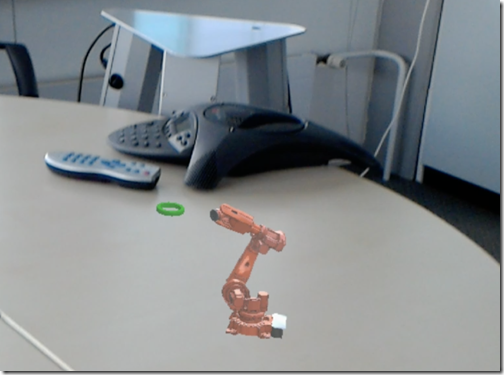
This was a fun piece of functionality and super easy to add. I'd seen a few HoloLens demos where you can scale the model up and down using "bigger" and "smaller" voice commands. There's even some code in the HoloLens Toolkit that does it. But until I'd actually added it to our robot application, I hadn't really understood how interesting it was. You can scale a model down and have it sit on your desktop… …or you can scale it up to 10x its realworld size and inspect it in unbelievable close-up mode. From the inside! (Although in fairness the…
-
After the first two parts of this series, where we looked at items 1 & 2 on the below list, it's time to tackle item 3: A single sound is assigned to our robot When the robot stops completely, so does the sound The same sound is assigned to each of the robot's parts When each part stops moving, so does the sound for that part A different sound is assigned to each of the robot's parts When each part stops moving, so does the sound for that part As I mentioned last time, I was fairly happy with the…
-
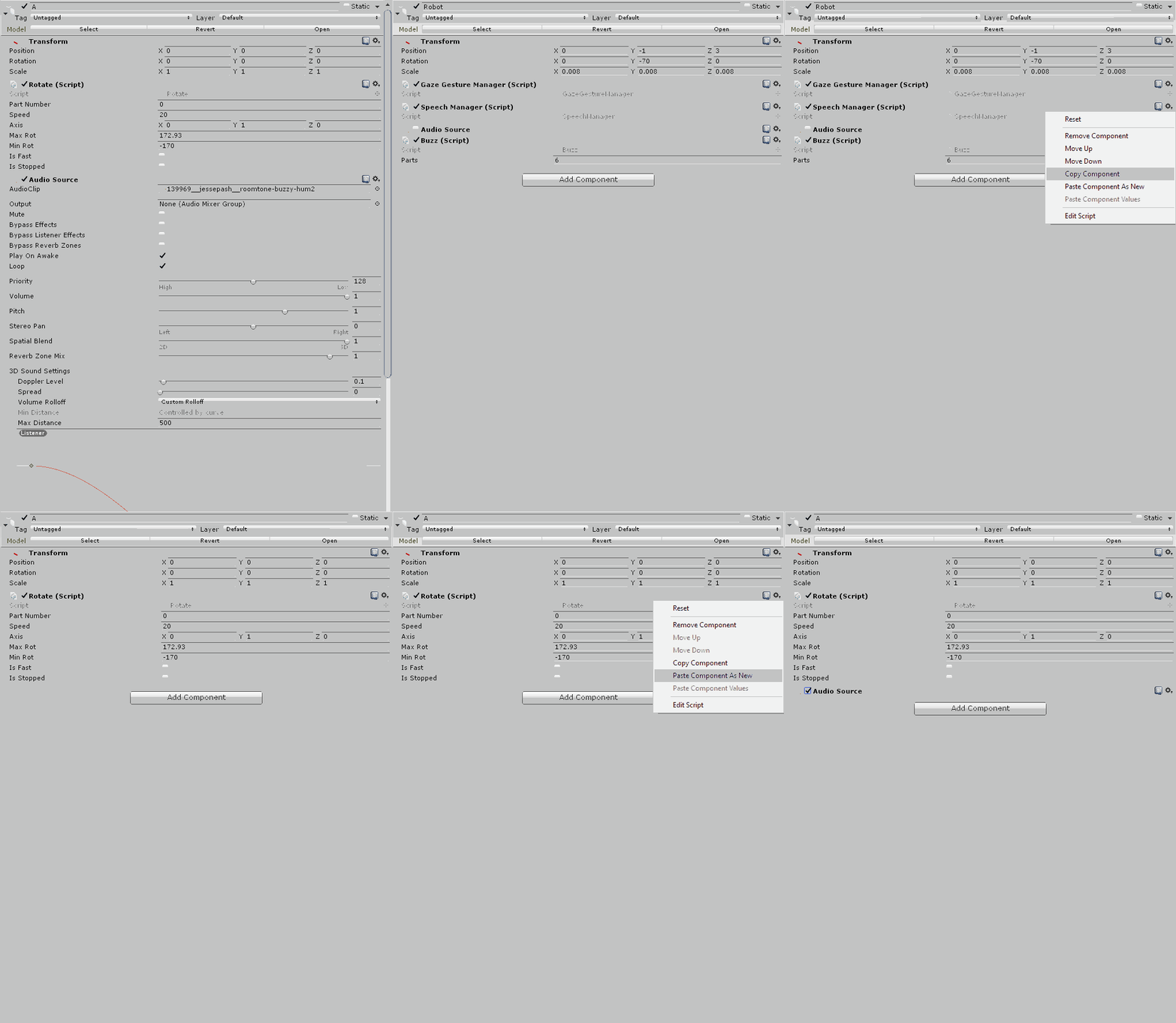
Last time we looked at a rudimentary – although in some senses complicated – spatial sound implementation for our ABB IRB 6620 industrial robot model inside HoloLens. It was simple because we added a single sound at the root of the robot, and complicated because we then had to track the status of each of the robot's parts and turn the sound off when all were stopped. In this post we're going to look at the second of the three design options we saw last time: A single sound is assigned to our robot When the robot stops completely, so…
-
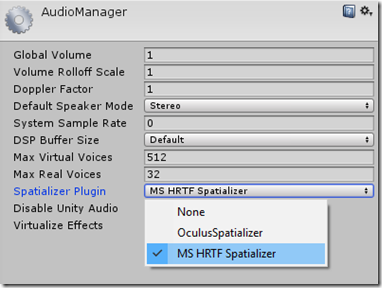
As mentioned last time, upgrading to Windows 10 has opened the door to spatial sound in our HoloLens model. The foundational step is to set our Unity project's audio settings to have the Spatializer Plugin as the "MS HRTF Spatializer": if you don't see this option then you may need to upgrade your OS (as I did). At this point we need to think a little about how best to implement spatial sound in this project, particularly as it literally contains a number of moving parts. I see three main alternatives: A single sound is assigned to our robot When…
-
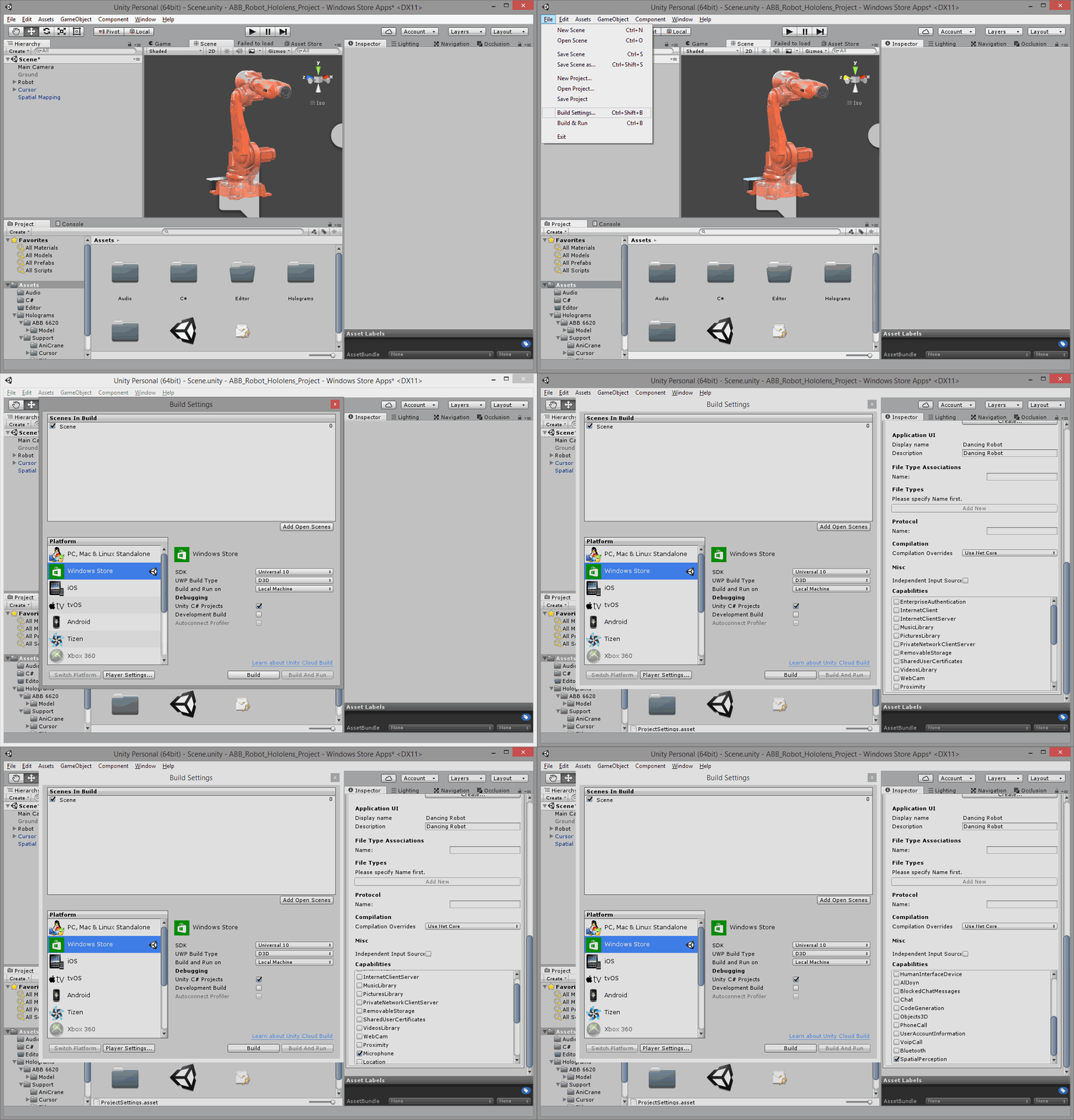
In the last post we added a gaze cursor and some command support for our ABB industrial robot inside HoloLens. The next step I took was to add spatial mapping, allowing the user to select the base of the robot and move it around within the spatially mapped environs. The Holograms 101 tutorial provided very straightforward instructions on how to implement spatial mapping. I once again had to export the "wireframe" material asset from the provided project to get it across into my own, but that was a minor detail. Unfortunately when testing the capability – just as with voice…
-
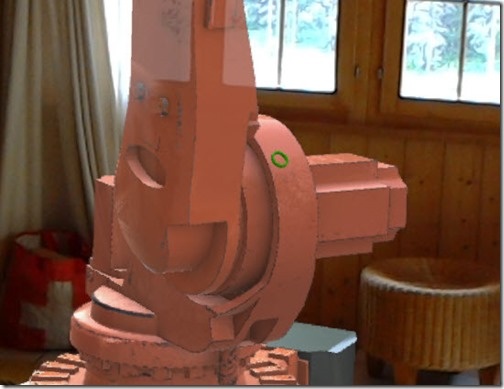
Now that our industrial robot is animated, I thought it a good time to head back on over and finish more of the Holograms 101 tutorial. The next section of the tutorial focuses on adding a gaze cursor to the application: you have a torus mesh that tracks against the geometry the user is looking at. The instructions were reasonably straightforward – even when retrofitting the approach for a different project – but there were a few "gotchas" that are worth documenting: The simplest way to get the cursor – and its dependent bits and pieces – across into your…
-
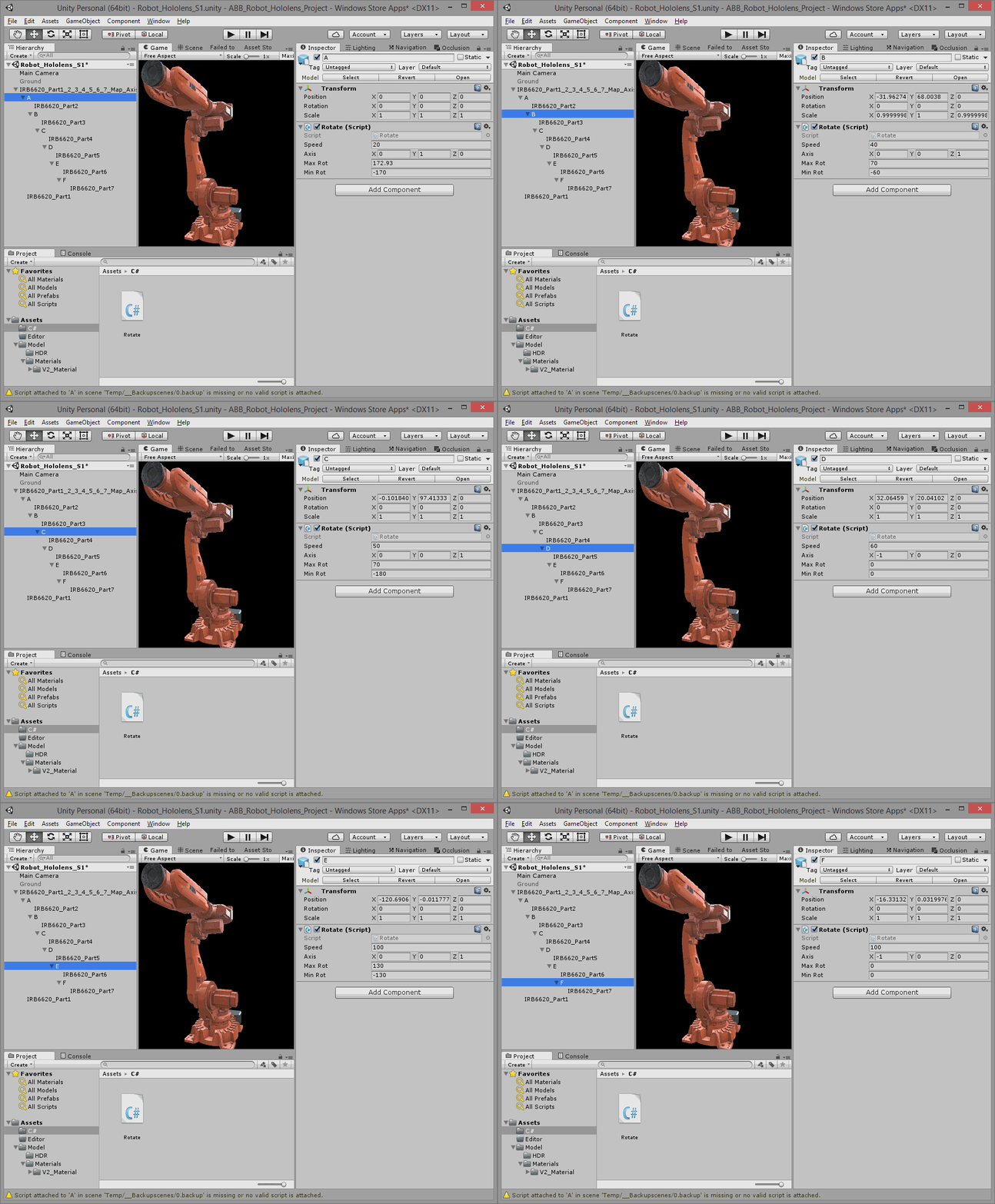
Now that we have our basic model of the ABB 6620 industrial robot inside HoloLens, it's time to make it move. Tom Eriksson kindly provided some basic scripts to perform rotations on the various parts in the base model. I went ahead and consolidated these into a single "Rotate" script, with parameters (the speed, axis and min/max angles of the rotation) that vary depending on the part being rotated. For instance, some parts can rotate freely around their main axis while others are physically constrained to move between certain angle limits. This is taken care of by the below C#…