Selection
-
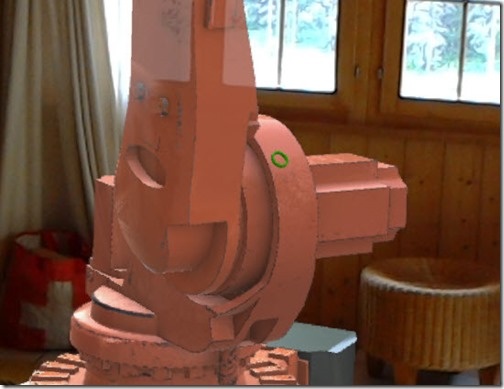
Now that our industrial robot is animated, I thought it a good time to head back on over and finish more of the Holograms 101 tutorial. The next section of the tutorial focuses on adding a gaze cursor to the application: you have a torus mesh that tracks against the geometry the user is looking at. The instructions were reasonably straightforward – even when retrofitting the approach for a different project – but there were a few "gotchas" that are worth documenting: The simplest way to get the cursor – and its dependent bits and pieces – across into your…
-

After seeing a basic approach to sort arrays of ObjectIds using LINQ – and then refactoring that to be a shared extension method to be used on arrays of ObjectIds – today we're going to see that code refactored, once again, to work with types of data other than strings (up until now we could only sort objects based on string properties such as class and layer names). One solid approach for creating operations that can deal with different types of object – while maintaining type safety – is to use template classes, which are known as generic classes in…
-

In the last post we took a look at one technique to sort a list of ObjectIds by the associated objects' layer and type. In this post we're going to refactor the commonality to have a single extension method that allows us to sort a list of ObjectIds based on any string property. Here's the updated C# code: using Autodesk.AutoCAD.ApplicationServices; using Autodesk.AutoCAD.DatabaseServices; using Autodesk.AutoCAD.EditorInput; using Autodesk.AutoCAD.Runtime; using System; using System.Collections.Generic; using System.Linq; namespace ProcessObjectsInOrder { public static class Extensions { /// <summary> /// Sorts an array of ObjectIds based on a string property and order.…
-
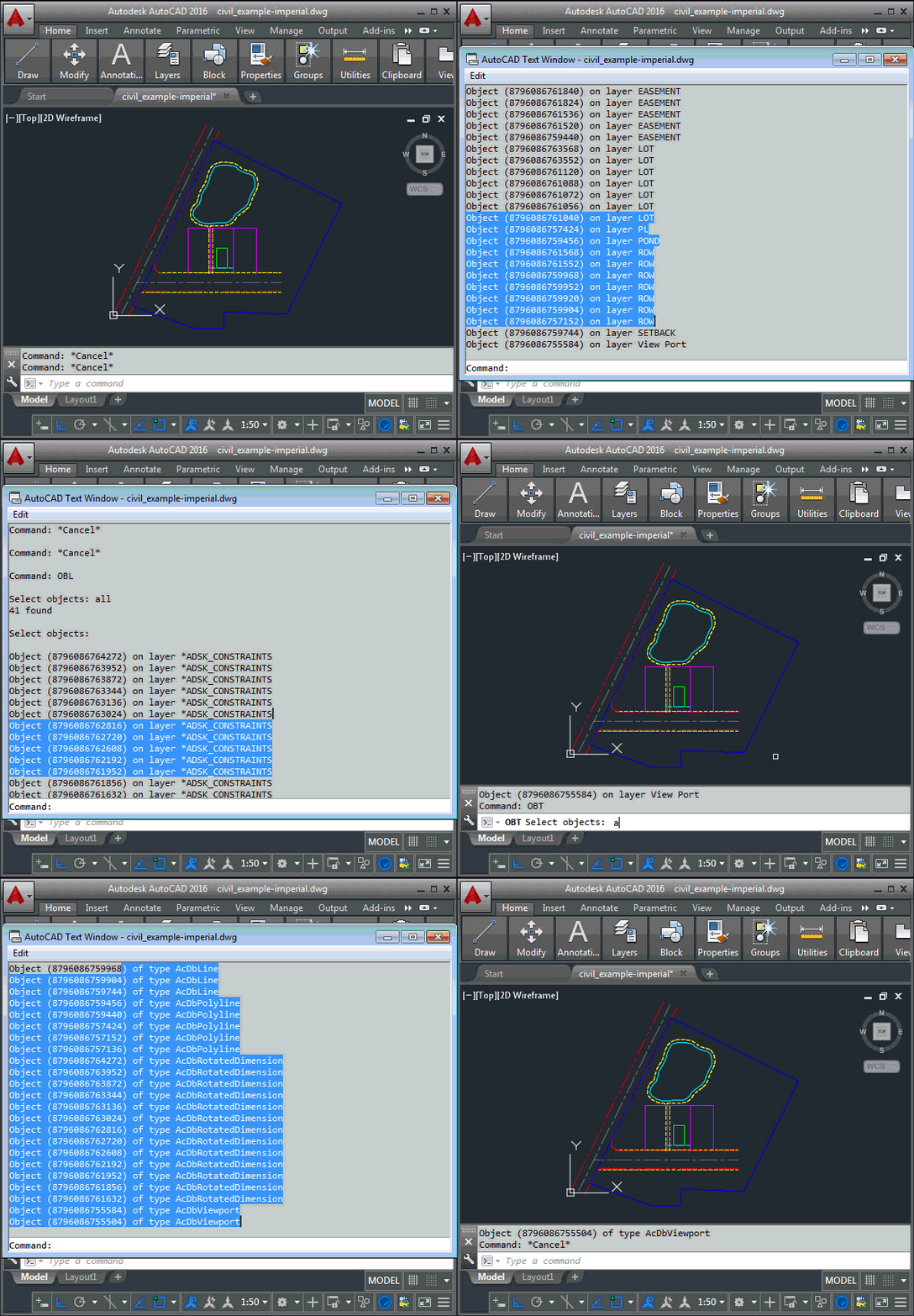
I received this interesting question by email from Henrik Ericson, last week. Is it possible to sort the selected objects (only 3dFaces in my case) in a SelectionSet by their layers? I want to process all the objects, one layer at a time. In other words, first all objects on layer A, and then all objects on layer B and then C and so on. In my case it isn't necessary to process the layers alphabetically. It's especially interesting as I'd just been thinking of approaches for sorting toolbars based on an index property, to get the code in this…
-
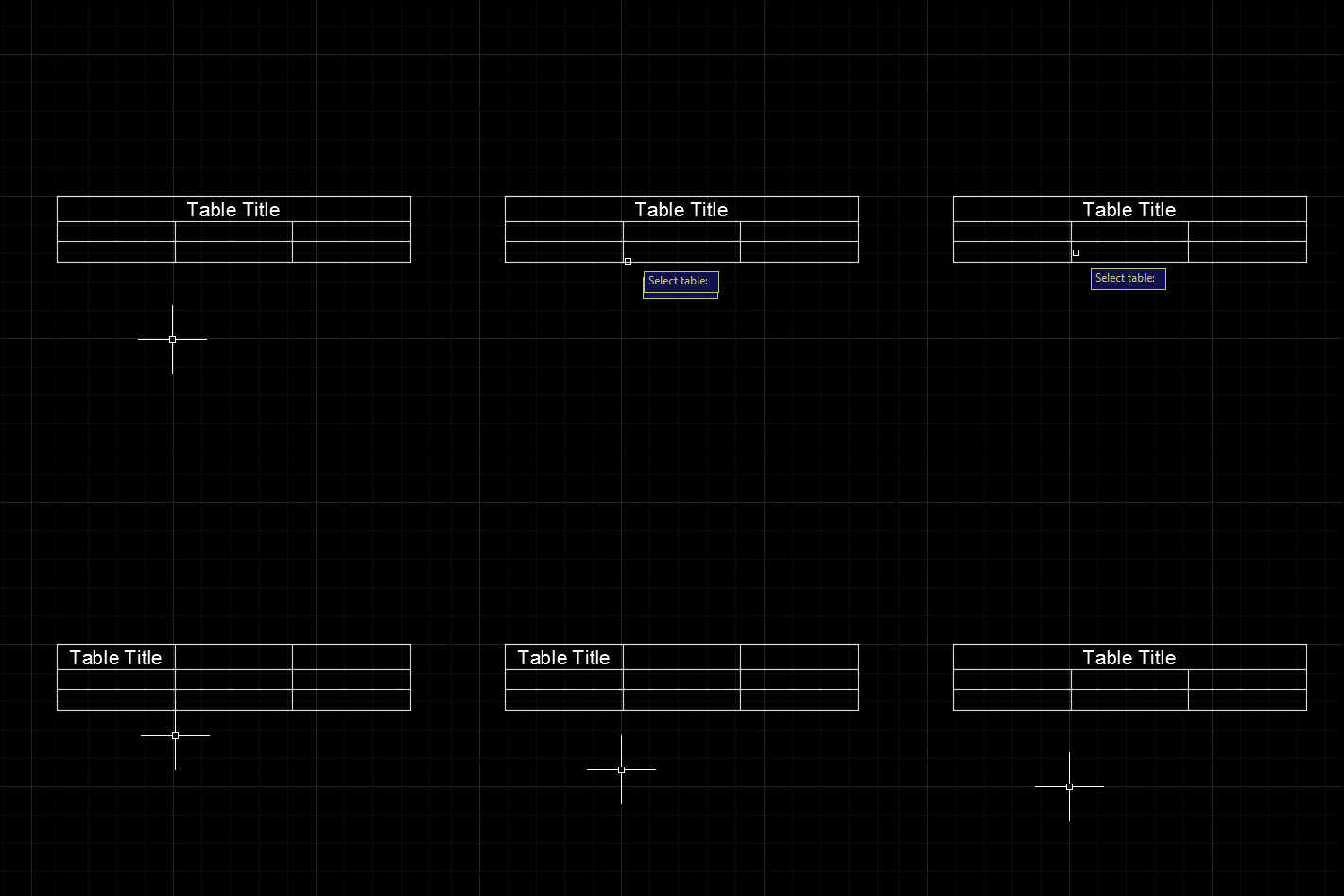
A question came in, last week, via a comment on this post. Daniel wanted to unmerge the title cells of a table: Very nice tutorial. based on this I manange to create the VB. NET code for my table style, but I face with a problem that I could not change the Title to be unmerged. In this moment, as default, it is merged and I want it to have it not merged. What is code for this ? I tried to find it out by ts.SetCellClass(RowType.TitleRow, MergeCellStyleOption.None but is not working. i get error on: sd.UpgradeOpen() line I took…
-
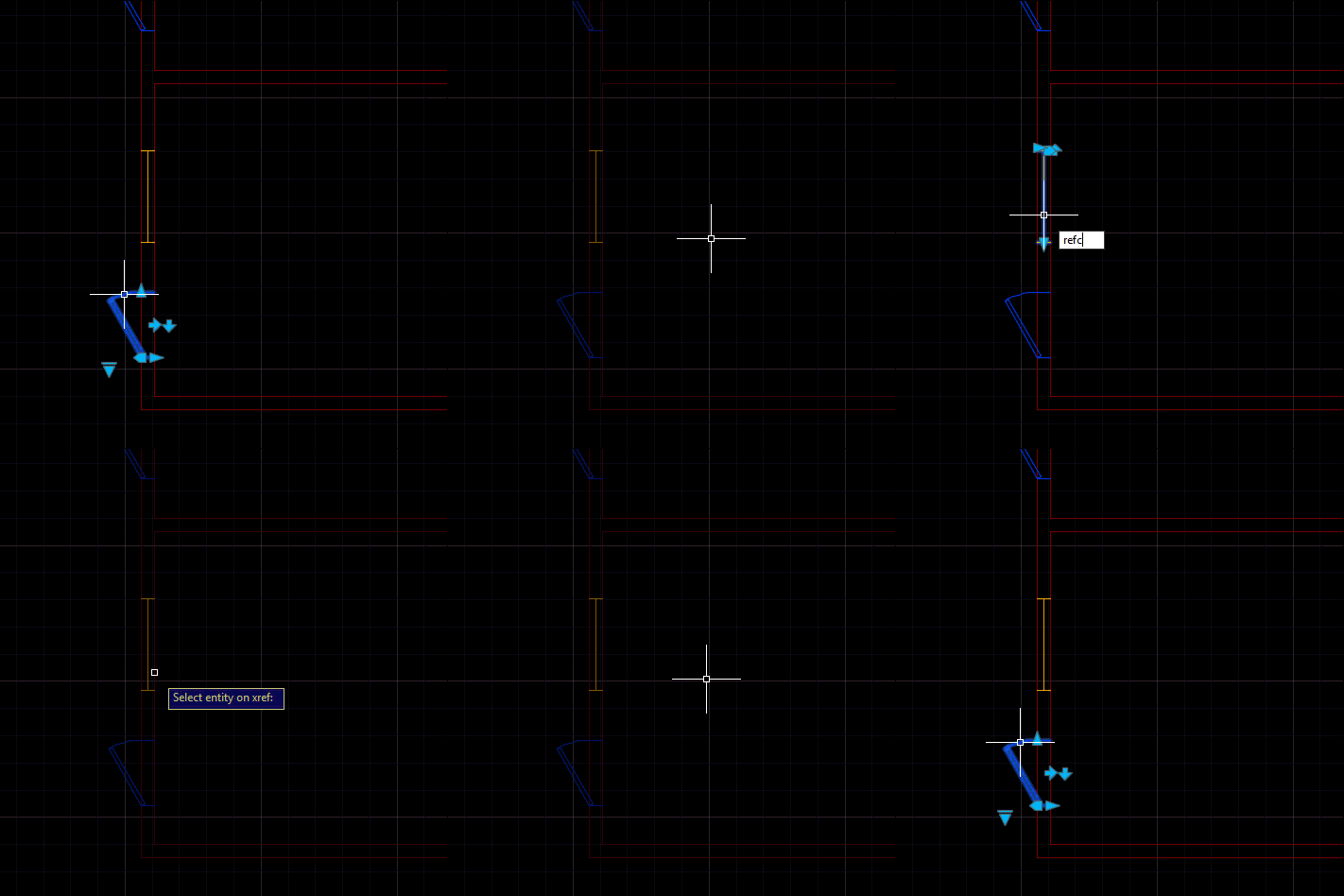
A really interesting problem came up during an internal discussion, this week: someone wanted to launch the REFEDIT command on a selected xref and pre-select the entity found at the picked point. The entity that's part of the selected xref, of course. This turned out to be quite a tricky problem and yet one that could be solved with relatively few lines of code. The tricky parts were finding the right entity in the nested selection and then the corresponding entity in the xref. Here's the approach I ended up taking: Ask the user to selected a nested entity Get…
-
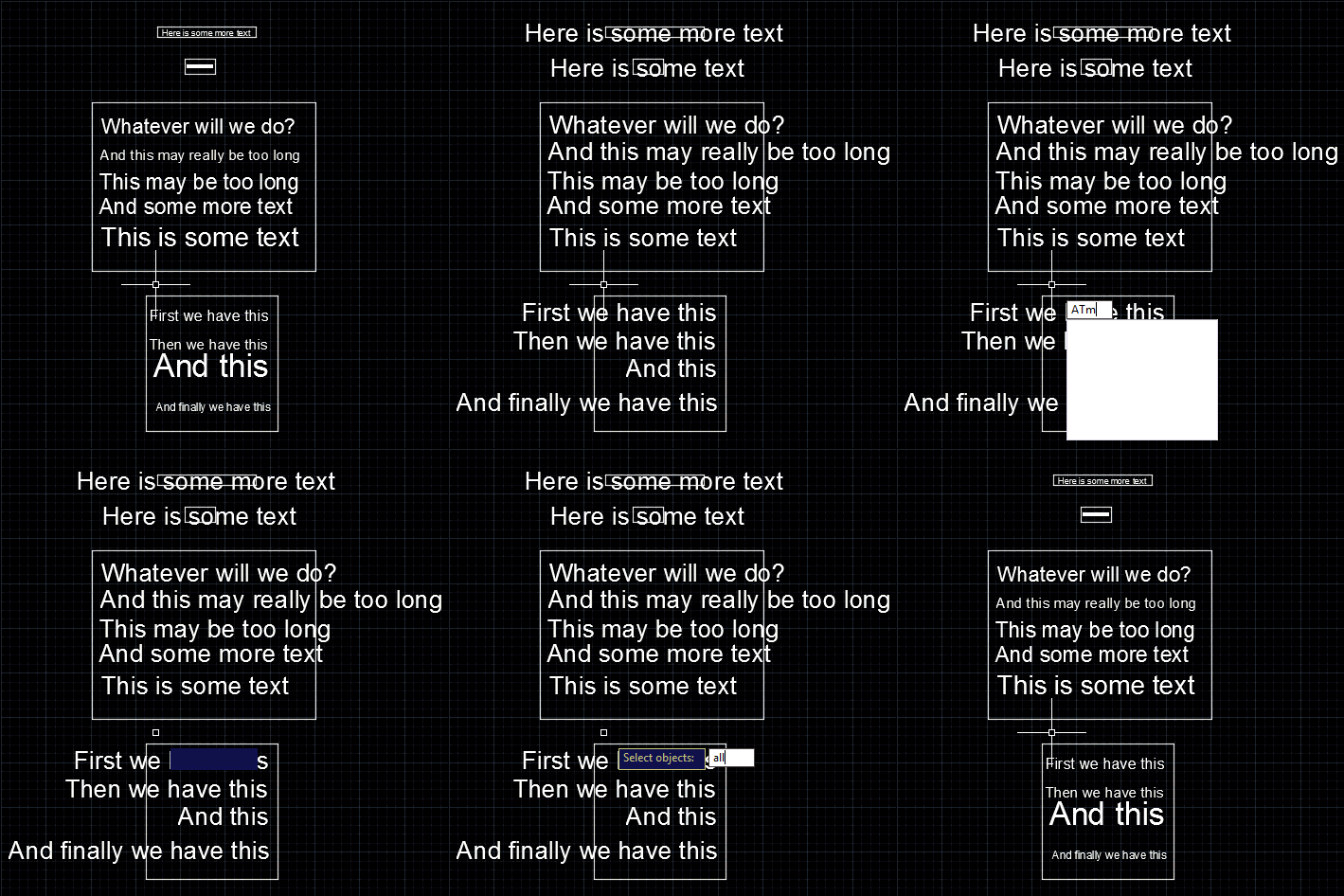
This is a follow-up to the post where we modified the size of selected text in a drawing, to make it fit its container. I received this comment last week: instead of selecting the nested entities one by one, is it possible to make a "selectall" selection ? It turns out that the question was related to a completely different post, but by the time I realised I'd already completed most of the work. It seems a very valid question for this topic, so that's fine. 🙂 Looping through all the text – some of which may be nested inside…
-
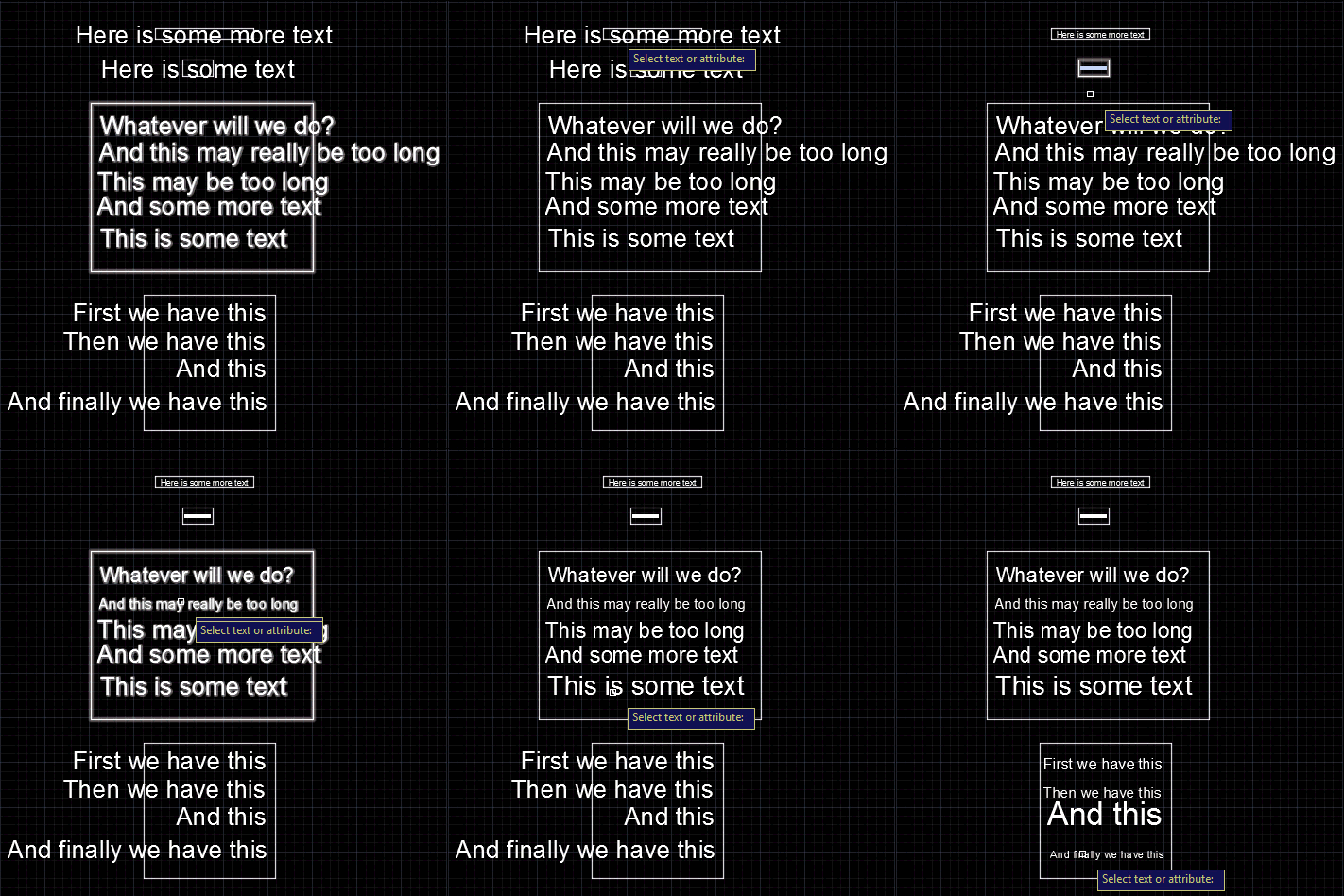
We started this series by looking at how to get the centroid of a region, and then how to create text that fits an arbitrary space. In this post we're going to wrap up by looking at the original question of how to resize block attributes to fit their container. The core algorithm is actually very similar to the code we saw in "space labelling" application: it's simply been refactored to be more general and forms the basis for both the previous and the new commands. Here's the C# code: using Autodesk.AutoCAD.ApplicationServices; using Autodesk.AutoCAD.BoundaryRepresentation; using Autodesk.AutoCAD.DatabaseServices; using Autodesk.AutoCAD.EditorInput; using Autodesk.AutoCAD.Geometry;…
-
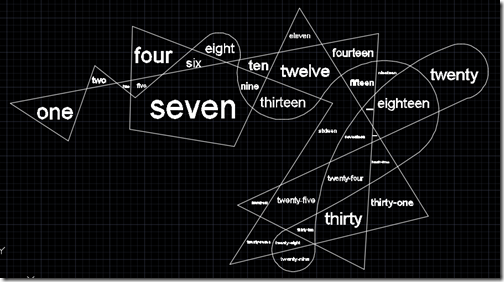
After the last post, where we saw how to get the centroid of a Region, today we're going to use that information to place some text inside a detected space. To restate our process from last time: The user selects a point Call Editor.TraceBoundary() to determine the containing space Call Region.CreateFromCurves() with the resulting geometry Determine the centroid of the Region Check whether the centroid is actually inside the Region If it is, then generate some text to place (we could also have asked the user for this, of course)… … and then calculate the size of the text such…
-
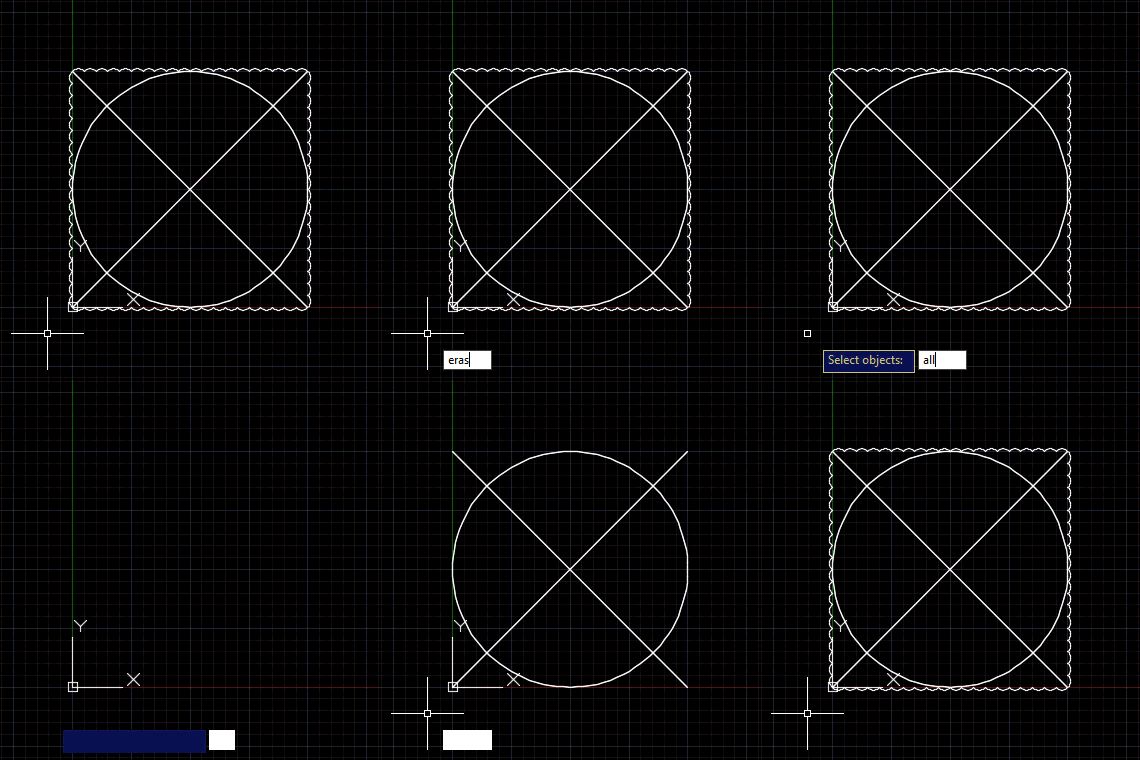
This question came in as a blog comment on this previous post: Is possible to use Revision Cloud in this situation? Example: Creating a polyline/circle/ellipse then make it a revision cloud. It seemed to make sense to broaden the topic for the purposes of this blog post: how to pass an entity or entities to an AutoCAD command called via Editor.Command() or CommandAsync(). Since Editor.Command() was implemented in AutoCAD 2015, I've been a fan of the calling commands in AutoCAD application code. But I haven't actually covered the approach needed to send object information to commands via this function. Yes,…