Tables
-
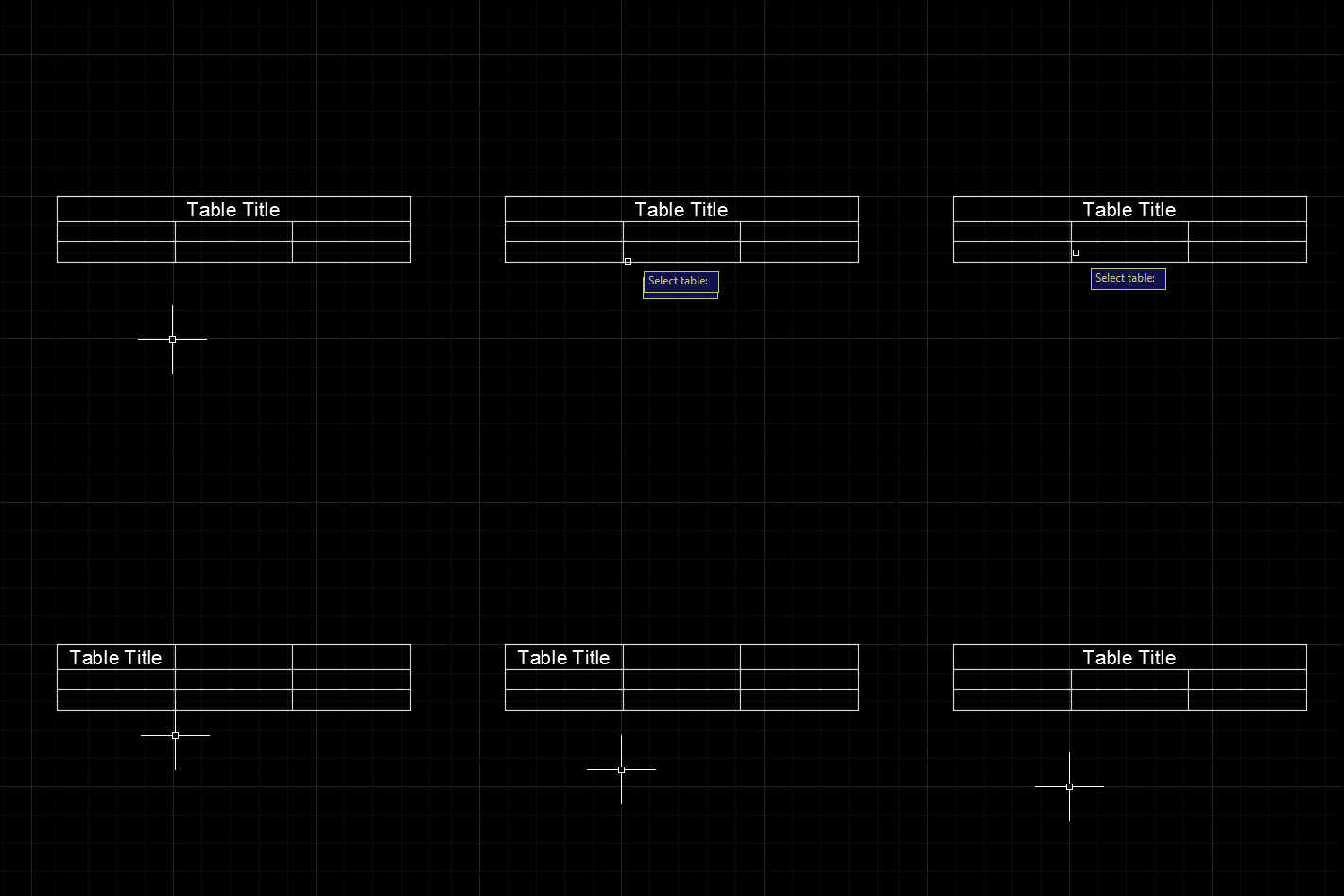
A question came in, last week, via a comment on this post. Daniel wanted to unmerge the title cells of a table: Very nice tutorial. based on this I manange to create the VB. NET code for my table style, but I face with a problem that I could not change the Title to be unmerged. In this moment, as default, it is merged and I want it to have it not merged. What is code for this ? I tried to find it out by ts.SetCellClass(RowType.TitleRow, MergeCellStyleOption.None but is not working. i get error on: sd.UpgradeOpen() line I took…
-

While my last post on tables was apparently interesting, it turns out it didn't actually address the question that inspired it. Oh well. Here's a recent comment that gave greater clarity on the requirement: Do you know those no smoking signs commonly seen in public places: a cigarette with a red cross struck through it. Can a similar thing be done programmatically in a table with the strike through happening through a number. A picture is worth a 1000 words: http://imgur.com/gallery/qPzEm... In other words, can a block be inserted into a particular cell which already contains a number value? side…
-
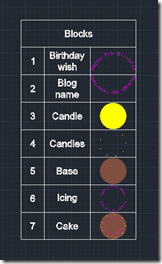
After the last post, where we saw some code that creates an AutoCAD table based on the blocks in a drawing, in this post we're going to modify our table, adding a new, initial column that numbers the contents. Here's what we want to create using our new MBT command: Here's the way the command looks when it runs: And, finally, here's the updated C# code with our new MBT command: using Autodesk.AutoCAD.ApplicationServices; using Autodesk.AutoCAD.DatabaseServices; using Autodesk.AutoCAD.EditorInput; using Autodesk.AutoCAD.Runtime; namespace TableCreationAndModification { public class Commands { const double rowHeight = 3.0, colWidth = 5.0; const…
-
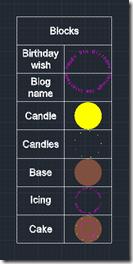
This post – and the one to follow it – were inspired by a comment on this old post (which in many ways is quite similar to this one, just using an older syntax and starting with a static array of table data). We're creating a table with information about the various blocks in the block table of the current drawing: in this post we create the basic table containing the table name and its thumbnail, while in the next post we're going add some additional (and as-yet-to-be-determined) information. The basic point is to show how to manipulate an existing…
-
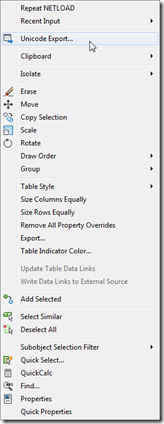
To follow on from yesterday's post, today we're going to look at an alternative implementation that – rather than modifying the Edit shortcut menu that appears for all object types – adds our custom menu item to the shortcut menu associated with a specific type of object. In our case we want to associate the menu item we introduced yesterday with Table objects. The way to associate shortcut menus in CUI with a particular object is to add an alias with "OBJECT_{DXFNAME}": in our case {DXFNAME} will be ACAD_TABLE, making the alias "OBJECT_ACAD_TABLE". You can also add an alias which…
-
A big thanks to Parrish Husband for both suggesting this topic and providing the majority of the code in this post. Parrish had been attempting to extend the technique shown in this aging post to include an icon with the content menu item. At least one person had done this before, according to the blog comments, but had found – just as Parrish did – that the added icon didn't line up with the others in the menu. In fact it completely messed up the alignment of all the other icons in the menu: less than ideal behaviour. So Parrish…
-

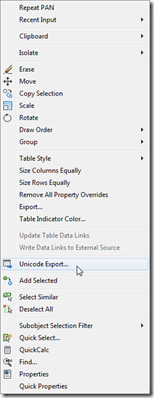
A colleague in our Product Support team came to my desk yesterday afternoon with a problem he thought I might find interesting. He was right. 🙂 It turns out that AutoCAD tables containing Unicode characters don't export very well to CSV files (for later import into Excel, for instance). Here's a sample table with a number of Unicode characters in it: When exported to a CSV file using the standard right-click menu option it contains a bunch of ? characters: The good news is that it's easy to create your own version of the TABLEEXPORT command – the one that…
-
I wasn't planning on covering this particular topic today, but then this comment came in overnight and I ended up taking a look into it. Paul has been trying to append a specific cell range to his connection string when creating a data-link for an Excel spreadsheet, adding to the code from this previous post. I gave it a try myself with a hardcoded cell range and it seemed to work fine, and so went ahead and modified the implementation of the TFS command to ask the user to enter their own cell range. What's probably most interesting about the…
-
Last week I received the following question from Adam Schilling: I have enjoyed your posts on .net programming for datalinks. I have searched high and low and haven't been able to find answers or any support to help me with a small issue. My code (much of which was based off of your posts from 2007) works fine, except I cannot get it to use a different sheet from the workbook that is select. Since the option to select a specific sheet is available when adding a link manually, I would think that it would be possible to programmatically do…
-
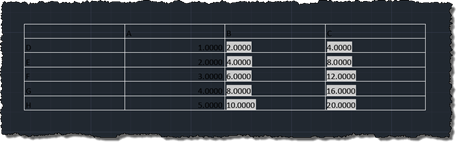
I'm back in San Rafael after a tiring – but very rewarding – two days down in Santa Cruz. I've decided to rattle out a quick post – inspired by this recent comment – before heading out for dinner, so I hope my brain isn't playing tricks on me when it says the code's good enough to post. Please do let me know if you see anything wrong with it. Here's the question: Kean, I am wondering how to do this on table objects. When importing a table from excel as pasting special ACAD objects, you can reset the table…