2017
-
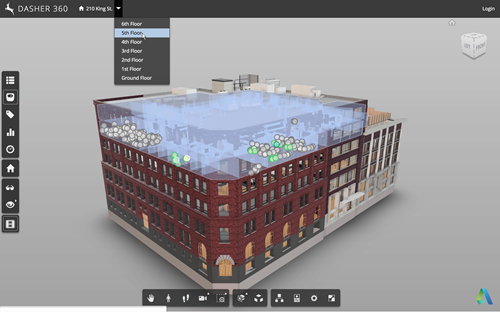
Now that we've seen how to move a fake cursor across the screen, let's talk about how best to use this technique to implement a demo mode for your Forge viewer-based application. Something I mentioned last time was that – for our purposes – this code needs to be fairly adaptable, whether for different views, models or screen configurations. It also needs to be easy for us to modify or extend. Inside Dasher 360 we've implemented a number of different extensions. Many of these have their own UI, typically launched by a button. One of the first things I did…
-
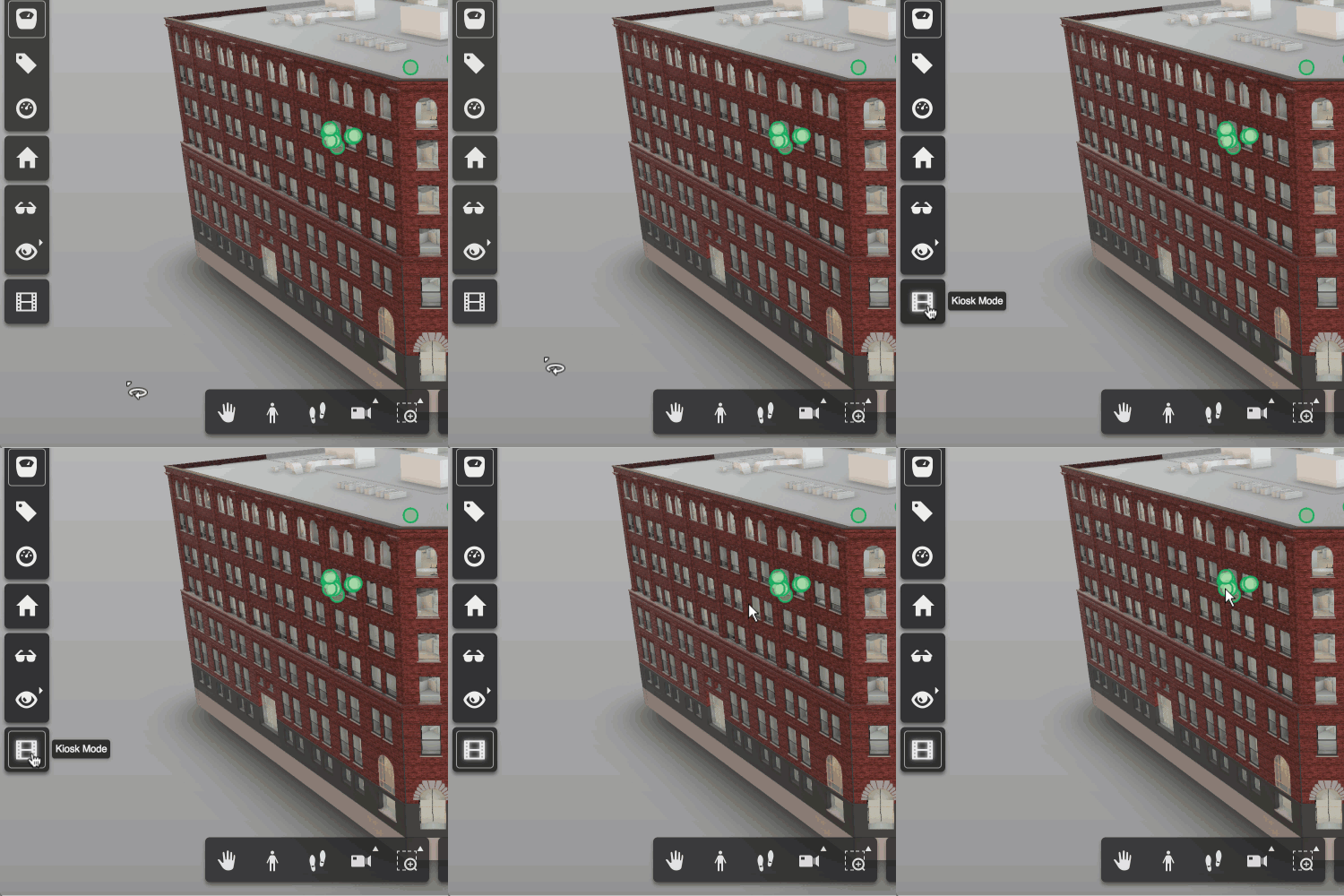
A request came up in a recent meeting talking about future features for Dasher 360. We want to be able to leave Dasher 360 running in "kiosk mode", whereby if left unattended for some time it starts to run through some canned activities, showing off some of the tool's capabilities. The mode should be interruptable: when the mouse moves the mode should stop, allowing the user to continue exploring on their own. This sounded like a really fun problem to tackle, so I started on it right away. My first avenue of research was around tools that already exist for…
-
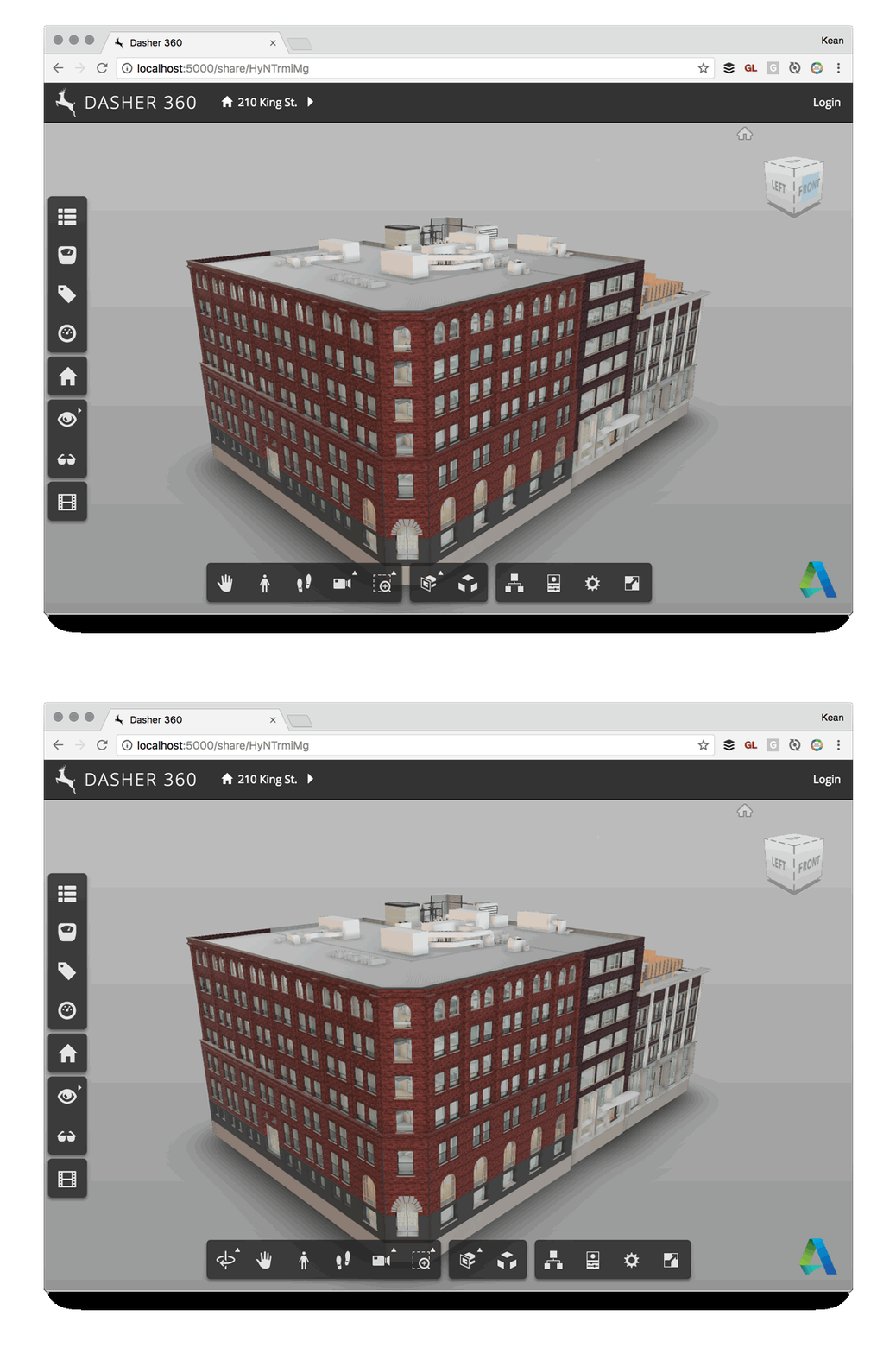
Here's a quick one to wrap up the week. Some time ago we decided that Dasher 360 didn't need to provide the option for users to do an unconstrained orbit: the default mode of turntable orbit would be perfectly adequate, especially as we deal mainly with building models. So it was that I created a simple extension to hide that particular toolbar button. It worked well enough, but after a while I saw the icon creep back into the UI. It turns out that the application resize event – which is called for lots of different reasons – was re-enabling…
-

I had a lot of fun presenting some of my WebVR-related research at the Expanding Immersive Design conference in Zurich, late last year. The recording of my session – where I demoed v1 of Vrok-It – is now online: It was very different conference for me: it was held at ZHdK - the Zürcher Hochschule der Künste, Zurich's Fine Arts University – and so was inevitably more focused on design as it relates to VR (as opposed to VR as it relates to design, where I'm more focused ;-). But I think my session helped expand the topic…
-
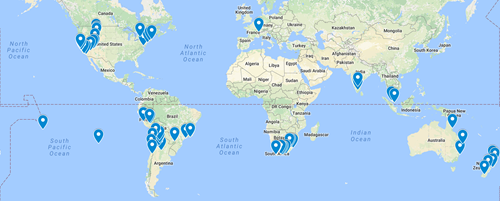
We've crossed a pretty big milestone in the plans for my family's round the world trip for the latter half of 2017: we've actually booked flights. Here's how the latest location tracker looks: You can compare this with the more speculative plan from last time – which still holds good for most areas – to get a sense for the timing and flow. The first image includes prospective destinations reached overland – we'll be renting cars/RVs/motor-homes in various locations, as well as taking a fair amount of public ground transportation. We're crossing our fingers that the bus from Salta, Argentina…
-
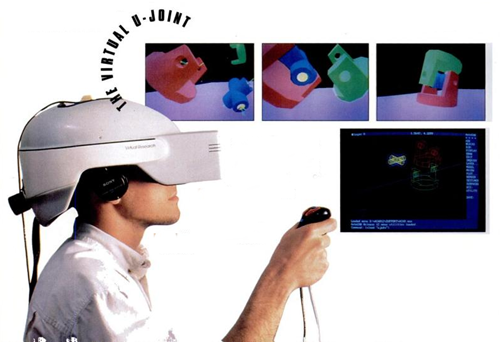
A few days ago I was reminded of a topic I've highlighted in a number of presentations I've given over the last few years, but have never actually talked about on this blog. The closest I came was probably in this post. Many people don't realise Autodesk was an early innovator in the VR space. In the late 80s and early 90s we had a product called the Cyberspace Developer Kit – which allowed you to deliver around four frames per second of glorious, low-polygon 3D via a 386 or 486 PC – that was clearly ahead of its time.…
-
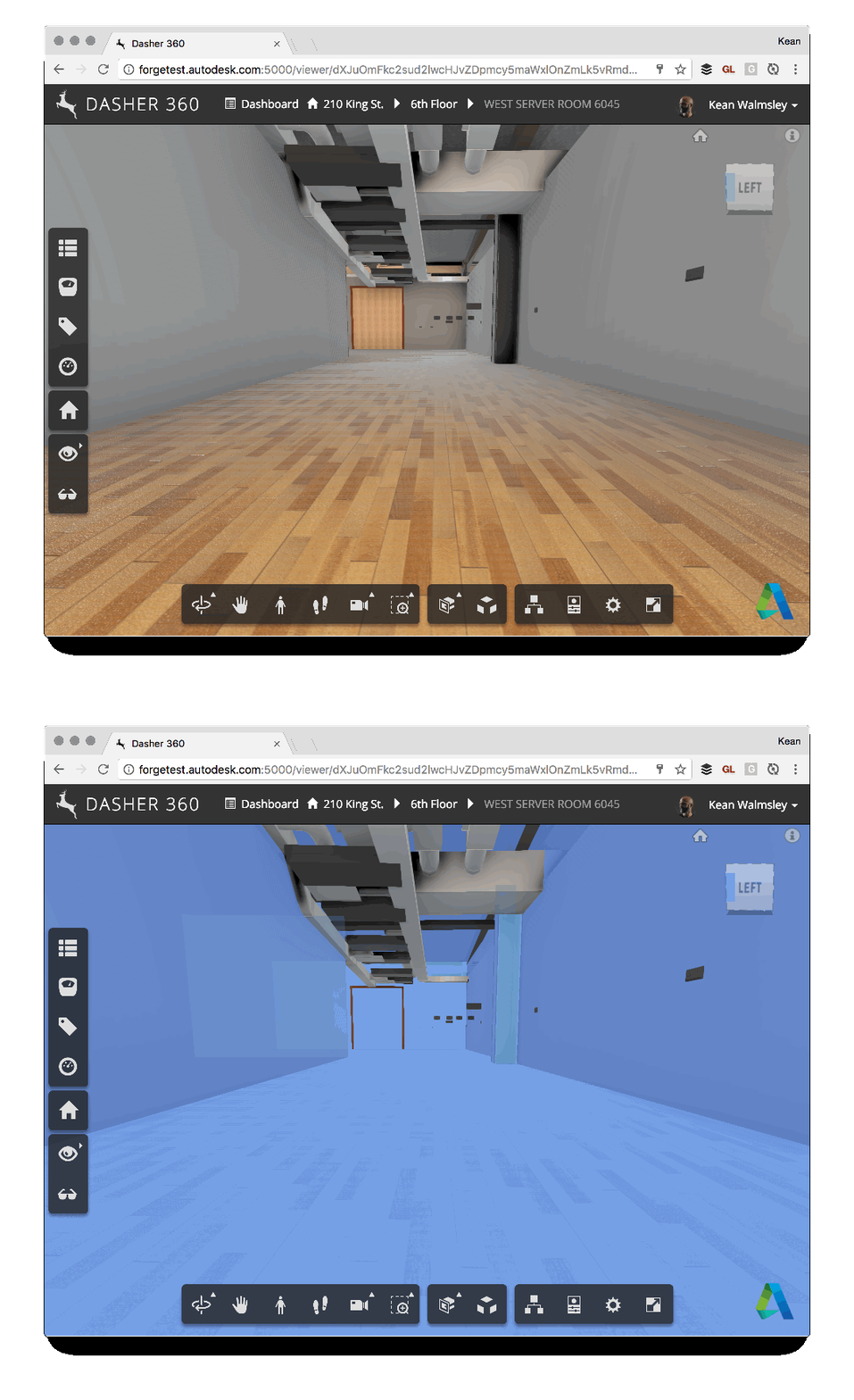
Some of you may remember this post, which talks about the ability to export to Navisworks from Revit to bring room information into the Forge viewer. One of the side effects of using this technique is that there's a bunch of semi-transparent room boundary geometry in the resultant model, which can make navigation a little tricky. For instance, here's what happens when I try to select the wall at the end of a corridor (you can't see the cursor, but you should get the idea – the invisible room geometry gets selected rather than the wall). To help improve the…
-
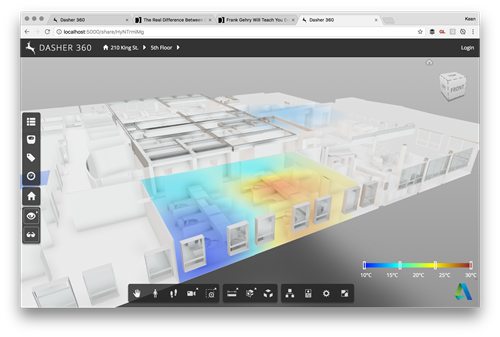
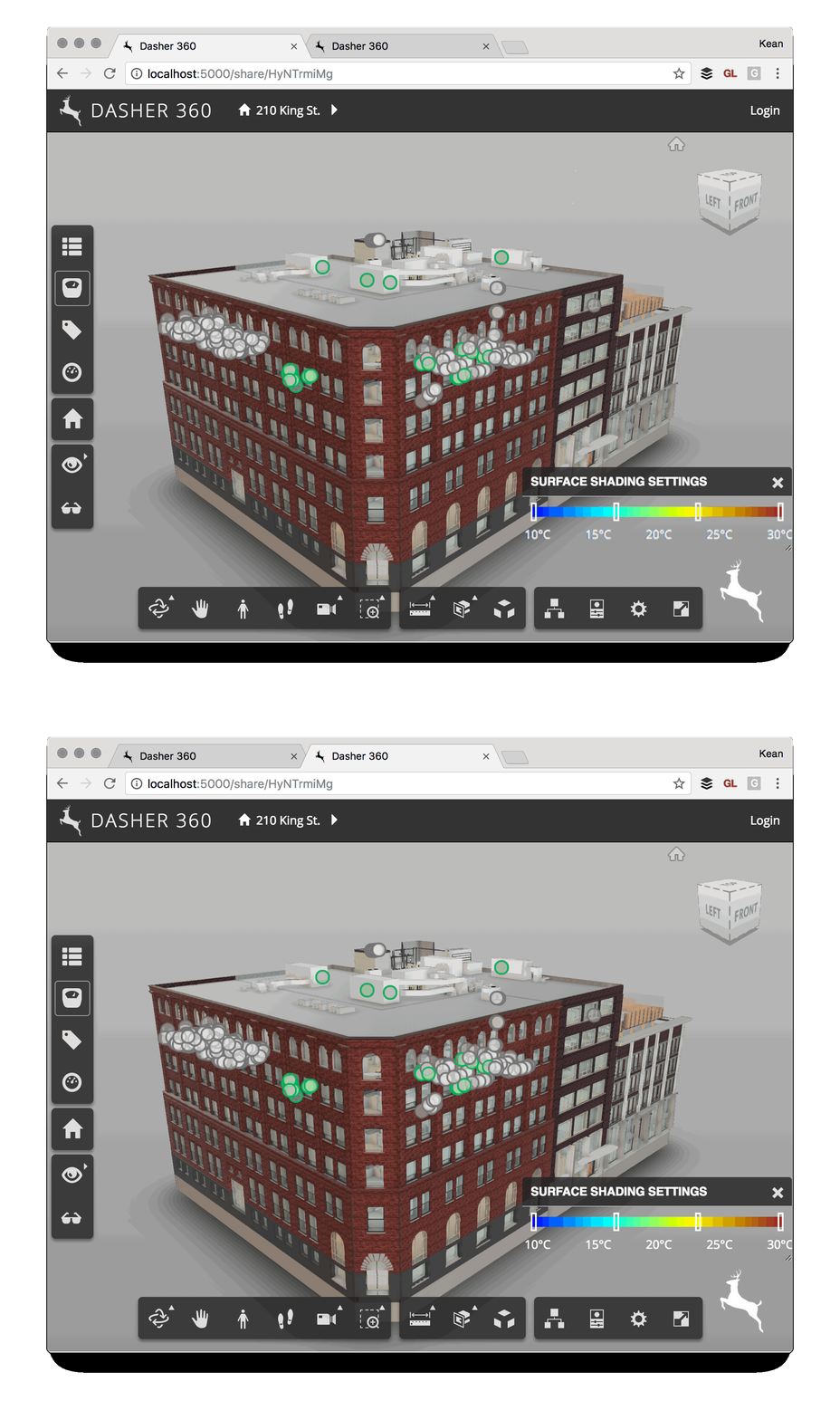
As a follow-up from Tuesday's post, I wanted to hide the title bar of the dialog showing the legend for our surface shading feature. It turned out to be really easy: we're deriving from DockingPanel and we simply need to override the initialize() method and choose not to create either the title bar or the close button. All we do in the method is create "move handlers" that allow the dialog to be moved by clicking and dragging anywhere on it: very important if you no longer have a title bar on your dialog. Here's the TypeScript class I ended…
-
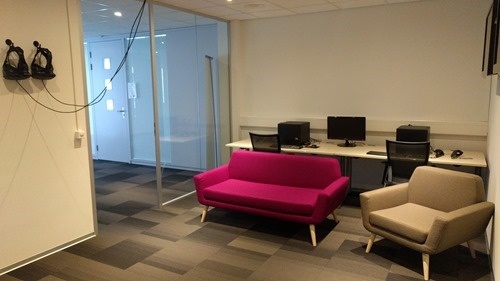
Our VR room received its finishing touches yesterday, when our furniture was delivered. Even before being officially ready, the room has seen some more usage. A group of our Enterprise Support managers gave it a try recently after one of their meetings in the Neuchatel office, for instance. Tomorrow I'll host a "drop in" morning for local Autodesk employees to come by and try it out, which should be fun. I expect it'll be a few weeks before everyone gets to try it, given the interest people have already expressed in what VR can offer Autodesk customers. Before that, though,…
-
I've been mocking up some UI additions for Dasher 360, today. A big chunk of my time was spent working out how to make flyouts work for vertical toolbars (something I'll address in a future post, if there's interest), but I've just been fighting another problem that's probably not really an issue for anyone using standard DPI (and non-"retina") screens. I've been drawing text to a standard HTML canvas and it's been really ugly. After some minutes of searching the web, I found out it was probably due to my MacBook Pro's retina display. Here's the code I integrated (from…