Async
-
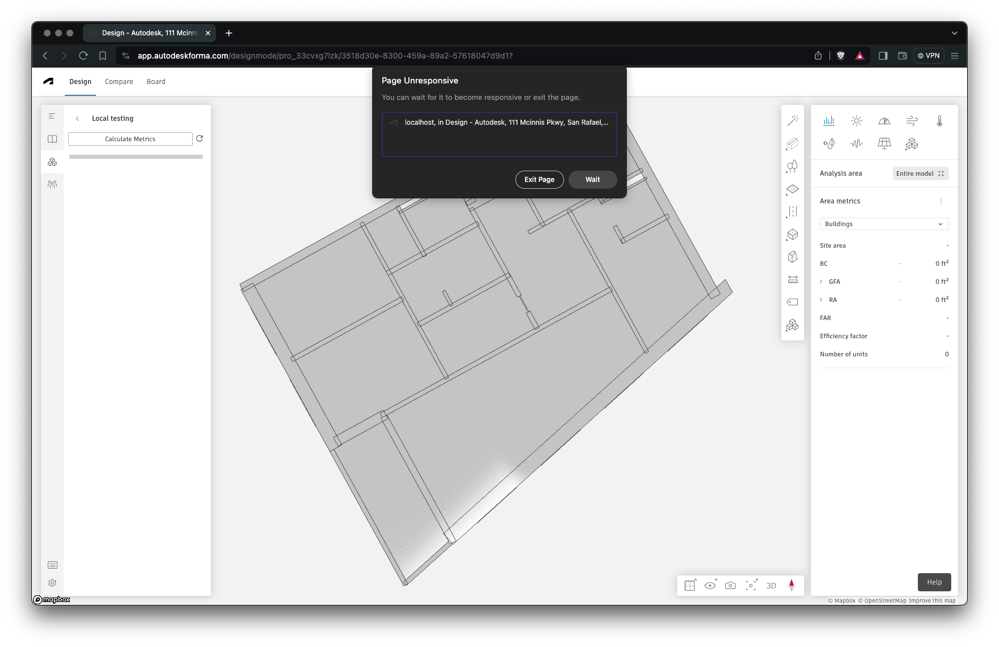
The topic for this post relates to a project I've been working on for a few weeks, now. We've taken a complex set of spatial analyses - that use our favourite voxel-based architectural space analysis Dynamo package, VASA - and have translated them to work directly in the browser. (This translation process isn't really the subject of this series, but it's pretty interesting, nonetheless, and it's mostly what I was working on during the recent trip to Munich for the DevCon. Most of the Dynamo code was fairly easy to translate, although things like the automatic lacing of nodes meant…
-
In this final (for now, anyway) part of the series, we're going to look at the approach taken in the Dasher 360 kiosk mode to loop the demo indefinitely (although with variations, as mentioned last time) until someone interrupts by moving the mouse. The first piece of this is to track the mouse. We do this by attaching an event handler to 'mousemove'. Here's the TypeScript code we're using: onMouseMove = (event: any): void => { this._canvasX = event.canvasX || event.clientX; this._canvasY = event.canvasY || event.clientY; if (this._startX !== null && this._startY !== null && this._inKioskMode…
-
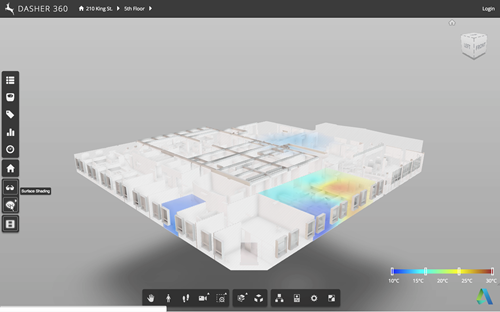
Now that we've seen how to move a fake cursor across the screen, let's talk about how best to use this technique to implement a demo mode for your Forge viewer-based application. Something I mentioned last time was that – for our purposes – this code needs to be fairly adaptable, whether for different views, models or screen configurations. It also needs to be easy for us to modify or extend. Inside Dasher 360 we've implemented a number of different extensions. Many of these have their own UI, typically launched by a button. One of the first things I did…
-
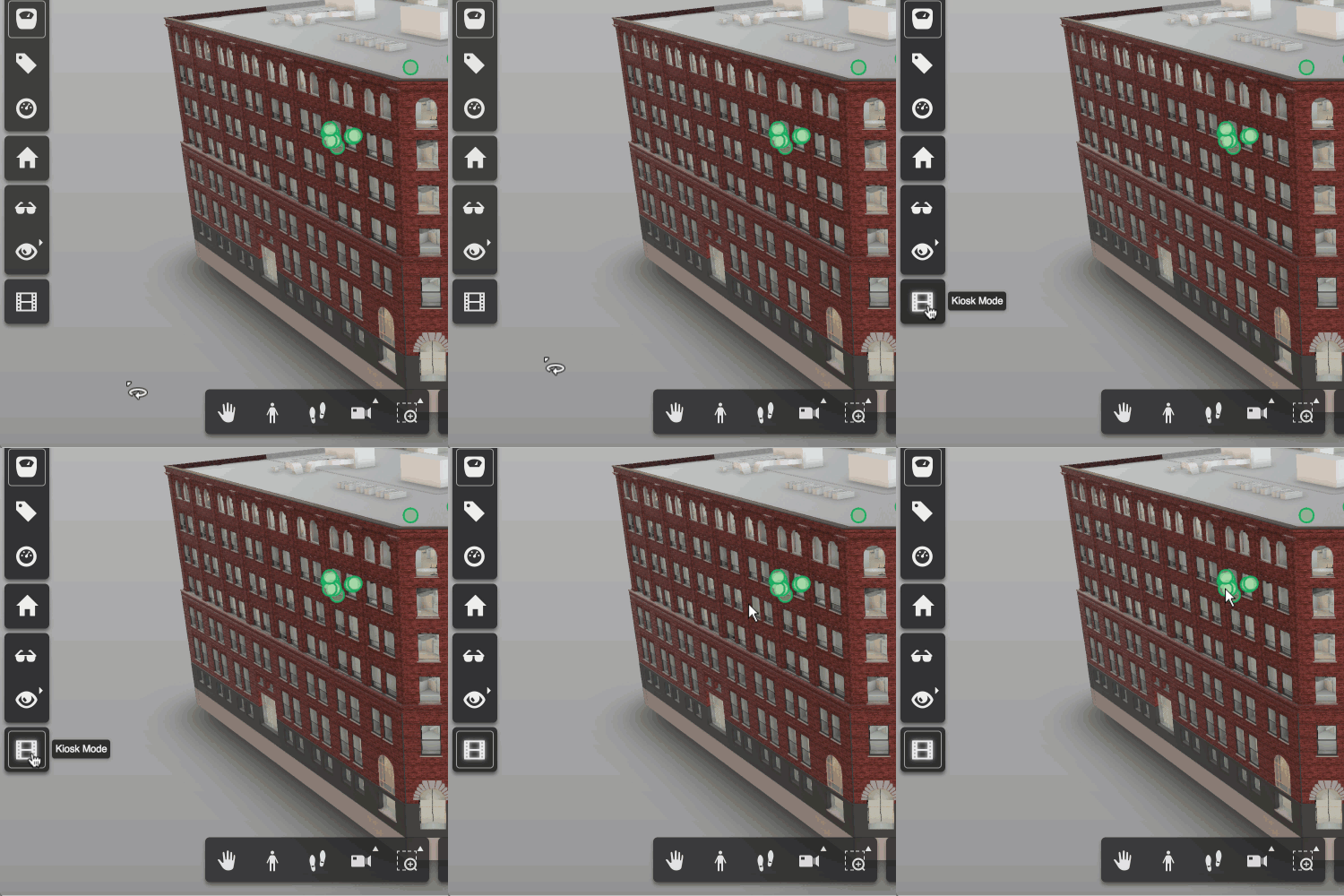
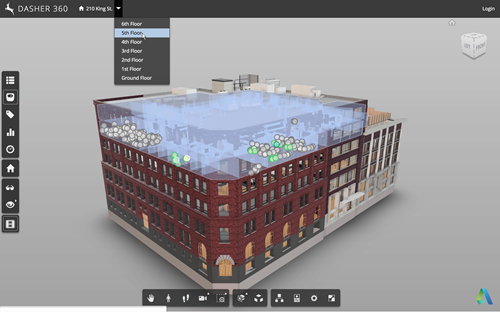
A request came up in a recent meeting talking about future features for Dasher 360. We want to be able to leave Dasher 360 running in "kiosk mode", whereby if left unattended for some time it starts to run through some canned activities, showing off some of the tool's capabilities. The mode should be interruptable: when the mouse moves the mode should stop, allowing the user to continue exploring on their own. This sounded like a really fun problem to tackle, so I started on it right away. My first avenue of research was around tools that already exist for…
-
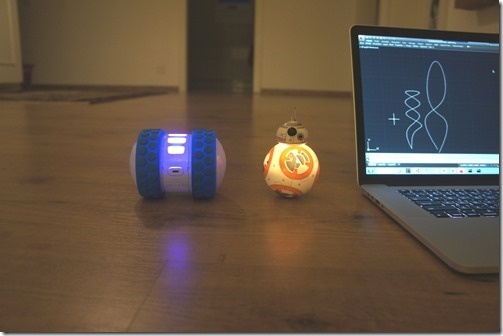
After seeing how we can use Cylon.js to control Sphero's Ollie and BB-8 robots from a browser, and then using the same mechanism from inside a custom AutoCAD command, today we're going to drive these cute little bots based on AutoCAD geometry. The idea is that we'll decompose regular curves – whether lines, arcs, polylines or splines – and use the "segments" as movement instructions for our robots. The approach is simple enough: we'll iterate along the length of each selected curve and generate a set of instructions – really just a set of angles – for the associated bot.…
-
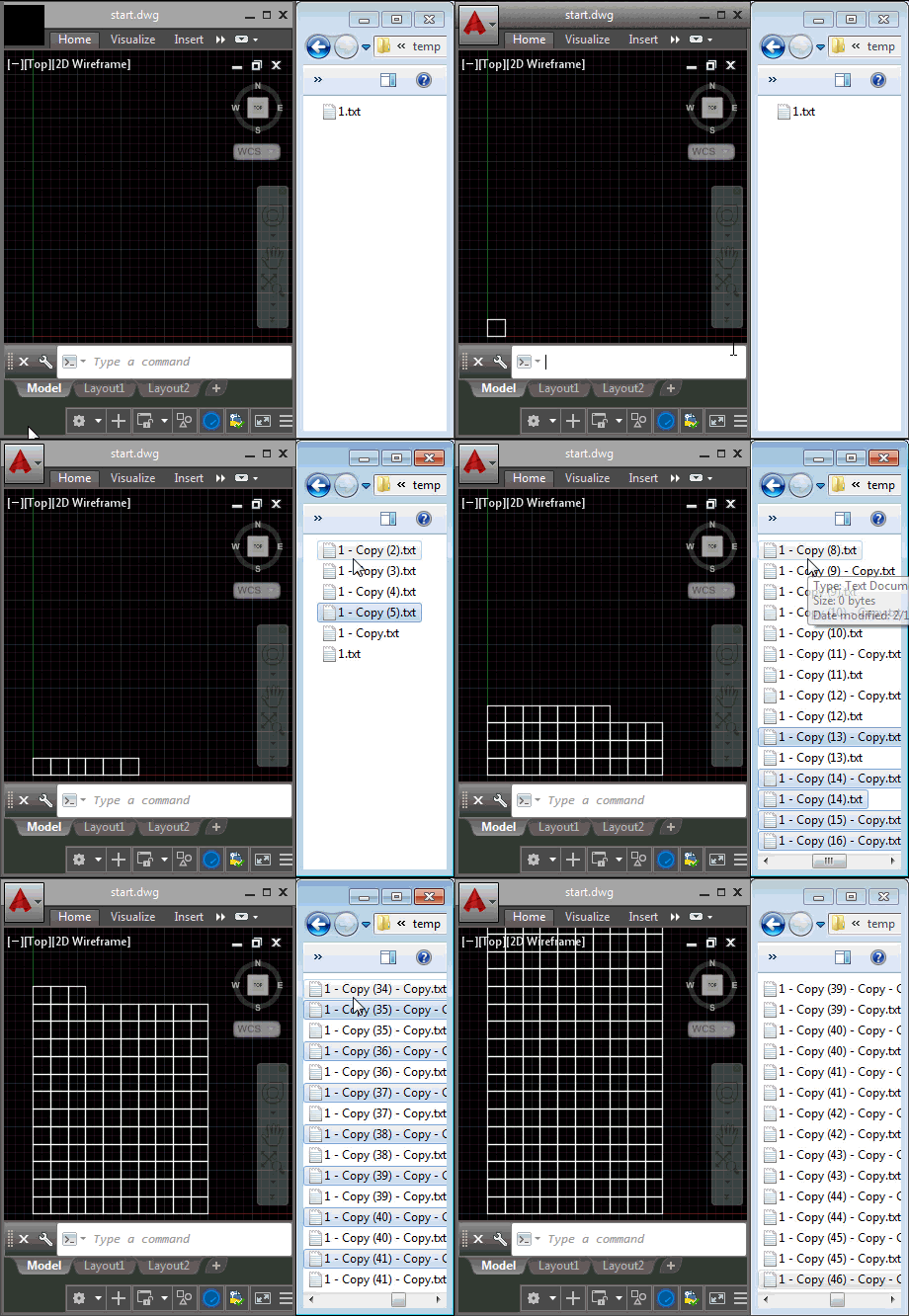
Last week we introduced the ExecuteInCommandContextAsync() method and saw it in action from a context menu click event. In today's post we're going to see how it can be used for a lot more: we're going to use it to respond to external, operating system-level events (although admittedly we're handling the event in-process to AutoCAD via .NET). What we're actually going to do is fire off a command inside AutoCAD – in our case we're going to use RECTANG to create square polylines – each time we find that a file has been placed in a particular folder (in our…
-
Here's a quick piece of code to finish up the week to complement what we saw earlier. The idea is that on localized AutoCAD versions this code will allow the user to enter English commands without needing the underscore prefix. The code works by detecting an "unknown" command and then attempting to execute it again after prefixing an underscore to launch a global command. Which may or may not work, of course, so we certainly need to set a flag to avoid descending into an infinite loop of commands being called while prefixed by an ever-expanding legion of underscores. Aside…
-
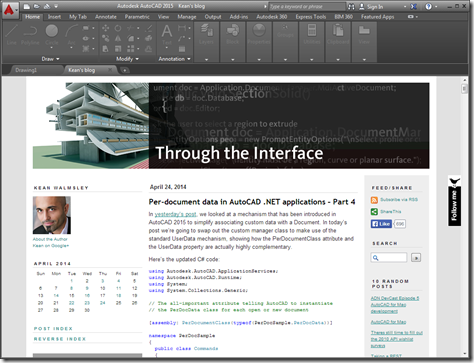
This was a fun one. It was really only a single line of code but I decided to embellish it a bit to make it a bit more useful. The "task" I set myself was to open a web-page – this blog, in fact – inside AutoCAD as an MDI child. AutoCAD can now host web-pages directly inside its MDI frame – the New Tab Page is a great example of that – and this mechanism can be used for external applications, too. You can also load non-HTML documents into the frame, but it's quick and easy to use HTML.…
-
Despite the fact we can't currently use it inside AutoCAD – we're still using .NET 4.0 in AutoCAD 2014 – of late I've been working more with the async/await capability in .NET 4.5, which has been really interesting. I've worked with asynchronous operations in .NET languages on and off for some time, having started with F#'s Asynchronous Workflows and then spent some time with C#'s async/await after hearing Stephen Toub speak at Microsoft Switzerland a couple of years ago. It feels like it's been a while since I did much of that, though: I used the Async CTP sporadically with Visual…
-
In the previous post in this series, we saw the code for an initial, basic implementation of a 3D viewer for our Apollonian web-service developed for Windows 8 using WinRT. In this post, we extend that code to provide support for a few basic gestures, particularly swipe-spin, pinch-zoom and tap-pause. To properly show the gestures in action, I recorded the app working inside the Windows 8 emulator (which in turn was running inside Windows 8 running inside a Parallels VM, so fairly far from "the metal", as it were). Here's a quick video of the updated app in action: Unable…