Autodesk Research
-
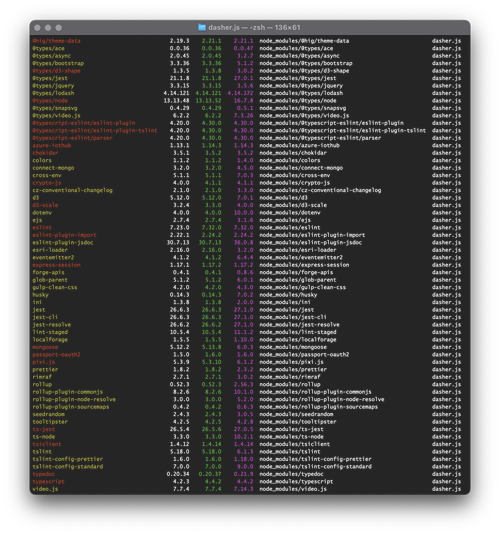
Over the last week I've been heads-down on core Dasher work, but with very little visible result. Here's why. Early last week I received an email telling me that it was time to dig into Dasher's use of 3rd party components and make sure there weren't any security issues. (This isn't something unusual – all our products go through this, and many of our research projects, too.) As anyone working on web development projects will know, it's important to go through from time to time to reduce the technical debt that accumulates due to the use of old libraries and…
-
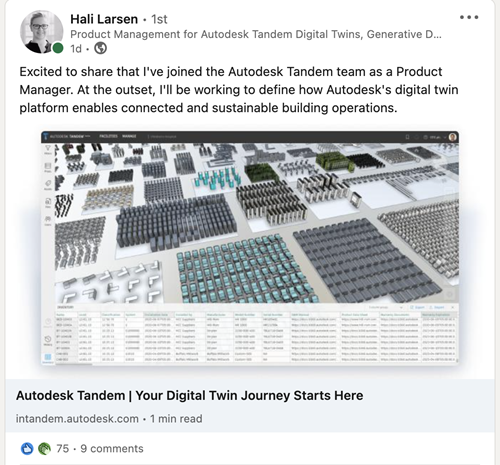
My friend and colleague Hali Larsen has joined the Autodesk Tandem team as a Product Manager focused on connected workflows and sustainability. This is huge news, for lots of reasons: for several years Hali played an absolutely instrumental role in Project Dasher – in many ways she was our de facto PM, but also worked through many gnarly issues related to bespoke configuration for various Dasher pilot projects. Hali has a wealth of experience working with customers in this space, and also knows where most of Dasher's skeletons are buried, so she is the right person to take on this…
-
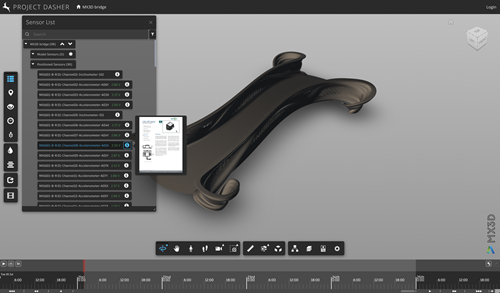
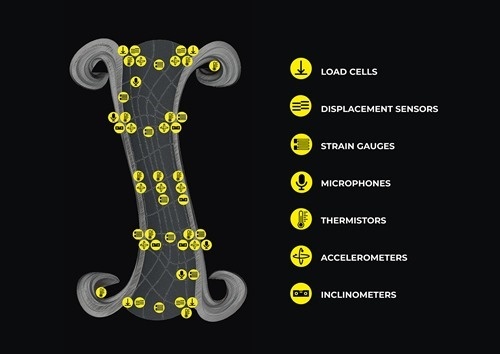
A couple of days ago we were looking for the datasheets for the various sensors installed in the MX3D bridge: as you've probably already read, there are nearly a hundred sensors in and on the bridge, although of only about eight different model types. My colleague Josh Cameron said, in passing, "it would be really handy to have these datasheets integrated into Dasher!". As usual, this sent me down a rather fun rabbit-hole for a day or so, to see how we might reasonably integrate these PDFs into Dasher. Firstly it's worth pointing out that these days the Forge viewer…
-
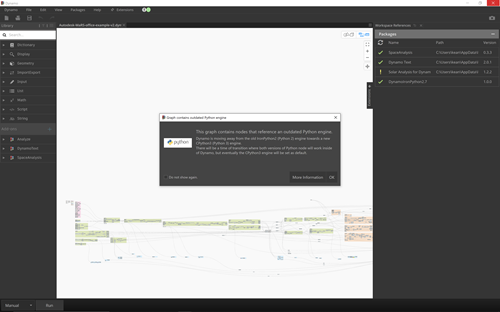
The latest update to Dynamo Core (which for now you can use via Dynamo Sandbox) has some really interesting enhancements, both in terms of usability and performance. Check out Sol Amour's two blog posts that introduce Dynamo Core 2.12. As it had been a while since I'd tried the MaRS graph in a new drop of Dynamo, I went ahead and loaded it. I immediately noticed a couple of things: it was referencing an old, now-deprecated version of the Solar Analysis package, so I updated to the latest & greatest version on my system and then reloaded the graph to…
-
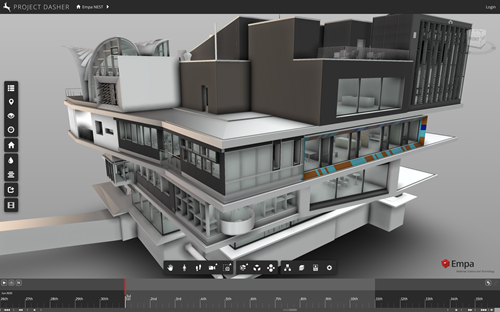
The big news on the Forge side of things over the last few weeks is probably the official release of SVF2. This is a more efficient streaming format the Forge viewer (from v7.25 onwards) can consume. We've been using SVF2 (which was previously known as OTG) for the last couple of years inside Project Dasher, and it's been brilliant. If you're interested in the technical details on SVF2, be sure to check the blog post that announced the SVF2 Beta from late last year. Just for instance, we've seen significant performance improvements from using SVF2 for our public demo using…
-
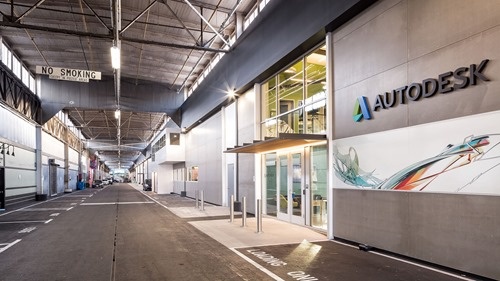
San Francisco's Pier 9 has got to one of the coolest Autodesk office locations to work from. You have access to all kind of cool technology, and it's also full of pretty cool people, too. As a reminder, here's an old post that shows the office, and here's another that introduces the work we did there to prototype technology for the MX3D bridge. If this is the kind of work environment that gets you excited, then you may be even more excited to hear that our team is hiring for Senior Web Developer (someone with full stack development skills). Such…
-
The MX3D team first showed the smart bridge to the public back in October 2018 at Dutch Design Week in Eindhoven. I was there with the team to finish and test features such as realtime display of skeletons detected using computer vision. Here's a reminder of how that went: An interesting aspect of the public's response to the bridge at DDW2018 was that it had broad appeal to people but that people appreciated different aspects of the project: The majority view: "wow, what a cool-looking bridge!" Those who dug a little deeper: "it was 3D-printed by robots? Interesting…
-
On Wednesday afternoon I headed back across to Zurich airport for my second trip to Amsterdam in as many weeks. This time I was flying with Swiss rather than KLM, and ended up checking in and boarding through an area of the airport I didn't recognise at all. Whether this was because it had been so long since I'd been there or due to some deep refurbishment being completed during the pandemic remains to be seen. By the time I arrived in Amsterdam, things had progressed significantly with the MX3D bridge. Here's a fun staged photo by Thijs Wolzak showing…
-
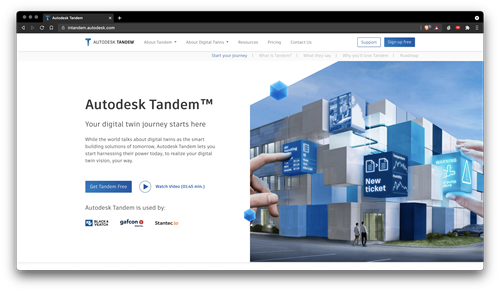
These are busy times in the world of digital twins at Autodesk! I'm thrilled to see the news that Autodesk Tandem has now officially launched. Head on over to the new landing page, intandem.autodesk.com, to find out more, or check out Bob Bray's recent article. A few people have either been congratulating me or asking how this relates to Project Dasher, so I think it's worth clarifying the situation. Tandem is not Dasher, although I'd love to think that the Dasher story at least in some way influenced or inspired Tandem's trajectory. Tandem solves a fundamental industry problem that we…
-
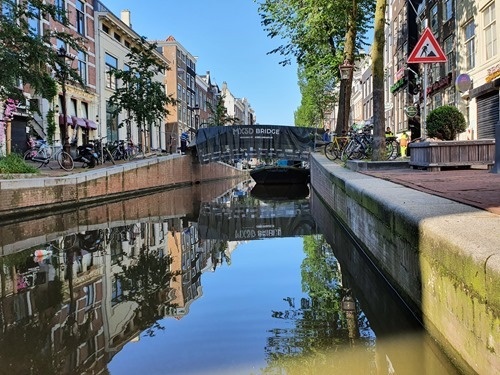
Now that the weekend has passed and the football is over for another year or so (for me, anyway, as I only pay attention to major tournaments), I thought I'd share some of the work that was done last week on the MX3D bridge, and what's planned for this coming week. The major work done on Friday was to raise the bridge (allowing access to the current foundations) and to start the job of lowering it. Sometimes you have to go up to go down. I was impressed by the fact the bridge could be raised – one end at…