AutoCAD .NET
-
In yesterday's post, we looked at a mechanism that has been introduced in AutoCAD 2015 to simplify associating custom data with a Document. In today's post we're going to swap out the custom manager class to make use of the standard UserData mechanism, showing how the PerDocumentClass attribute and the UserData property are actually highly complementary. Here's the updated C# code: using Autodesk.AutoCAD.ApplicationServices; using Autodesk.AutoCAD.Runtime; using System; using System.Collections.Generic; // The all-important attribute telling AutoCAD to instantiate // the PerDocData class for each open or new document [assembly: PerDocumentClass(typeof(PerDocSample.PerDocData))] namespace PerDocSample { public class Commands …
-
I almost named this post to make it clear it's about a new API capability in AutoCAD 2015, but then I wouldn't have had the slightly perverse satisfaction of resurrecting a series of posts after 7.5 years. Here are the first parts in this series, in case you've forgotten them (and you'd be forgiven for doing so, after all ;-). This post is introducing the new PerDocumentClassAttribute capability provided in AutoCAD 2015's .NET API. We're going to look at it over two posts: the first showing how it can be used with your own "manager" class to link the data…
-

I had an email from Martin Duke about this old post a couple of weeks ago. I started to update the original post but then realised that a) I couldn't easily go that far back using Windows Live Writer and the built-in Typepad editor often messes up code in old posts when I edit them and b) there was some value in revisiting this topic again now that nearly 6 years has passed. I'll hopefully manage to link to this updated post from the old one without things going awry. Martin was having some trouble with text display in object…
-
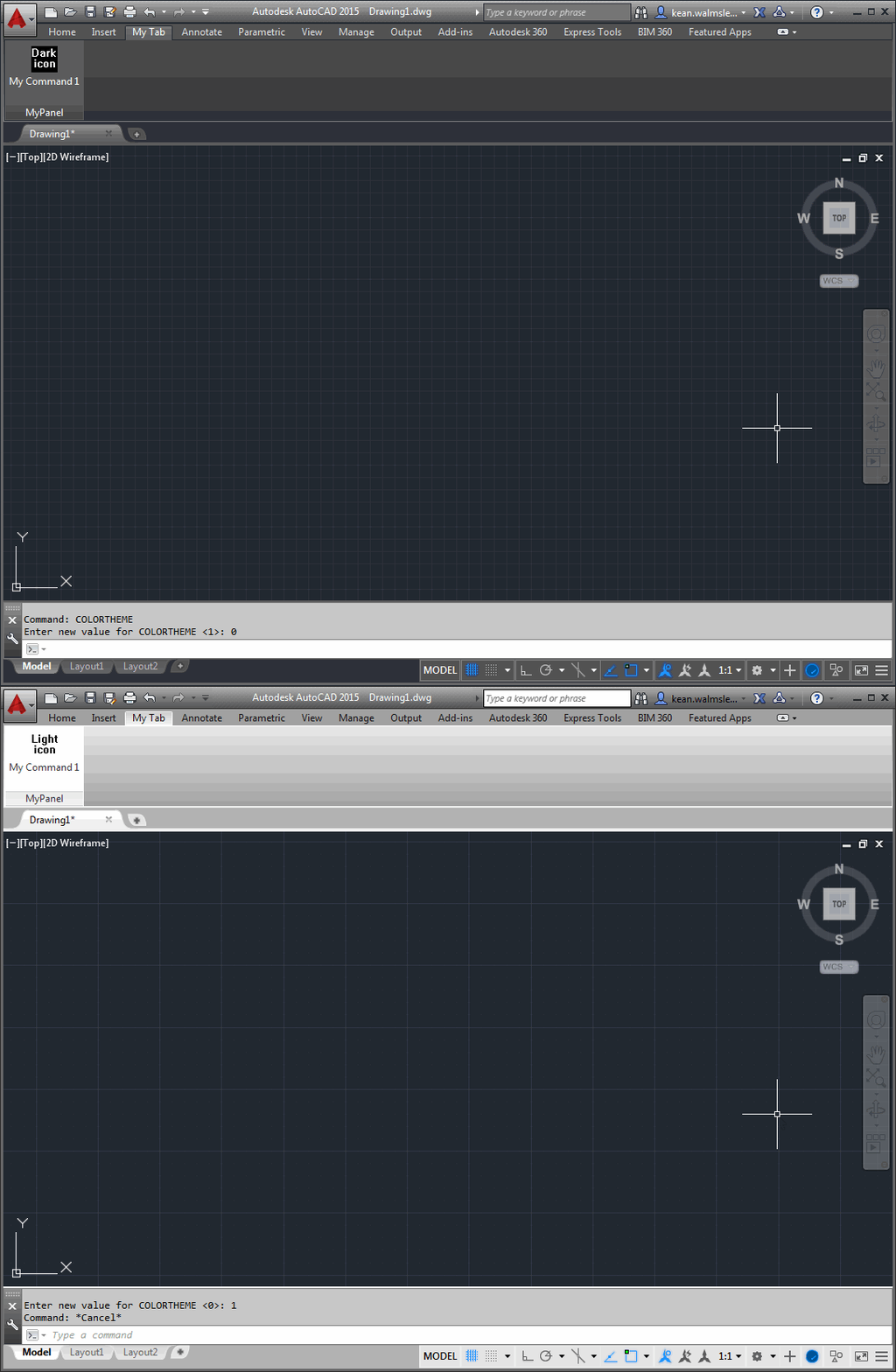
After a little fun last Tuesday around a pink theme for AutoCAD – for which I got at least a few "we should totally do that"s from internal folk in response, so watch this space 😉 – today we're going to talk more seriously about what's needed to support the dark theme in your applications. But before that, a big thanks to Lee Ambrosius, who owns – and does a fantastic job with – AutoCAD's developer documentation. Lee pointed out the online documentation which helped me create this post. If you're interested in the work Lee and team has been…
-
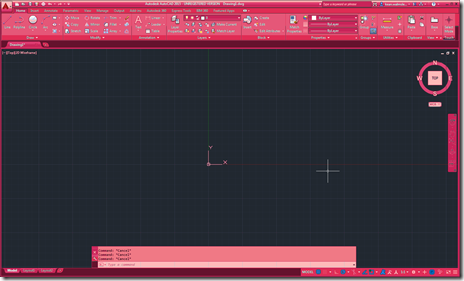
During the AutoCAD team's efforts to introduce the dark theme in the 2015 version, work was done to more easily support additional themes. A lot of work was needed to create the underlying mechanism but now it's really easy to add your own themes. To test the mechanism, the AutoCAD team has created a sample theme that turns AutoCAD into various shades of pink. It works programmatically by adjusting the various UI elements, so you really don't need much code of your own to implement it. My 5-year old daughter absolutely loves it – she's extremely interested in what I…
-

photo credit: Marcin Wichary via photopin cc As mentioned in the last post, fibers are now inactive in AutoCAD 2015 (the code paths are still there, largely for testing purposes, but should not need to be enabled for typical usage of the product). Fibers were a technology that Microsoft introduced way back when to help single document (and typically single-threaded) applications adapt more easily to the brave new world of MDI. At least that's my recollection and understanding. They were basically a mechanism by which applications such as AutoCAD could manage their per-document state, making the relevant data current depending…
-
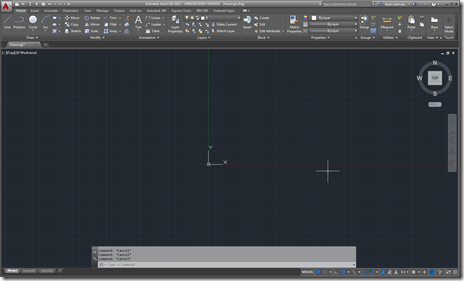
I've just arrived home from a 10-day trip to the Bay Area. It was a really interesting visit – as usual – but I'm happy to be home (even if I'm writing this at 3am, once again fighting jetlag). The news has started to come out about AutoCAD 2015 – much of it fed by the Autodesk bloggers' day on Monday, which I unfortunately didn't attend – so it seemed timely for me to talk about the updates more from a developer's perspective. Let's look at the major features of AutoCAD 2015, starting with the user interface enhancements. The most…
-
To follow on from yesterday's post, today we're going to look at a reliable way to determine the language of the AutoCAD product hosting your .NET module. Thanks to Troy Louden for sharing this technique. Here's the C# code implementing it: using System.Globalization; using Autodesk.AutoCAD.ApplicationServices; using Autodesk.AutoCAD.Runtime; namespace LanguageInfo { public class Commands { [CommandMethod("LANG")] public static void WhichLanguage() { var cult = new CultureInfo(SystemObjects.DynamicLinker.ProductLcid); Application.DocumentManager.MdiActiveDocument.Editor. WriteMessage( "\nLanguage of your AutoCAD product is {0}.", cult.EnglishName ); } } } When we run the code, we…
-
I'm starting to get ready for a trip to the US: I'm heading out on Monday and will be home on Thursday of the following week. While I expect I'll have time to write a few posts during the trip – thank you, jetlag! – I'm going to write a couple of very simple ones today and tomorrow, just to free up time for preparations. Both posts came out of an internal email discussion on trying to determine the language of the AutoCAD product your application is running in. The initial question was focused on getting this information from the…
-

Many of you will have seen last week's announcement about the creation of the Autodesk Foundation. The foundation has been set up to formalise something that's long been part of Autodesk's culture: supporting charitable causes through direct investment, software donation and matching of employee gifts. This formalisation will also bring greater alignment around our support for the broader design community, which is something that's new. I'm particularly excited about changes being made to Autodesk's employee volunteering program. As an Autodesk employee I'm able to spend 4 hours per month of company time volunteering for qualifying nonprofit organisations (political and religious…