Documents
-
This is a topic that has been addressed a few times on this blog, whether by posts that use the 3D graphics system to capture screenshots or the series of posts regarding the Screenshot Plugin of the Month from a few years ago. I thought it worth revisiting, though, as I noticed an API that I hadn't used before and decided to put it through its paces. The API is a simple one – Document.CapturePreviewImage() – and it's been covered before on the AutoCAD DevBlog. But I thought I'd take some file-selection code from the Screenshot app and see whether it…
-
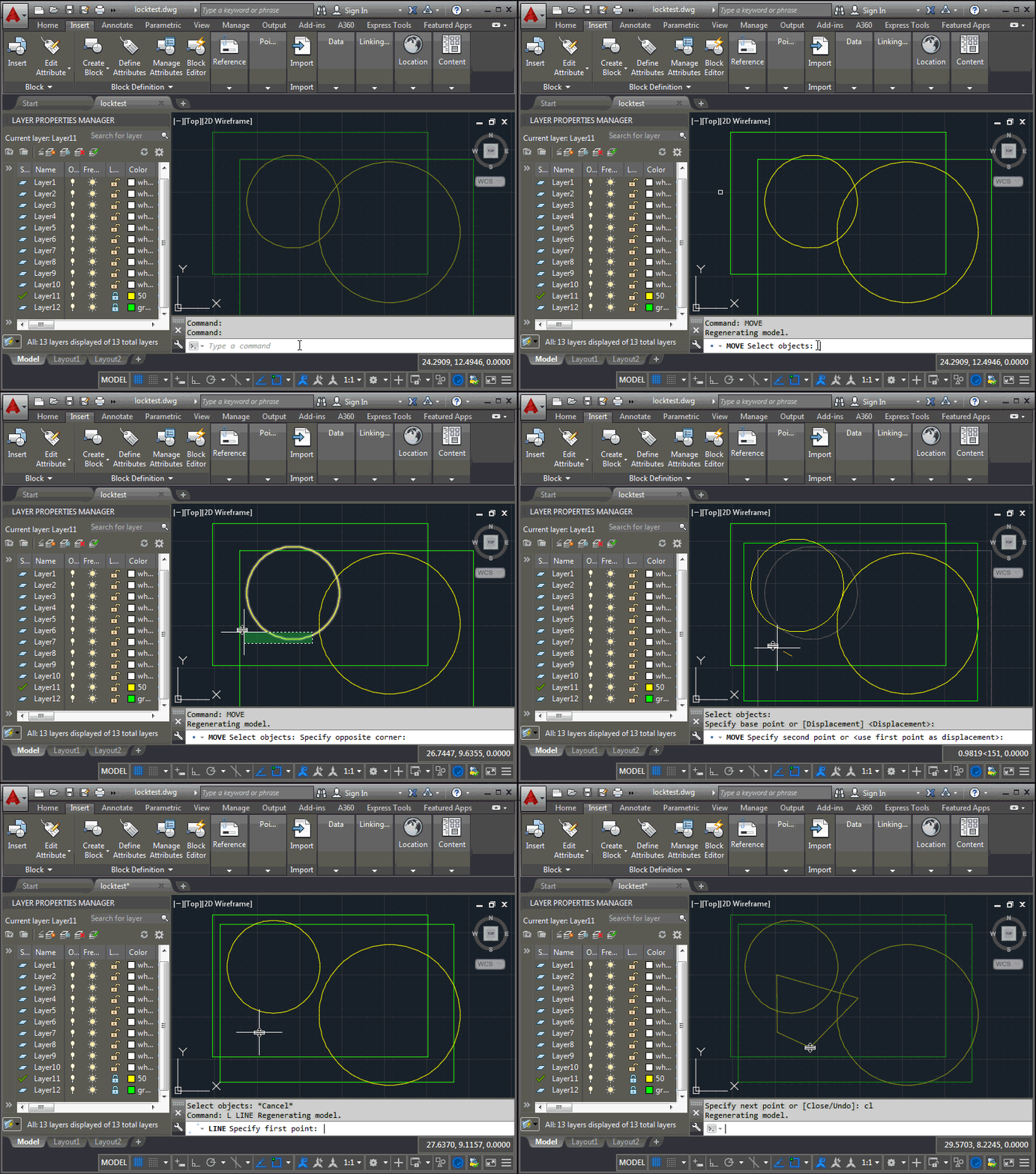
This question came up during last week's accelerator, and is part of the reason I spent creating the last post: is it possible to selectively unlock certain layers for the duration of commands that have been specified by the user? Let's take an example: you have layers that should remain locked, apart from when using the MOVE command (COPY and ERASE should not work). The approach I took was to maintain a dictionary mapping command names to lists of layers to unlock. When a command is launched – which we can tell using the Document.CommandWillStart event – we check whether…
-
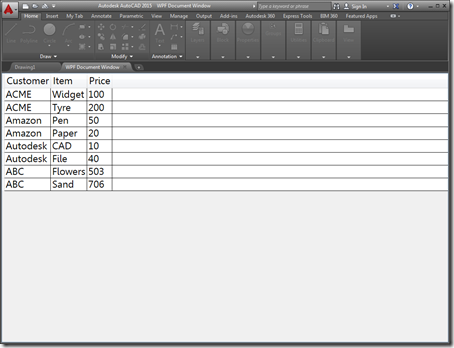
A few people expressed an interest in understanding how AutoCAD 2015's ability to open HTML pages inside its frame – shown in this recent post – could be extended to work with "native" user interfaces. This post shows how that can be done using WPF – the other supported mechanism for adding new documents to AutoCAD's main frame introduced in the 2015 release. Just as with last week's post, there really isn't that much to it: you just need to add your own WPF UserControl to the project and load that into an Autodesk.AutoCAD.Windows.WPFDocumentWindow object and pass it to other…
-
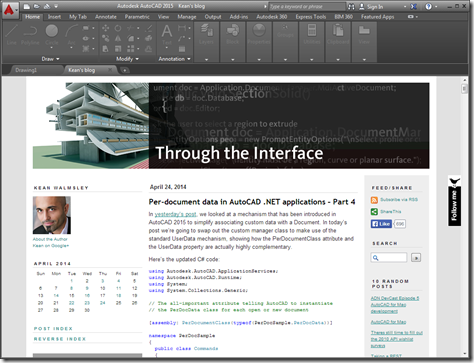
This was a fun one. It was really only a single line of code but I decided to embellish it a bit to make it a bit more useful. The "task" I set myself was to open a web-page – this blog, in fact – inside AutoCAD as an MDI child. AutoCAD can now host web-pages directly inside its MDI frame – the New Tab Page is a great example of that – and this mechanism can be used for external applications, too. You can also load non-HTML documents into the frame, but it's quick and easy to use HTML.…
-
In yesterday's post, we looked at a mechanism that has been introduced in AutoCAD 2015 to simplify associating custom data with a Document. In today's post we're going to swap out the custom manager class to make use of the standard UserData mechanism, showing how the PerDocumentClass attribute and the UserData property are actually highly complementary. Here's the updated C# code: using Autodesk.AutoCAD.ApplicationServices; using Autodesk.AutoCAD.Runtime; using System; using System.Collections.Generic; // The all-important attribute telling AutoCAD to instantiate // the PerDocData class for each open or new document [assembly: PerDocumentClass(typeof(PerDocSample.PerDocData))] namespace PerDocSample { public class Commands …
-
I almost named this post to make it clear it's about a new API capability in AutoCAD 2015, but then I wouldn't have had the slightly perverse satisfaction of resurrecting a series of posts after 7.5 years. Here are the first parts in this series, in case you've forgotten them (and you'd be forgiven for doing so, after all ;-). This post is introducing the new PerDocumentClassAttribute capability provided in AutoCAD 2015's .NET API. We're going to look at it over two posts: the first showing how it can be used with your own "manager" class to link the data…
-

photo credit: Marcin Wichary via photopin cc As mentioned in the last post, fibers are now inactive in AutoCAD 2015 (the code paths are still there, largely for testing purposes, but should not need to be enabled for typical usage of the product). Fibers were a technology that Microsoft introduced way back when to help single document (and typically single-threaded) applications adapt more easily to the brave new world of MDI. At least that's my recollection and understanding. They were basically a mechanism by which applications such as AutoCAD could manage their per-document state, making the relevant data current depending…
-
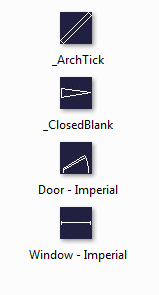
There was an interesting coincidence, earlier in the week. A blog comment came in on an old post on the exact day there was an internal email discussion on the same topic. The post was about using the BLOCKICON command on a document that gets loaded into the editor just for that purpose, generating a thumbnail image on disk for each of the contained block definitions. The problem with this approach – as was suggested by a couple of people in blog comments – is that the generated thumbnail is really small at just 32 x 32 pixels. The exact…
-
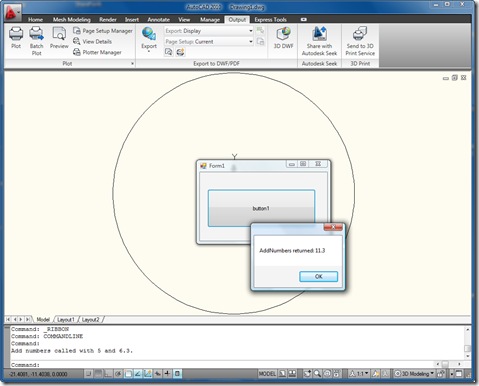
Thanks to all of your interest in this recent post, which looked at a way to interface an out-of-process .NET application with an assembly running in-process to AutoCAD. After some obvious functionality gaps were raised, Renze de Waal, one of our ADN members, pointed out a DevNote on the ADN website covering – and more completely addressing – this topic. Shame on me for not checking there before writing the post. Anyway, onwards and upwards… The information in the DevNote highlights some of the problems I and other people had hit with my previous code, mostly related to the fact…
-
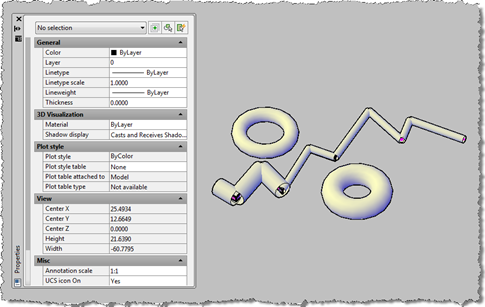
I've been meaning to get to this one for a while. This post takes the OPM .NET implementation and shows how to use it to allow modification of data persisted with an object: in this case we're going to use the XData in which we store the "pipe radius" for the AutoCAD 2010 overrule sample we've recently been developing. To start with, I needed to migrate the OPM .NET module to work with AutoCAD 2010, which meant installing Visual Studio 2008 SP1. Other than that the code migrated very easily, and the project (with the built asdkOPMNetExt.dll assembly) can be…