AutoCAD .NET
-
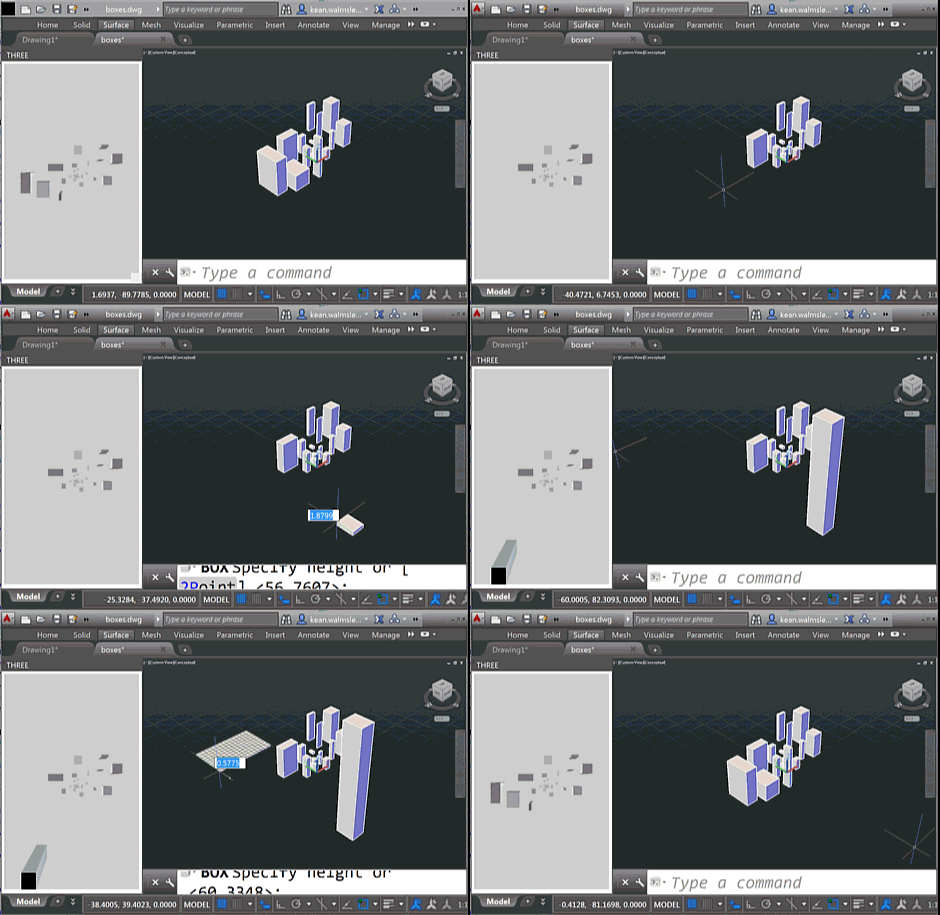
To follow on from yesterday's post, today we're going to look at two C# source files that work with the HTML page – and referenced JavaScript files – which I will leave online rather than reproducing here. As a brief reminder of the functionality – if you haven't yet watched the screencast shown last time – this version of the app shows an embedded 3D view that reacts to the creation – and deletion – of geometry from the associated AutoCAD model. You will see the bounding boxes for geometry appear in the WebGL view (powered by Three.js) as you're…
-
As part of my preparations for AU, I've been extending this Three.js integration sample to make it more responsive to model changes: I went ahead and implemented event handlers in .NET – much as we saw in the last post – to send interaction information through to JavaScript so that it can update the HTML palette view. The code is in pretty good shape, but I still need to decide whether to post it separately or with the other JavaScript samples I'm working on (I'll also be showing Paper.js and Isomer integrations during my AU talk, as well as a…
-
The title of this one is a little specific – the post actually deals with the scenario of passing data from .NET to an HTML-defined palette, as well as some other tips & tricks – but it's something I wanted to show. Here's the basic idea: whenever a closed curve gets added to the drawing, we want to display its area as the only item in an HTML palette. We also want the palette to update when objects get erased, etc., which makes life somewhat trickier. To set the scene, here's a quick screencast of the finished application in action…
-
Some time ago I posted about how to use Entity.Explode() to do something similar to AutoCAD's EXPLODE command. At the time it was mentioned in the comments that BlockReference.ExplodeToOwnerSpace() had some relative benefits, but it's taken me some time to code up a simple sample to show how you might use it (Patrick's recent comment reminded me I ought to, though). Anyway, to end the week I thought I'd throw together a quick sample. BlockReference.ExplodeToOwnerSpace() doesn't return a list of created objects, so I opted to capture this using a Database.ObjectAppended event handler and then recursively call our custom ExplodeBlock()…
-
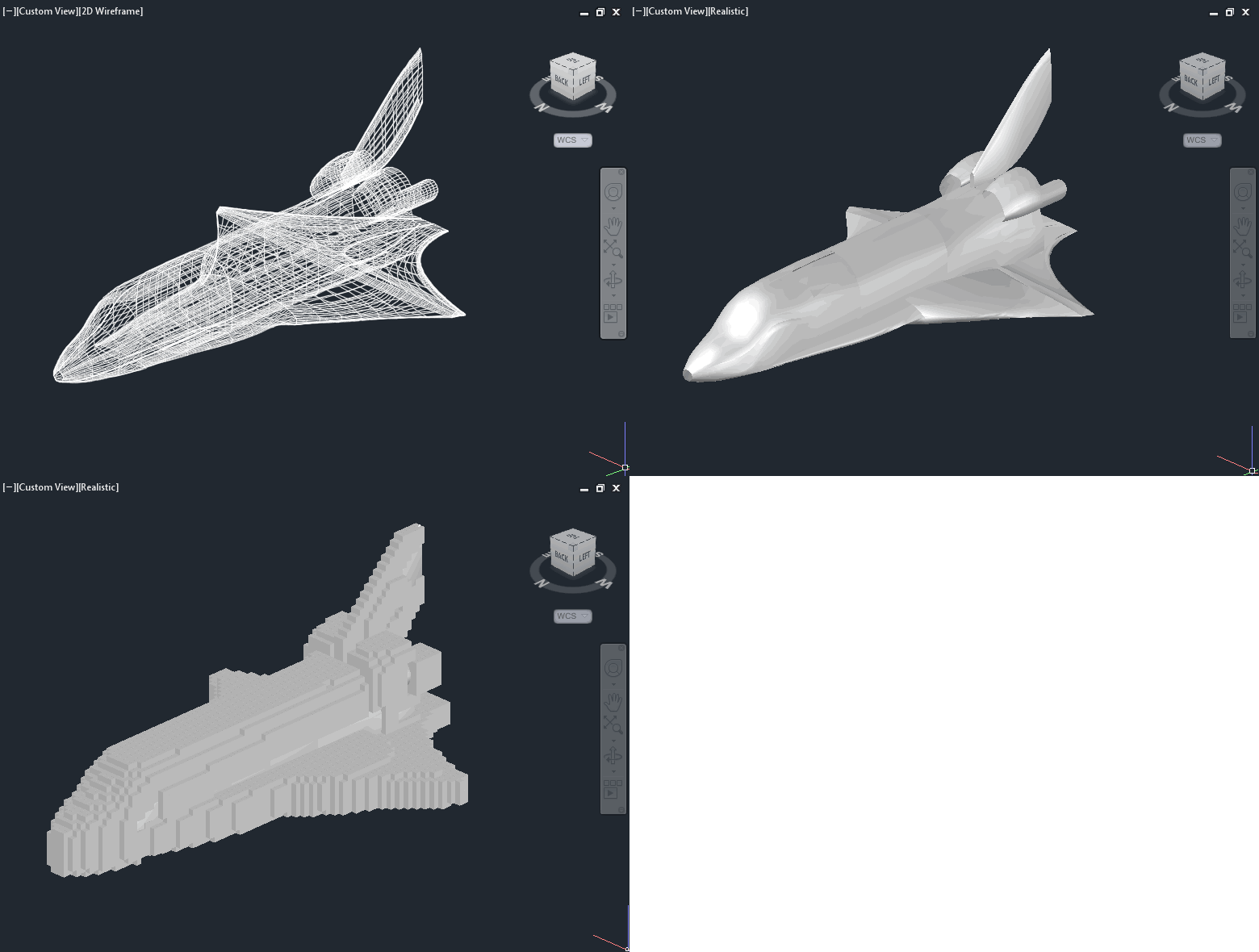
After last week's post on importing Minecraft data – in this case from Tinkercad – into AutoCAD, in today's post we're going to focus on the ultimately more interesting use case of generating Minecraft data from AutoCAD. We're going to see some code to dice up 3D AutoCAD geometry and generate blocks in a .schematics file using Substrate. Our "dicing" process – a term I've just coined for iterating through a 3D space, chunk by chunk – is going to use a couple of different approaches for determining there's any 3D geometry in each grid location. Firstly, though, we going…
-

A mere 2 among 100 million registered users, my boys are crazy about Minecraft. I've been looking into how I might be able to help them use Autodesk tools (well, AutoCAD) to generate Minecraft content. In this post we'll take a look at importing Minecraft data into AutoCAD, but ultimately the creation/export story is clearly more interesting (something we'll look at in the next post, I expect). To investigate dealing with Minecraft data – bearing in mind I didn't actually know anything much about its file formats – I took a look at the Minecraft export you can perform from…
-
I hadn't planned on writing a third part to this series, but then Mads Paulin – who I mentioned in the last post – got back to me with some information that's really worth sharing. I'd pinged Mads while looking for a way to list the available coordinate systems to the user (another question from Coralie Jacobi, who had originally kicked off the series). I'd found out that the coordinate system definitions are primarily stored in this folder… C:\ProgramData\Autodesk\Geospatial Coordinate Systems 14.01 … but I hadn't worked out to extract any information from the contained CSD files. Mads delivered the…
-
In yesterday's post we saw a simple implementation of two commands to translate between geographical locations (latitude-longitude values) and drawing points inside AutoCAD. In this post we're extending that to access the current coordinate system, as returned by the GeoLocation object attached to the current drawing. Which in some ways should be simple, but then the CoordinateSystem property actually returns XML data, not just the simple coordinate system name you probably passed in when choosing it (see the IGR command, below, to see what I mean): <?xml version="1.0" encoding="utf-16" standalone="no" ?> <Dictionary version="1.0" xmlns="http://www.osgeo.org/mapguide/coordinatesystem"> <ProjectedCoordinateSystem id="SWISS"> …
-
I received a question from Coralie Jacobi, recently, in response to this recent post: Saw your post a while ago on the geolocation in 2015. This functionality is something that we will use a great deal and I will definitely be writing some code to utilize it. What I'd like to see in your blog is something that would show me how to get to the lat\long values of the location I have picked and convert them to the coordinate system that I have selected instead of having the user have to stipulate the location in AutoCAD. In this post…
-
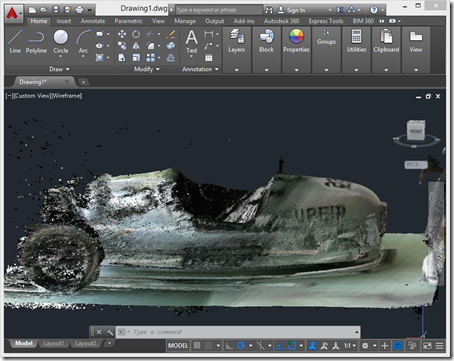
After introducing the series, taking a look at some basic samples and then looking at importing Kinect's high-definition face tracking data into AutoCAD, it's time for (in my opinion) the most interesting piece of functionality provided on the Kinect SDK, Kinect Fusion. Kinect Fusion is a straightforward way to capture 3D volumes – allowing you to move the Kinect sensor around to capture objects from different angles – and the KINFUS command in these integration samples let's you bring the captured data into AutoCAD. Which basically turns Kinect into a low-cost – and reasonably effective – 3D scanner for AutoCAD.…