WPF
-
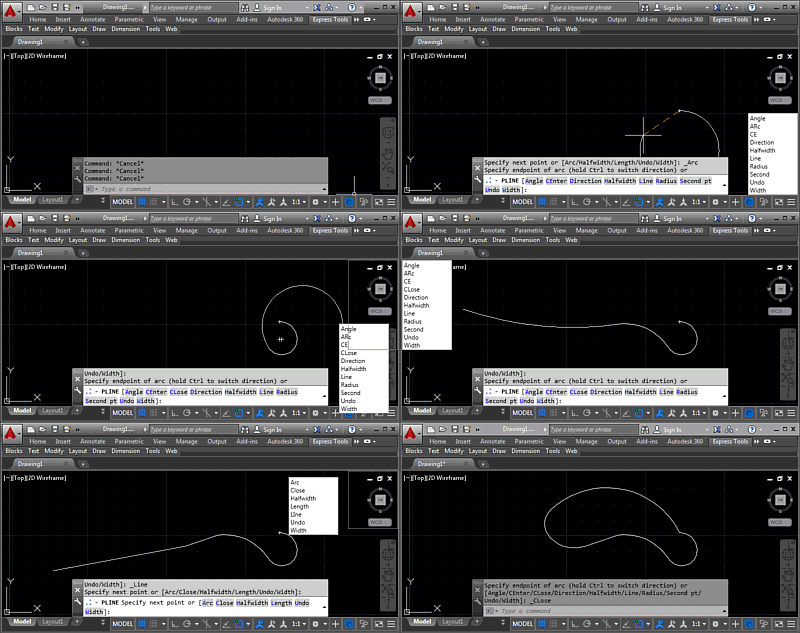
In this post we're wrapping up this mini-series on docking, which is part of a much broader story arc around a "command-line helper" tool, of course. But then we're reaching the end of that, too, I suspect, as the app's just about done. Hopefully it's ready for posting to Autodesk Labs, at least. Last time we added right-click dragging to allow our keywords window to be moved around without interrupting the active command. Now we're taking it a step further to preview docking at one of the four corners of the drawing window, as well as to actually dock the…
-
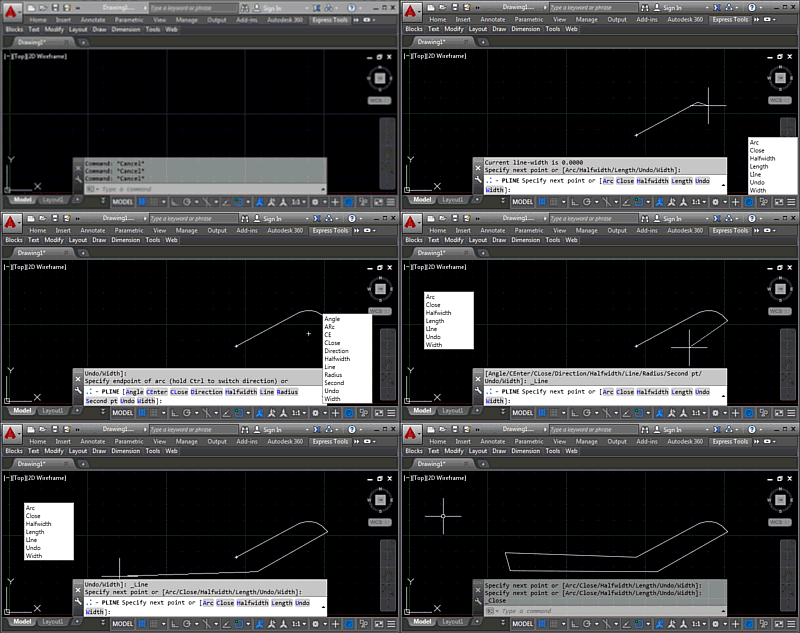
I'm happy to say that the implementation I mentioned in the last post ended up being pretty straightforward. Which is actually great, as I have some important posts to work on for next week. 🙂 Today we're going to take a look at the next stage of the "command-line helper" implementation: basic right-click movement of the global keywords dialog, so we can set a custom location for the dialog without needing to use the KWSDOCK command. Here's the code in action: The main work for this stage was to add support for right-click, mouse move and right mouse-button up events,…
-
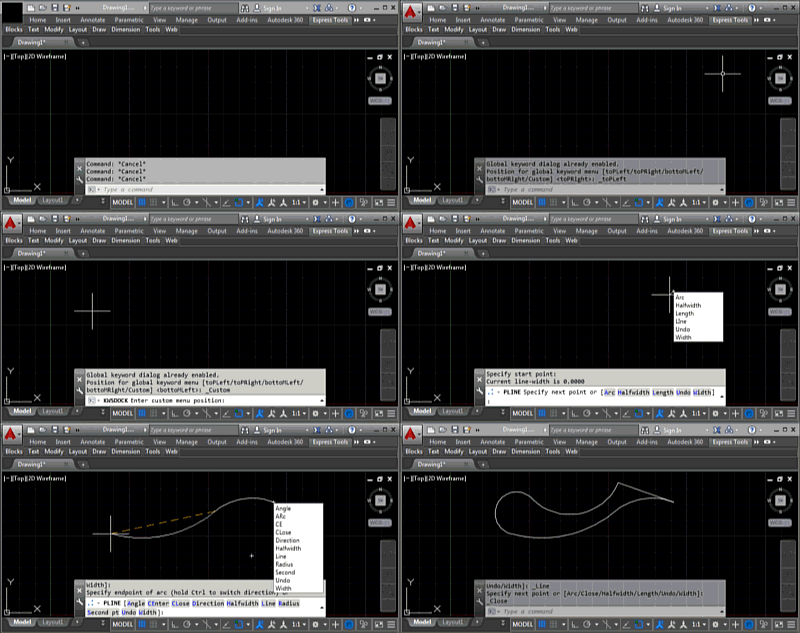
During the course of this week we're going to look at extending the command-line helper sample posted last week by allowing our global keywords window to "dock" to the four corners of the drawing window as well as to remain fixed at a custom location somewhere on the screen. I use the term "dock" here loosely, as we're really just placing it in one of the corners of the drawing window. If we wanted a modeless dialog that was properly docked into AutoCAD then we'd almost certainly want to use a PaletteSet. Here's a quick video demonstrating the KWSDOCK command,…
-
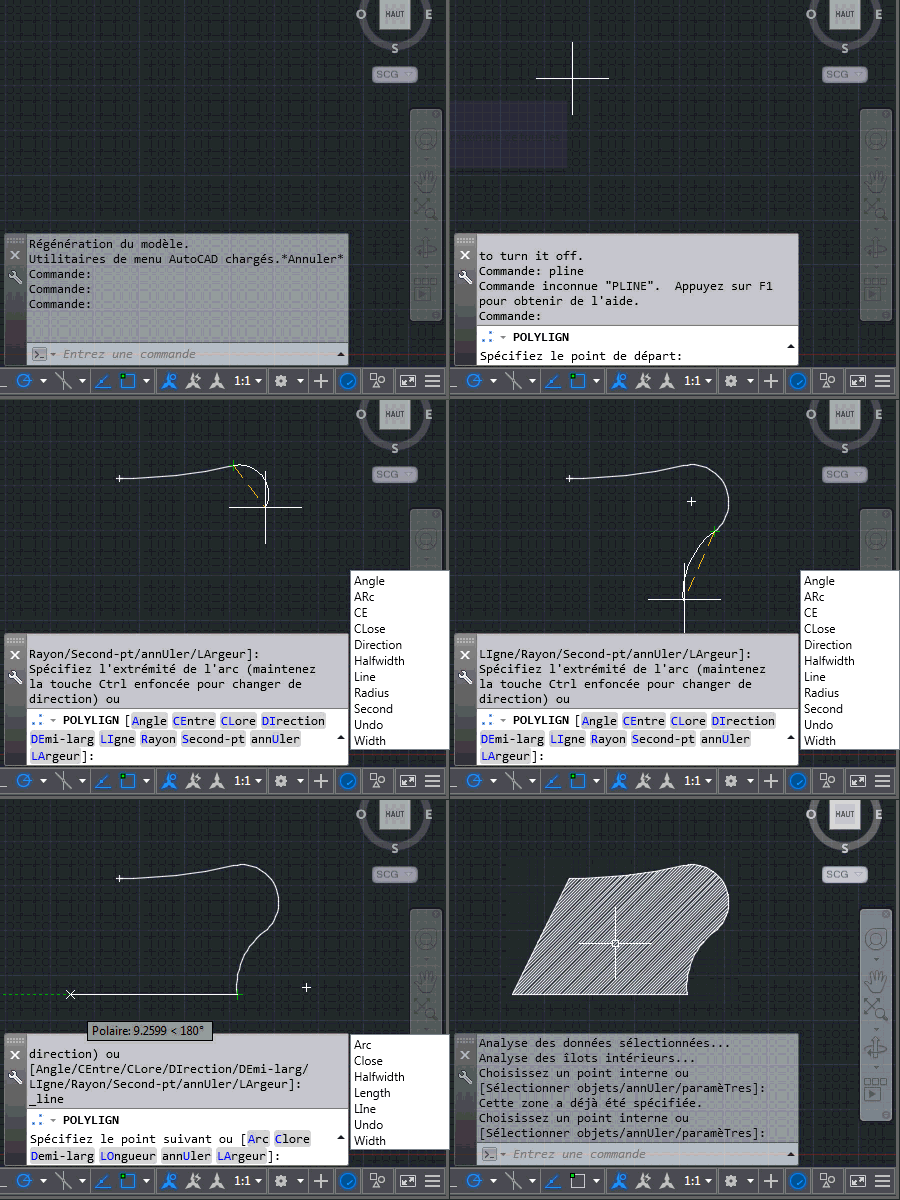
Today we're going to look at the implementation talked about in the last post: we're going to see how it's possible to use the Application.PreTranslateMessage() method to hack AutoCAD's message-loop and basically convert typed keywords into global ones. This is actually pretty neat (yes, even if I do say so myself 🙂 and frankly I'm surprised it works. Here's the overall approach: Track the characters typed into the command-line Add individual characters into a list Backspace removes the tail of the list Arrow-keys invalidate the tracking: if the user accesses entries in the command-history we can't deal with that, and…
-
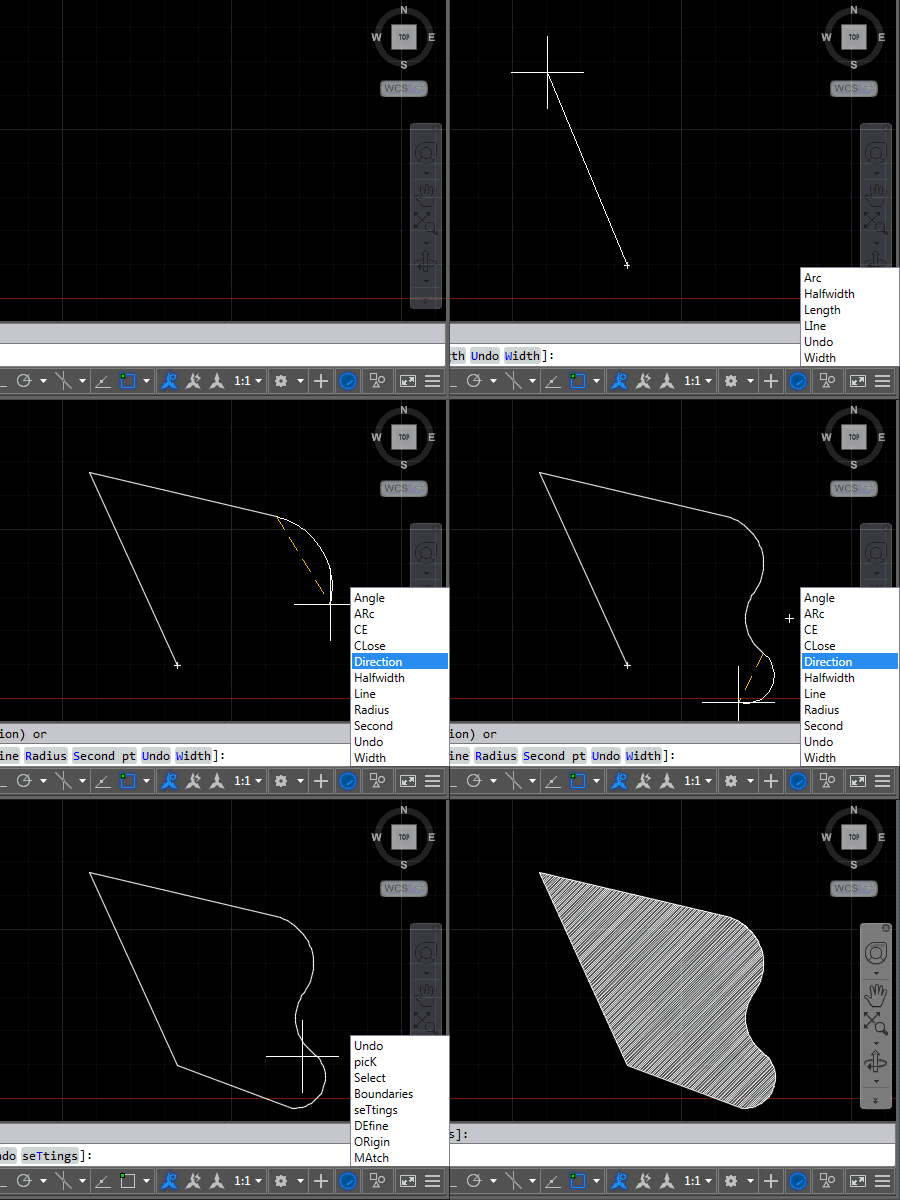
After introducing this project in the last post, now it's time to share some code. The project, as it currently stands, contains three source files: the first one relates to AutoCAD – it implements the various commands we'll use to attach event handlers to tell us when to display (or hide) keywords and the other two files relate to the UI we'll use to display them. We're going to use an invisible window which has a child popup containing a listbox of our keywords. Here's the application in action – for now in English AutoCAD, as that's what I have…
-
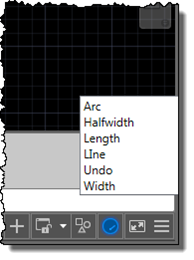
I'm up in the mountains, supposedly on vacation, but as one of our children woke up with a fever, I'm skipping the morning session on the slopes to stay home with him. Which gives me the chance to start writing up a little project I've been working on for our Localization team. Here's the idea… apparently it's relatively common in certain countries for AutoCAD users to learn the product in English but then end up working with a localized version of the software. While it's always possible to use global commands and keywords by prefixing an underscore, it's not always…
-
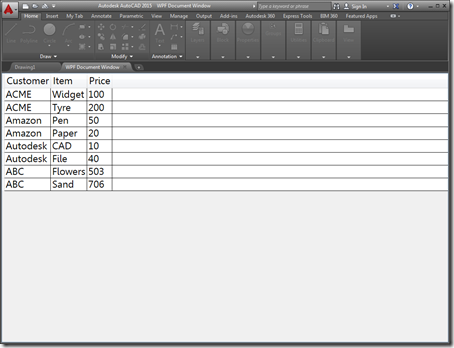
A few people expressed an interest in understanding how AutoCAD 2015's ability to open HTML pages inside its frame – shown in this recent post – could be extended to work with "native" user interfaces. This post shows how that can be done using WPF – the other supported mechanism for adding new documents to AutoCAD's main frame introduced in the 2015 release. Just as with last week's post, there really isn't that much to it: you just need to add your own WPF UserControl to the project and load that into an Autodesk.AutoCAD.Windows.WPFDocumentWindow object and pass it to other…
-
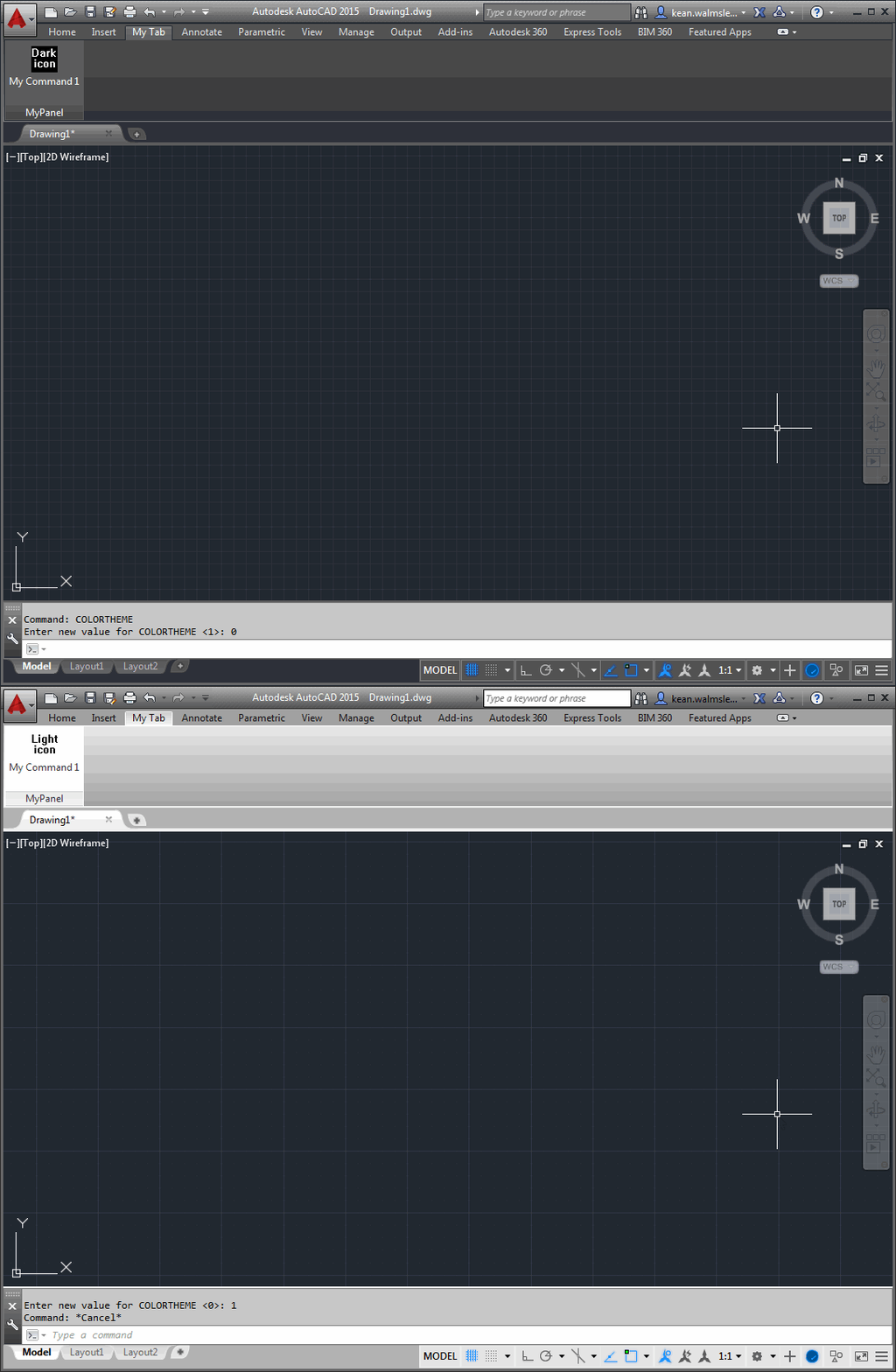
After a little fun last Tuesday around a pink theme for AutoCAD – for which I got at least a few "we should totally do that"s from internal folk in response, so watch this space 😉 – today we're going to talk more seriously about what's needed to support the dark theme in your applications. But before that, a big thanks to Lee Ambrosius, who owns – and does a fantastic job with – AutoCAD's developer documentation. Lee pointed out the online documentation which helped me create this post. If you're interested in the work Lee and team has been…
-
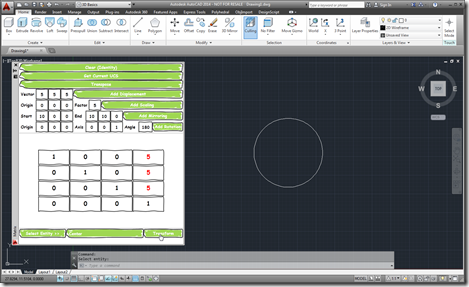
As I started on my linear algebra class, some weeks ago, I decided to dust off the Transformer app I'd written a few years ago and make sure it works in AutoCAD 2014. It actually really helped me in creating appropriate transformation matrices for certain parts of the course. Coincidentally, a few days ago, I received an email from a colleague – who isn't a programmer but seems to be working on a very interesting side project – who was interested in taking matrix input from an external system and using that to transform AutoCAD geometry. This colleague wanted the…
-
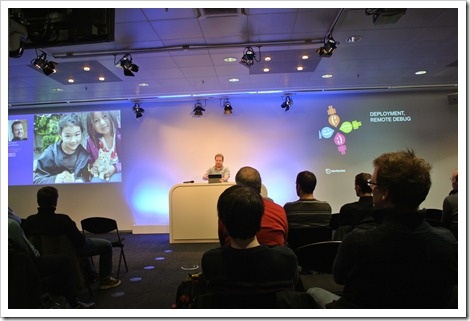
I headed cross to the Zurich area on Tuesday afternoon – which is quite a trek from where I live, around ~2.5 hours by train – to attend the first Zurich .NET Developer meet-up. The event was held in the Microsoft office in Wallisellen: they kindly provided beer and the meeting room, while the session itself was organised by members of the local .NET community. Considering the weather – a pretty serious snowstorm hit the country that day – the event was surprisingly well attended. The main topic of the session was MVVM Light, a lightweight framework developed by Laurent…