Overrules
-
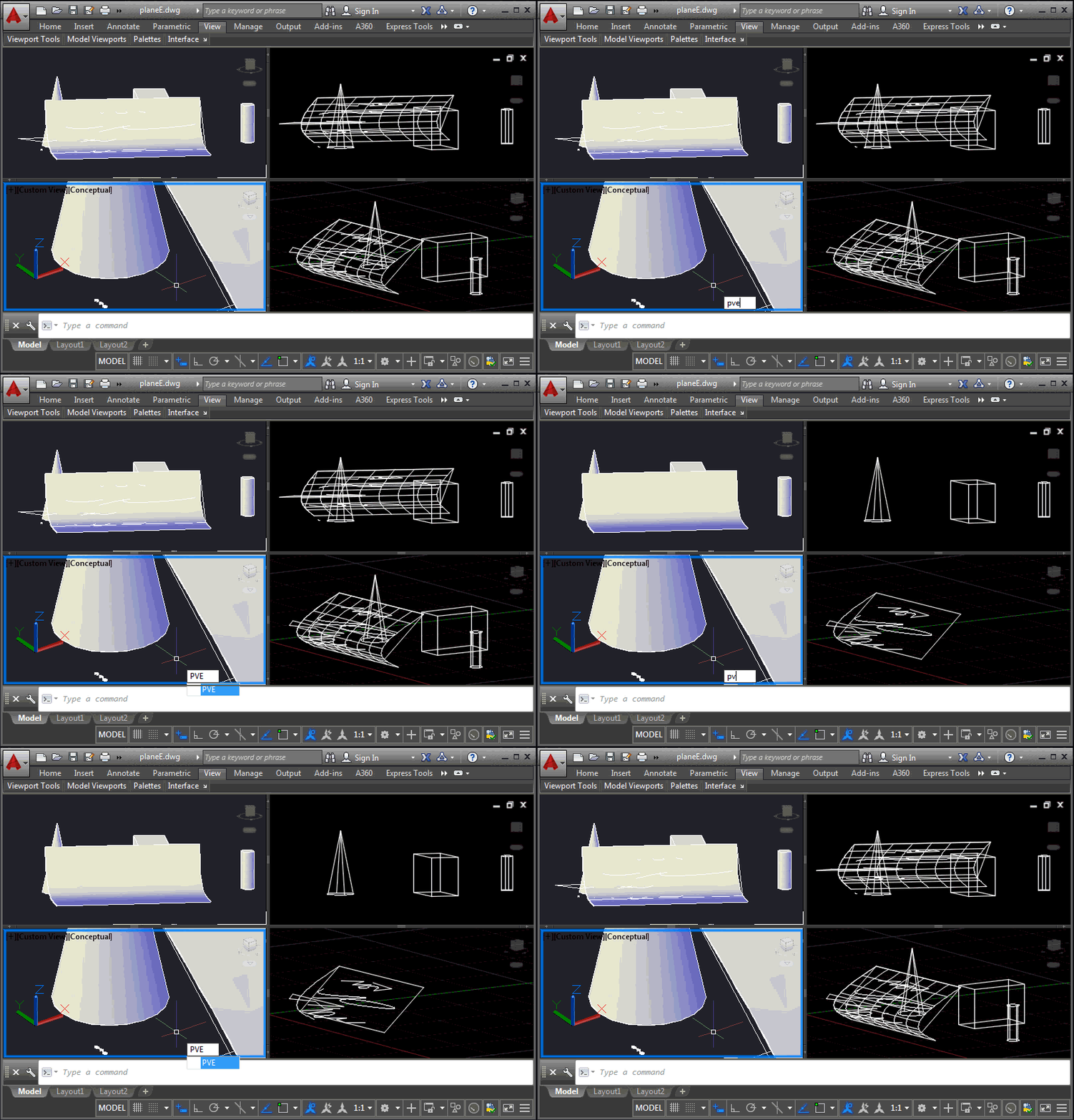
This is a problem that developers have been struggling with for some time, and it came up again at the recent Cloud Accelerator: how to control the display of AutoCAD geometry at a per-viewport level, perhaps to implement your own "isolate in a viewport" command. It's certainly possible to control layer visibility at the viewport level, of course, but this is sometimes at odds with how users wish to use layers for their own purposes. An application may want to isolate geometry in a certain location from a number of layers, for instance, and it becomes cumbersome to hijack the…
-

This is a question that came up at the recent Cloud Accelerator in Prague: how can you change the border colour for all raster image objects in the drawing? We could do this by placing the raster image on a particular layer, but the developer was looking for a global override. The answer ended up being really simple with a DrawableOverrule. Here's some C# code that does this: using Autodesk.AutoCAD.ApplicationServices; using Autodesk.AutoCAD.DatabaseServices; using Autodesk.AutoCAD.EditorInput; using Autodesk.AutoCAD.GraphicsInterface; using Autodesk.AutoCAD.Runtime; namespace RasterImageOverrule { public class RasterImageDisplayOverrule : DrawableOverrule { public short Color { get; set; } …
-

In the last post, we introduced the idea of preventing object snapping on certain objects by tagging them with XData and then attaching an overrule within AutoCAD to stop it from getting osnap information for them. This worked very well for standard, single-object snap modes – such as center, quad, mid, end, etc. – but didn't work for intersection points. Intersection points are determined by calling an object's intersectsWith() method, which can thankfully also be overruled using a GeometryOverrule. Overruling this behaviour comes with a few important caveats, though: intersectsWith() can be called in a number of different scenarios, so…
-
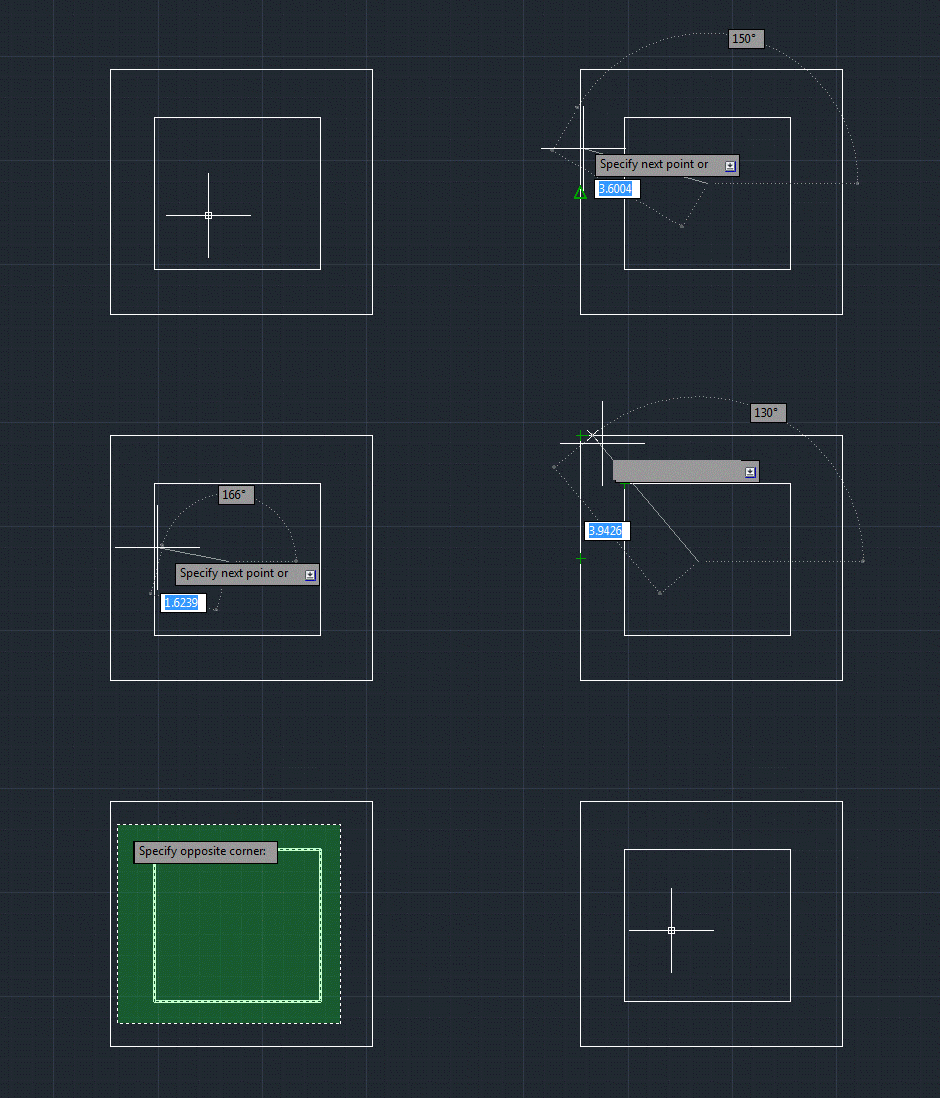
Here's a fun one that came up as a question during the recently "AutoCAD APIs: Meet the Experts" session at Autodesk University. I promised during the session that I'd address it in a blog post this week, so here we are. But I'm splitting the post into two parts, so the more complete solution will only be available next week. The problem is as follows: we want to be able to disable osnap on specific AutoCAD objects by tagging them in some way. The solution proposed by the panel during the session (I forget by whom: it could have been…
-
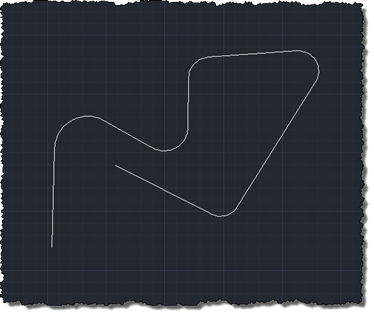
Many, many thanks to Massimo Cicognani for contributing the code in today's post. Massimo contacted me as he was working through some issues with his implementation and then kindly offered to share it with this blog's readers. We've looked at a few different types of overrule on this blog, in the past, and even taken a look at a grip overrule or two. Massimo's much more advanced grip overrule works with a very particular type of polyline: those that alternate between straight and arc segments (with the first and last segments being straight). This might sound a touch specific, unless…
-

Hot on the heels of the Revit and Inventor installments in this series of guides (OK, OK – perhaps not exactly hot, but then "warm on the heels" doesn't have quite the same ring to it ;-), I'm happy to announce that the previously mentioned "My First AutoCAD Plug-in" guide is now available. Stephen Preston, the author of this excellent guide, has done a great job of creating a compelling sample – which keeps your block attributes horizontal, irrespective of the block rotation – and a series of straightforward explanations to help power-users and programming "newbies" take the plunge into…
-
As a follow-on from the last post, today we're going to see how to actually stop the erase operation from happening for a certain type of object (in this case we're going to focus on Lines). Thanks for Stephen Preston for showing us the way in his comment on that post: inspired by his suggestion I ended up coding this before breakfast (although I do recommend taking care when throwing exceptions on an empty stomach ;-). Here's the C# code implementing the PER (Prevent Erasure) command: using Autodesk.AutoCAD.ApplicationServices; using Autodesk.AutoCAD.DatabaseServices; using Autodesk.AutoCAD.EditorInput; using Autodesk.AutoCAD.Runtime; namespace WeLikeToBlock { public…
-
I started looking into the ObjectOverrule class, this week, to see if I could use it to prevent erasure of certain objects. My thinking was that overruling Erase() would allow me to control whether an object was erased or not, simply by my decision whether or not to super-message to the base implementation. That doesn't appear to be the case, as whether I call the base implementation or not the object gets erased. I'll have to confirm that this is expected behaviour, but in the meantime I thought I'd share a version of my code which adds a simple ObjectOverrule…
-

Yesterday Scott Sheppard announced the availability of this plugin over on It's Alive in the Lab. We originally received a request for this Plugin of the Month some time ago. Fenton Webb, from our DevTech Americas team, developed the initial version using an ObjectARX custom entity – as the requester required support for versions of AutoCAD prior to 2010 – but for this public release, Stephen Preston went ahead and re-implemented the mechanism in a .NET application using the Overrules API introduced in AutoCAD 2010. This plugin basically allows you to see graphically when an AutoCAD drawing is digitally signed,…
-
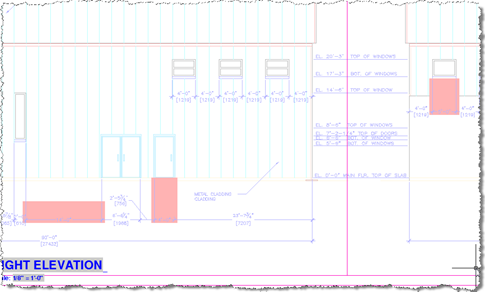
Thanks again to Stephen Preston, our DevTech Americas Manager, for developing this very useful little utility. You can find an earlier version of this code – which I'd converted to C# and extended to cover text entities – in this previous post. June's Plugin of the Month is now live: Dimension Patrol for AutoCAD. This one was kicked off by a suggestion from Shaan Hurley: a tool for designers and CAD Managers to quickly check drawings for dimensions with overridden text (which, logically enough, could mean the dimensions no longer accurately reflect their associated distance or value). Sometimes the best…