Object properties
-

After seeing a basic approach to sort arrays of ObjectIds using LINQ – and then refactoring that to be a shared extension method to be used on arrays of ObjectIds – today we're going to see that code refactored, once again, to work with types of data other than strings (up until now we could only sort objects based on string properties such as class and layer names). One solid approach for creating operations that can deal with different types of object – while maintaining type safety – is to use template classes, which are known as generic classes in…
-

In the last post we took a look at one technique to sort a list of ObjectIds by the associated objects' layer and type. In this post we're going to refactor the commonality to have a single extension method that allows us to sort a list of ObjectIds based on any string property. Here's the updated C# code: using Autodesk.AutoCAD.ApplicationServices; using Autodesk.AutoCAD.DatabaseServices; using Autodesk.AutoCAD.EditorInput; using Autodesk.AutoCAD.Runtime; using System; using System.Collections.Generic; using System.Linq; namespace ProcessObjectsInOrder { public static class Extensions { /// <summary> /// Sorts an array of ObjectIds based on a string property and order.…
-
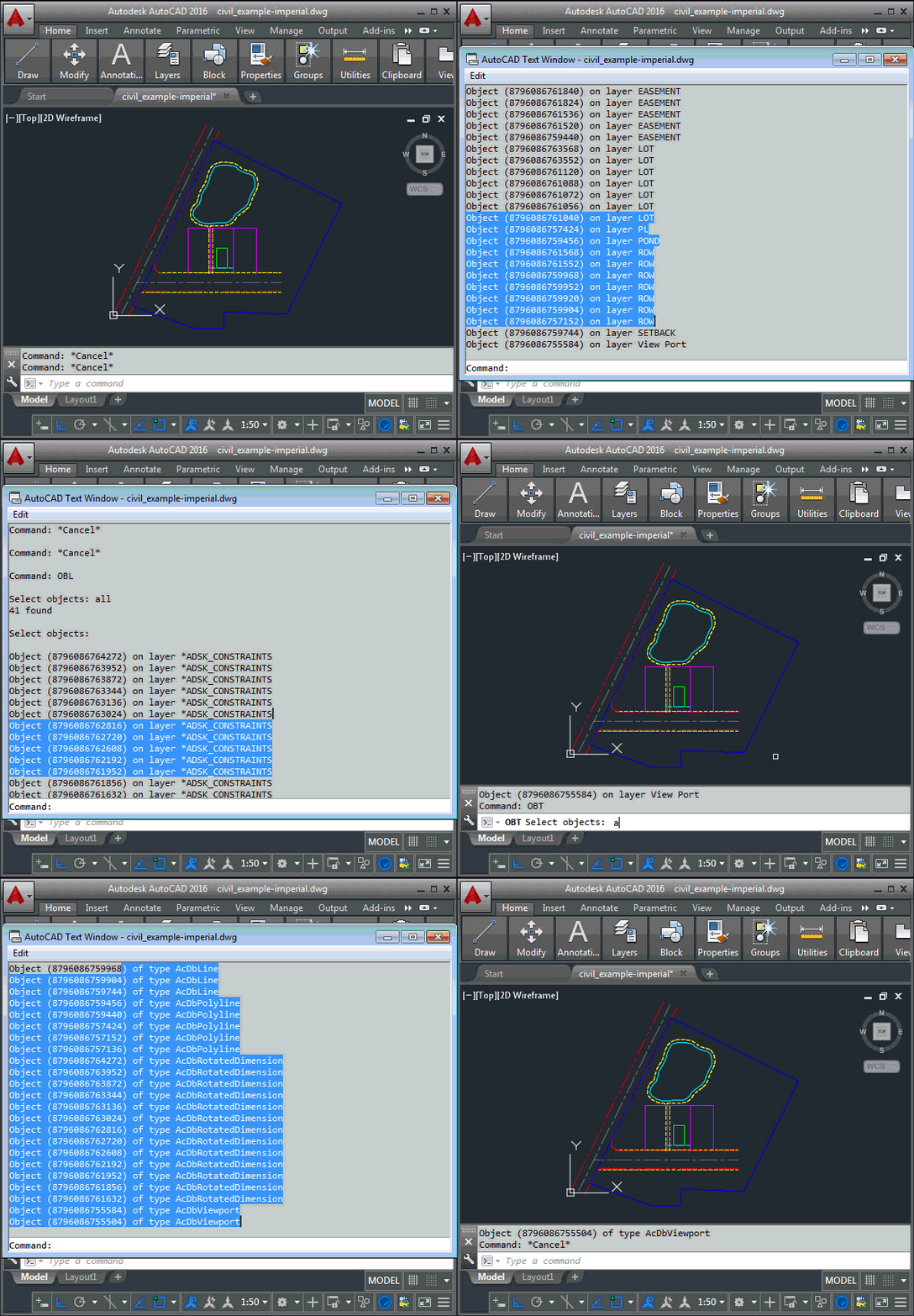
I received this interesting question by email from Henrik Ericson, last week. Is it possible to sort the selected objects (only 3dFaces in my case) in a SelectionSet by their layers? I want to process all the objects, one layer at a time. In other words, first all objects on layer A, and then all objects on layer B and then C and so on. In my case it isn't necessary to process the layers alphabetically. It's especially interesting as I'd just been thinking of approaches for sorting toolbars based on an index property, to get the code in this…
-

This is a question that came up at the recent Cloud Accelerator in Prague: how can you change the border colour for all raster image objects in the drawing? We could do this by placing the raster image on a particular layer, but the developer was looking for a global override. The answer ended up being really simple with a DrawableOverrule. Here's some C# code that does this: using Autodesk.AutoCAD.ApplicationServices; using Autodesk.AutoCAD.DatabaseServices; using Autodesk.AutoCAD.EditorInput; using Autodesk.AutoCAD.GraphicsInterface; using Autodesk.AutoCAD.Runtime; namespace RasterImageOverrule { public class RasterImageDisplayOverrule : DrawableOverrule { public short Color { get; set; } …
-

This week we're going to look at an interesting problem: how to create text that fits into a particular space. The scenario was originally presented (to me, anyway) by Alex Fielder, early last year (thanks, Alex!), but it's taken a while for me to get to it. Alex wanted to check for the extents of block attributes overflowing their containers. I may well go ahead and implement that, in due course, but first I wanted to let the user select a space and create some text to fill it. Let's take a look at how to make this happen. Here's…
-

When I was a boy, I used to love going to play with toys at my grandmother's house. My absolute favourite was a die-cast Batmobile made by Corgi in the UK. What I particularly liked about this toy was its hidden features: the cars apparently came with secret instructions, although these were nowhere to be seen by the time I started playing with it. The Batmobile had plastic flames that came out of the exhaust when the rear wheels turned and spring-loadable, vertical rocket launchers. The biggest surprise was when I discovered the cutting blade that popped out of the…
-
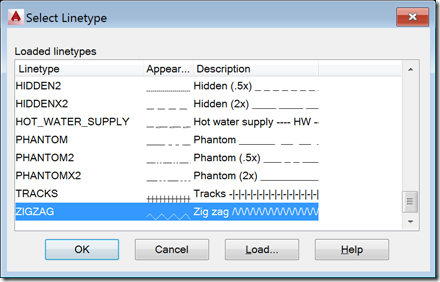
I received this request from Mateusz Andrzejczak, over the weekend: I have problem with LineTypeDialog. Your part of the code is working perfectly, but i have problem with modifying the values. I have a SelectionSet that holds all object that are selected with using a filter. I want to use LineTypeDialog to select linetype and then accept so all the object in selection set will change to selected linetype. I'm working with this for a few hours and it's not working. Any tip for me? The question related to this old post. I started by sending Mateusz a link to…
-
The title of this one is a little specific – the post actually deals with the scenario of passing data from .NET to an HTML-defined palette, as well as some other tips & tricks – but it's something I wanted to show. Here's the basic idea: whenever a closed curve gets added to the drawing, we want to display its area as the only item in an HTML palette. We also want the palette to update when objects get erased, etc., which makes life somewhat trickier. To set the scene, here's a quick screencast of the finished application in action…
-
This question came in by email, last week: I'm trying to reverse the direction of a polyline thought the API, but I didn't find something in the documentation nor in the web. (Even nothing on your blog.) Can you help me? I also didn't find anything in the public API, although that doesn't mean there isn't something I've missed (I seem to be on a bit of a roll in that respect, lately :-S :-). A couple of thoughts/comments on this problem: Ideally we don't want to create a brand new object, as on the one hand there may be…
-
Following on from our look at the Core Console, Dynamic .NET and .NET migration for AutoCAD 2013, today we're going to look briefly at the remaining API features in the AutoCAD 2013 release. Model Documentation The model documentation feature was introduced in AutoCAD 2012 – simplifying creation of 2D sections and details of 3D drawing content – and this initial API provides (primarily read-only) access to this information. It comprises the following classes SectionSymbol SectionViewstyle ViewBorder ViewRepBlockReference DetailViewStyle DetailSymbol The writeable aspects of the API are mostly related to the "style" objects – these can be created and edited programmatically,…